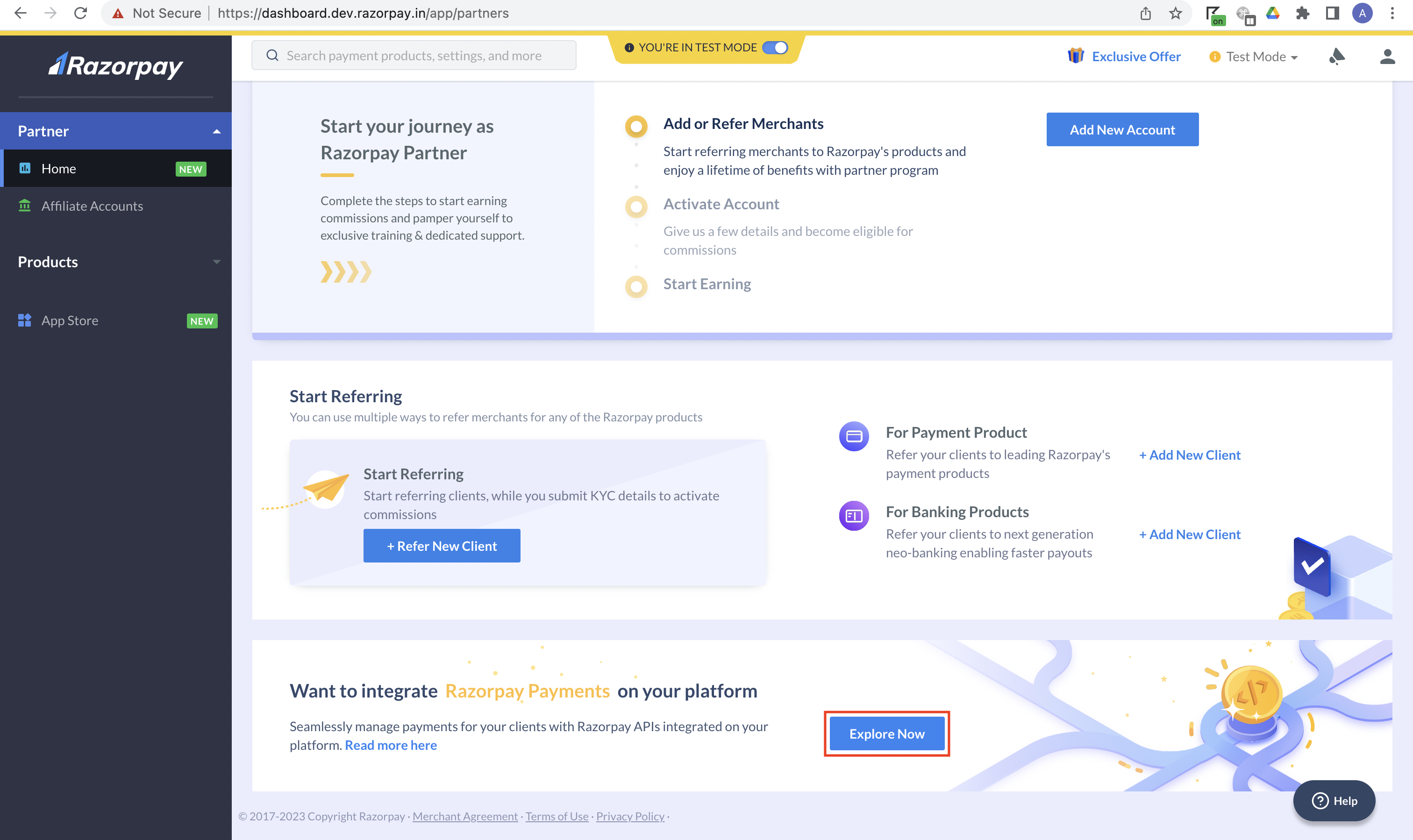
 4. On the **Tell us more about the services you provide** page, select the relevant business type and click **Next**.
 5. If your business type is best suited for the Service Partner type, you will see the below screen.
 6. If a different Partner type is more suitable for your business, you will see the below screen.
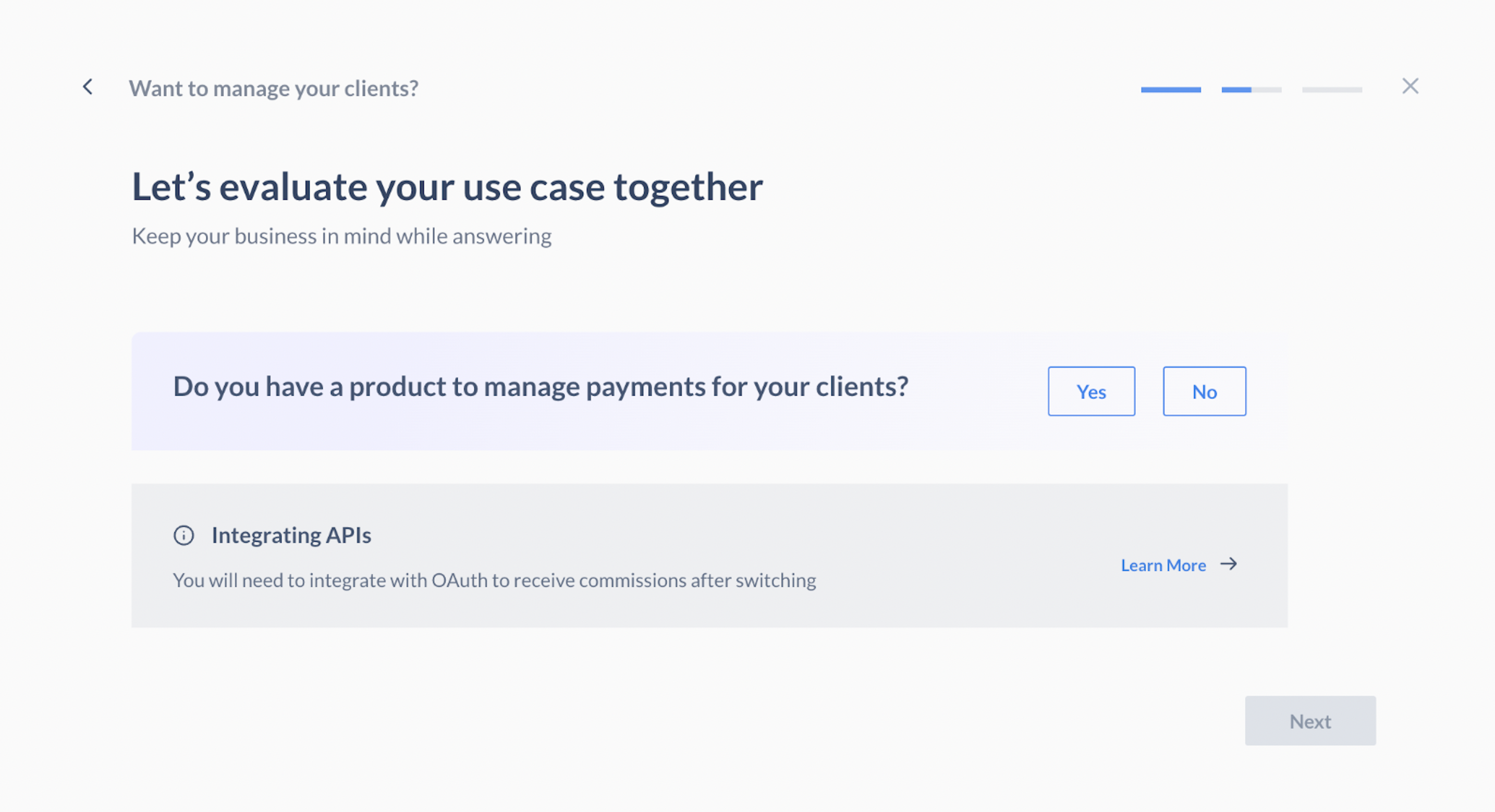 7. Select **Yes** if you have a product to manage payments for your sub-merchants and click **Next**.
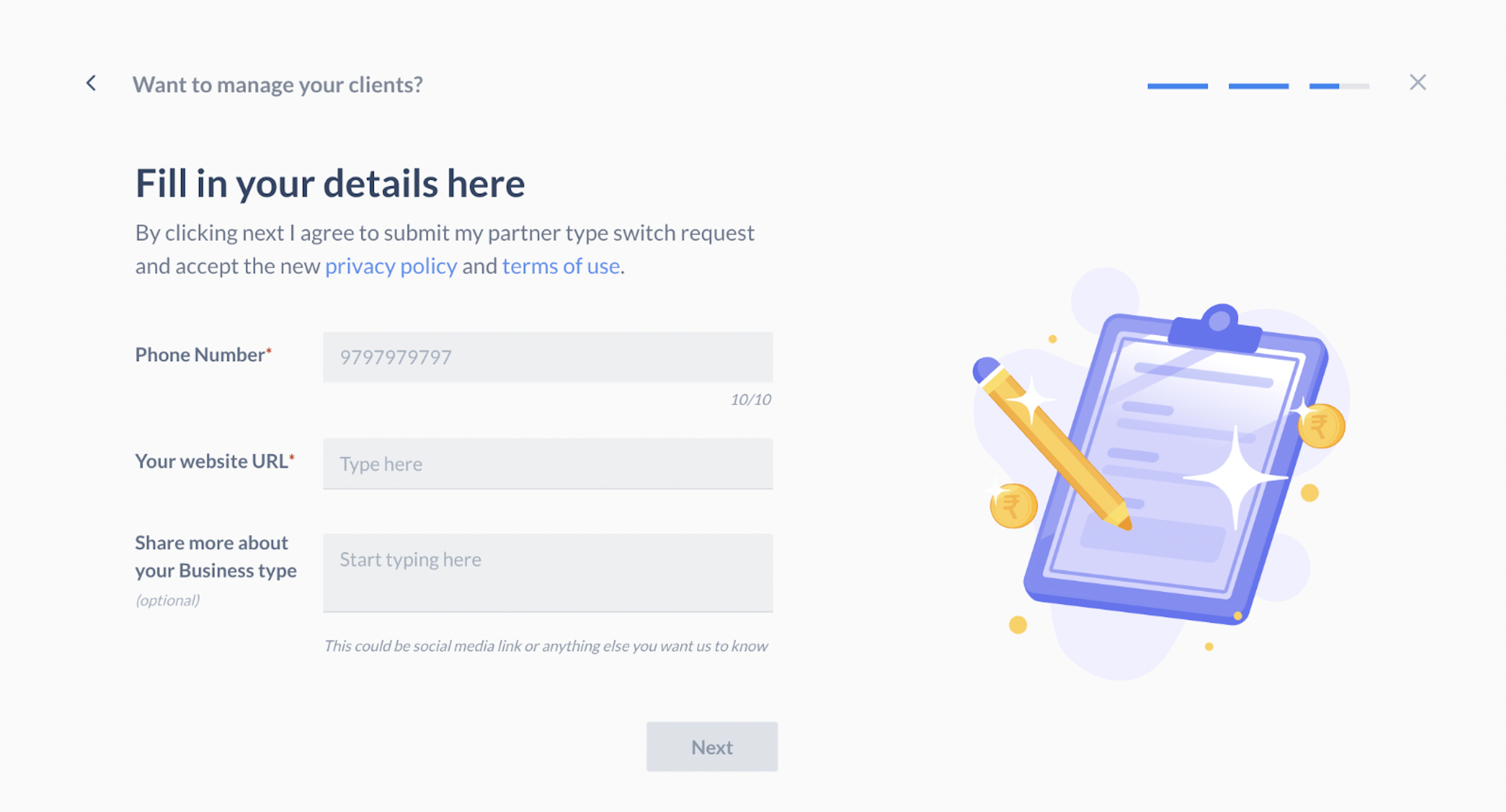
8. Enter your phone number, website URL, and business details, and click **Next**.
7. Select **Yes** if you have a product to manage payments for your sub-merchants and click **Next**.
8. Enter your phone number, website URL, and business details, and click **Next**.
 You have successfully submitted a request for a Partner type switch. Our team will reach out to you with further instructions.
## Next Steps
If your switch request is approved, you will have to complete [full KYC](/docs/partners/technology-partners/kyc) to start receiving commissions.
You have successfully submitted a request for a Partner type switch. Our team will reach out to you with further instructions.
## Next Steps
If your switch request is approved, you will have to complete [full KYC](/docs/partners/technology-partners/kyc) to start receiving commissions.