> ## Documentation Index
> Fetch the complete documentation index at: https://razorpay-881012b3.mintlify.site/llms.txt
> Use this file to discover all available pages before exploring further.
# Revoke Access to Application
> Sub-merchant can revoke access from the Razorpay Dashboard.
Available in
🇮🇳 India
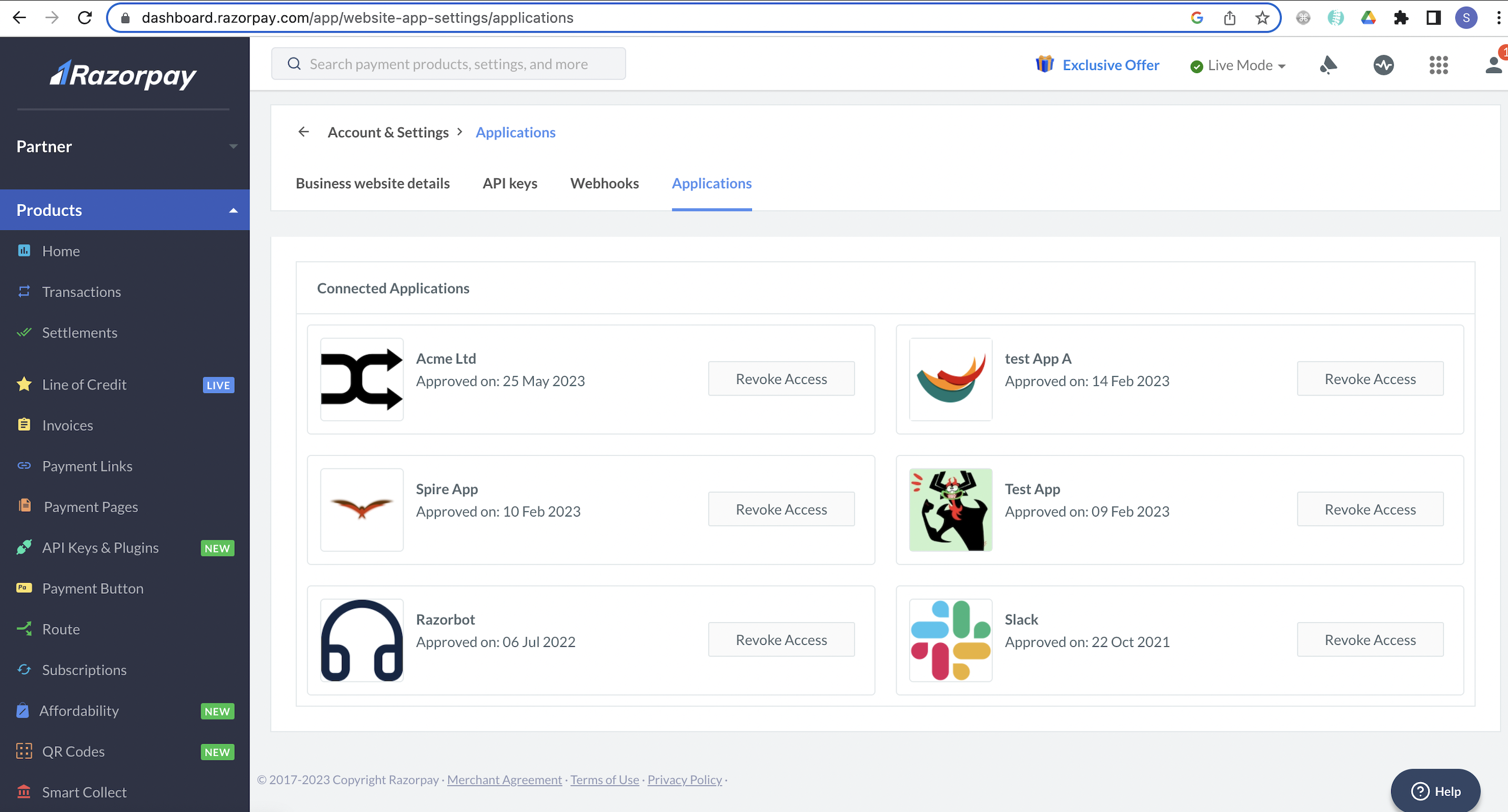
Revoking access to a particular application restricts all permissions to access sub-merchant data and thereby removes it from the list of **Connected Applications**.
## Revoke Application Access From Dashboard
To revoke access to a connected application, the sub-merchant should follow these steps:
1. Log in to the Dashboard.
2. Navigate to **Applications** and click **Revoke** beside the application.
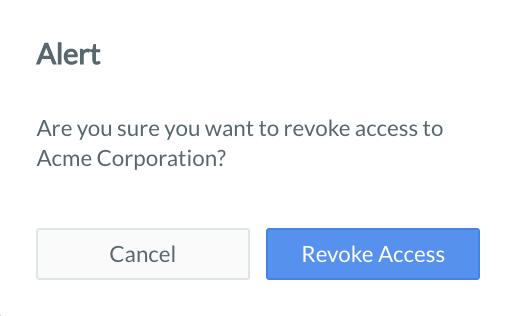
 3. Confirm the action by clicking **Revoke Access**.