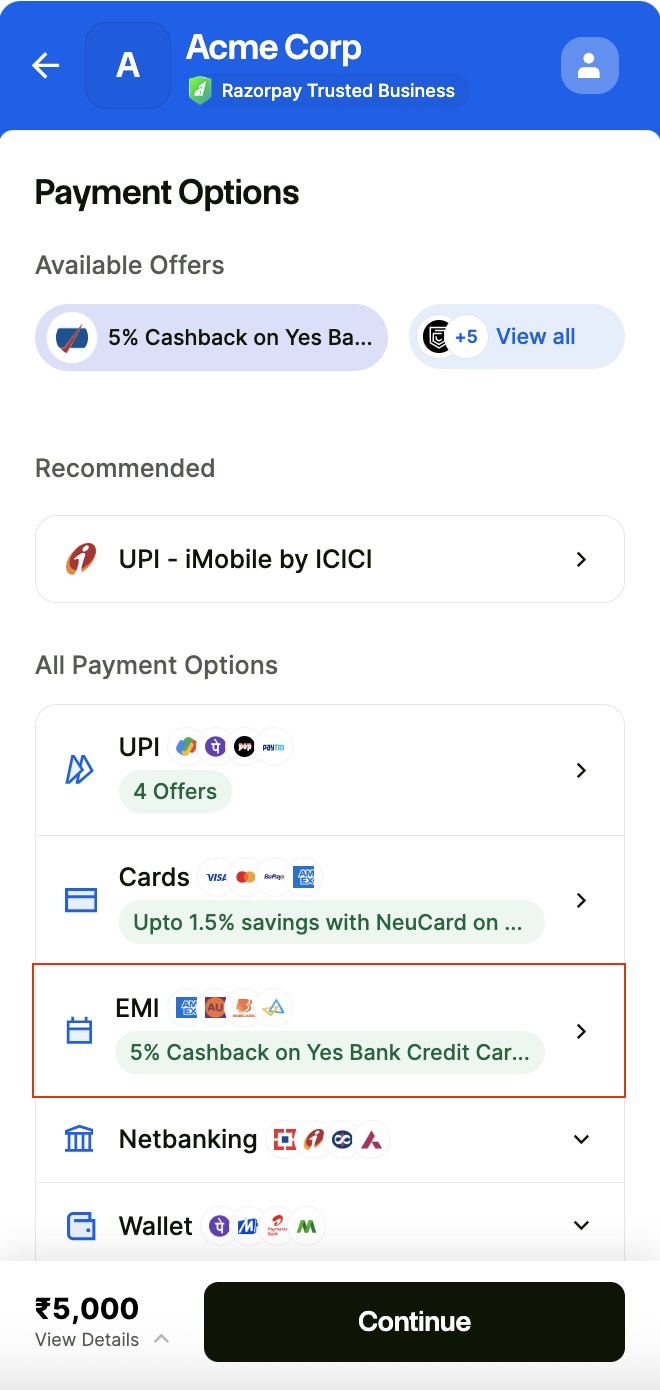
 3. Select **Cardless and Others**.
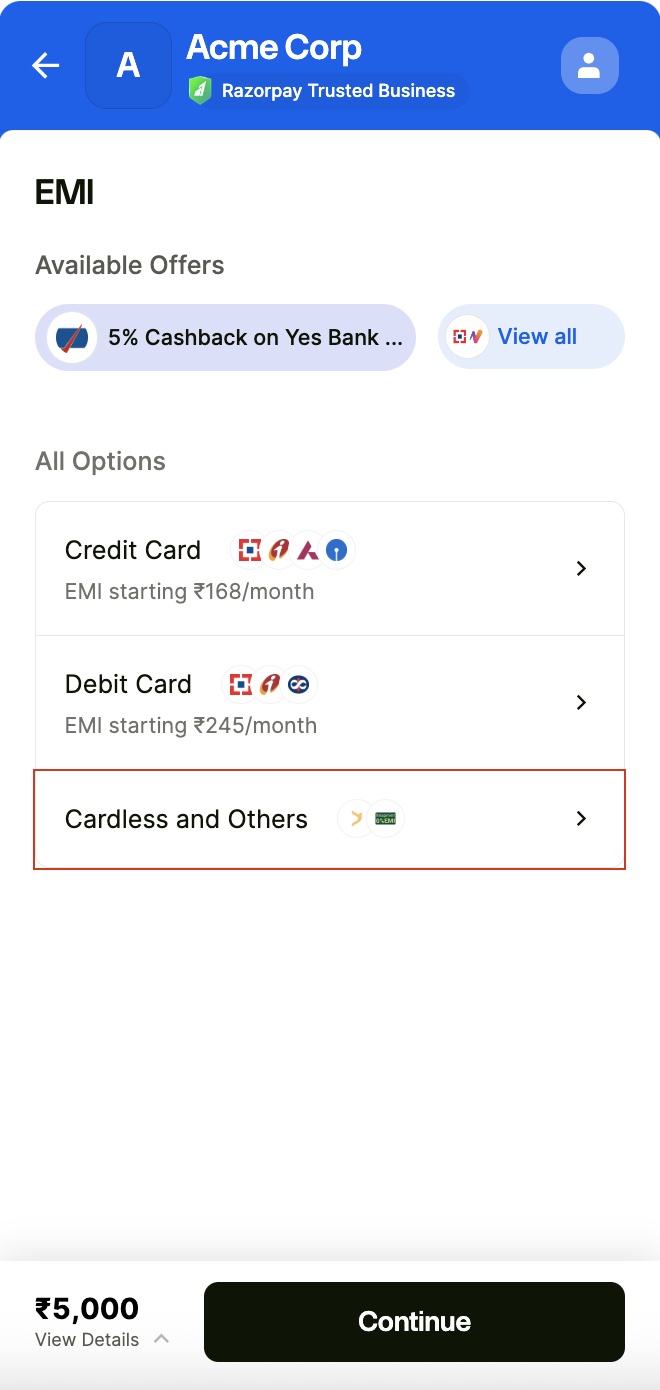 4. An OTP is sent to their registered mobile number to check their eligibility. They enter the OTP and click **Continue**.
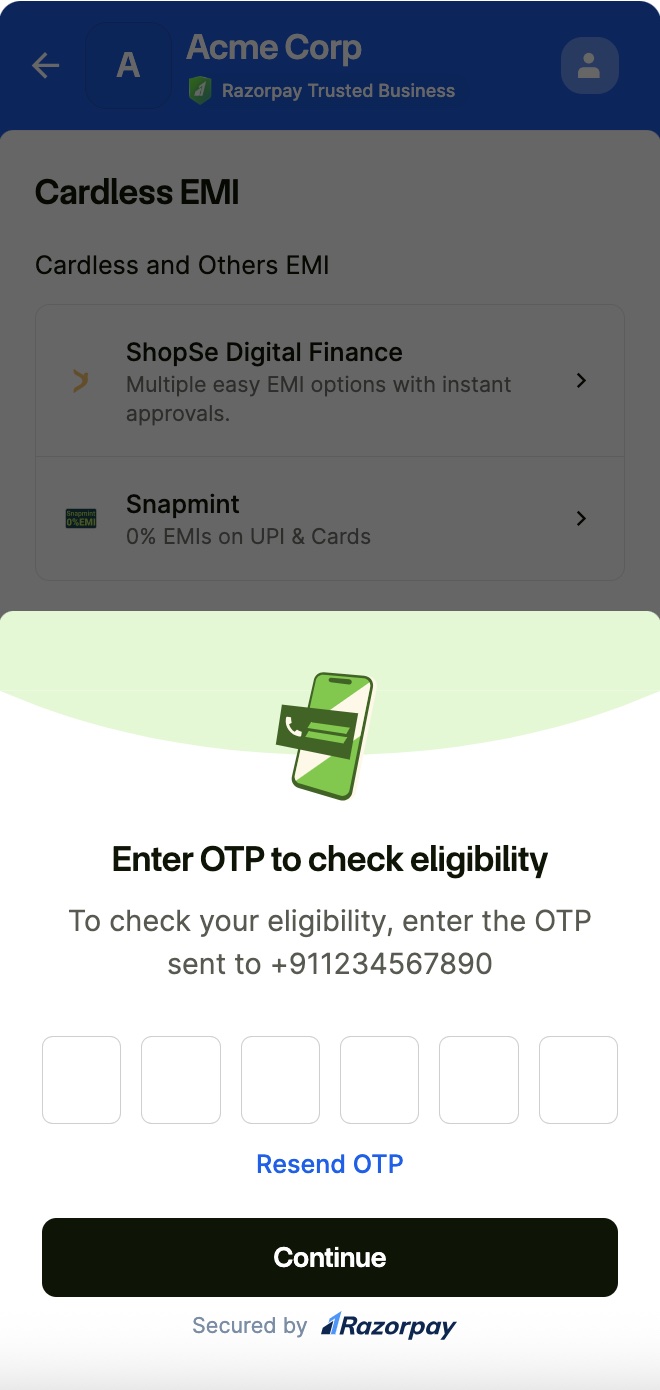 5. Select **ShopSe Digital Finance** as the Cardless EMI service provider.
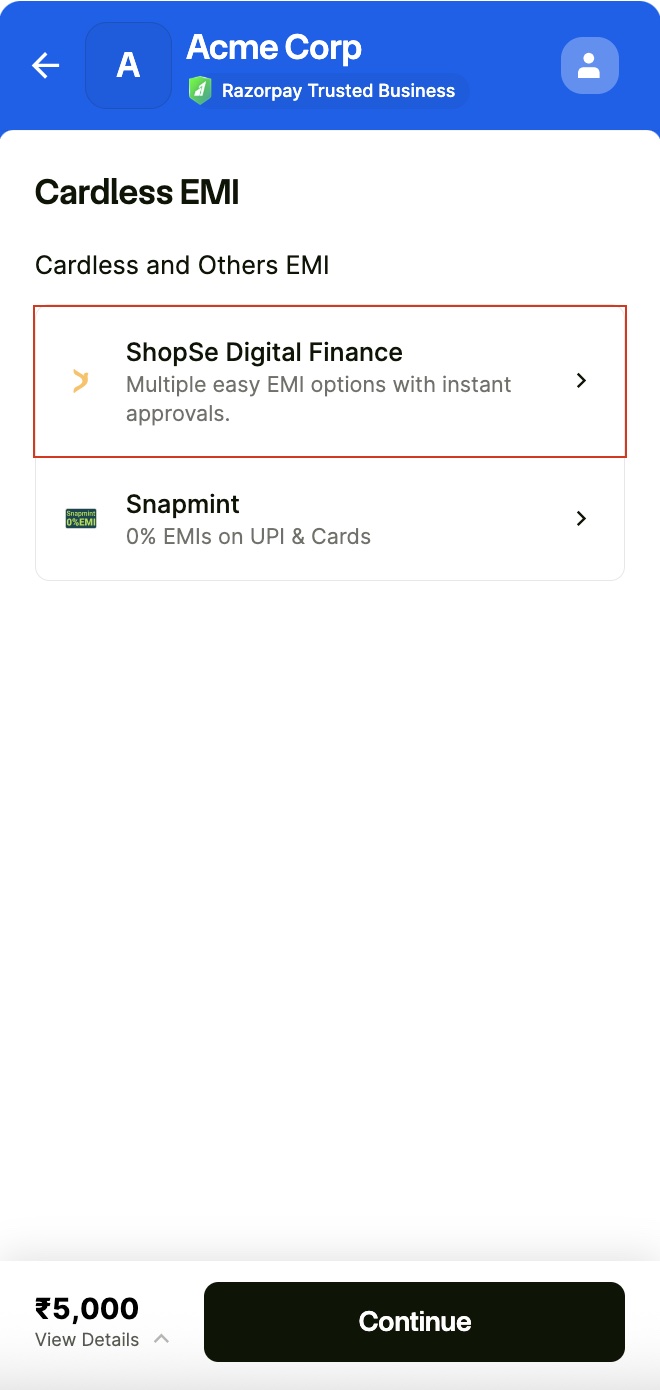 6. Select the EMI tenure and complete the payment.
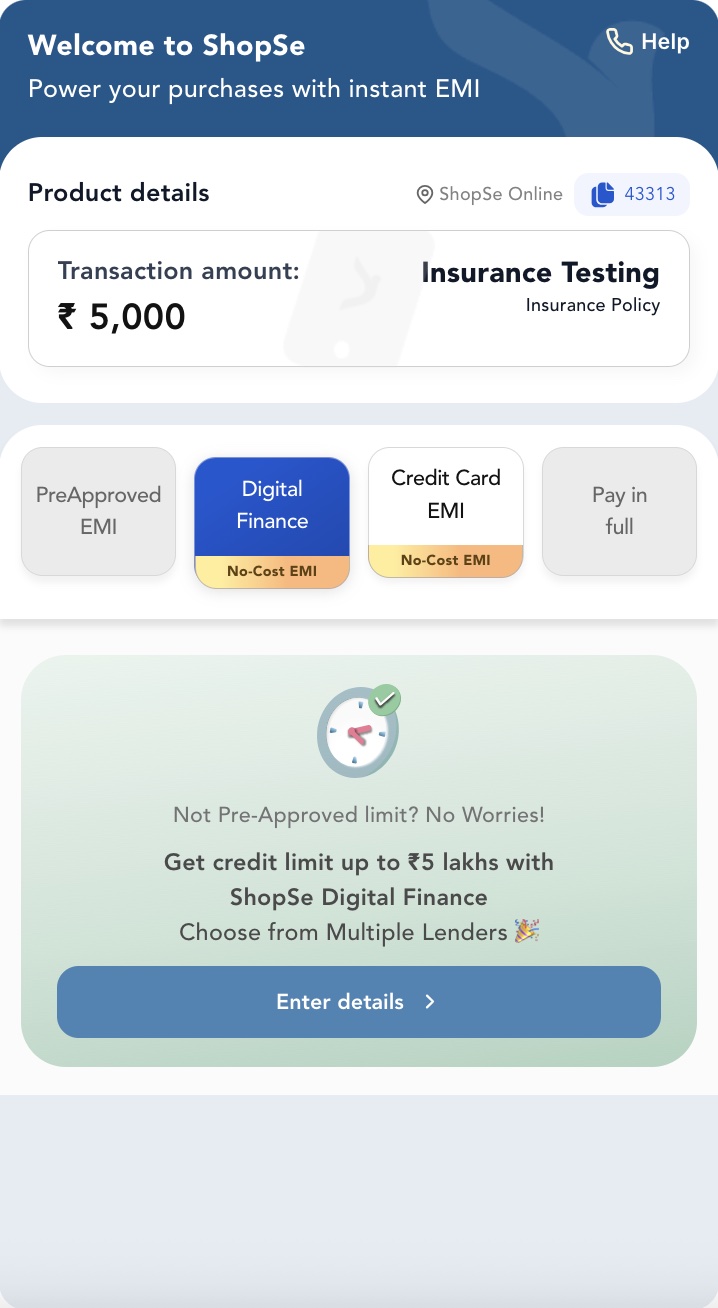 You receive the full transaction amount from ShopSe. Customers then pay ShopSe the total order amount in EMIs, along with any applicable interest, as per their terms and conditions.
## Standard Checkout Integration
No additional integration is required to show ShopSe as a Cardless EMI service provider on your Standard Checkout integration. Know [how to integrate ShopSe as a payment method on custom checkout.](/docs/payments/payment-gateway/web-integration/custom/payment-methods#cardless-emi)
## Related Information
[ShopSe FAQs](https://www.getshopse.com/customer-faq).
You receive the full transaction amount from ShopSe. Customers then pay ShopSe the total order amount in EMIs, along with any applicable interest, as per their terms and conditions.
## Standard Checkout Integration
No additional integration is required to show ShopSe as a Cardless EMI service provider on your Standard Checkout integration. Know [how to integrate ShopSe as a payment method on custom checkout.](/docs/payments/payment-gateway/web-integration/custom/payment-methods#cardless-emi)
## Related Information
[ShopSe FAQs](https://www.getshopse.com/customer-faq).