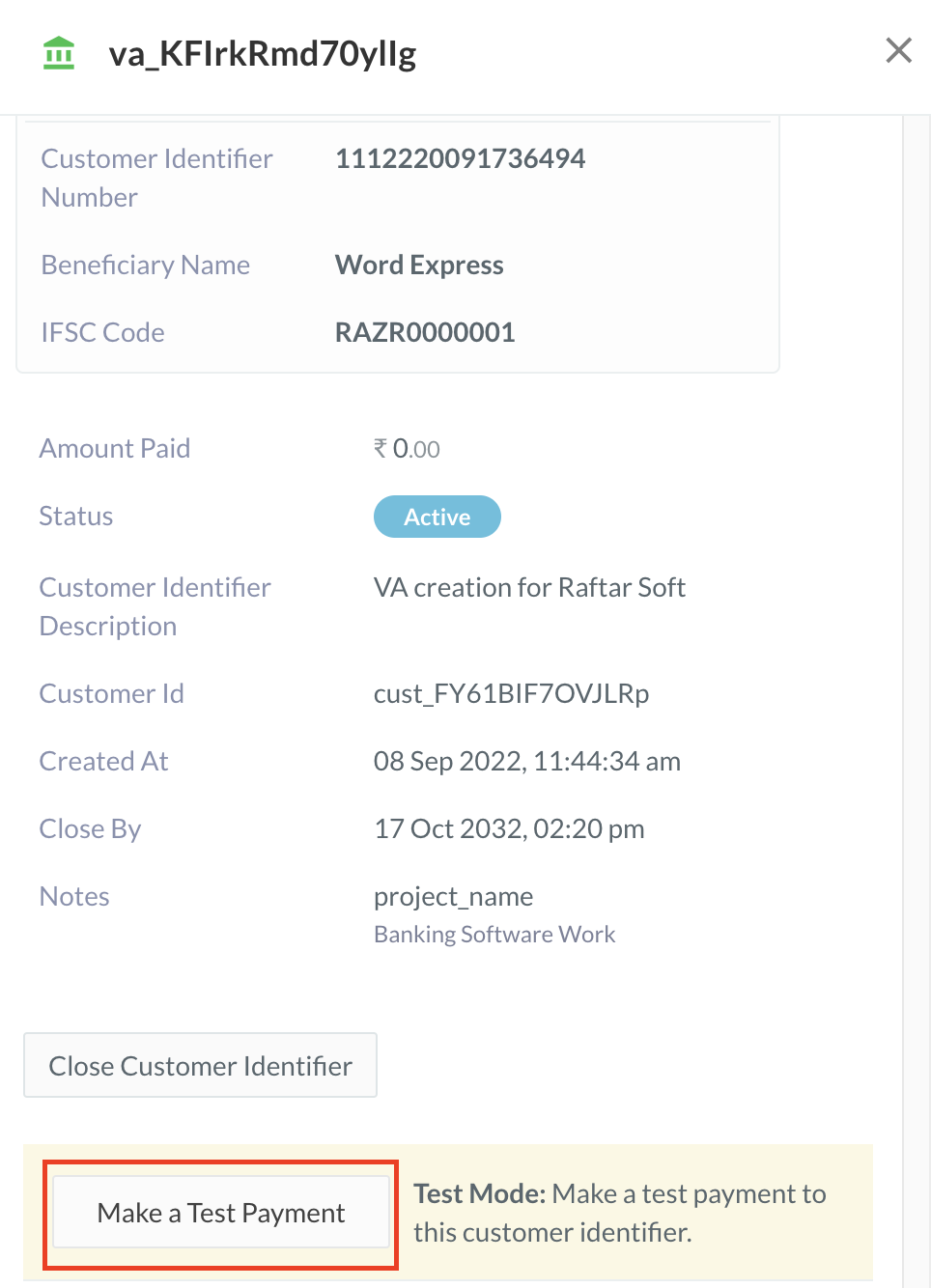
 4. Enter the following details in the form:
1. **Amount**: Enter the amount to be transferred to the Customer Identifier as the test payment.
4. Enter the following details in the form:
1. **Amount**: Enter the amount to be transferred to the Customer Identifier as the test payment.
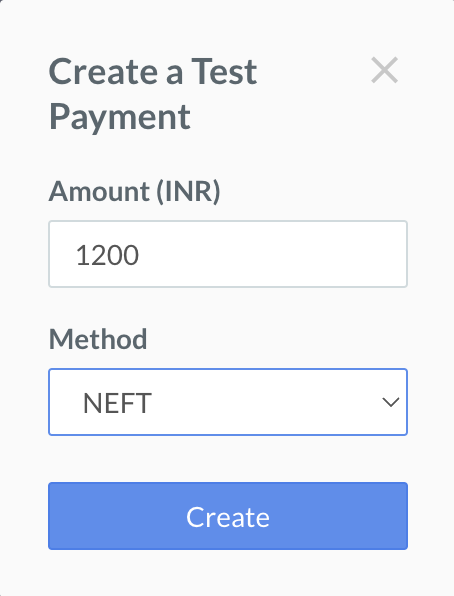 2. **Method**: Select the payment method. You can choose NEFT, RTGS or IMPS.
5. Click **Create**.
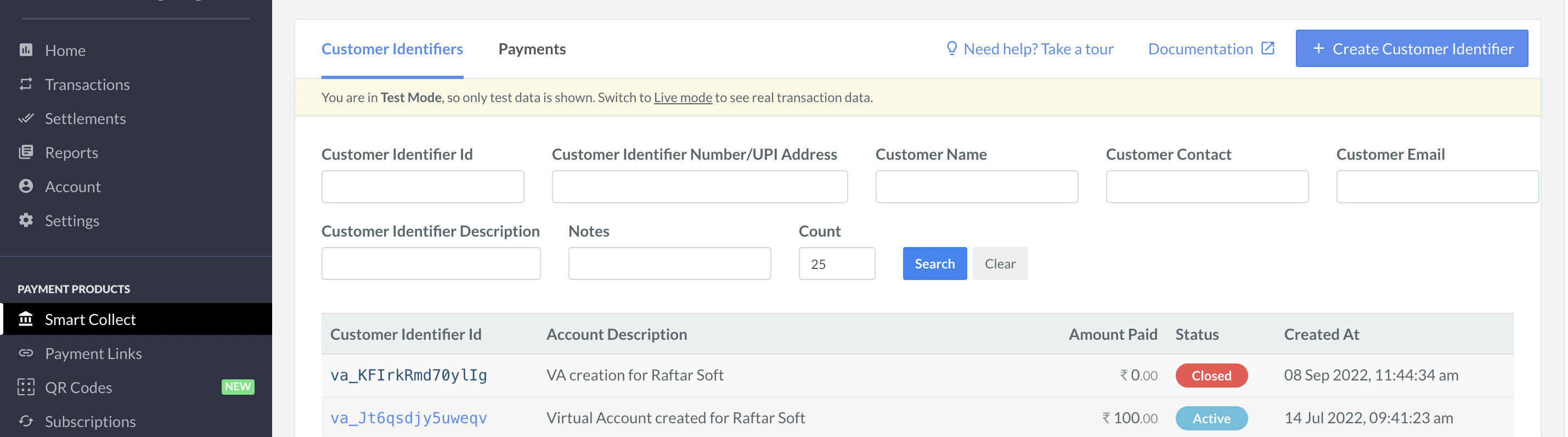
A success message **test payment successful** appears, indicating that the payment has gone through. You can verify this on the Customer Identifier list as well.
2. **Method**: Select the payment method. You can choose NEFT, RTGS or IMPS.
5. Click **Create**.
A success message **test payment successful** appears, indicating that the payment has gone through. You can verify this on the Customer Identifier list as well.
 ### Related Information
* [Create Customer Identifiers](/docs/payments/smart-collect/create)
* [Close Customer Identifiers](/docs/payments/smart-collect/close)
* [Refund Payments](/docs/payments/smart-collect/refund)
* [Search for a Customer Identifier](/docs/payments/smart-collect/search)
### Related Information
* [Create Customer Identifiers](/docs/payments/smart-collect/create)
* [Close Customer Identifiers](/docs/payments/smart-collect/close)
* [Refund Payments](/docs/payments/smart-collect/refund)
* [Search for a Customer Identifier](/docs/payments/smart-collect/search)