> ## Documentation Index
> Fetch the complete documentation index at: https://razorpay-881012b3.mintlify.site/llms.txt
> Use this file to discover all available pages before exploring further.
# Update Expiry Date for an Individual Customer Identifier
> Know how you can update the Expiry Date of an Individual Customer Identifier.
Available in
🇮🇳 India
Learn how to update the Close by date (Expiry Date) for an Individual Customer Identifier.
To update the Expiry Date of an Individual Customer Identifier:
1. Log in to the Dashboard and navigate to Smart Collect.
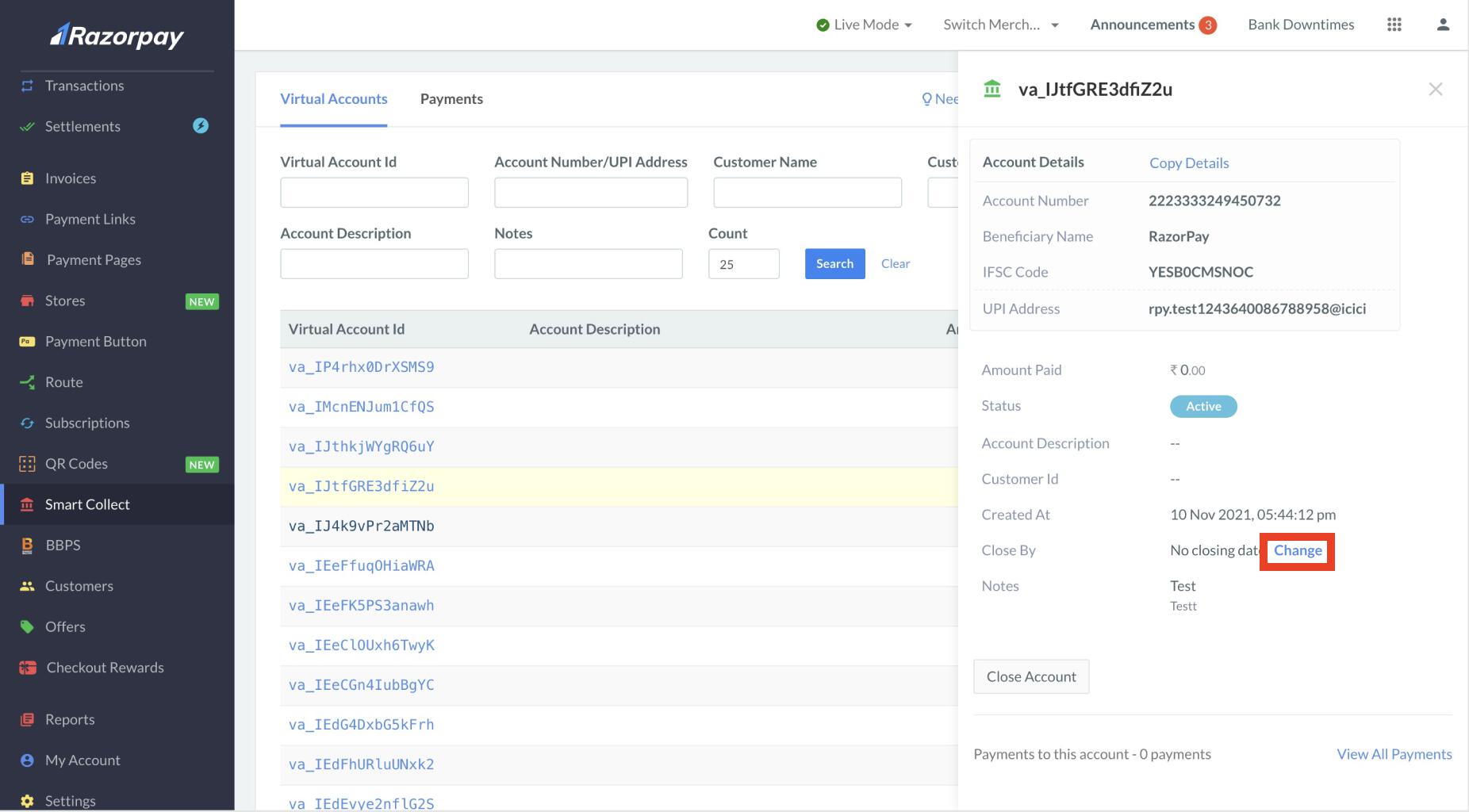
2. Click on the Customer Identifier ID for which you wish to update the expiry date.
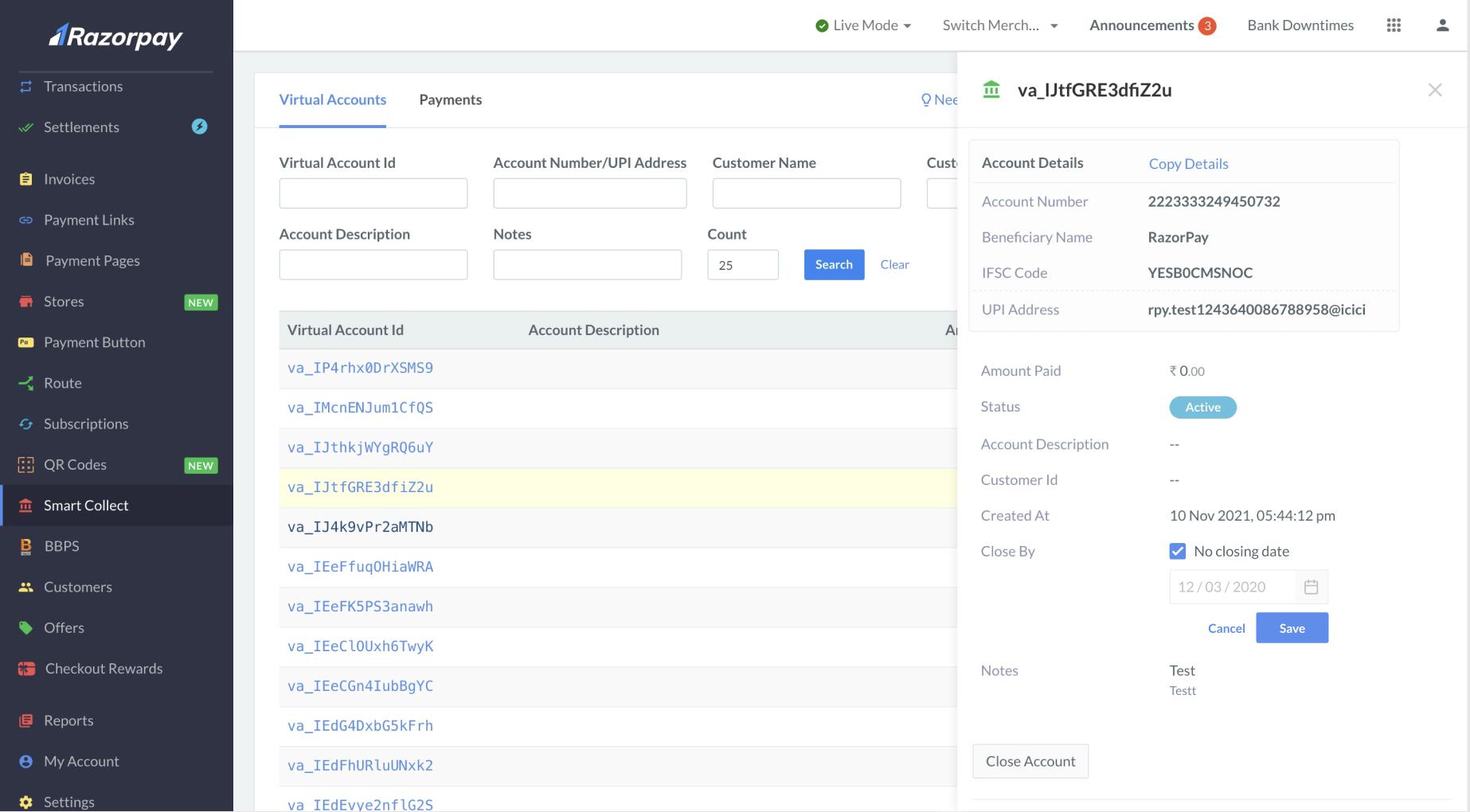
3. In the pop-up that appears, in the **Close by** section, click **Change**.
 4. Update the Expiry date as per requirement and click **Save**. You can also select the **No closing date** check box if you wish to not have an expiry date for your Customer Identifier.