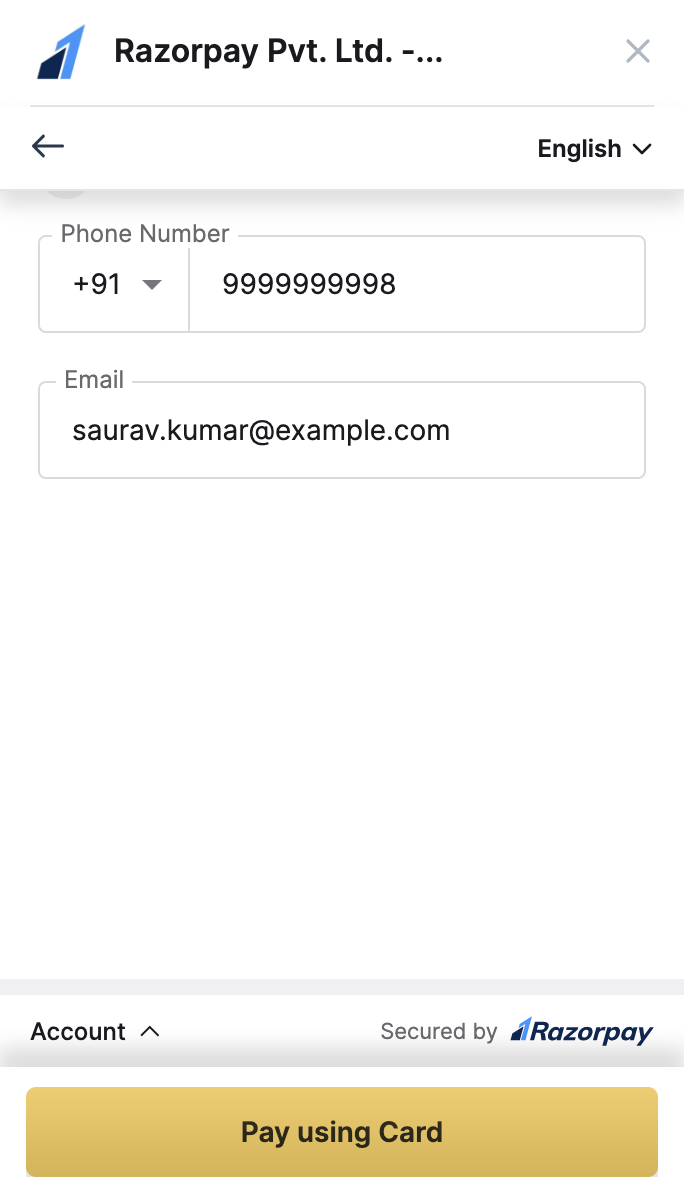
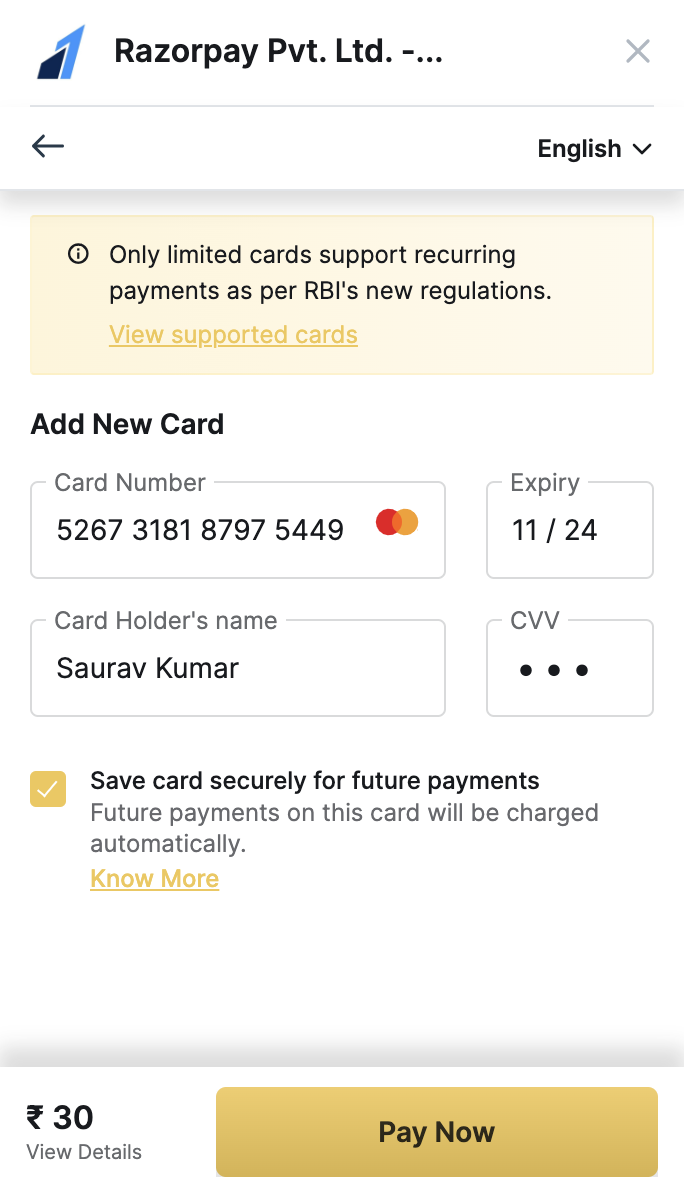
 Since this is a test transaction, you can choose to make it a success or failure. Let us make this transaction a success.
 ## On the Magento Site
### Customer View
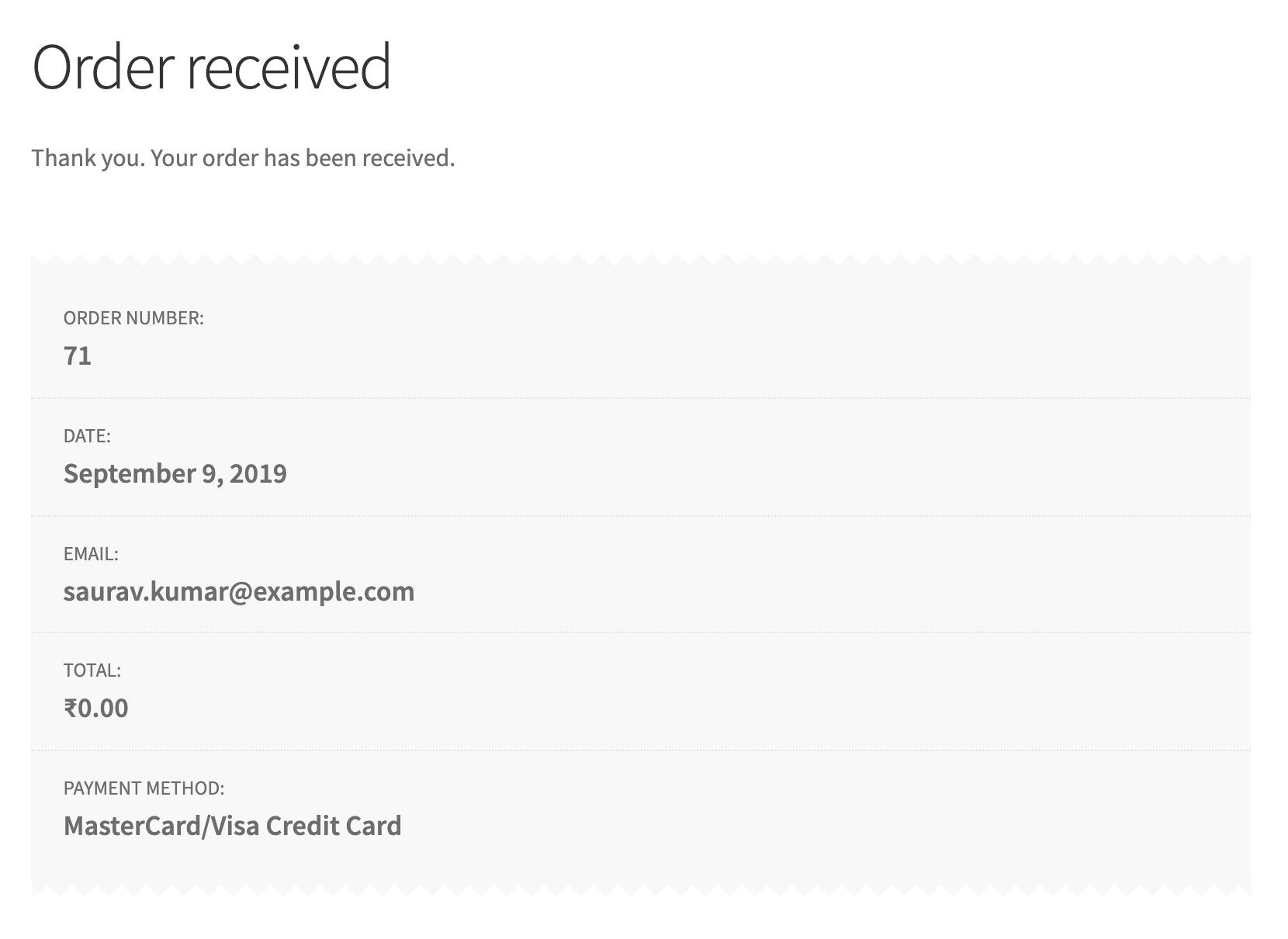
The order success screen appears. The subscription amount has not been charged to the card because of the 15 days trial period. Once the trial period is over, the subscription amount of ₹999 will be charged to the customer's card.
An authentication charge of ₹5 is levied and is subsequently auto-refunded.
## On the Magento Site
### Customer View
The order success screen appears. The subscription amount has not been charged to the card because of the 15 days trial period. Once the trial period is over, the subscription amount of ₹999 will be charged to the customer's card.
An authentication charge of ₹5 is levied and is subsequently auto-refunded.
 Navigate to **My Account** → **My Subscriptions** to view the Subscription details.
### Admin View
As an **Admin**, you can view the subscription captured on the **Sales** → **Razorpay Subscription** page.
## On Razorpay Dashboard
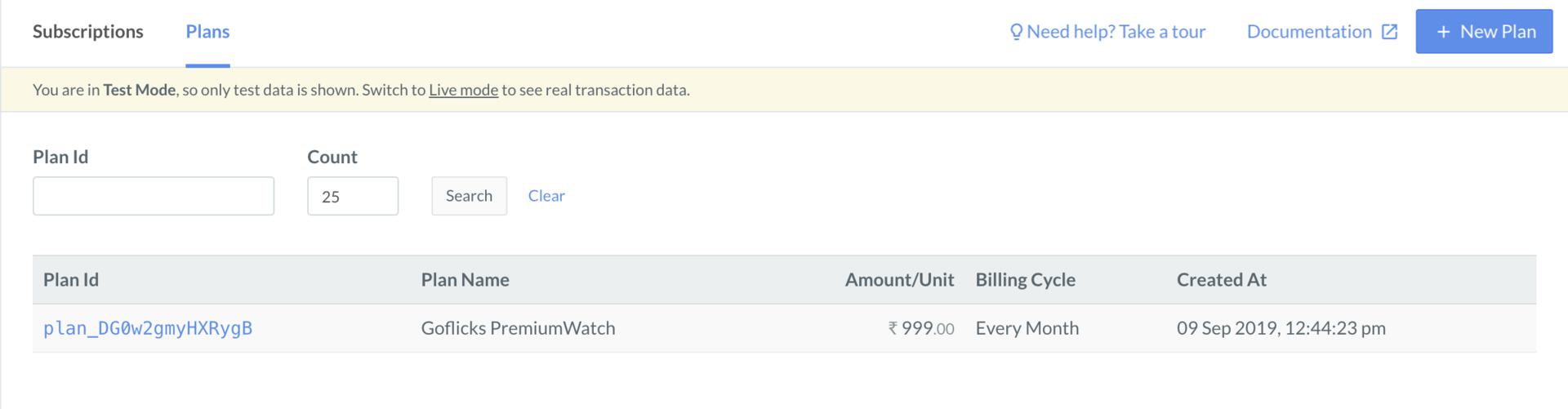
The same will appear on the Razorpay Dashboard as:
### Plan
Navigate to **Subscriptions** → **Plans**.
Navigate to **My Account** → **My Subscriptions** to view the Subscription details.
### Admin View
As an **Admin**, you can view the subscription captured on the **Sales** → **Razorpay Subscription** page.
## On Razorpay Dashboard
The same will appear on the Razorpay Dashboard as:
### Plan
Navigate to **Subscriptions** → **Plans**.
 ### Subscriptions
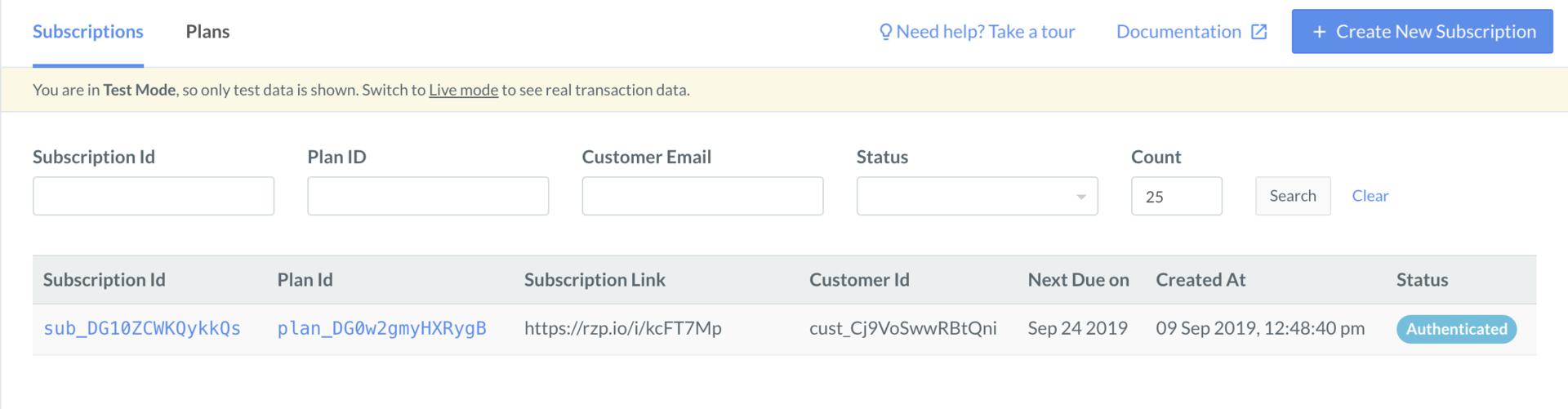
Navigate to **Subscriptions**
### Subscriptions
Navigate to **Subscriptions**
 ### Payments
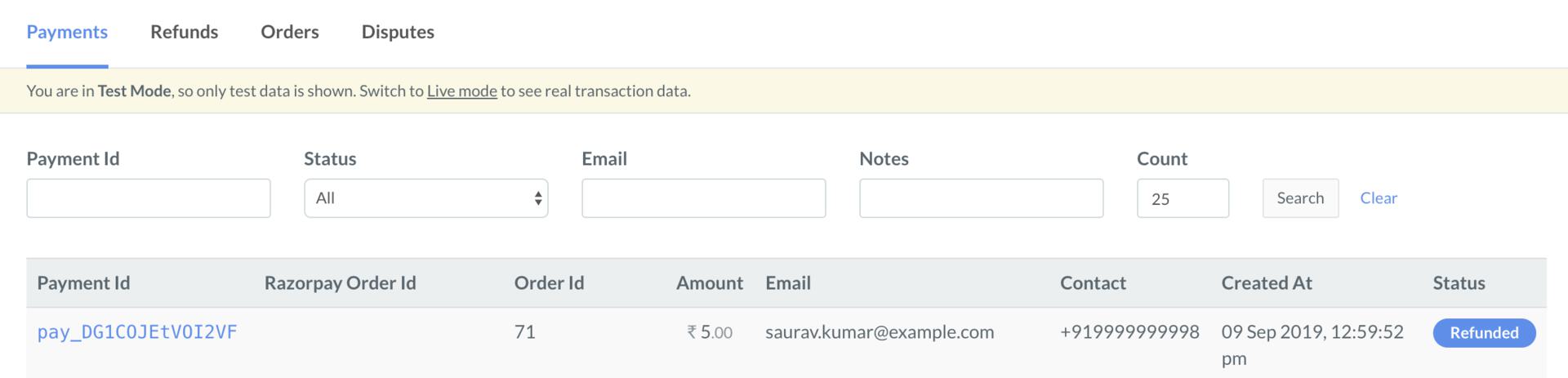
Navigate to **Transactions** → **Payments**. Here you can view the authentication transaction, where ₹5 has been charged to the credit card and then refunded automatically. This is done to validate the card details.
### Payments
Navigate to **Transactions** → **Payments**. Here you can view the authentication transaction, where ₹5 has been charged to the credit card and then refunded automatically. This is done to validate the card details.