> ## Documentation Index
> Fetch the complete documentation index at: https://razorpay-881012b3.mintlify.site/llms.txt
> Use this file to discover all available pages before exploring further.
# 2. Test Integration
> Run test payments to make sure that your integration works.
Available in
🇮🇳 India
After the integration is complete, Razorpay will appear as a payment option on your web page/app. You need to click the button and make a test transaction to ensure that the integration is working as expected. You can start accepting actual payments from your customers once the test is successful.
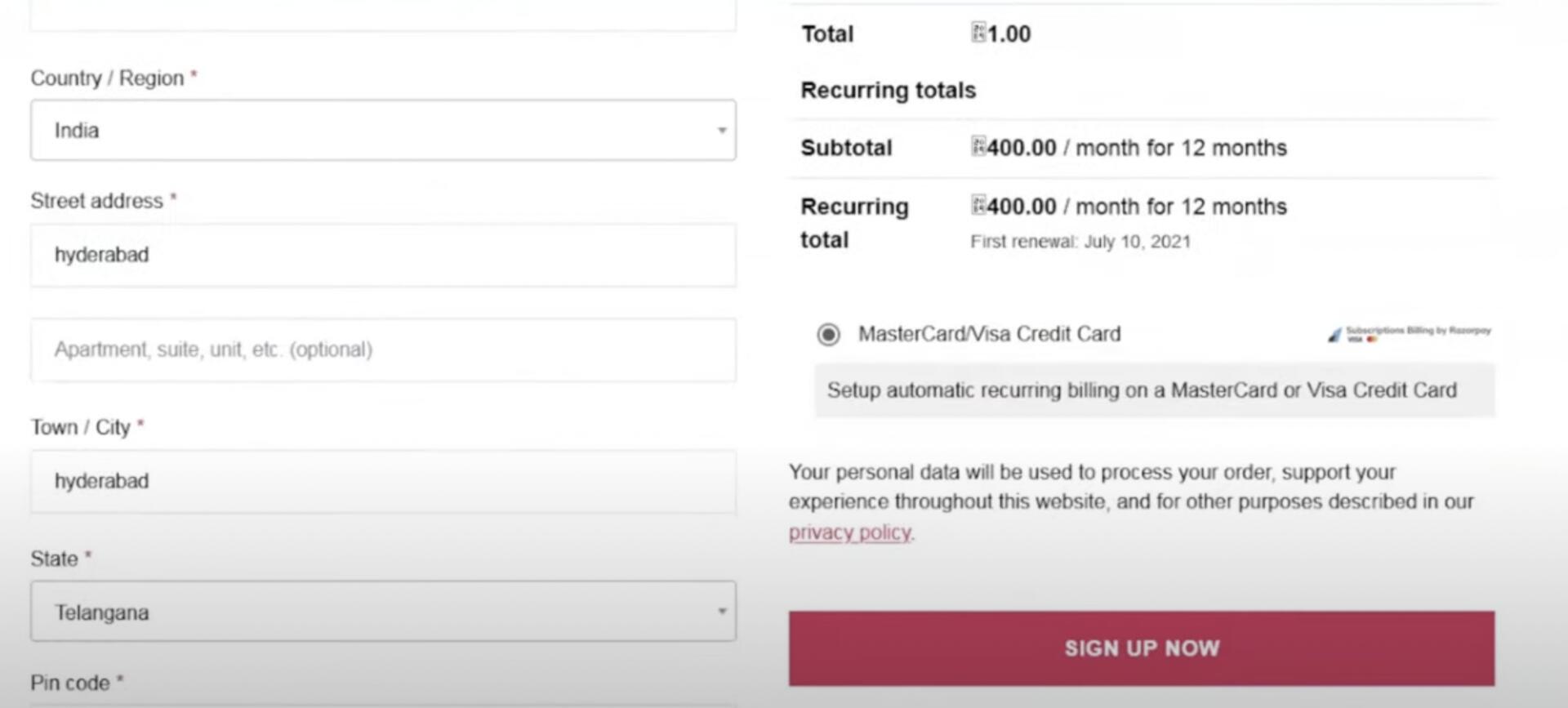 You can make test payments using one of the payment methods configured at the Checkout.
* No money is deducted from the customer's account as this is a simulated transaction.
* Ensure you have entered the API keys generated in the test mode in the Checkout code.
## UPI
You can enter one of the following UPI IDs:
* `success@razorpay`: To make the payment successful.
* `failure@razorpay`: To fail the payment.
**Handy Tips**
You can use **Test Mode** to test UPI payments, and **Live Mode** for UPI Intent and QR payments.
## Cards
You can use one of the test cards to make transactions in the test mode. Use any valid expiration date in the future and any random CVV to create a successful payment.
| Type | Card Network | Card Type | Card Number | CVV & Expiry Date |
| ------------- | ------------ | ----------- | ------------------- | ---------------------------------------- |
| Domestic | Visa | Credit Card | 4718 6091 0820 4366 | Use a random CVV and any future date ^^^ |
| International | Mastercard | Credit Card | 5104 0155 5555 5558 | |
| International | Mastercard | Debit Card | 5104 0600 0000 0008 | |
**Watch Out!**
In test mode, you can perform a subsequent debit only within 3 days of token creation, as card tokens are valid for 3 days only.
### Next Steps
[Step 3: Go Live Checklist](/docs/payments/subscriptions/plugins/woocommerce/go-live-checklist)
You can make test payments using one of the payment methods configured at the Checkout.
* No money is deducted from the customer's account as this is a simulated transaction.
* Ensure you have entered the API keys generated in the test mode in the Checkout code.
## UPI
You can enter one of the following UPI IDs:
* `success@razorpay`: To make the payment successful.
* `failure@razorpay`: To fail the payment.
**Handy Tips**
You can use **Test Mode** to test UPI payments, and **Live Mode** for UPI Intent and QR payments.
## Cards
You can use one of the test cards to make transactions in the test mode. Use any valid expiration date in the future and any random CVV to create a successful payment.
| Type | Card Network | Card Type | Card Number | CVV & Expiry Date |
| ------------- | ------------ | ----------- | ------------------- | ---------------------------------------- |
| Domestic | Visa | Credit Card | 4718 6091 0820 4366 | Use a random CVV and any future date ^^^ |
| International | Mastercard | Credit Card | 5104 0155 5555 5558 | |
| International | Mastercard | Debit Card | 5104 0600 0000 0008 | |
**Watch Out!**
In test mode, you can perform a subsequent debit only within 3 days of token creation, as card tokens are valid for 3 days only.
### Next Steps
[Step 3: Go Live Checklist](/docs/payments/subscriptions/plugins/woocommerce/go-live-checklist)