

Available in🇮🇳 India
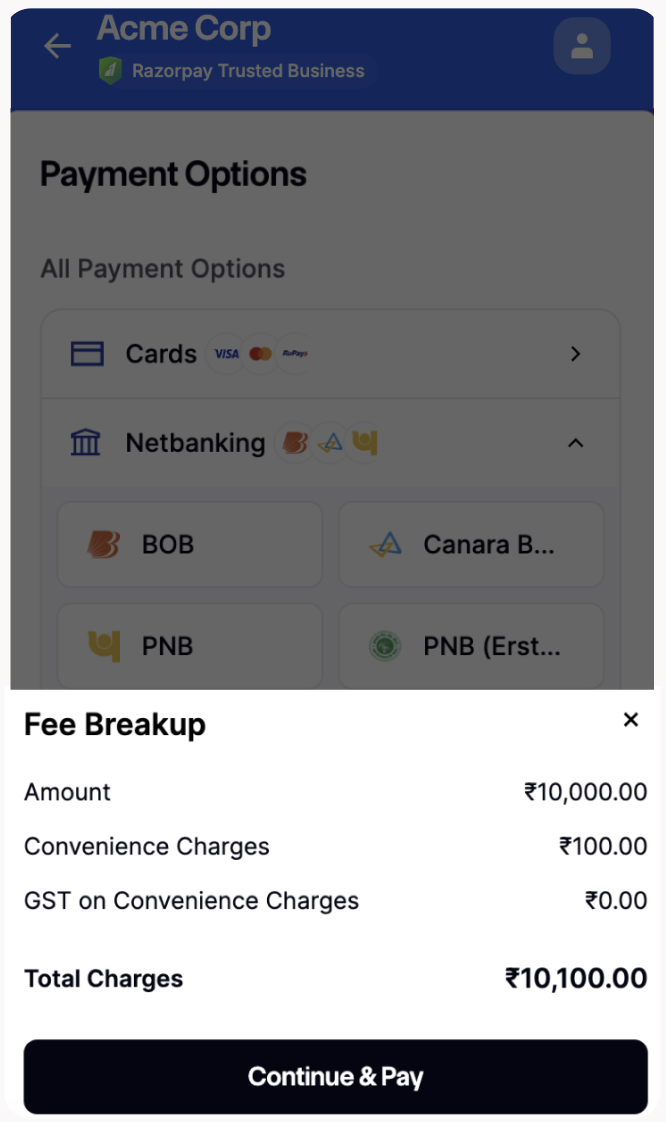
For every payment done using Razorpay, we levy a nominal platform fees. You can choose to charge a Convenience Fee to your customers for the use of technology infrastructure. Convenience Fees are seamlessly added at Razorpay Checkout without disrupting the checkout experience for your customers. In case a refund is initiated, your customers receive the Convenience Fees along with the actual payment amount.
Handy Tips
- This feature is currently supported for specific business cases only. You can contact our Support team to get this feature activated on your account.
- INR is the only supported currency. This feature is not available for international payments.
- This feature is not available for:
- Smart Collect (via VA, VPA and QR Codes)
- Route
- Subscriptions (via Emandate, Paper NACH)
- Invoices
How it Works
Given below is the workflow:- Log in to the Dashboard.
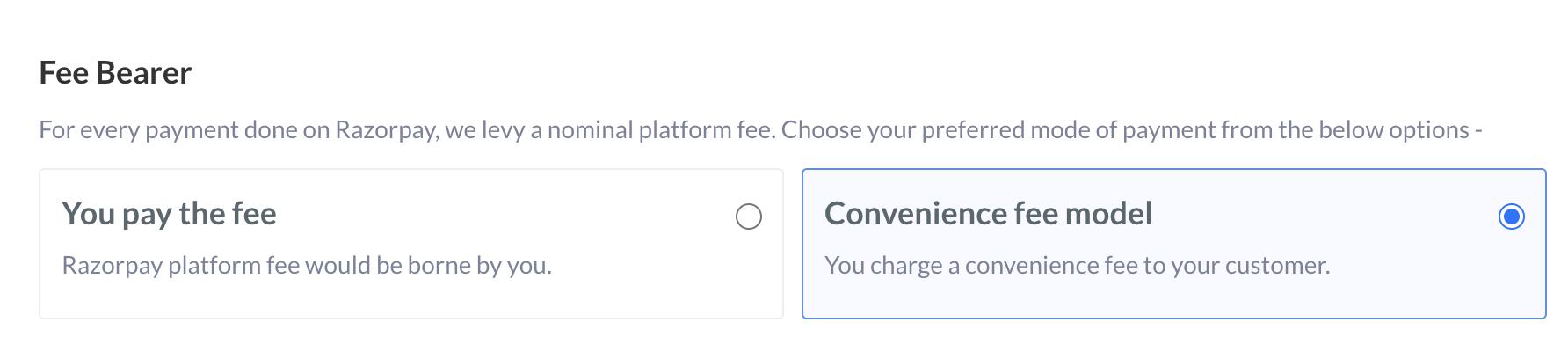
- You select the Convenience Fee Model option on the Settings → Fee Bearer section of the Dashboard.
- The customer selects an item on your website/Payment Link/Payment Page and clicks the pay button.
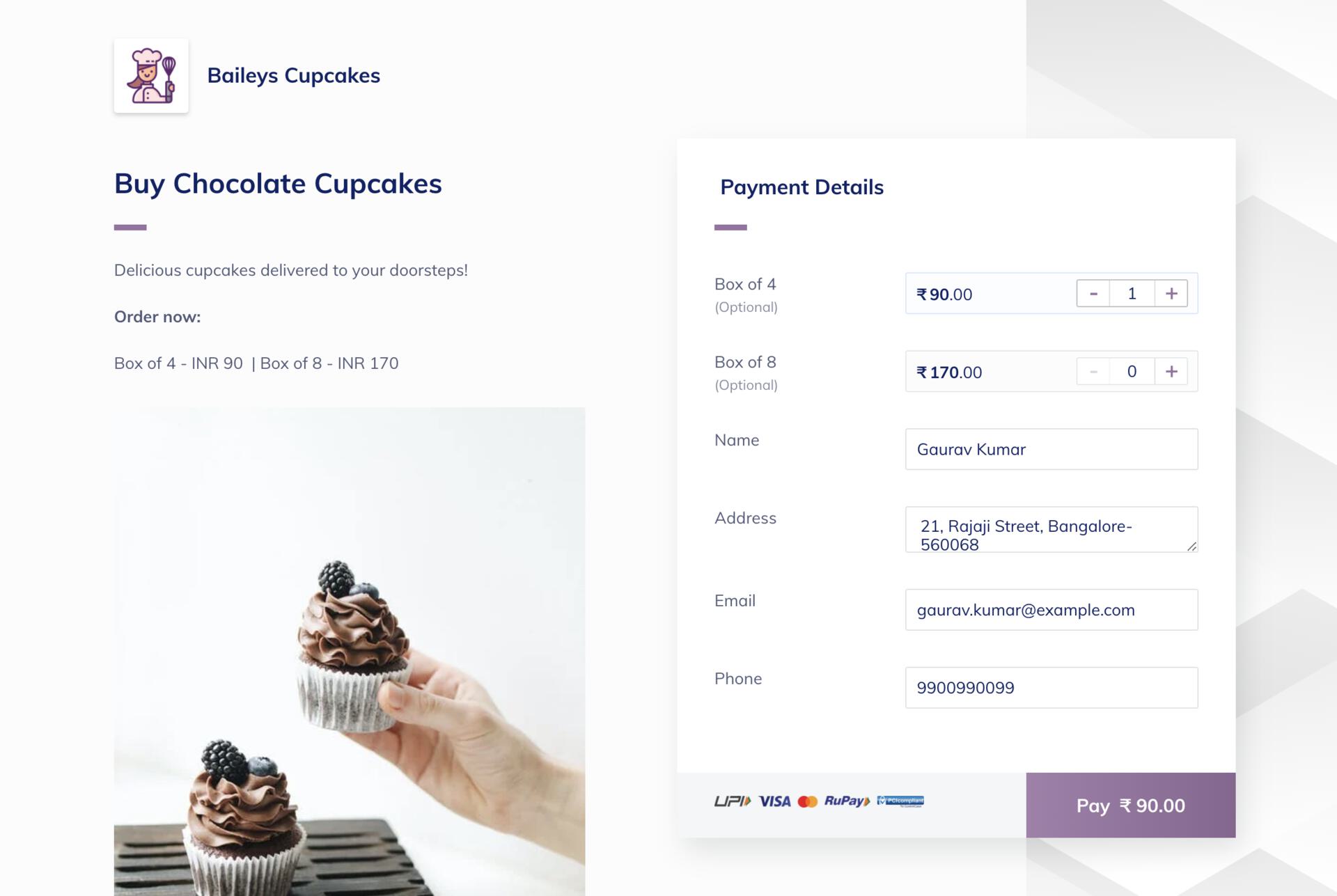
- The checkout pop-up page is displayed.
- The customer selects the payment mode and clicks the Pay button.
- The Fees Breakup page containing the Convenience Fee appears, and the customer clicks Continue and pay.
- The customer is redirected to the bank page with the total amount, including the Convenience Fee.
Handy TipsConvenience Fees are collected in a similar fashion at Custom UI Checkout.