Available in🇮🇳 India
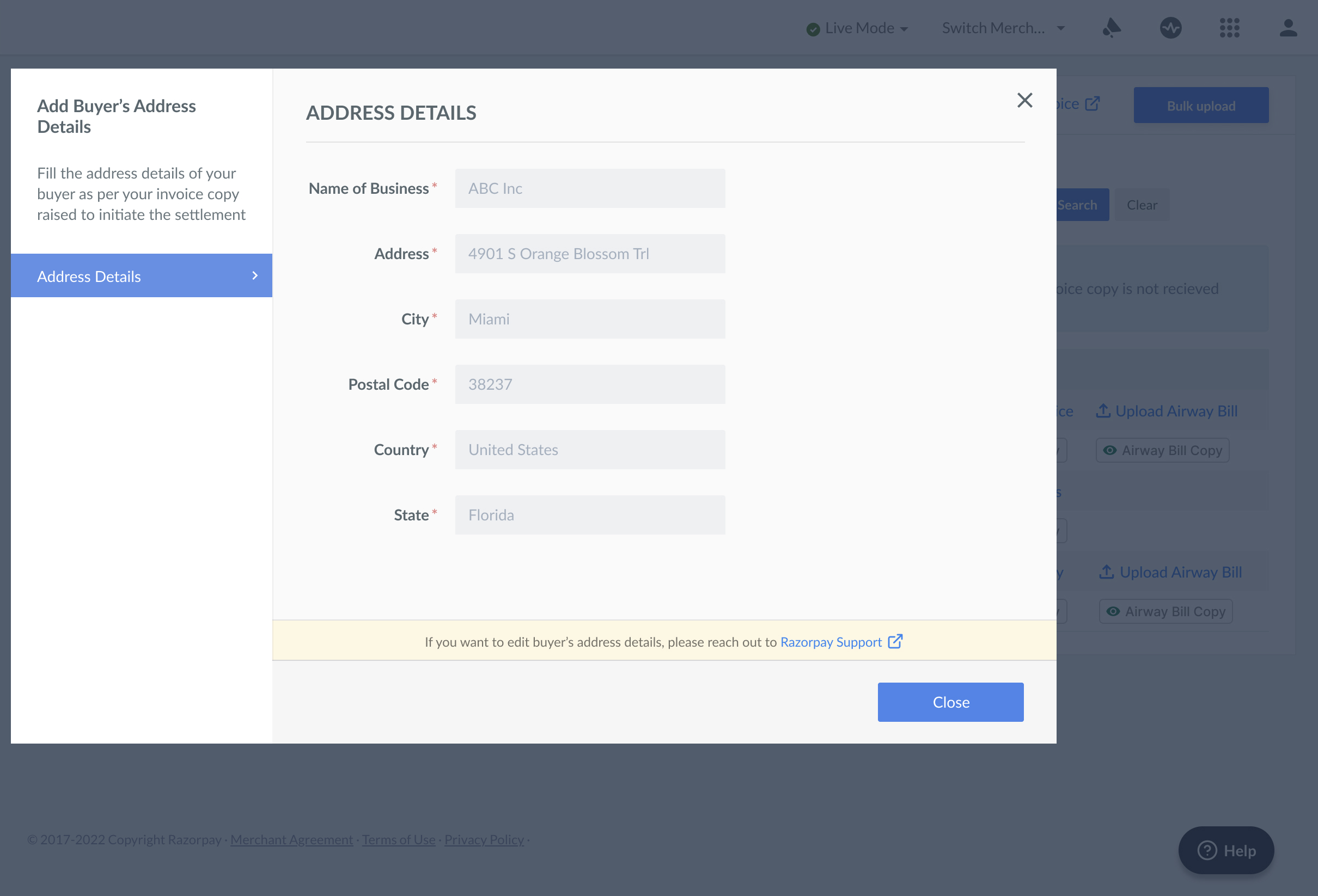
You should provide the buyer’s address details according to the invoice copy raised to initiate the settlement. The following information is needed:
- Name of Business
- Address
- City
- Postal Code
- Country
- State
Add a Buyer’s Address on the Dashboard
Follow these steps to add and share the buyer’s address of all the payments collected via Dashboard:- Log in to the Dashboard.
- Navigate to the Transactions tab.
- Click the Invoices tab.
- Under the Actions tab, click +Add Buyer Address. Add the buyer’s address for all the payments to capture the transactions.
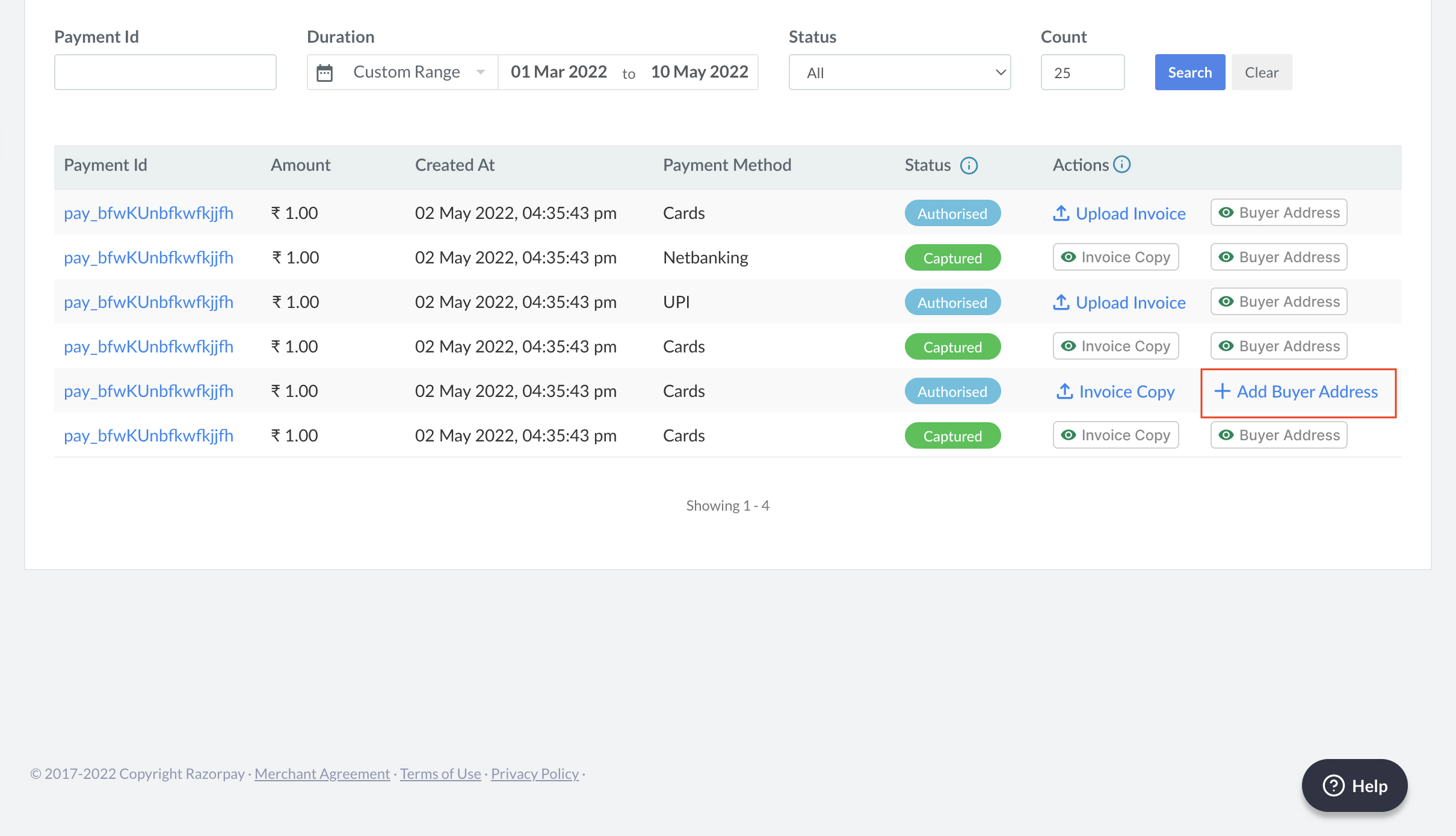
- Fill in the following details per your invoice copy. Click Close.