

Available in🇮🇳 India🇸🇬 Singapore
Save your customers’ card details with Razorpay using tokens. The next time the customer makes any transaction, they only need to enter the CVV of the previously saved card. This saves the customer the hassle of entering the card details multiple times for each transaction.
Know how to integrate saved cards at Standard Checkout.
Save Card Details
To save card details, the customer:- Opens Razorpay Checkout and selects Card as the payment method.
- Provides the card details.
- While making a card payment, the customer can choose to:
- Save their card details.
- Not save their card details.
Make Payments Using Saved Cards
To make payment using saved cards:- The customers log in to the Razorpay Checkout.
- They select Card as the payment method.
- They enter the OTP sent to their phone , then click Verify.
- They select the saved card, enter the CVV and click Pay.
- We recommend that customers log out of Checkout after they complete the transaction. To do this, they must:
- Open Razorpay Checkout.
- Select Card as the payment method.
- Click the drop-down list and select Log out from all devices.
Frequently Asked Questions (FAQs)
Why are my customers unable to access the saved cards?
Why are my customers unable to access the saved cards?
If your customers are using Google Chrome and not able to access saved cards, it may be due to their browser configurations. Go to Chrome Settings, select Privacy and security → Cookies and other site data → Allow all cookies and restart the browser. If they still cannot access them, contact our Support team.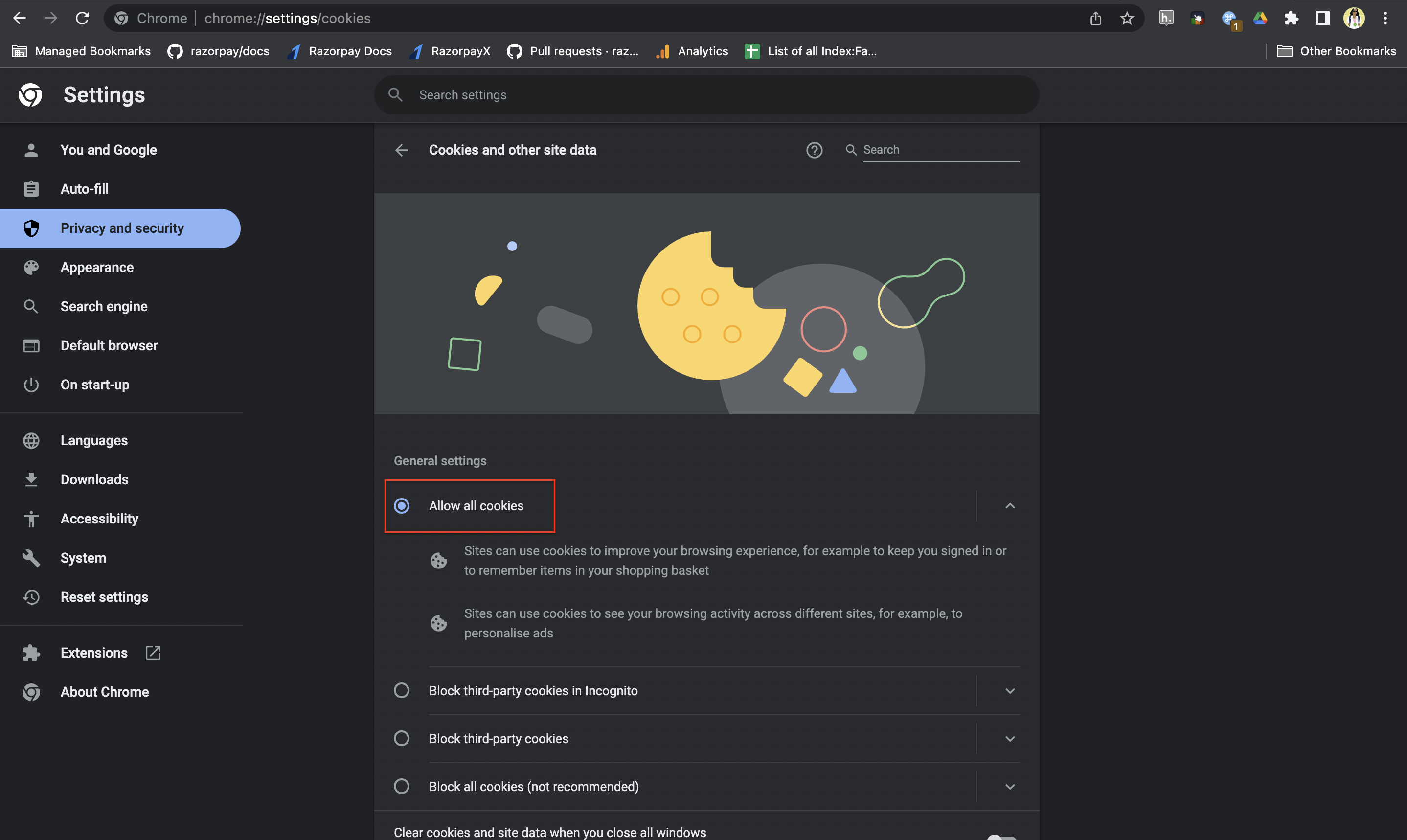
My customers have accessed their saved cards on the Checkout by providing OTP. How do they now log out?
My customers have accessed their saved cards on the Checkout by providing OTP. How do they now log out?
For a safer and secured payment experience, your customer must log out from the Razorpay Checkout by following these steps:
- Open Razorpay Checkout.
- Select Card as the payment method.
- Click the drop-down and select Log out from all devices.