

Available in🇮🇳 India
You can perform KYC for your sub-merchants from the Dashboard. The sub-merchant can skip KYC during onboarding. After getting this feature enabled, you would not require approval from your sub-merchants to perform their KYC.
Feature RequestThis is an on-demand feature. Please raise a request with your Razorpay point-of-contact to get it activated on your Razorpay account.
Advantages
- Decreases Onboarding Time by 50%
Partner performing KYC for sub-merchants decreases onboarding time by half and ensures a seamless onboarding experience. - Value Added Service
Partner performing KYC acts as a delight feature for your clients.
Perform KYC
You can perform KYC for sub-merchants by following the steps given below:- Log in to the Dashboard.
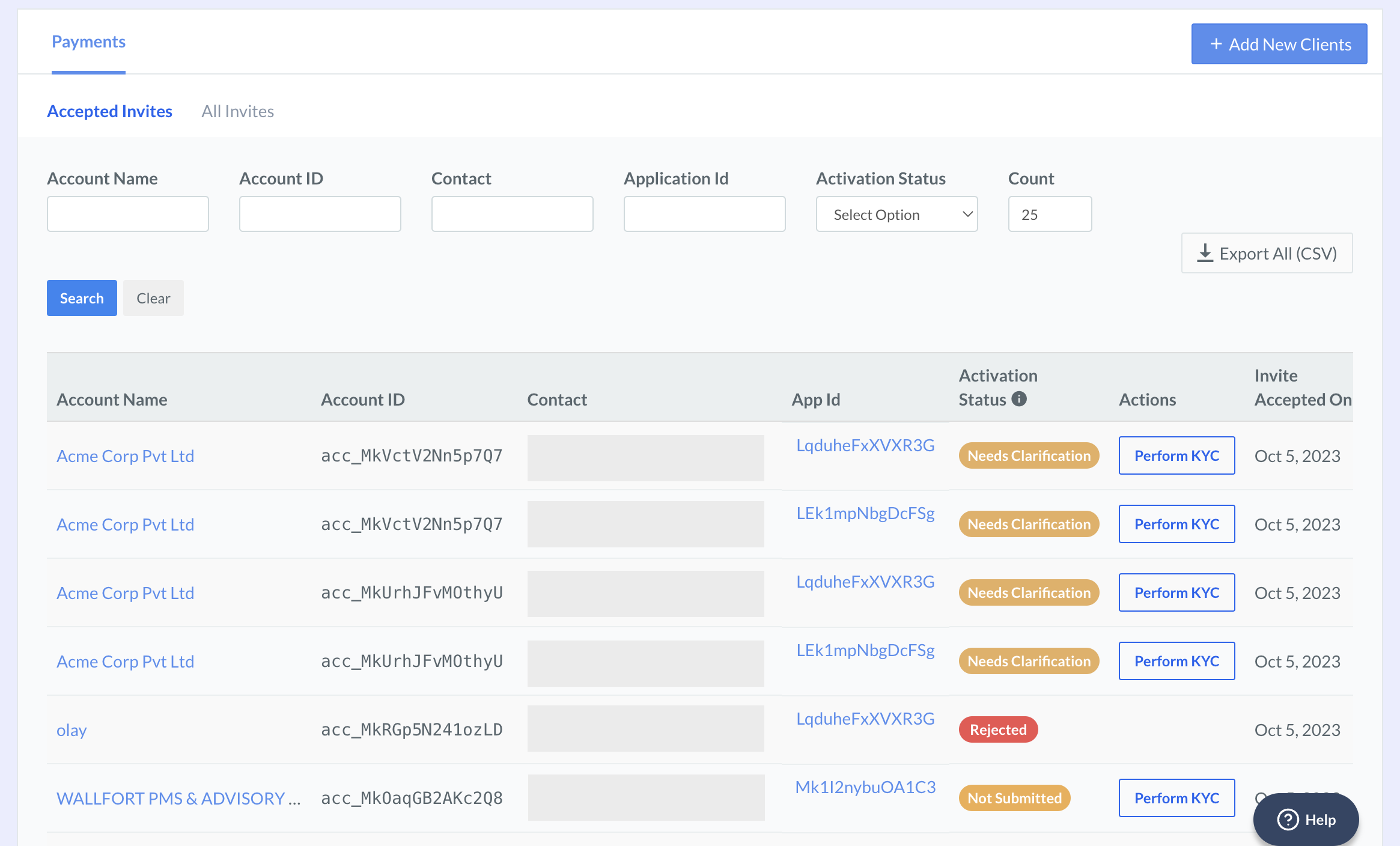
- Click Partner and navigate to Affiliate Accounts.
- Click the Account Name of the sub-merchant for whom your want to perform KYC.
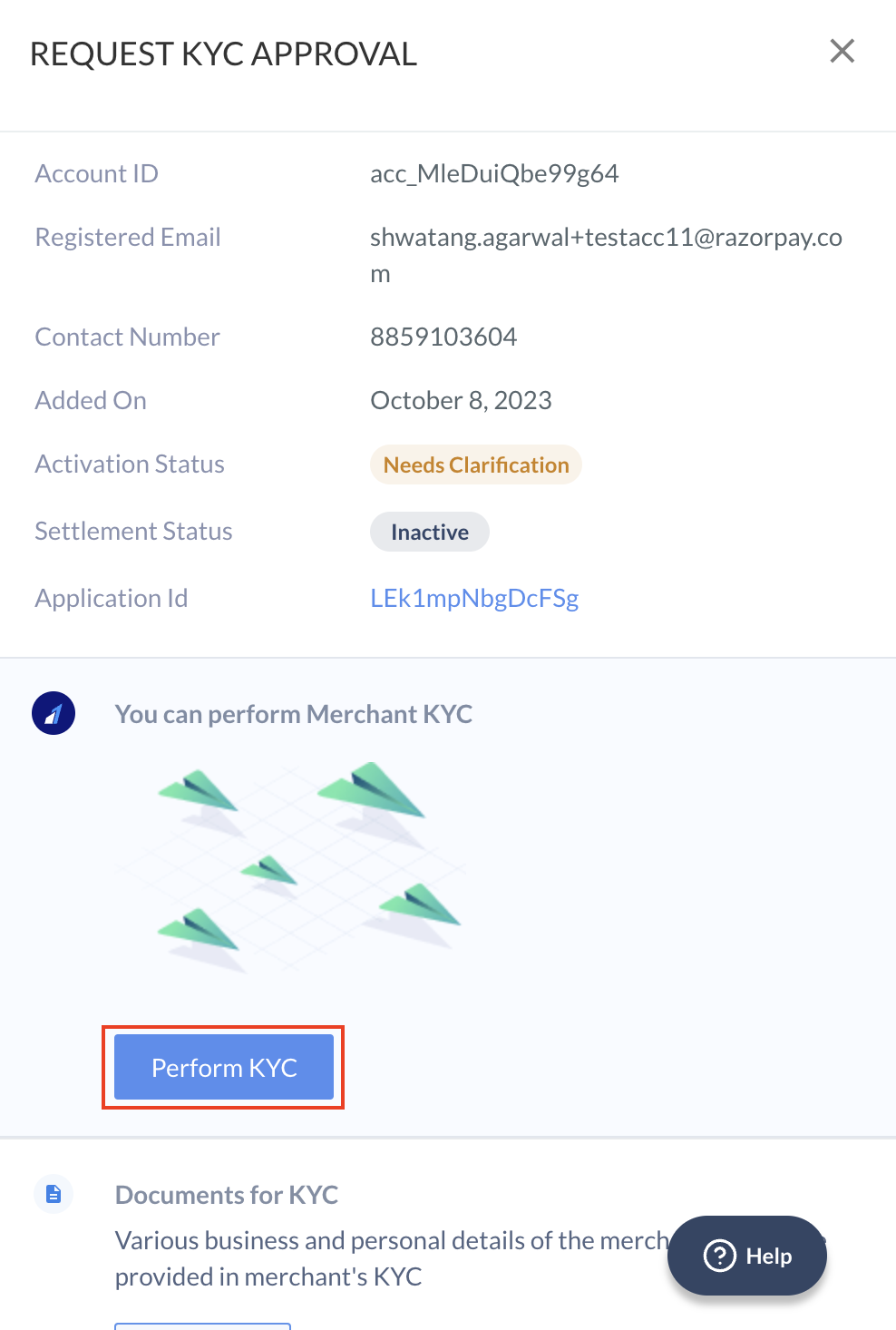
- In the tab that opens, click Perform KYC.
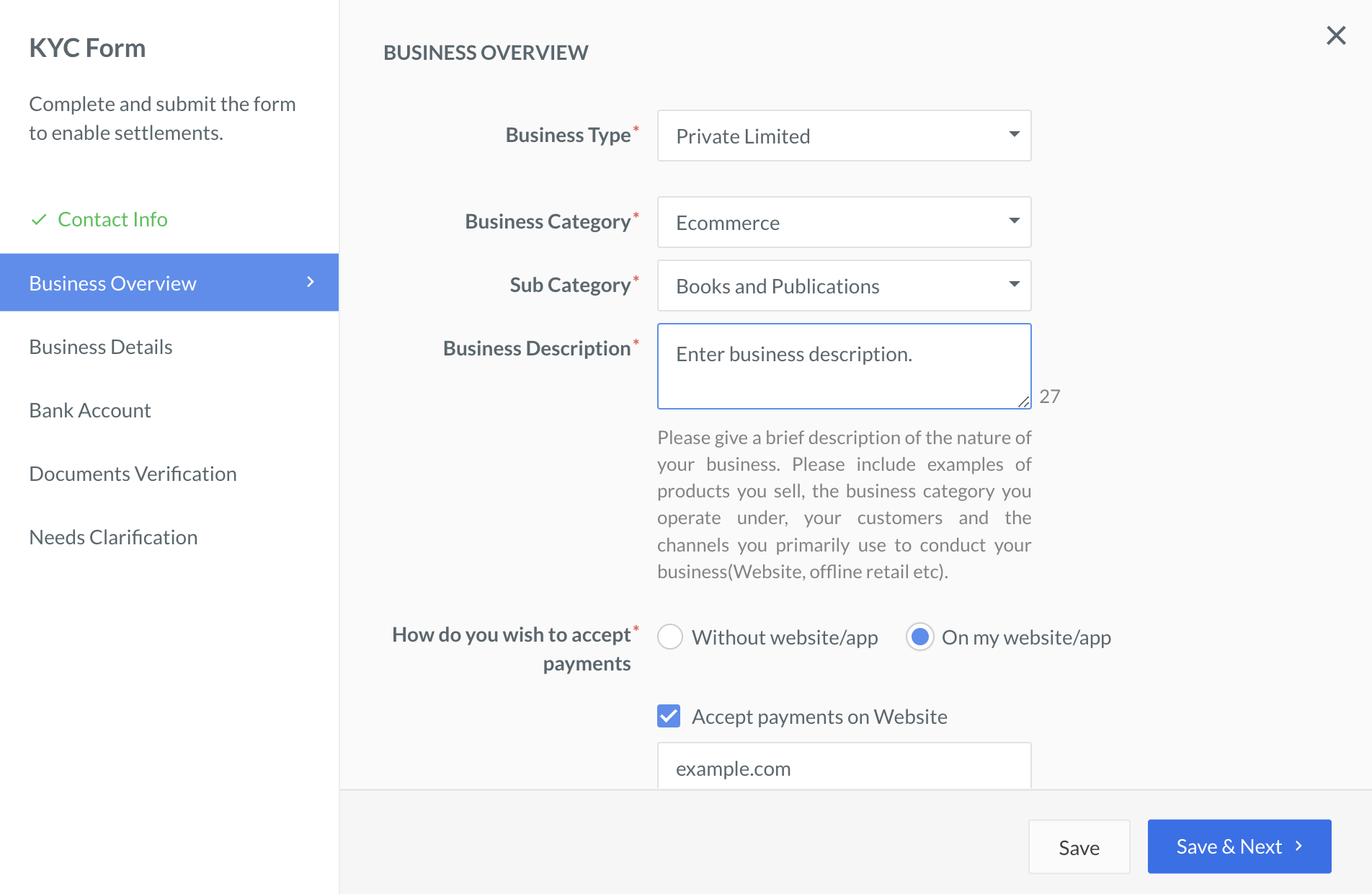
- Fill in the KYC details on the form and upload the necessary files.
 You can request to switch off KYC updates communications to sub-merchants.