Available in🇮🇳 India
You can use the Razorpay Payments Mobile app to view settlement details.
How to View Settlements
Follow these steps to view settlements:- Log in with your Dashboard credentials.
- Navigate to Transactions → Settlements.
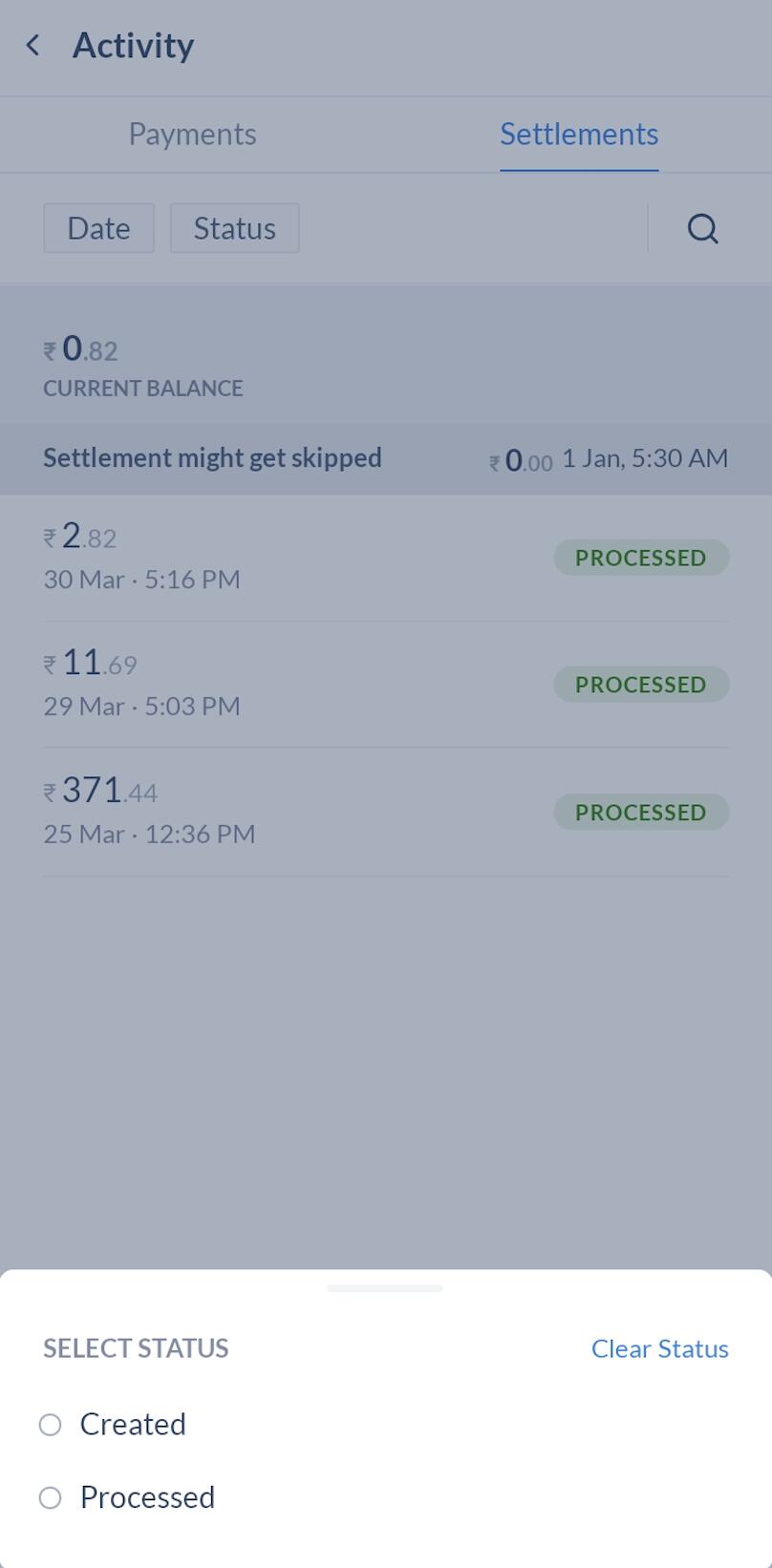
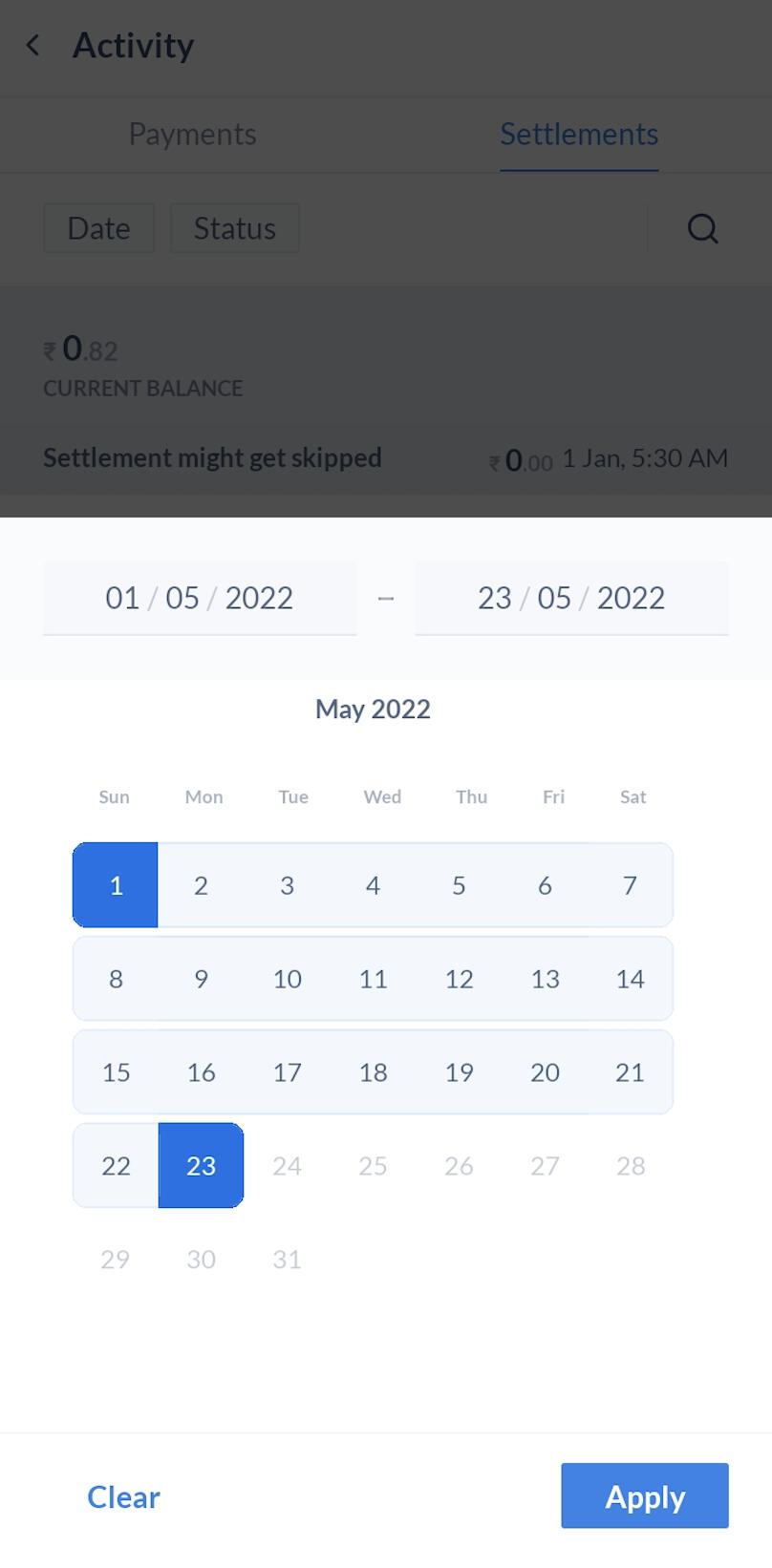
- Tap on a settlement to view more details. You can also filter settlements by:
- Date
- Status