Available in🇮🇳 India
Learn how to update the Close by date (Expiry Date) for an Individual Customer Identifier.
To update the Expiry Date of an Individual Customer Identifier:
- Log in to the Dashboard and navigate to Smart Collect.
- Click on the Customer Identifier ID for which you wish to update the expiry date.
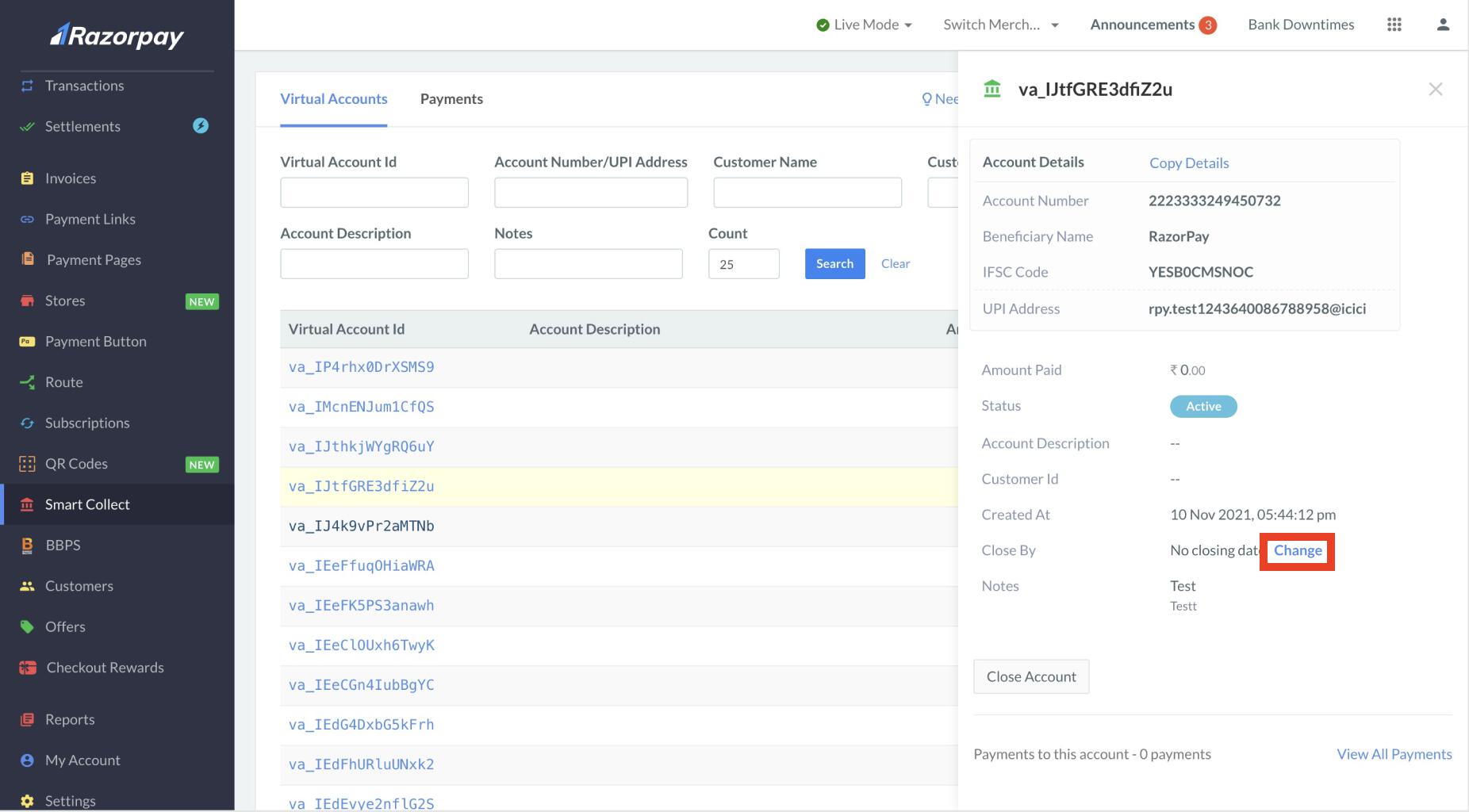
- In the pop-up that appears, in the Close by section, click Change.
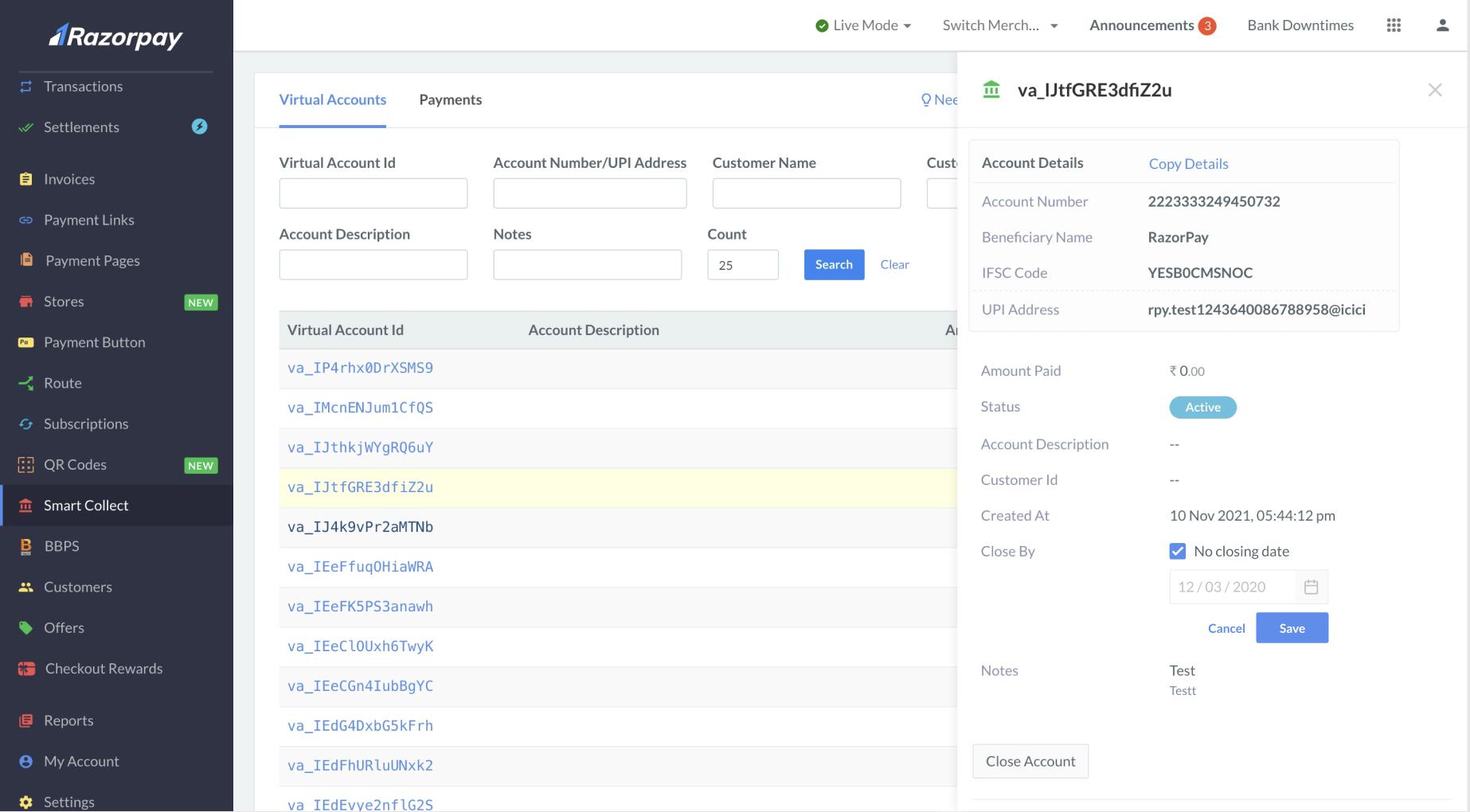
- Update the Expiry date as per requirement and click Save. You can also select the No closing date check box if you wish to not have an expiry date for your Customer Identifier.