Available in🇮🇳 India
You can claim reimbursements and get monthly payslips right in your WhatsApp account. There are two ways to integrate WhatsApp with Payroll:
Method 1
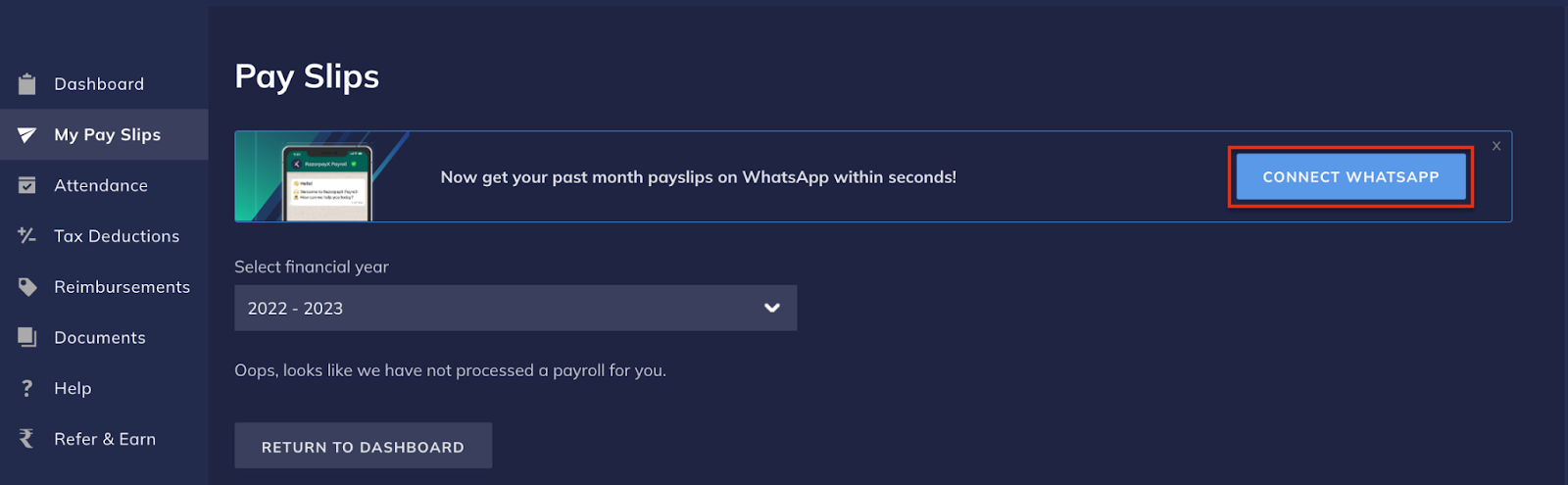
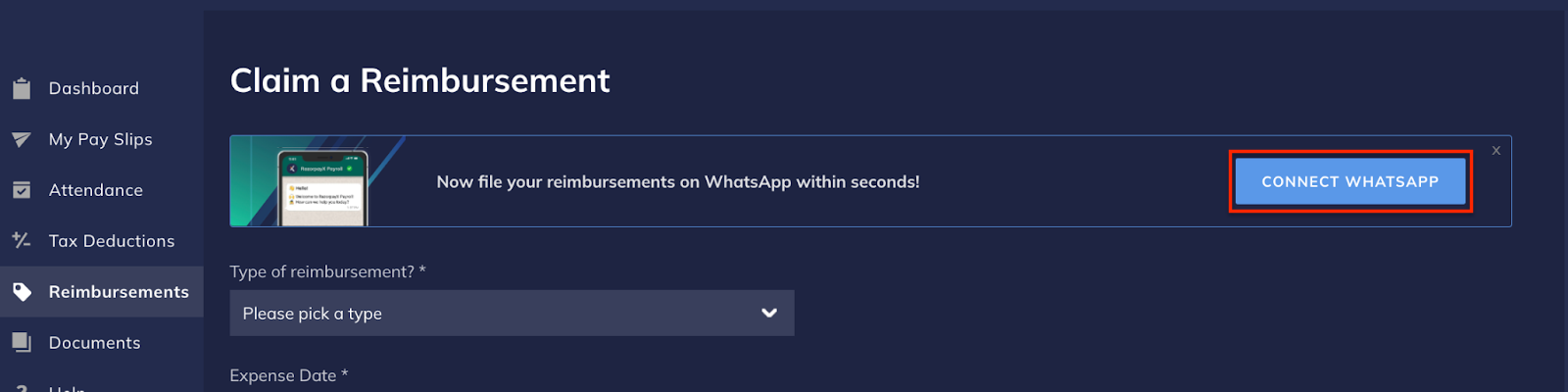
Click CONNECT WHATSAPP on the Dashboard banner or from the My Payslips and Reimbursements page. Shown below are three places from which you can connect Payroll with WhatsApp.- From Payroll Dashboard
- From My Pay Slips tab
- From Reimbursements tab
The prompt to connect Payroll with WhatsApp is available on your Payroll Dashboard.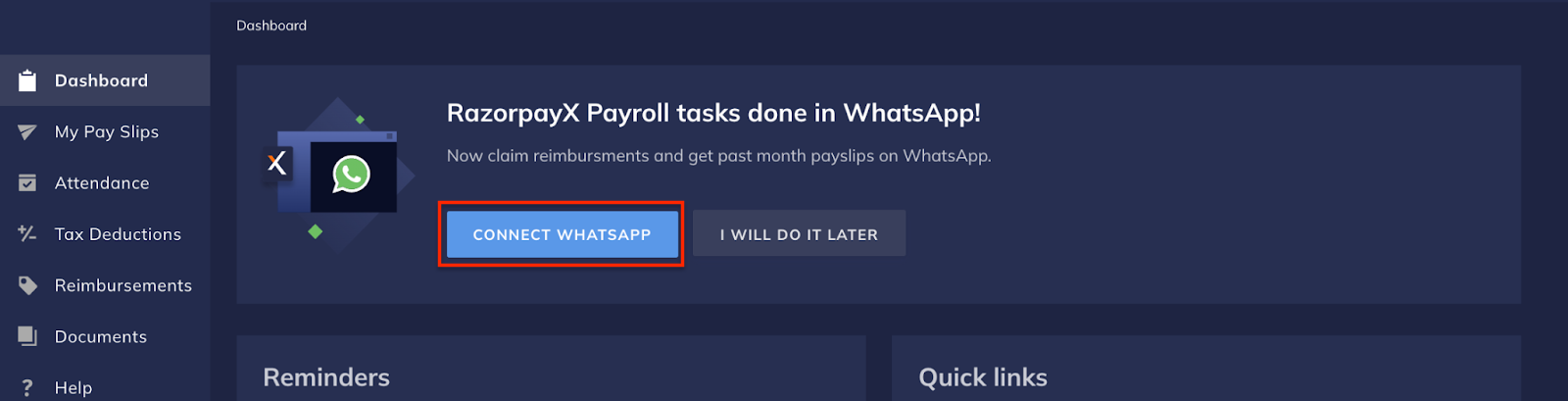
Method 2
If the dashboard banner is not available, follow the steps given below to integrate WhatsApp with RazorpayX Payroll:-
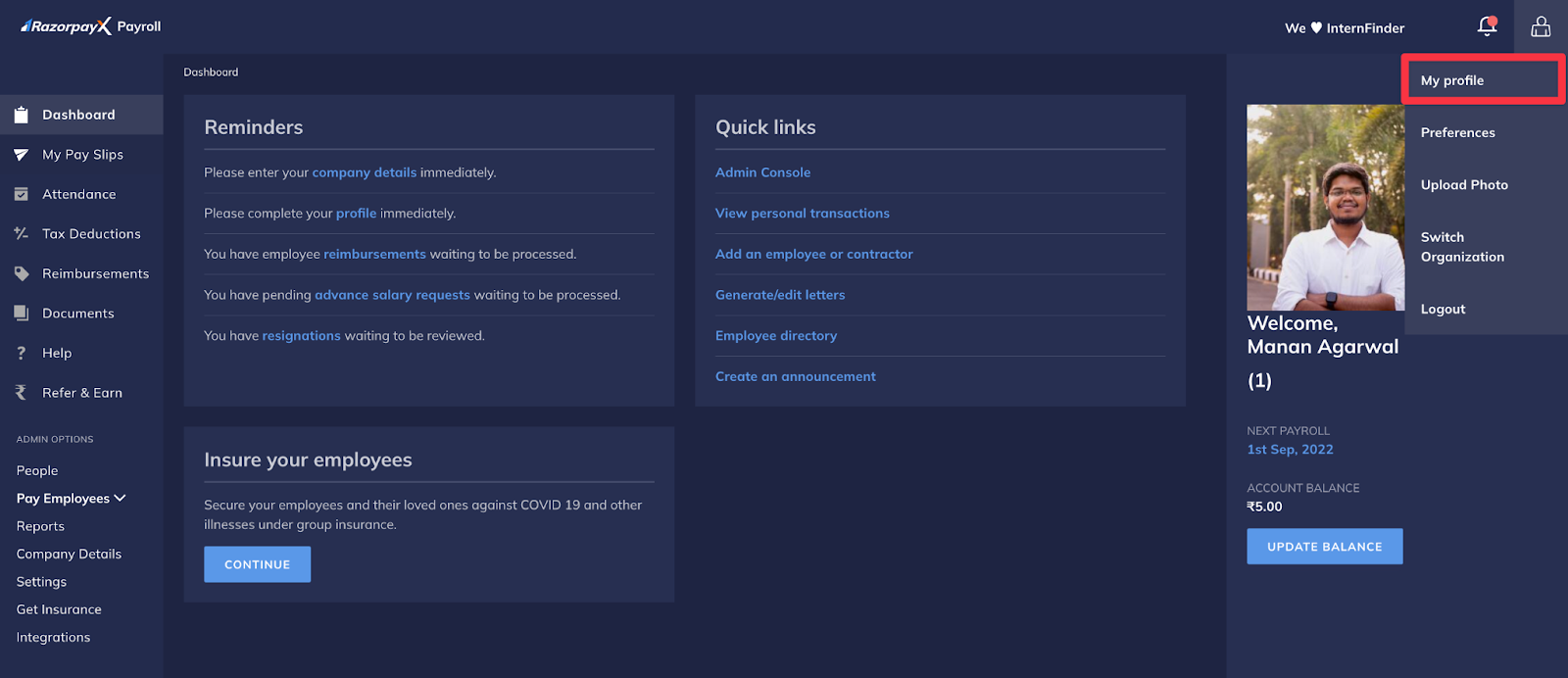
Navigate to My Profile.
-
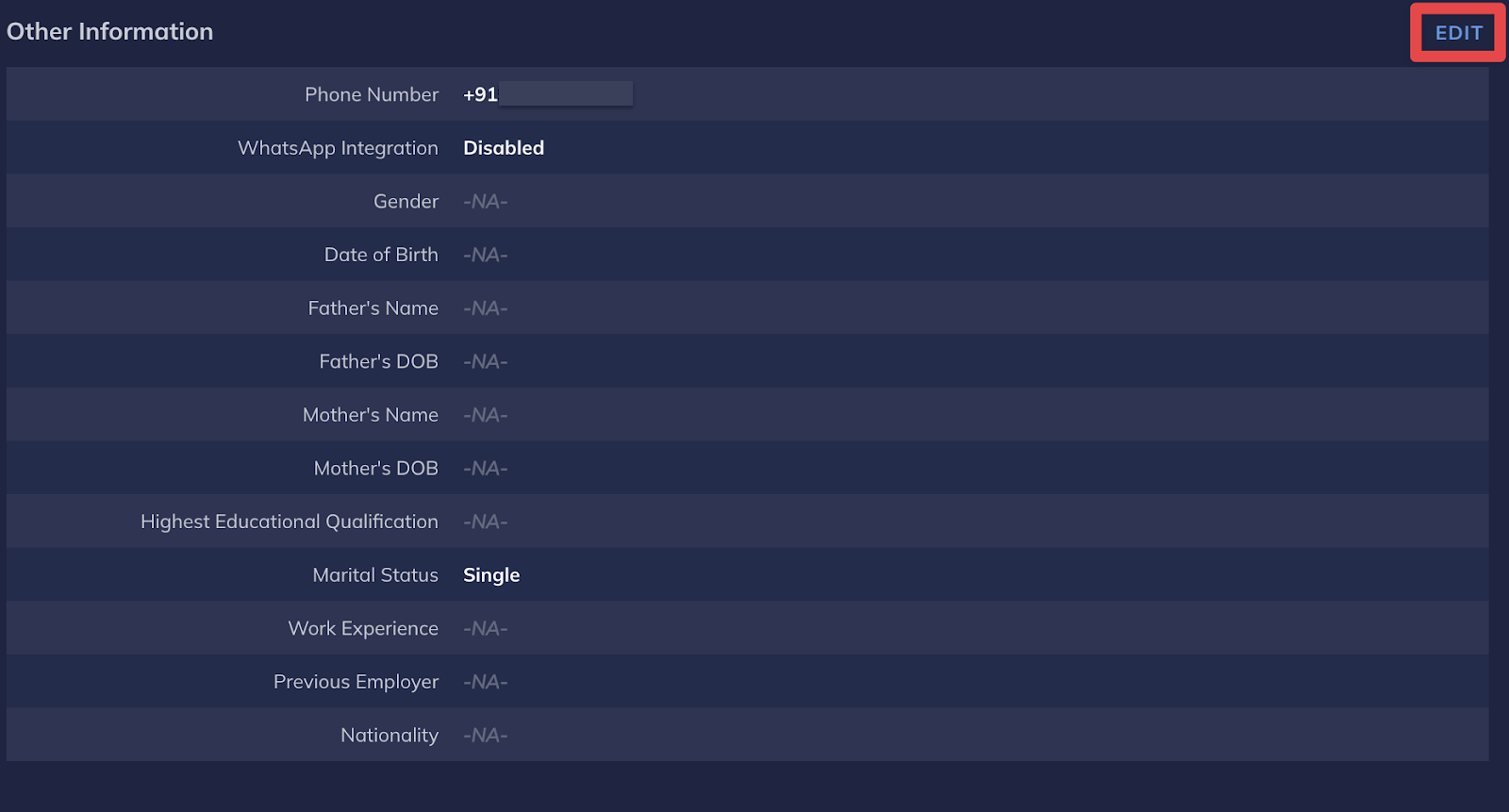
Click Edit next to Other Information.
-
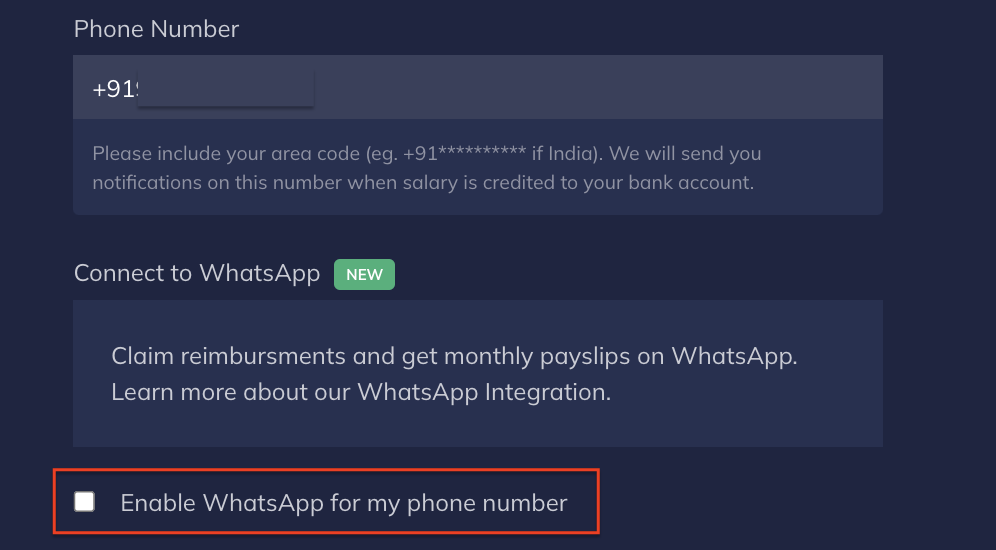
Select the checkbox under Connect to WhatsApp.