Available in🇮🇳 India🇸🇬 Singapore
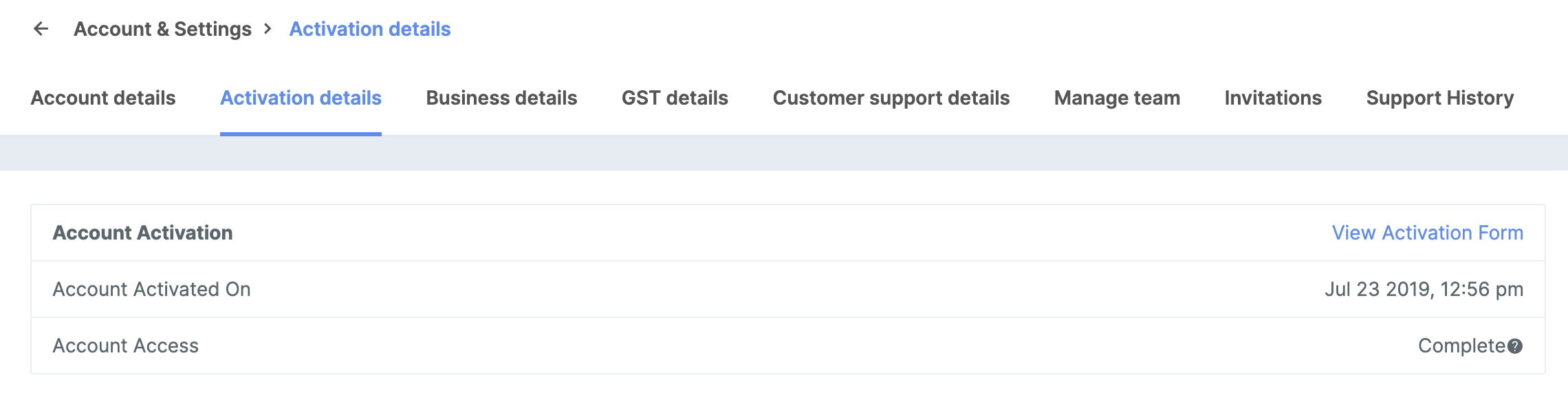
Your account moves to Activated state upon successful completion of the sign-up and KYC verification process. You can find details regarding the account activation on the Dashboard.
View Account Activation Details
To view account activation details:- Log in to the Dashboard.
- Click Account & Settings and navigate to Activation details under Business Settings.
- Click View Activation Form to view the details you had submitted at the time of KYC verification. In case you want any changes to be made to these details, contact Razorpay Support.