

Available in🇮🇳 India
As a Razorpay Partner you can create or manage transactions on behalf of your sub-merchant in two modes: Test and Live.
Test
The test mode is used for testing purposes and involves no actual money transactions.Live
After you test the flow of funds end-to-end in test mode, you can take your integration live. Once you are confident that the integration is working fine, you can switch to the live mode and start creating and managing transactions on behalf of the sub-merchant. You should use the live keys in the Live mode. You can find the live keys in Account & Settings.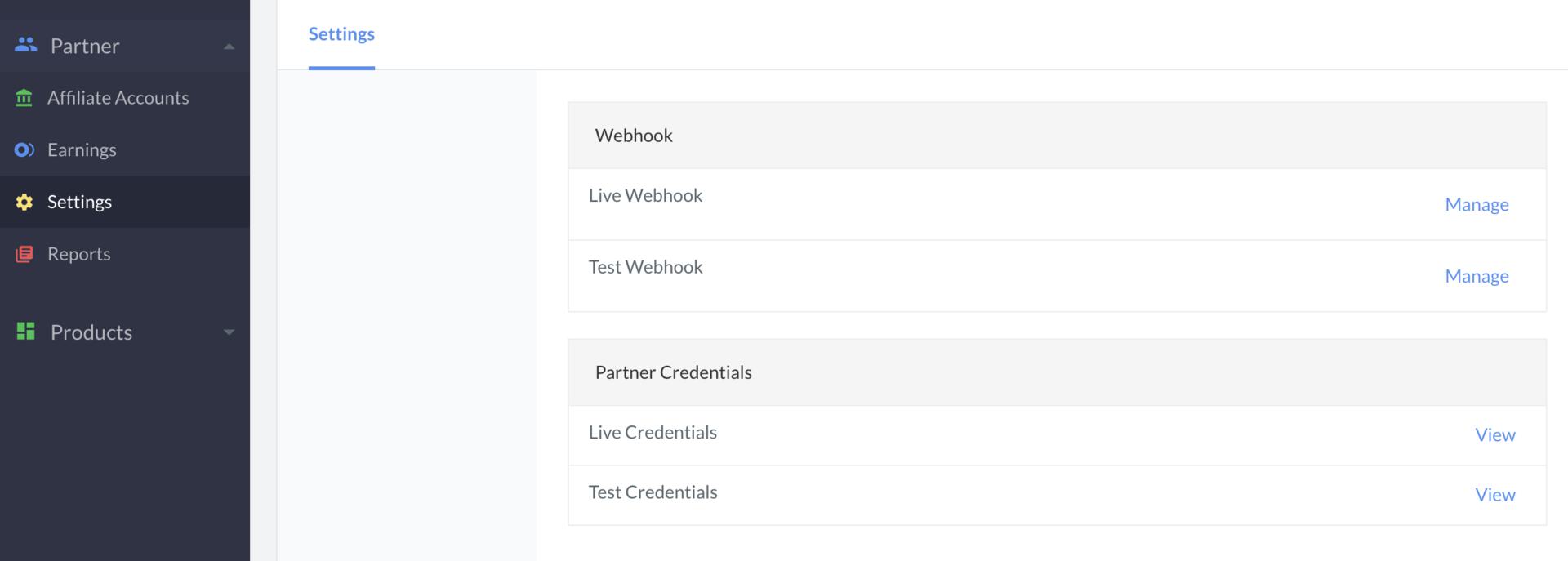 Once you use the live keys, you can manage real money transactions on behalf of your sub-merchant. For example, if you make an API call to fetch payments using the live credentials, it would return sub-merchant’s live mode payment details.