Available in🇮🇳 India
Under the Earnings tab, there are three sections under which you can view detailed commission reports and auto-generated invoices on the 3rd day of every month on the Razorpay Partner Dashboard.
View Commission Reports
Requirements for Commission Data to be Displayed
The commission data under the Earnings tab is based on the Partner type and the following factors:- Service Partners
- Technology Partners
The commission data is displayed under the Earnings tab if at least 3 sub-merchants are added.
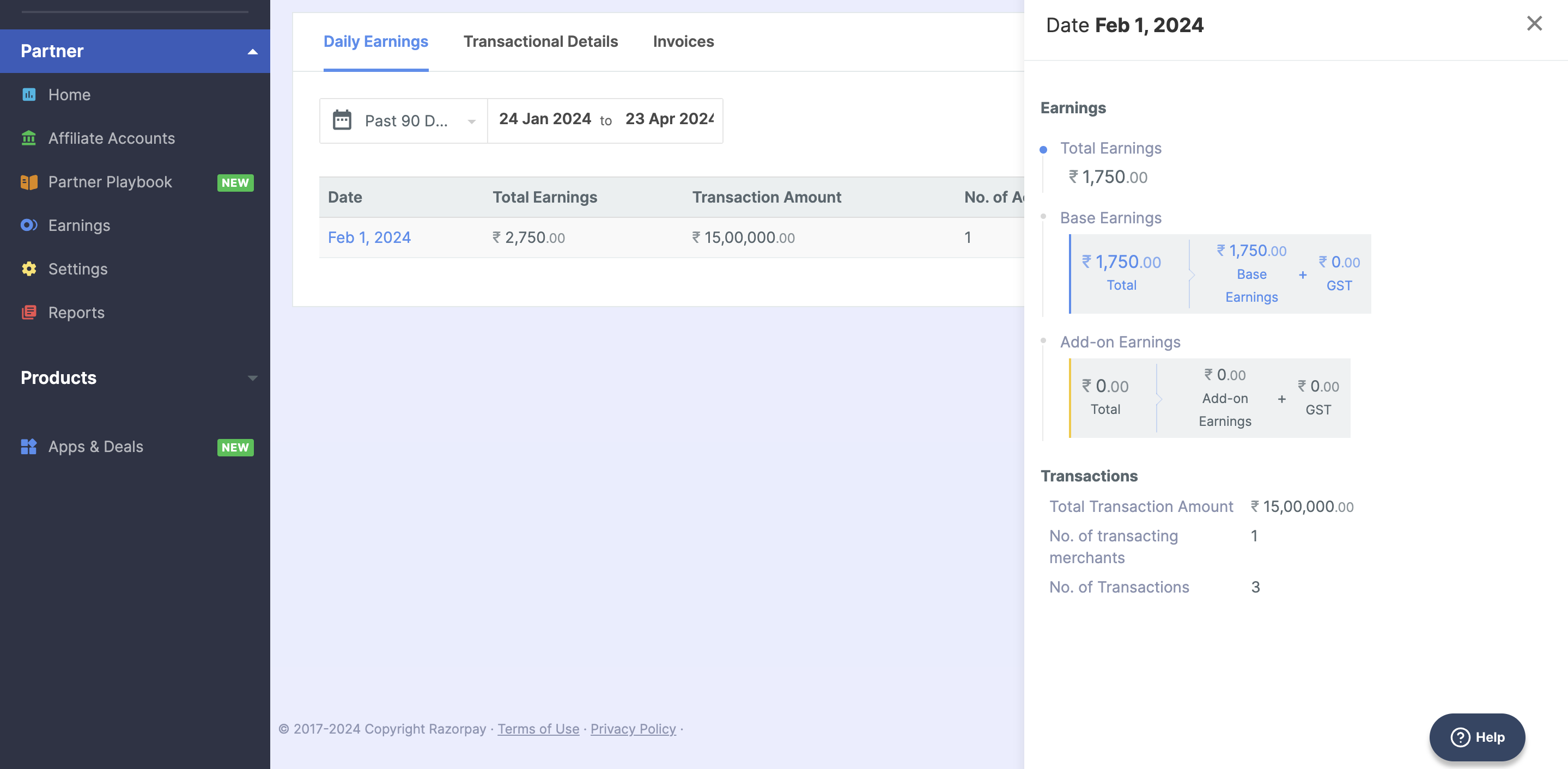
Daily Earnings
This report displays the earnings generated from referred accounts by you on a day-to-day basis. There are two columns in this report:- Base Earnings: This is the amount you earn from the platform fee.
- Add-on Earnings: This is the additional commission you charged your customers. For example, platform fees.
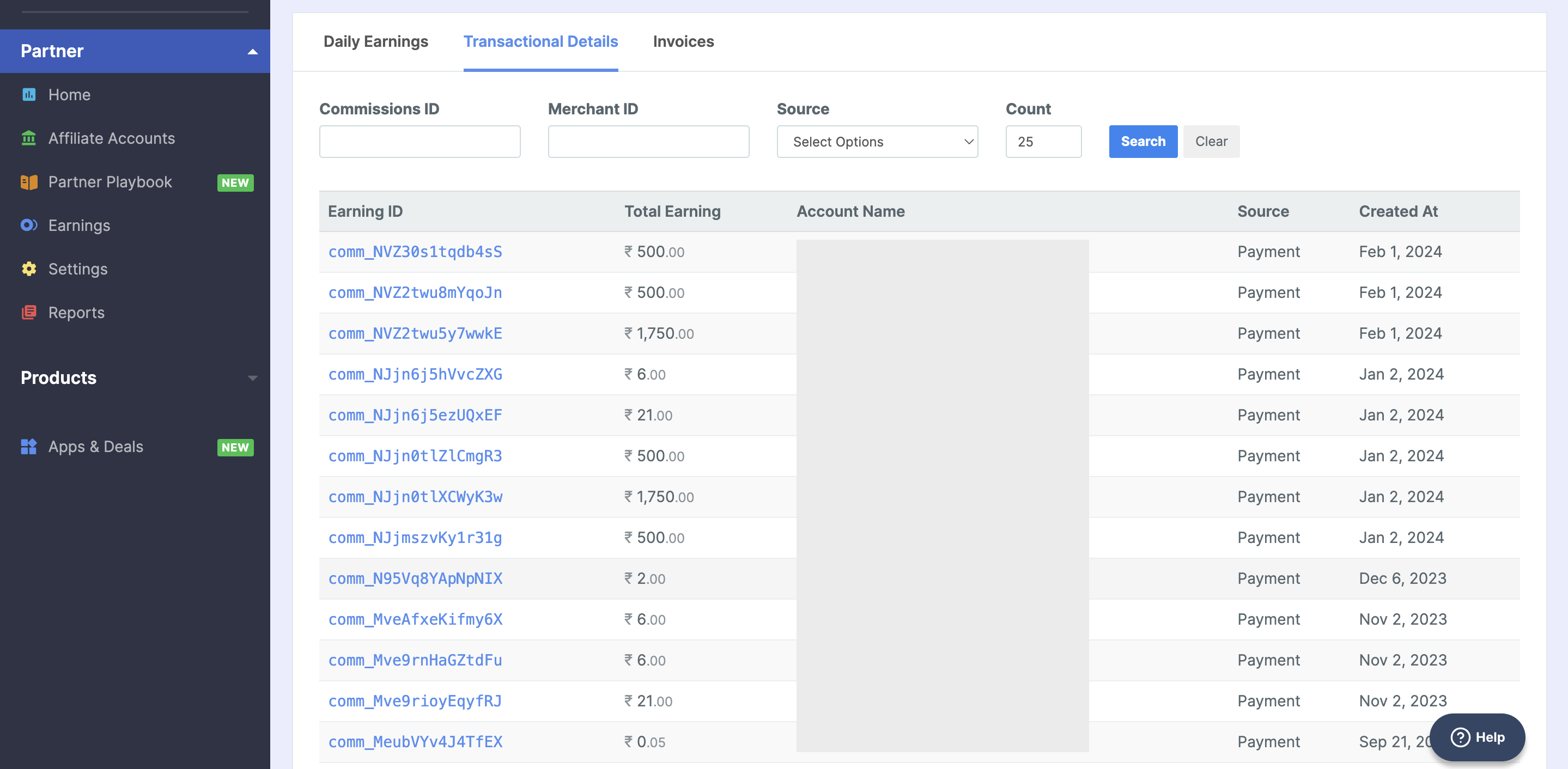
Transactional Details
You can view the earnings details from each transaction made by your affiliate accounts. This report is available only for the partner typesAggregator and Technology Partner.
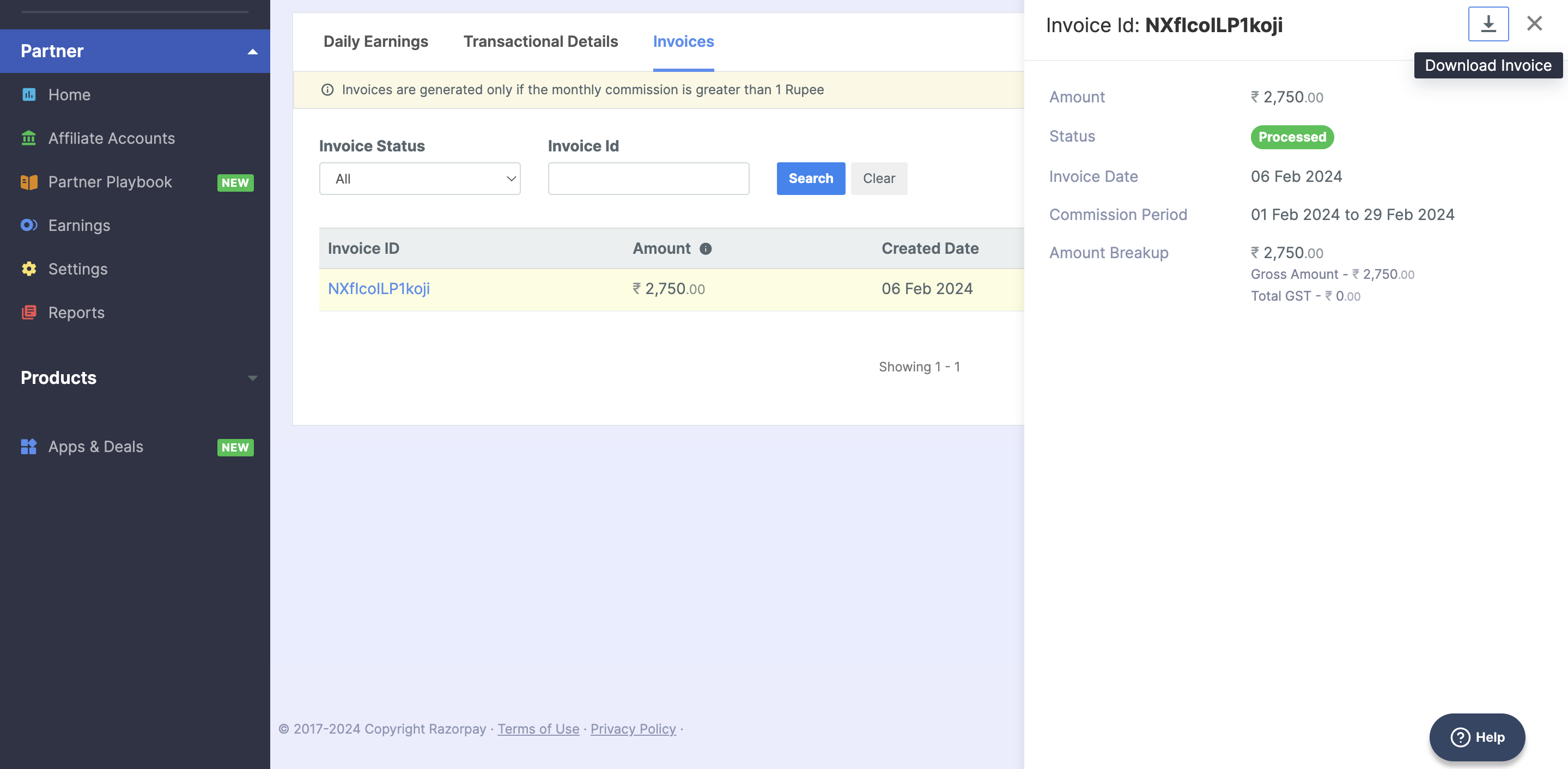
Check Auto-generated Invoices
The Invoices section is available for partners who have commissions processed using the Commission Payout with Auto-generated Invoice process. The following columns are displayed:- Invoice ID: This is the unique identifier of the invoice. Click Invoice Id to view Commission Period, Invoice Date, Status and detailed commission Amount Breakup displayed in the side panel.
- Amount: This is the commission receivable balance (Base Commission + GST - TDS).
- Created Date: The date at which the invoice is created.
- Status: The status of the invoice. Possible states are Issued, Under Review and Processed.