

Available in🇮🇳 India
You can delete a draft invoice only.
Delete an Invoice From Dashboard
To delete an invoice:- Log in to the Dashboard.
- Click Invoices.
- Search for the invoice that you want to delete using the search criteria. You can delete invoices that are in the
draftstate only. - Select the Invoice Id.
- On the right-hand side panel, click the Delete Invoice button.
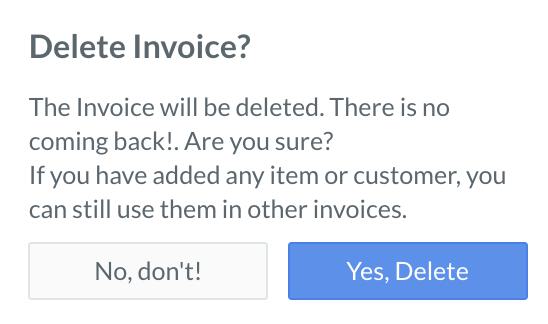
- On the Delete Invoice? dialog box, click Yes, Delete to confirm deletion.
 The deleted invoices do not appear in the invoices list under Invoices.
Delete an Invoice Using APIs
You can delete an invoice indraft state using this API.