

Available in🇮🇳 India
A draft invoice can be issued to any one of the listed customers. Know more about invoice states.
Issue an Invoice From Dashboard
Watch this video to see how to issue an invoice.
To issue an invoice:
- Log in to the Dashboard.
- Click Invoices.
- Search for the Draft invoice that you want to issue using the search criteria.
- Select the Invoice Id.
- On the right-hand side panel, click Finalize and Issue.
- You can choose to send the invoice either by SMS or email or both by selecting the mobile number and email address.
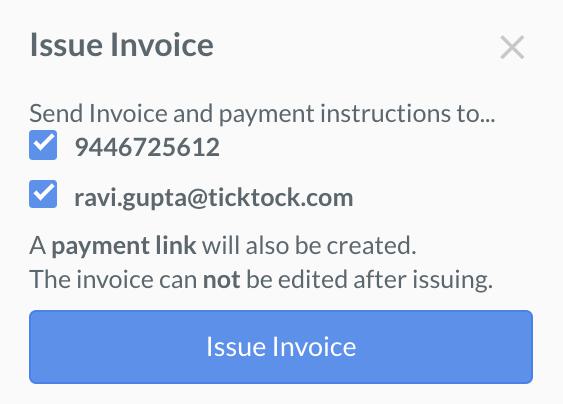
- Click Issue Invoice.
This sends the invoice to the customer along with a short URL called Payment Link using which the customer can make the payment.
Issue an Invoice Using API
You can issue adraft invoice using this API.