

Available in🇮🇳 India
An abandoned cart occurs when a customer adds items to their cart and initiates checkout but does not complete the purchase. For example, a customer might enter their shipping details but leave the site before making the payment.
By enabling the abandoned cart webhook, you can track when a customer drops off during the checkout journey. This helps you retarget them using their contact information and recover potentially lost sales.
Enable Abandoned Cart Webhook
- Log in to the Dashboard and navigate to Magic Checkout → Setup & Settings → Platform Settings.
- Select Shopify, WooCommerce or Custom E-Commerce Platform from the Platform drop-down list. Enter the required information based on your selection.
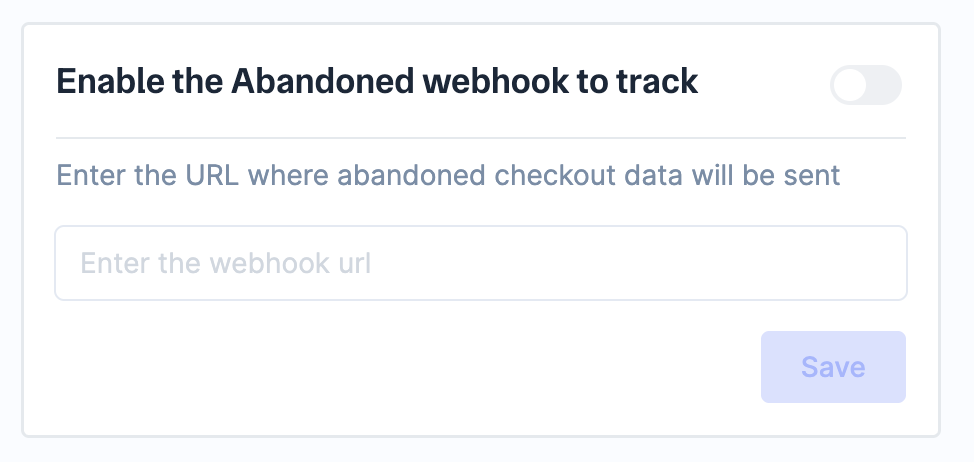
- Navigate to Checkout Setup and toggle on Enable the Abandoned webhook to track.
- Enter the URL where you want to receive the abandoned checkout data.
- Click Save → Save settings.
Sample Payload
Given below is a sample payload:Abandoned Cart Webhook Payload