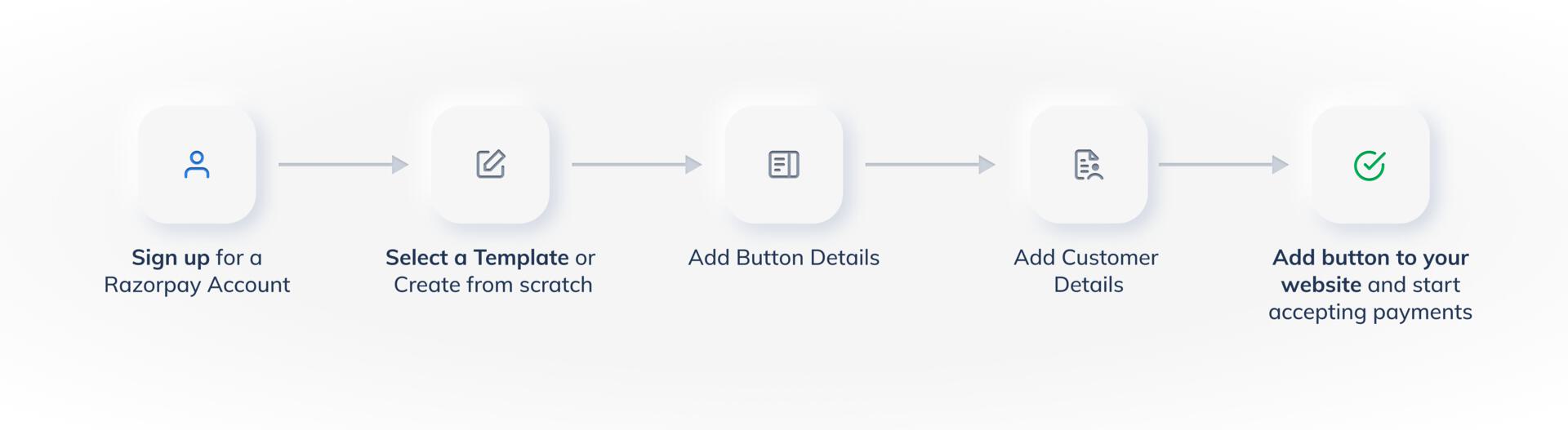
To create a Payment Button, you first need to set up your Razorpay account. If you already have an account, log in to the Dashboard and click Payment Button.
5. Embed Payment Button on your Website and Start Accepting Payments
Add the hyperlink to your website. When customers click on the Pay button, they will be redirected to the Razorpay Payment Gateway to complete the payment. Know more about embedding the Payment button to a website.