Available in🇮🇳 India
You can search for QR Codes on the Dashboard by specifying various filters. Know more about QR Code States.
Search a QR Code from the Dashboard
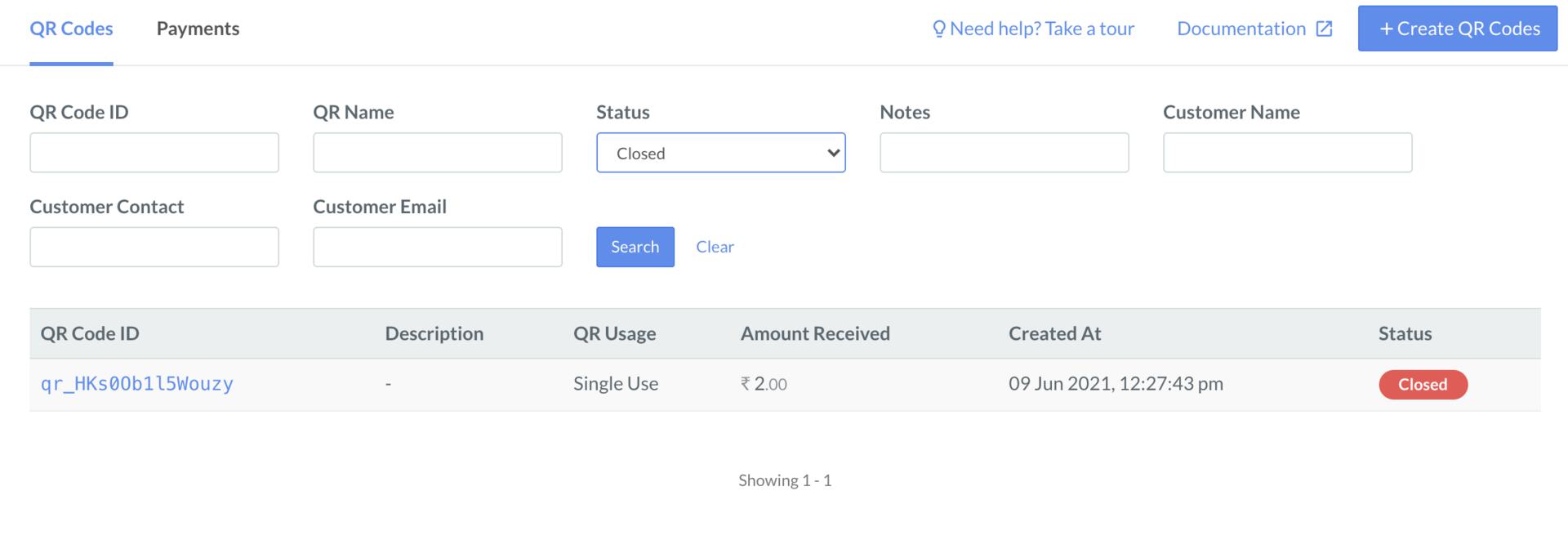
To search a QR Code:- Log in to the Dashboard.
- Select QR Codes from the left menu and search for a QR Code under QR Codes by specifying filters.
Search Payments
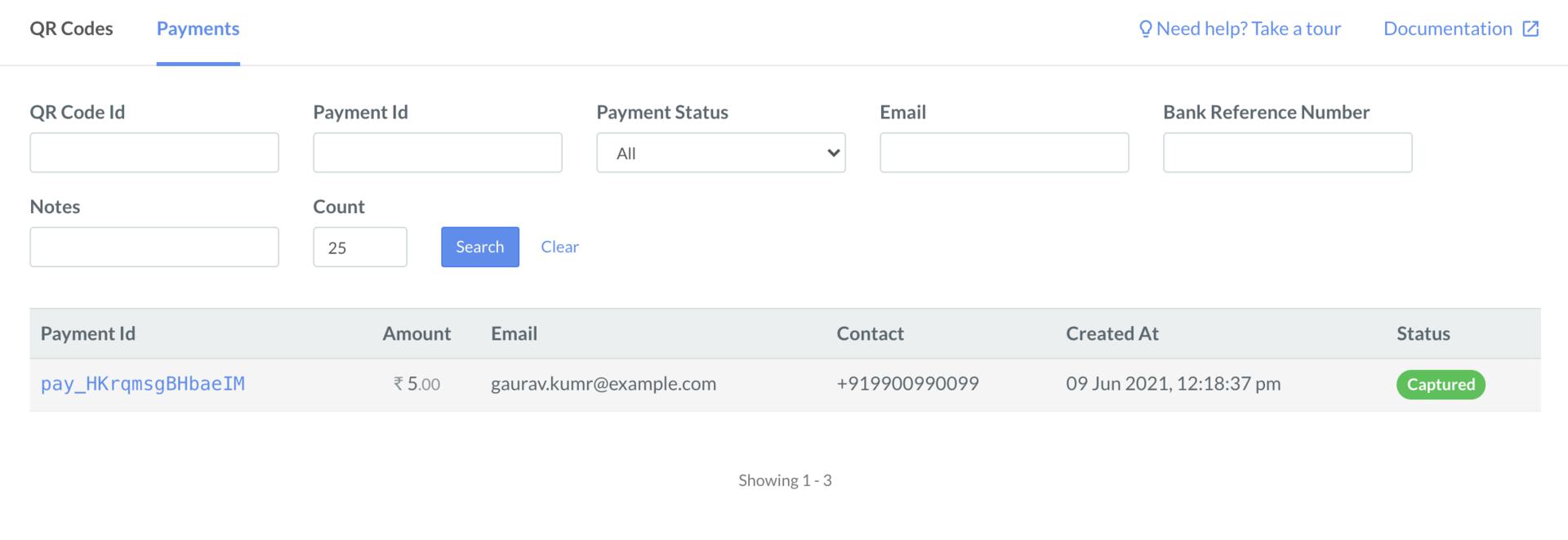
To search payments made using the QR Codes:- Log in to the Dashboard.
- Select QR Codes from the left menu and search for a payment under Payments by specifying filters.