

Available in🇮🇳 India
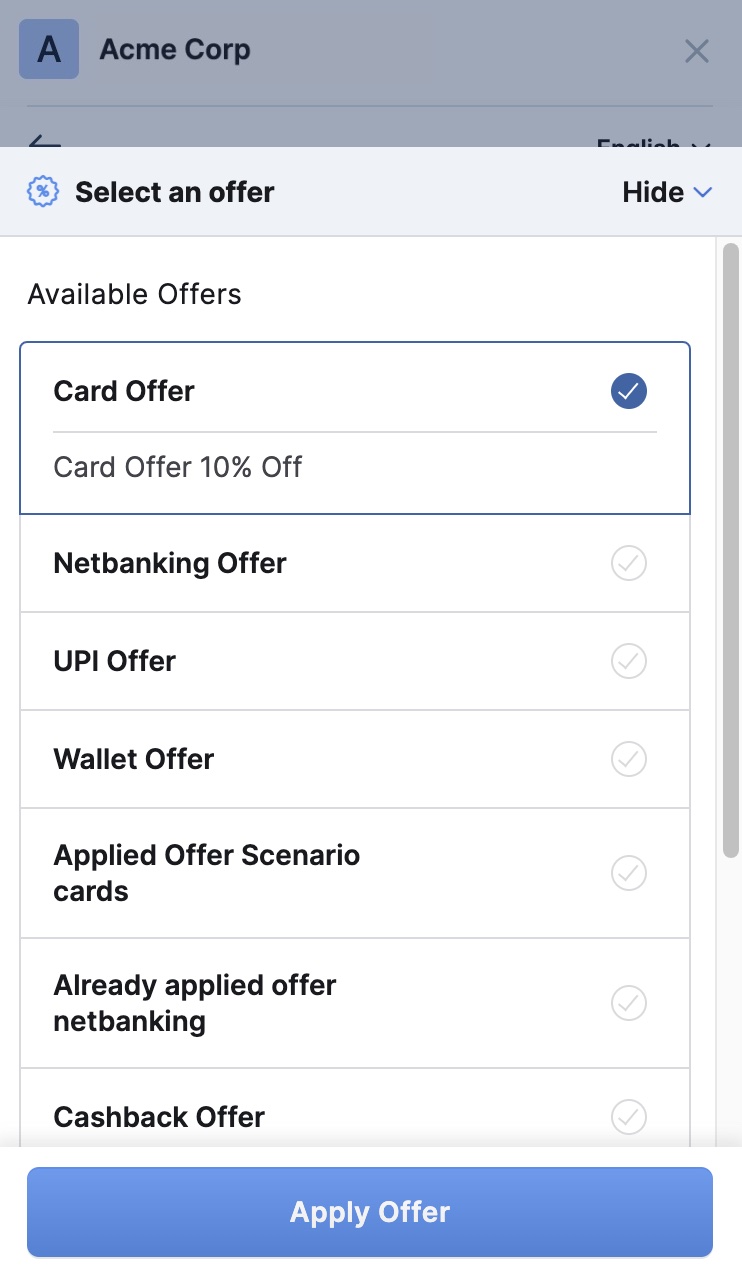
You can use Subscription Offers to provide discounts or cashback on Subscriptions. This attracts more customers, retains existing customers and increases sales. You have complete control over the offers you provide to your customers, such as the payment methods on which the Offer should be applied, maximum number of customers who can avail the offers and define the time of offers.
How it Works
You can create and apply offers for Subscriptions in 3 easy steps:- Create an Offer from the Dashboard.
- Create a Plan for the Subscription.
- Link the Offer to a Subscription.
How are Discounts Calculated
There are 2 types of discount calculations:Percentage Discount Calculations
Let us say you sell keto meals.- Plan amount = ₹1,000/month
- Quantity = 2 units
- Upfront amount (delivery fee) = ₹250/month
- Add-on (keto chips) = ₹250/month
- You offer a 10% discount up to ₹300.
Flat Discount Calculations
Let us say you sell keto meals.- Plan amount = ₹1,000/month
- Quantity = 2 units
- Upfront amount (delivery fee) = ₹250/month
- You offer a flat discount of ₹150.
Subscription Offers States
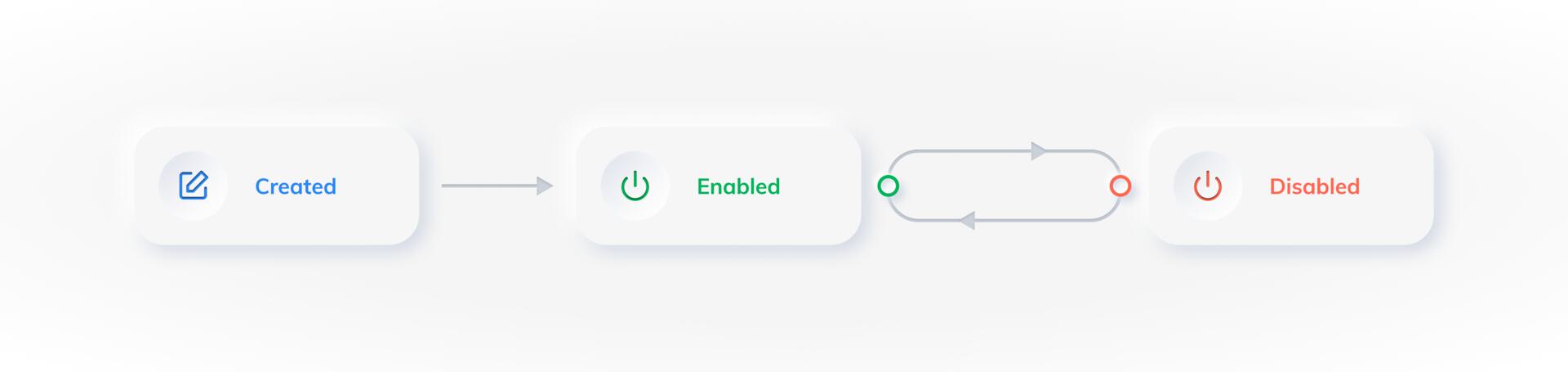
A Subscription Offer has 2 states:- Enabled: The Offer is active and available to your customers.
- Disabled: The Offer is disabled and no longer available to your customers.
Customise Subscription Offers
There are 3 main parameters that you can use to customise and control Offers: Subscription Offer Type, Discount Type and Payment Method. You can also use Other Parameters to configure attributes, such as the start and end dates and the number of times the Offer can be used.Subscription Offer Types
Subscription Offer Types
Following are the 3 types of offers you can create for Subscriptions:
Discount Type
Discount Type
Following are the 2 types of discounts you can provide on Subscription Offers:
Payment Methods
Payment Methods
Following are the 2 payment methods available for Offers on Subscriptions:
Other Parameters
Other Parameters
Following are the other parameters available to you when creating an Offer: