Available in🇮🇳 India
You can sign up for a RazorpayX account or if you are an
existing Razorpay user use your existing credentials to sign in.
RazorpayX on MobileYou can use RazorpayX on your mobile device by downloading the RazorpayX Mobile App. You can create contacts, and make payouts on your mobile device, without using a desktop.Use this link to download on your Android device.
Use this link to download the app on your iOS device.
New Users
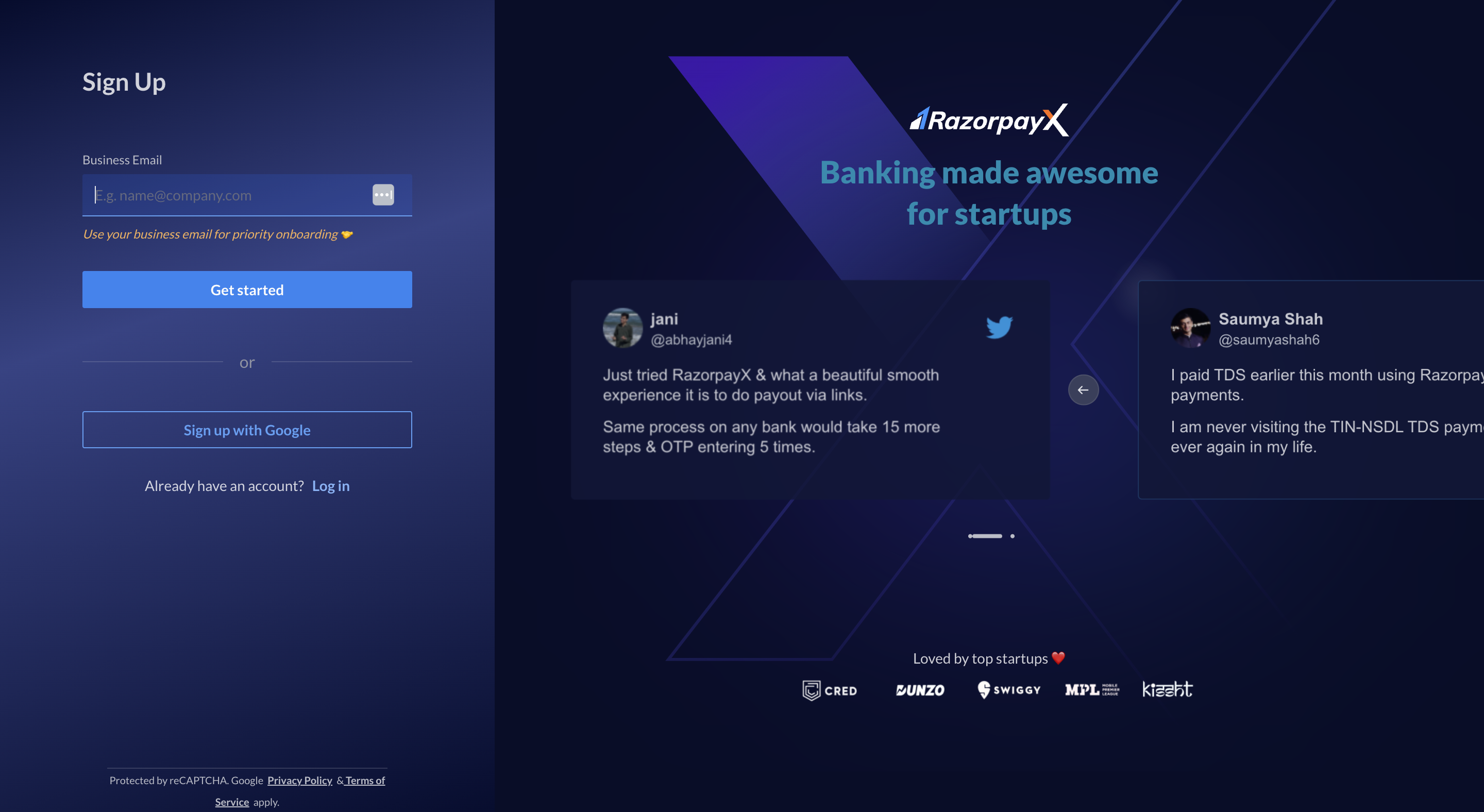
To create a new RazorpayX account:- Sign up for a RazorpayX account.
- Enter your business email address and click Get Started. This will be the username you will use to login.
- Create a password. It should be at least 8 characters long, must contain a number and a letter. Click Create Account.
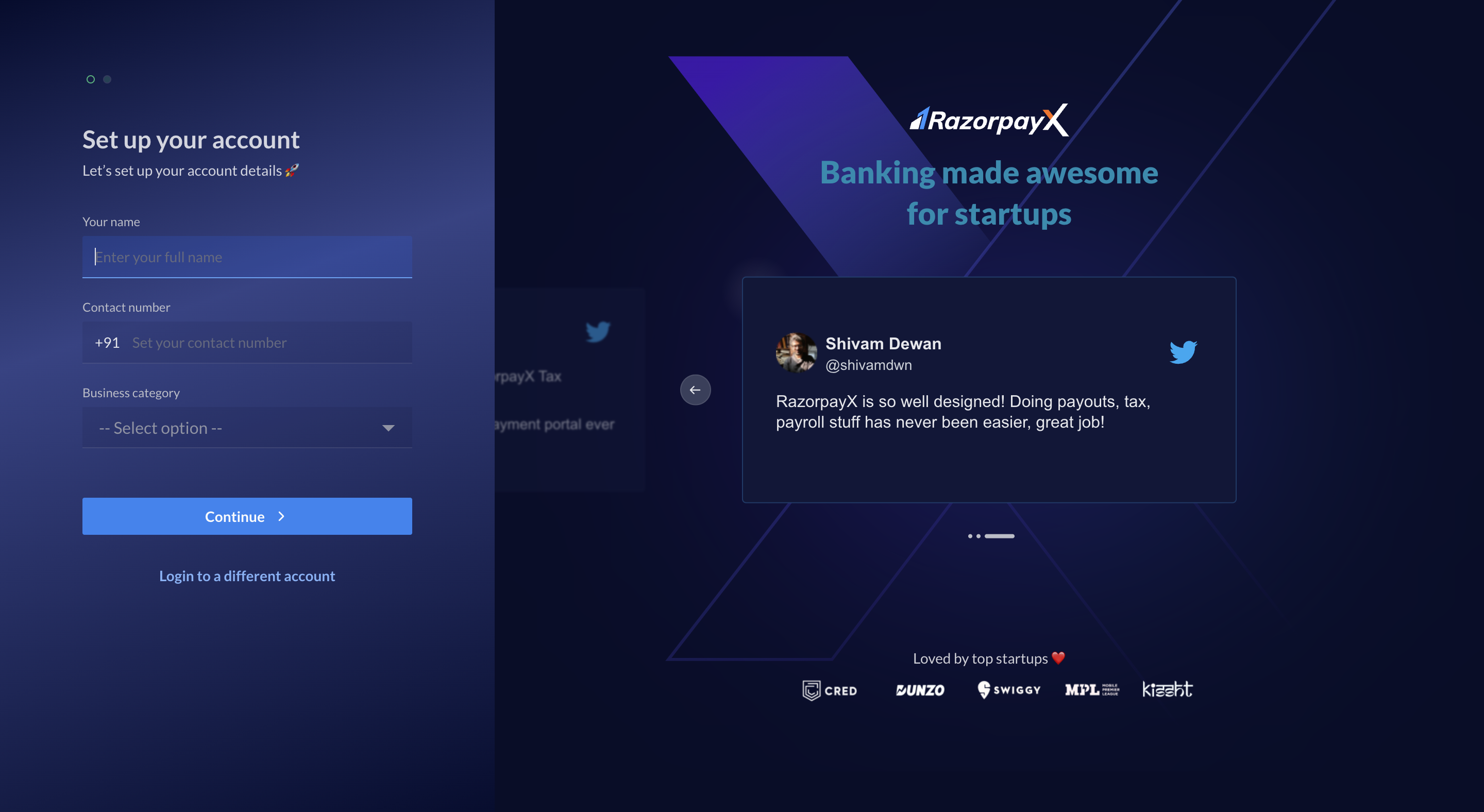
- Enter your name and phone number in the contact details input screen.
- Select Business Category from the drop-down list and click Continue.
- Enter the OTP sent on the registered email address for verification and click Finish →.