Available in🇮🇳 India
Important NoticeThe automated GST payment feature is no longer available. If you’re an existing user, you can access historical challans in the GST payments section on the Dashboard.
View GST Challan
- Log in to your RazorpayX Dashboard.
- Navigate to Menu → Tax Payments.
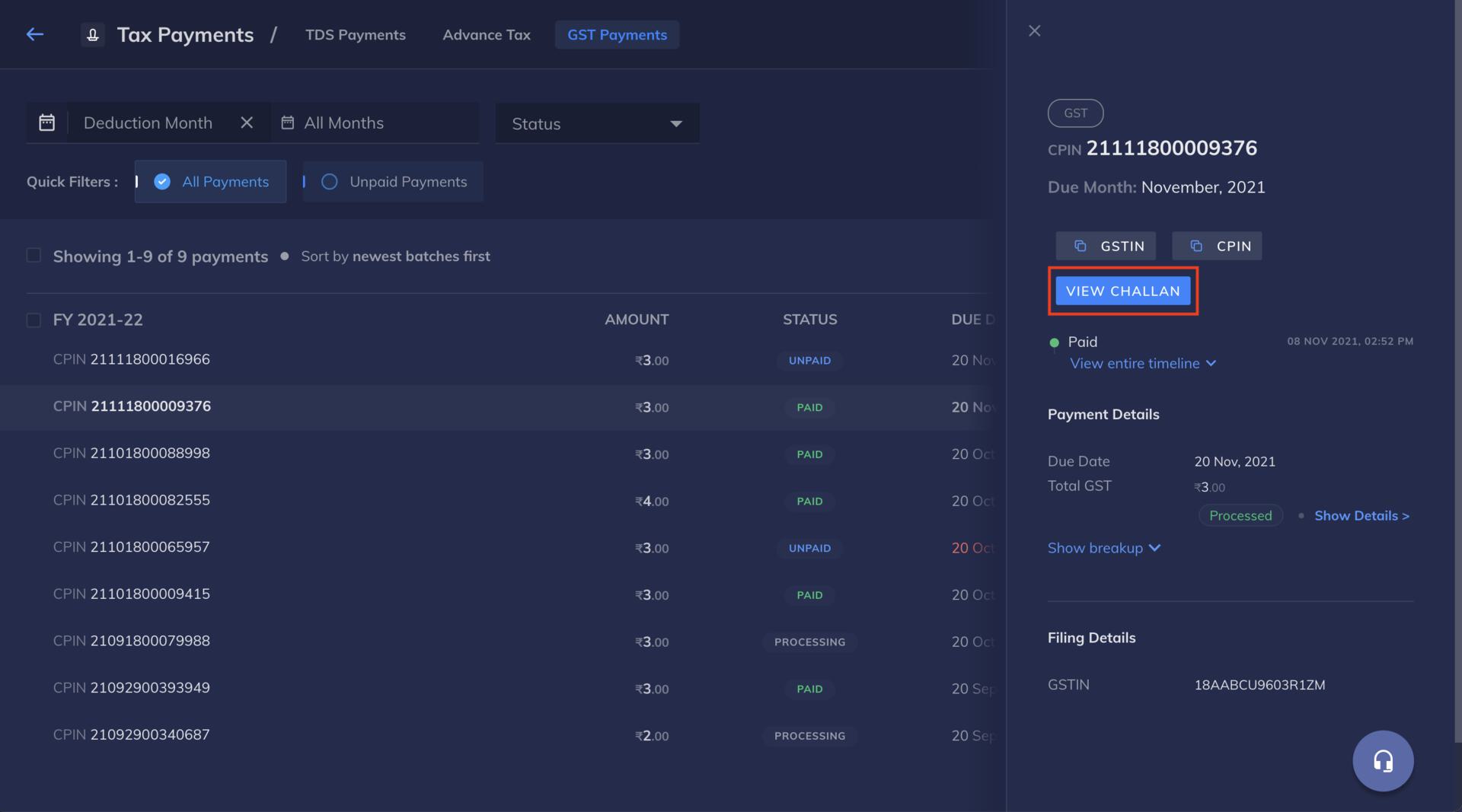
- Go to GST Payments tab.
- You can use the VIEW CHALLAN button to download the challan. Clicking on VIEW CHALLAN redirects you to the GST portal.
You can copy and paste the CPIN and GSTIN from the RazorpayX Dashboard and use it to download the challan as shown here: