Available in🇮🇳 India
The Dashboard Home page provides a consolidated view of your business activity across Razorpay Payments and Banking Plus services. Use this page to monitor transactions, view earnings and spends, gain insights into payment performance, and take action directly through quick-access cards.
Navigation
Use the navigation bar on the top of the page to navigate between different Razorpay suite of products such as Payments, Banking Plus, Payroll, Partners program and more.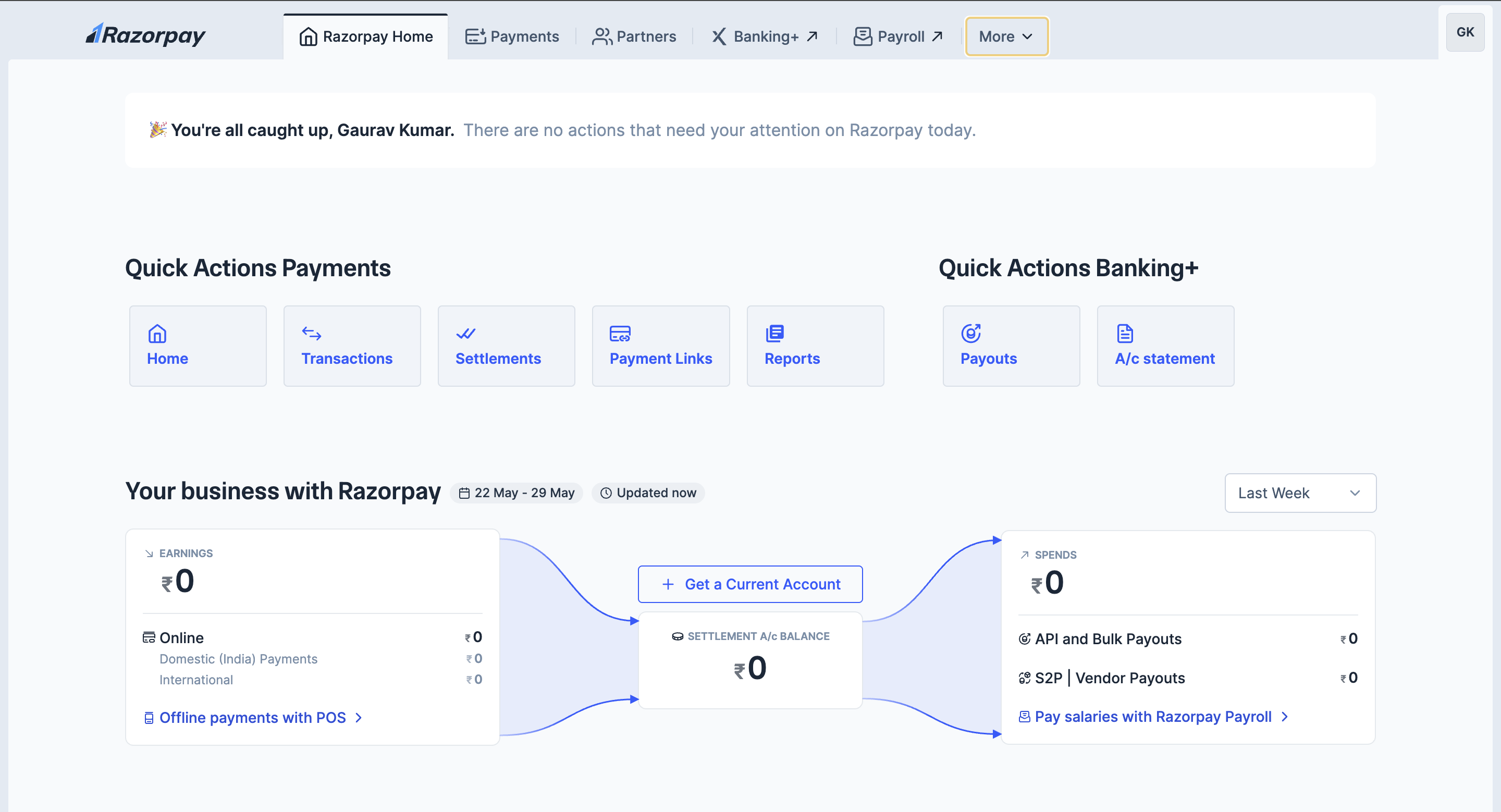 Log in to your Razorpay account to access Razorpay Home.
Critical Actions
Razorpay displays system-wide alerts at the top of the page to keep you informed. These alerts will notify you of any important announcements or actions you need to take. For instance, you might see an alert if your funds are on hold or if there are pending tasks related to your international payments.Quick Actions
- Payments
- Banking Plus
Use these shortcuts to navigate to commonly used features related to payment collection and reporting:
- Transactions: View all payment transactions.
- Settlements: Track the settlement of collected payments to your account.
- Payment Links: Create shareable links to collect payments without a website or app.
- Reports: Generate and download detailed reports.
Your Business with Razorpay
This section shows a snapshot of your financial flows within Razorpay:- Earnings
- Spends
- Balances
Displays the total amount received via Razorpay Payments during the selected date range.
- Online (Domestic transactions + International Cards): Breaks down domestic and international payments.
- Offline payments with POS: Link available to set up or view POS-based payments.
Payment Insights
This widget helps track how well your payments are performing.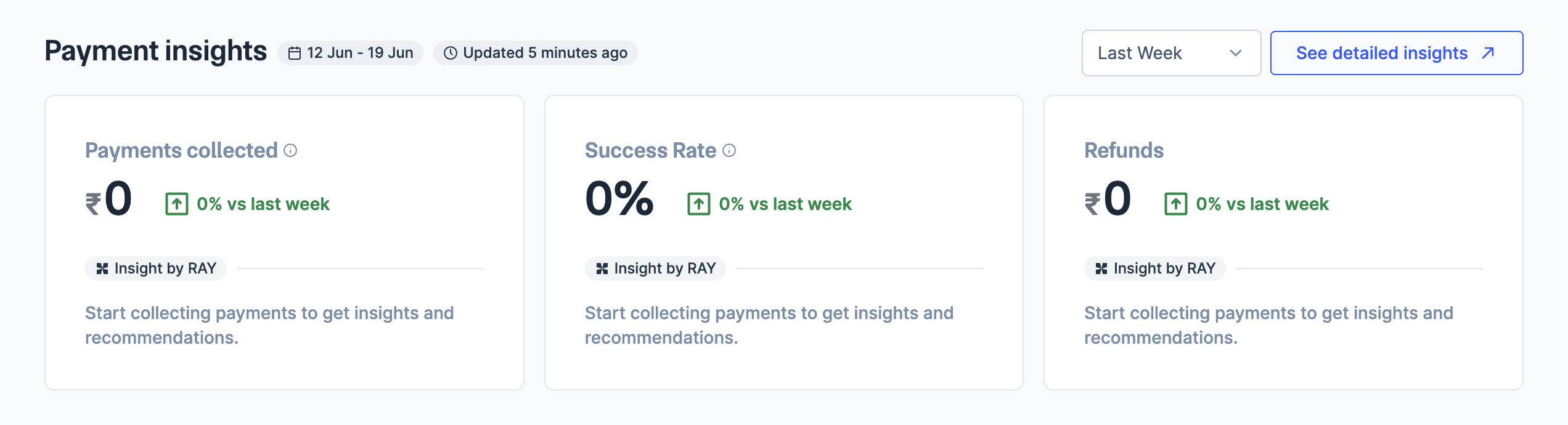
Each widget includes:
- Percentage change from the previous week.
- A link to Insight by RAY for data-backed recommendations to improve performance.
- Yesterday
- Last Week
- Last Month
Other Insights
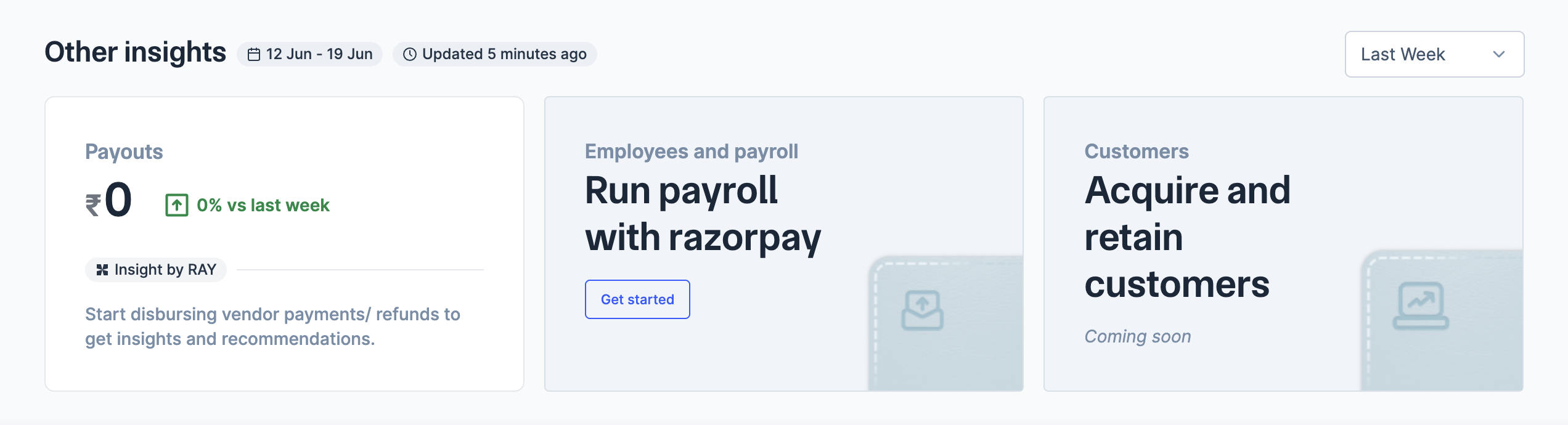
This section covers operational and growth-related widgets.