Available in🇮🇳 India🇸🇬 Singapore
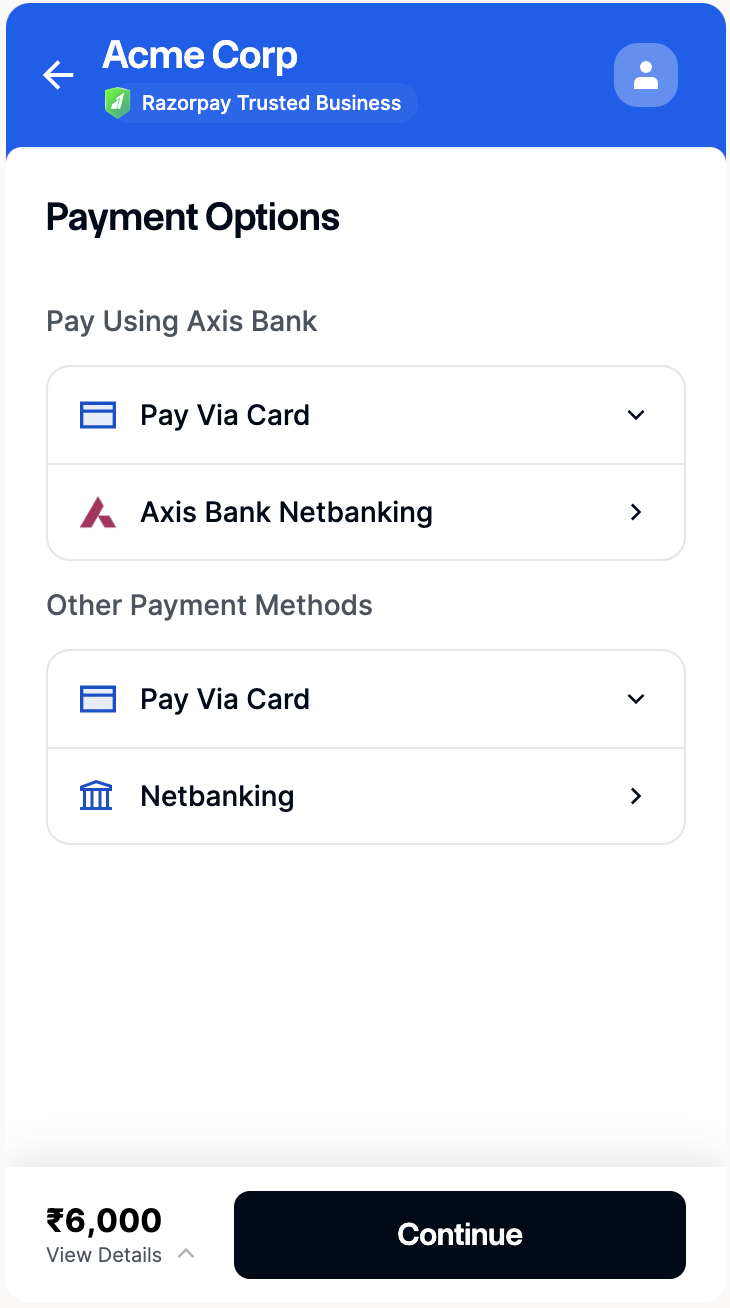
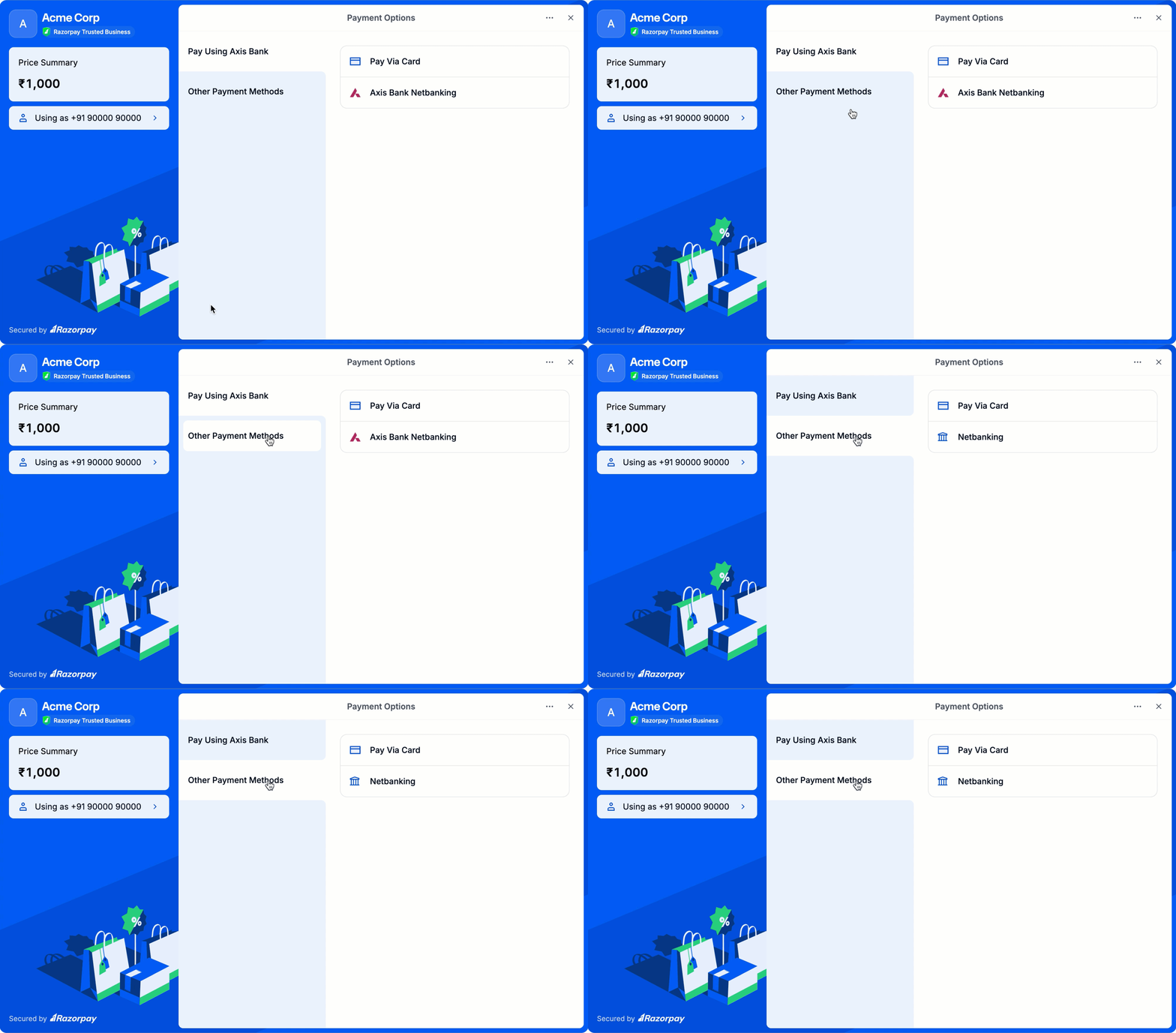
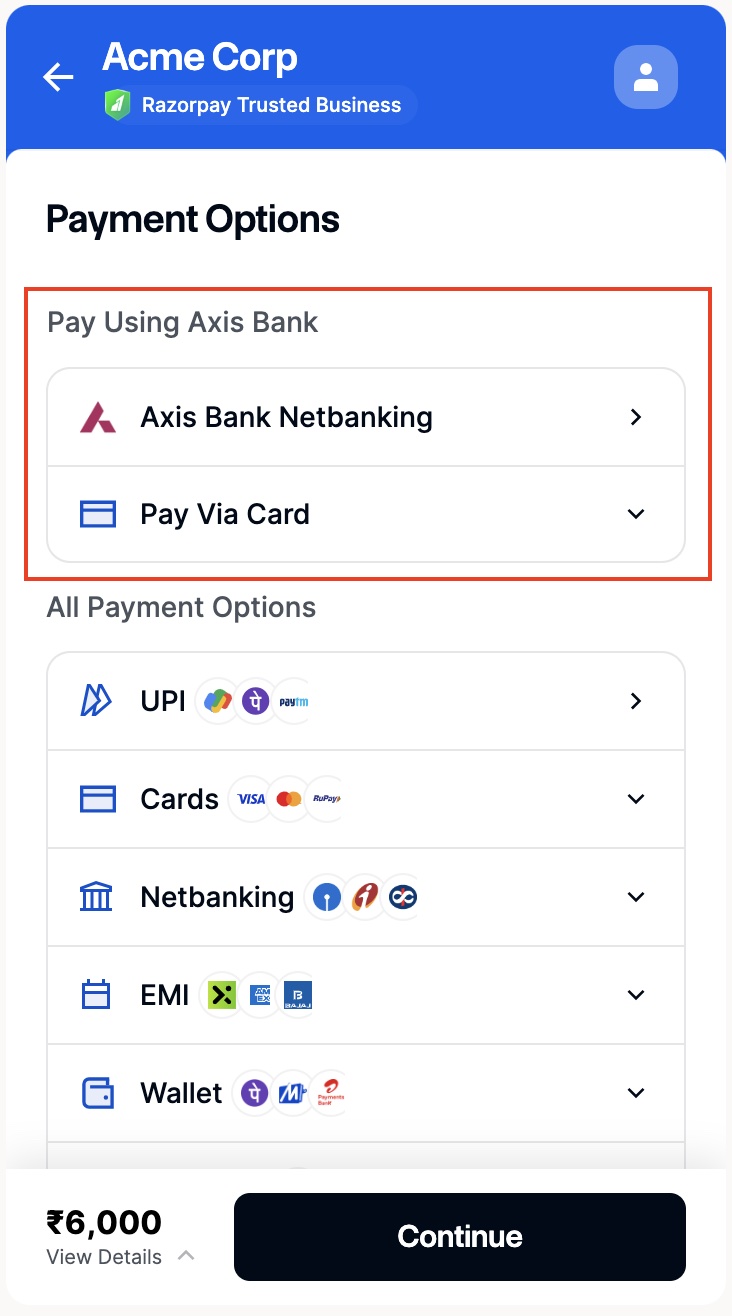
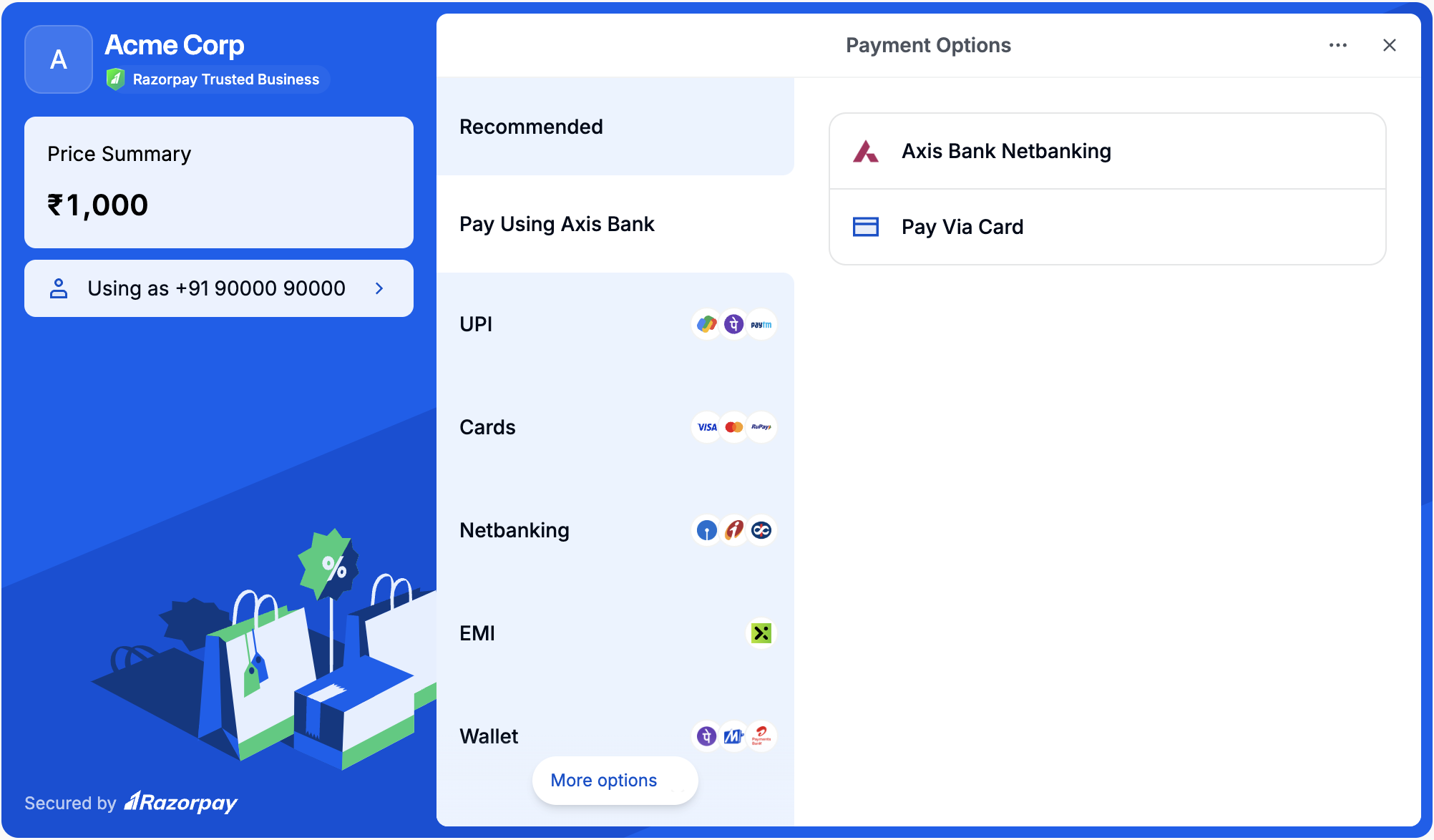
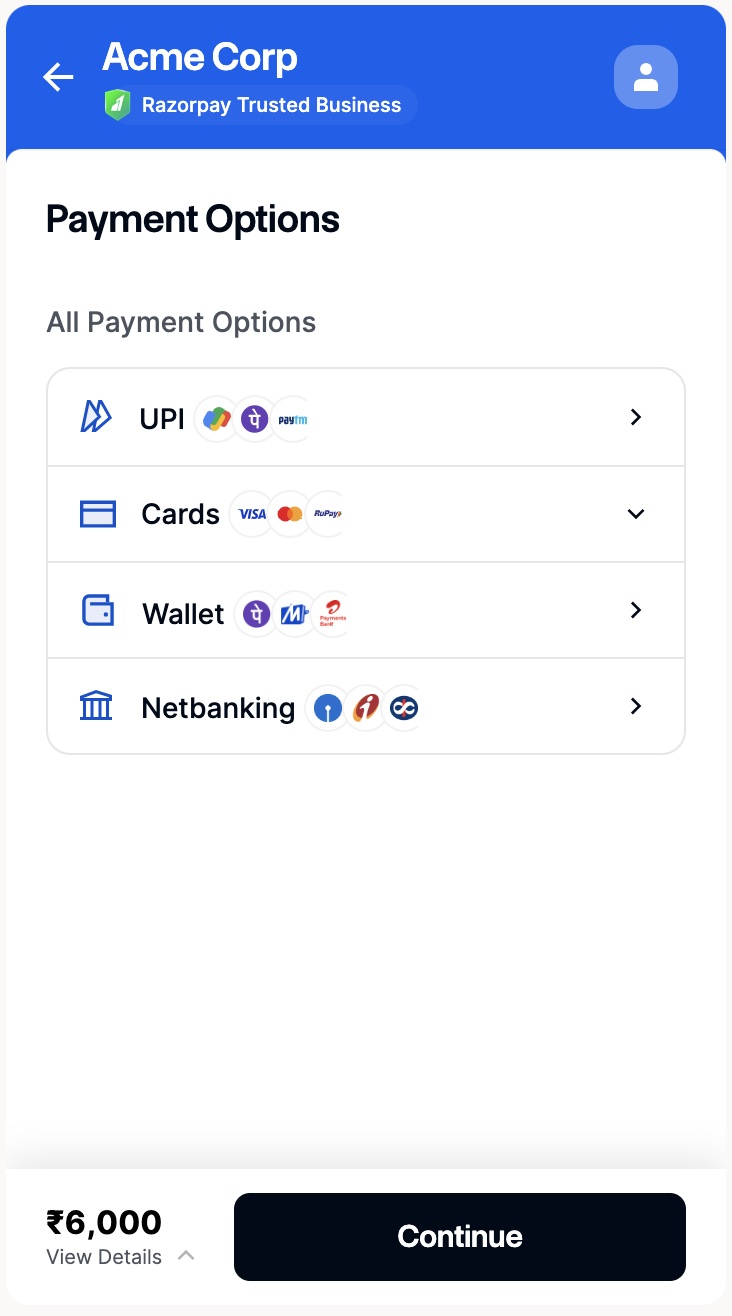
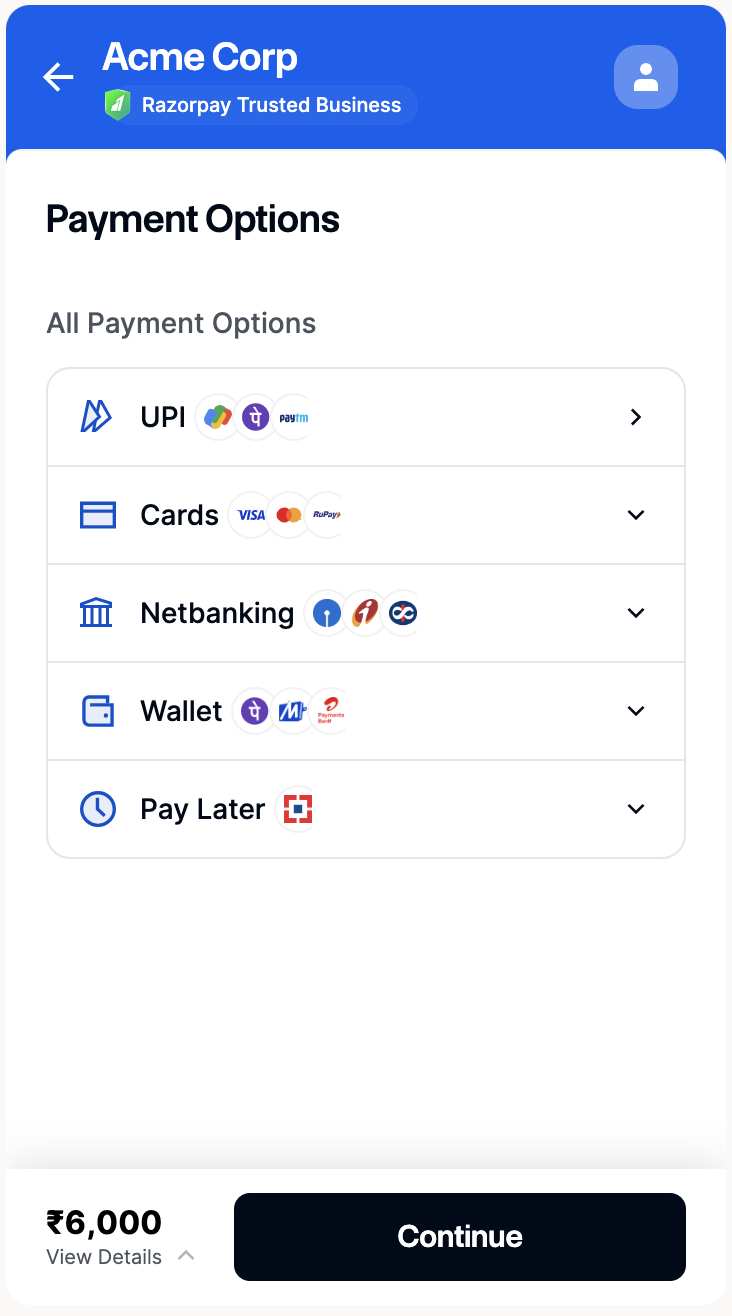
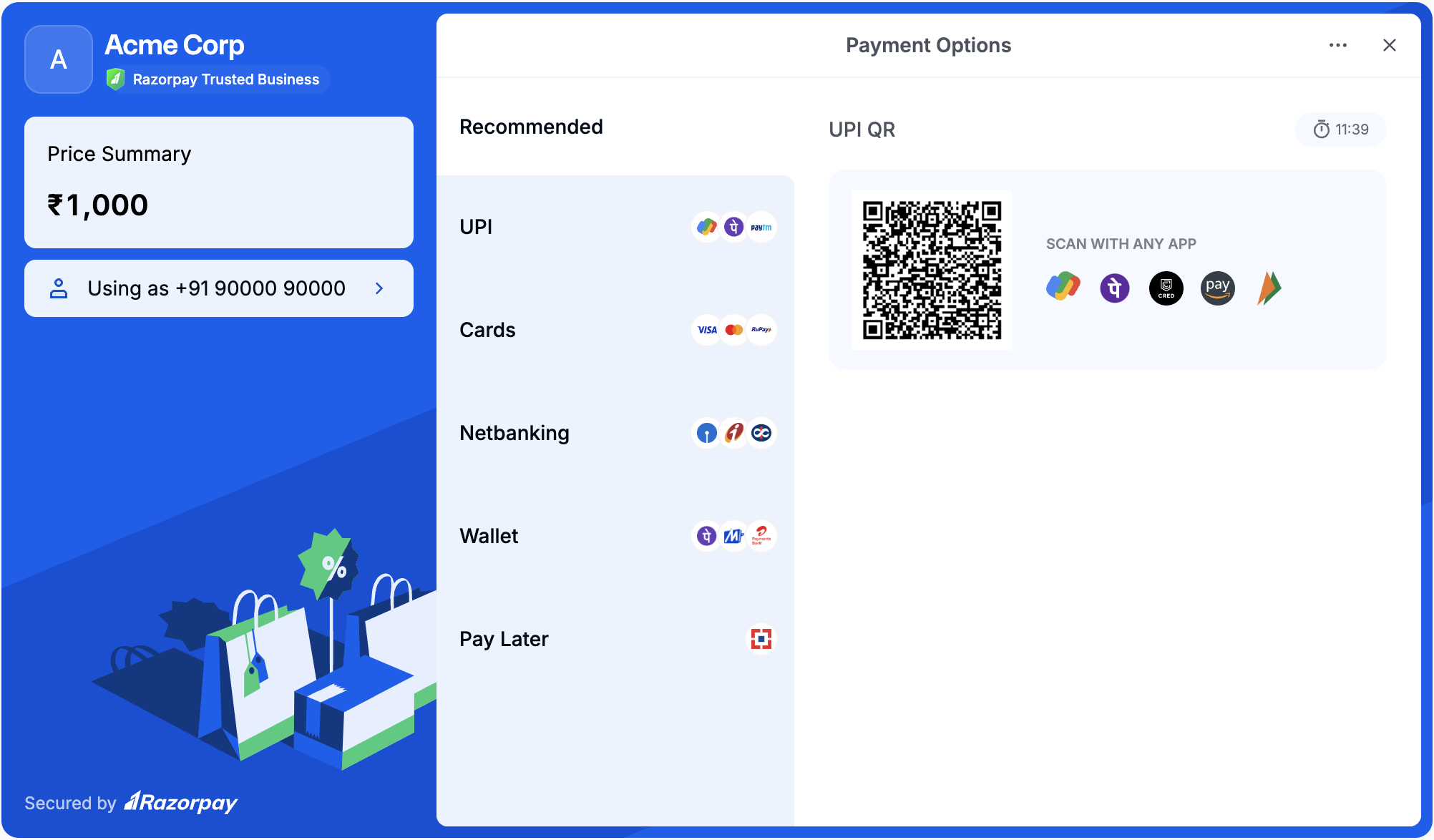
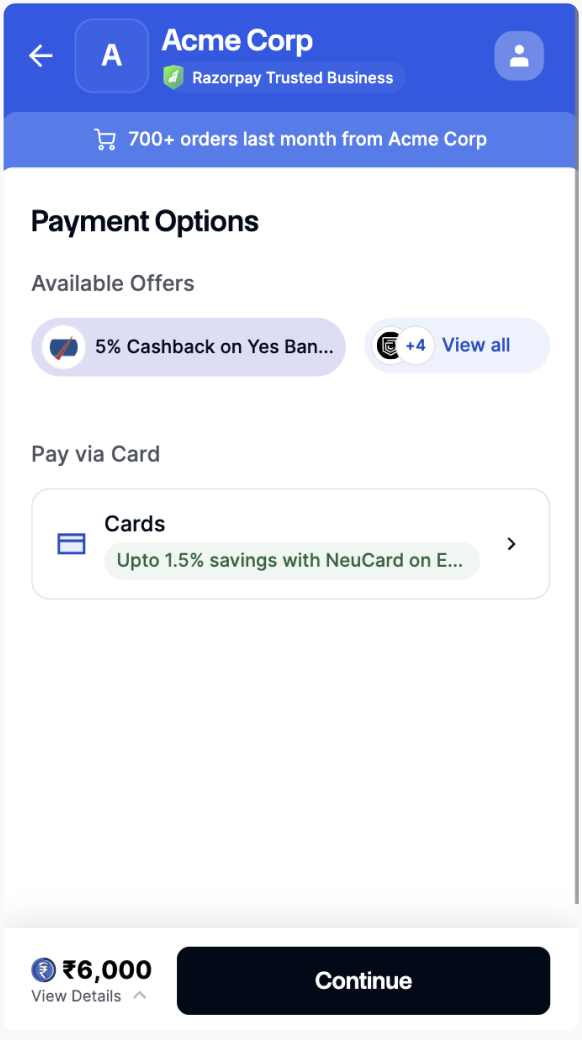
If you want to list all the payment methods offered by Axis bank, allow card payments for ICICI bank only and hide upi payment method from the Checkout, you can do so as follows:
payment gateway customised checkout on mobile
Checkout Code
Watch Out!You can use the payment methods enabled for your account on the Dashboard. Also, you can raise a request with our Support Team for additional payment methods or providers.
UPI Collect Flow DeprecatedAccording to NPCI guidelines, the UPI Collect flow is being deprecated effective 28 February 2026. Customers can no longer make payments or register UPI mandates by manually entering VPA/UPI id/mobile numbers.Exemptions: UPI Collect will continue to be supported for:
  • MCC 6012 & 6211 (IPO and secondary market transactions).
  • iOS mobile app and mobile web transactions.
  • UPI Mandates (execute/modify/revoke operations only)
  • eRupi vouchers.
  • PACB businesses (cross-border/international payments).
Action Required:
  • If you are a new Razorpay user, use UPI Intent.
  • If you are an existing Razorpay user not covered by exemptions, you must migrate to UPI Intent or UPI QR code to continue accepting UPI payments. For detailed migration steps, refer to the migration documentation.

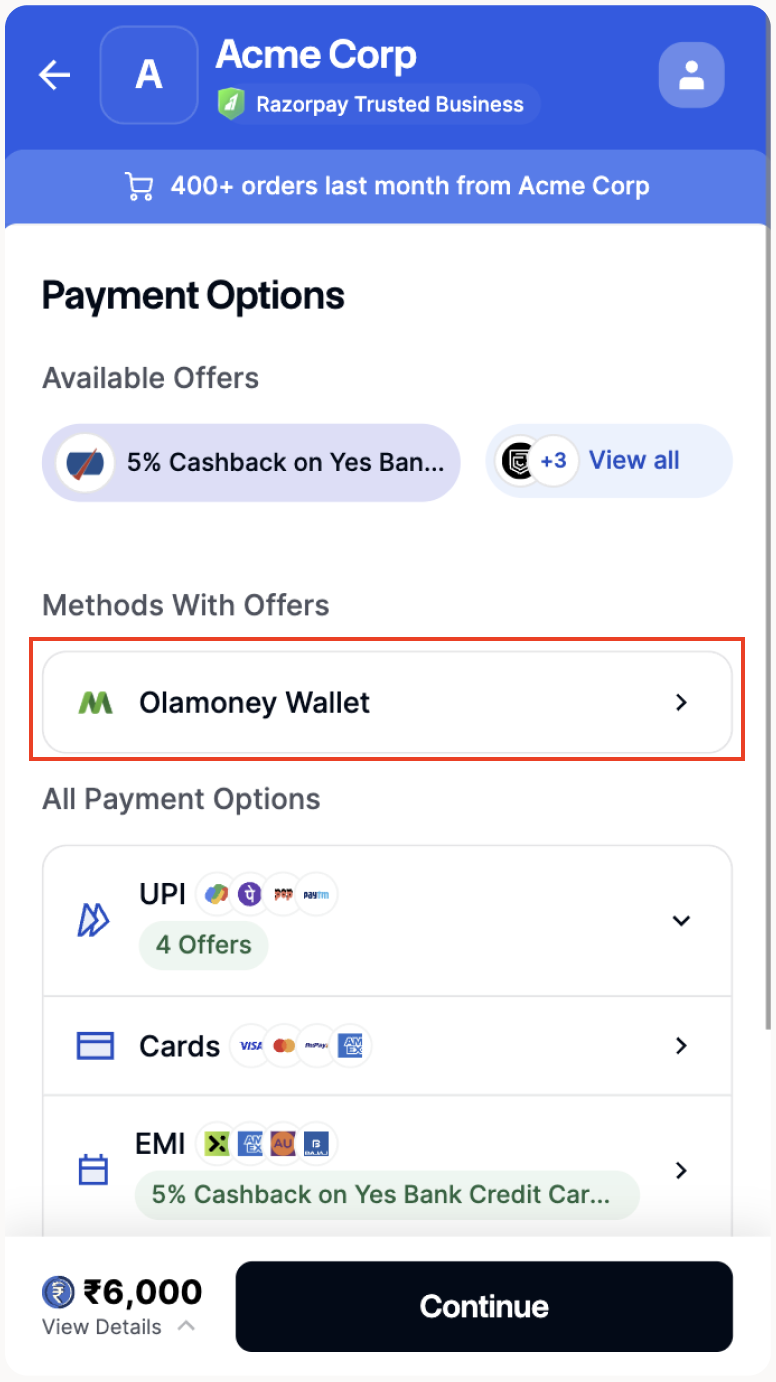
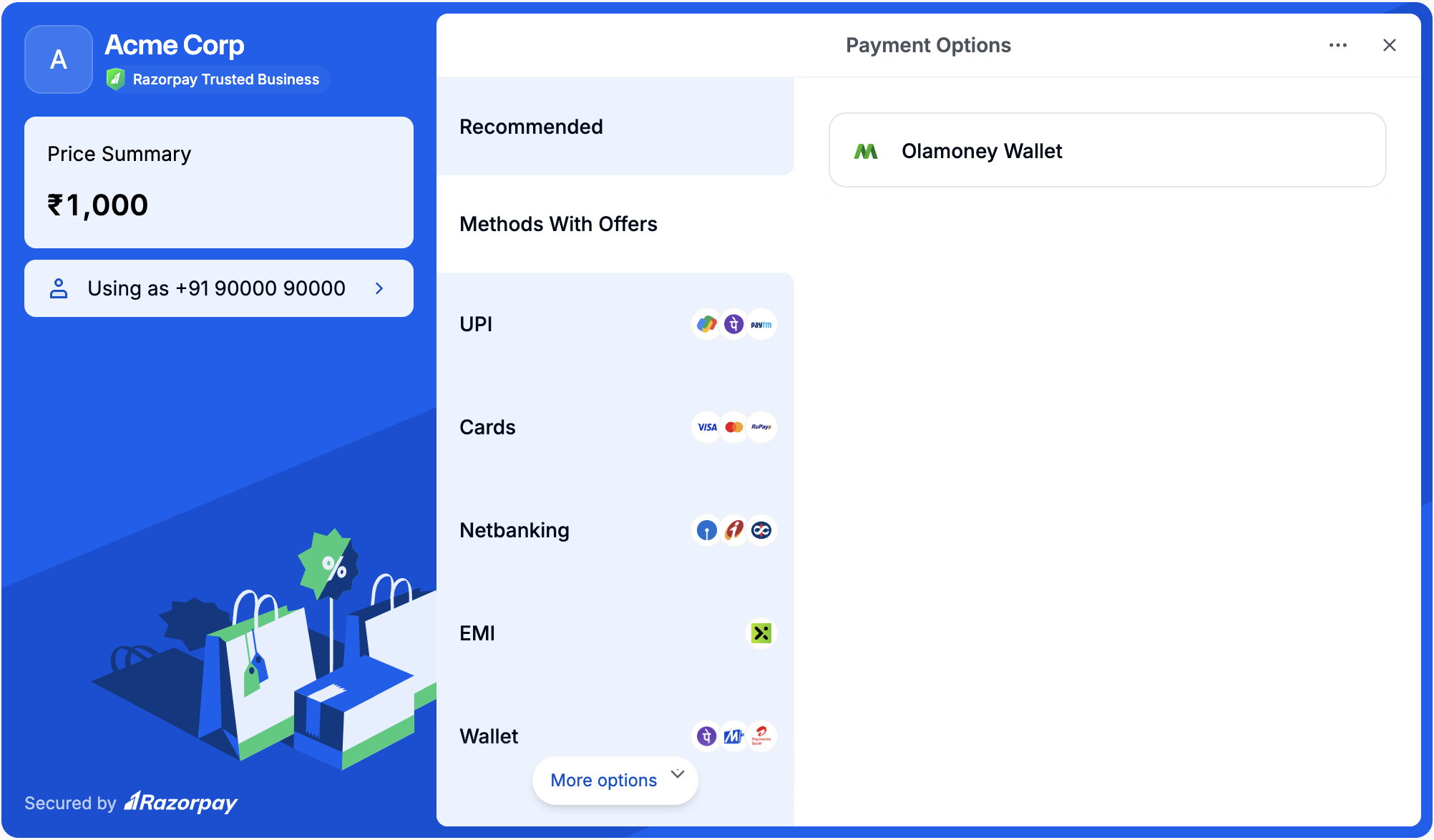
Show OlaMoney

Use the code given below to show OlaMoney on Checkout:
Ola Money
show ola money on checkout on mobile

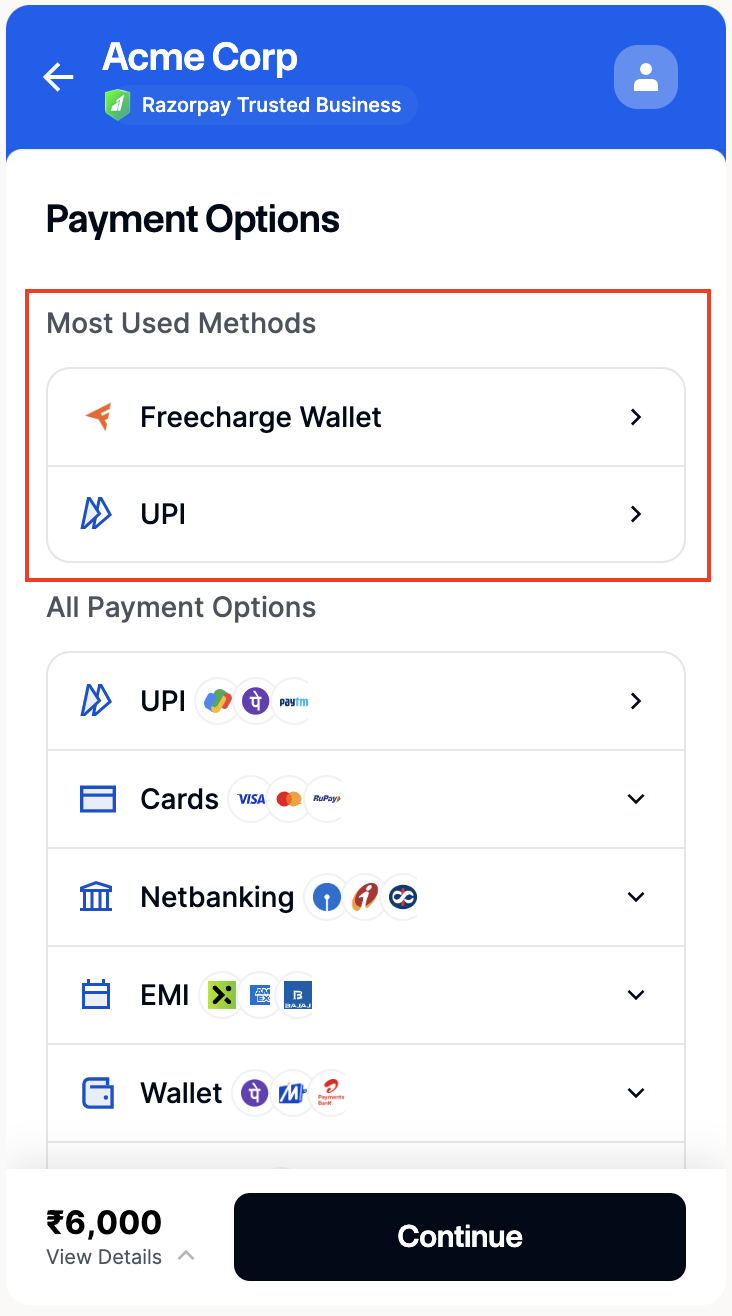
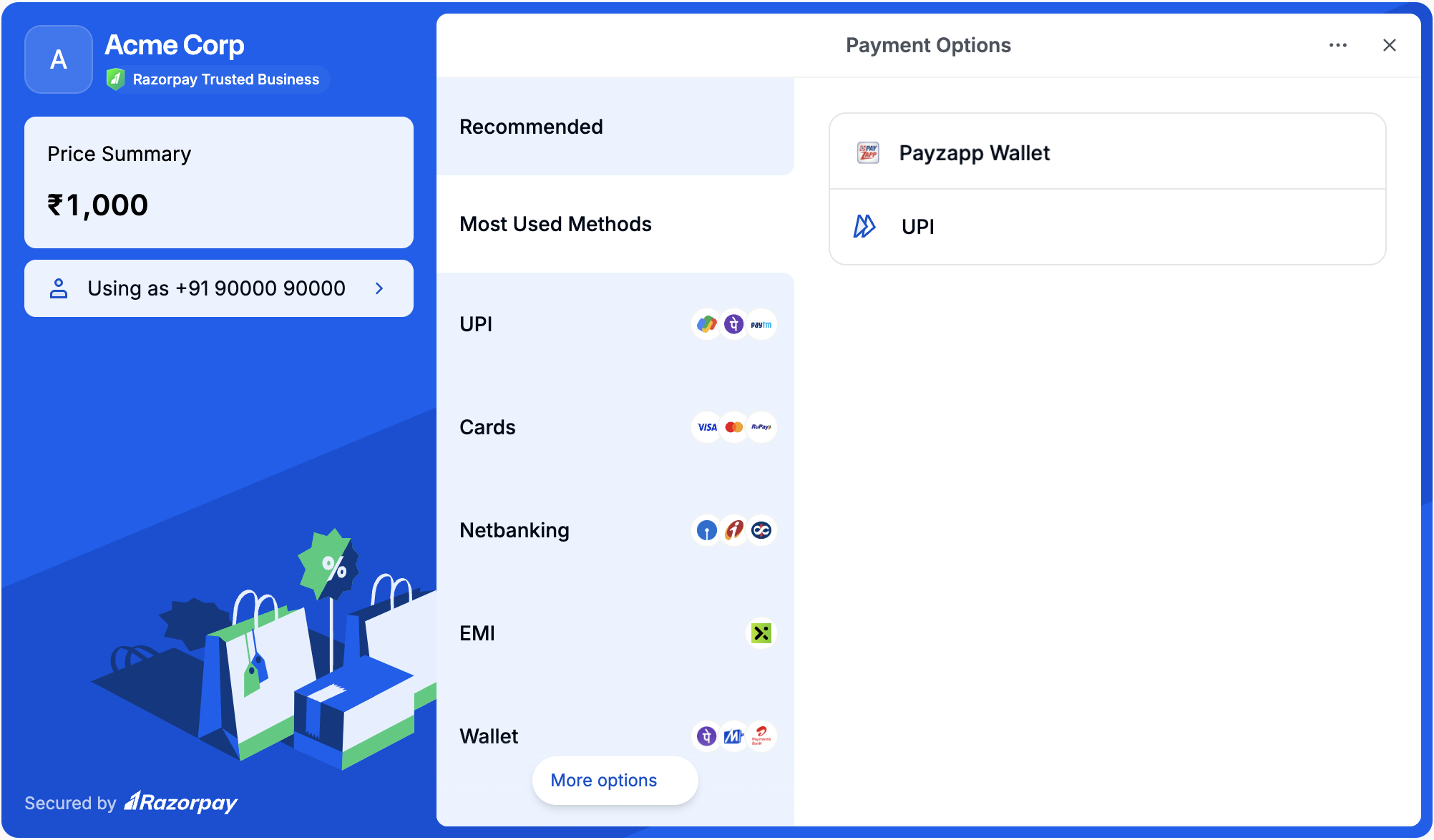
Show Most Used Methods

Use the code given below to show the most used methods:
Most Used Methods
show most used methods on mobile

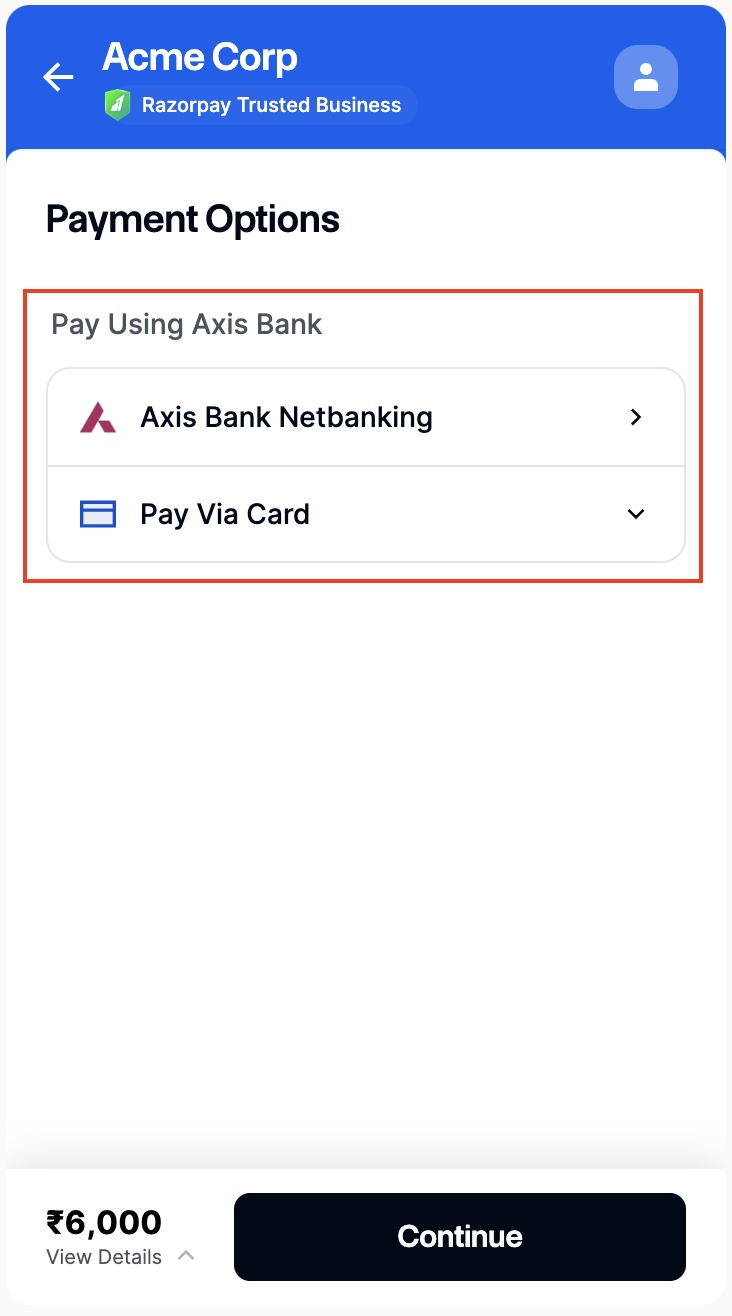
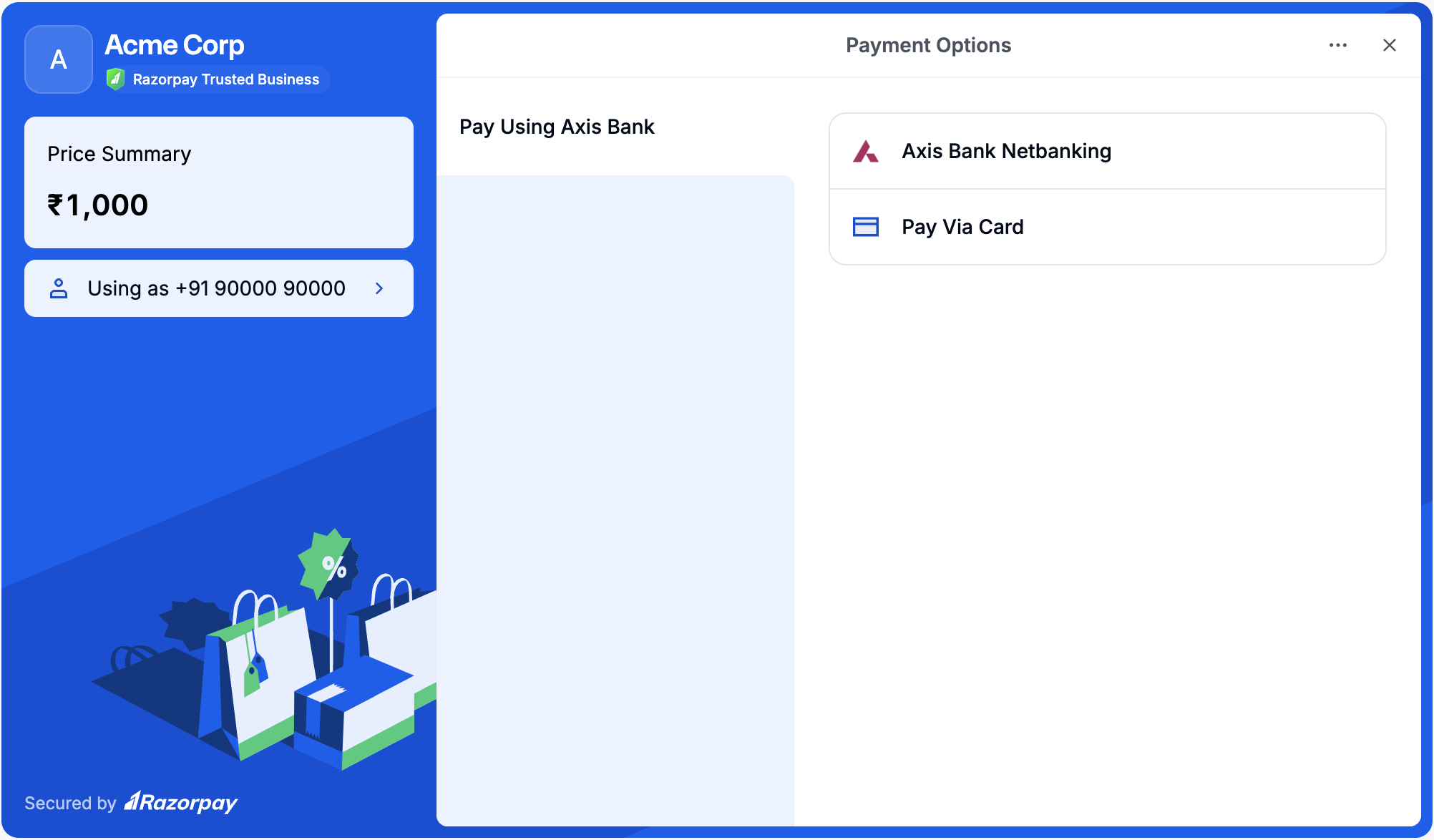
Show Instruments of a Certain Bank Only

Use the code given below to show the instruments of a certain bank only on Checkout:
Instruments of Axis Bank Only
Watch Out!This configuration is not applicable for Recurring Payments.
show instruments of a certain bank only on mobile

Highlight Instruments of a Certain Bank

Use the code given below to highlight the instruments of a certain bank only on Checkout:
Highlight Instruments of Axis Bank
highlight instruments of a certain bank on mobile

Reorder Payment Methods

Use the code given below to reorder payment methods on Checkout:
Reorder Payment Methods
reorder payment methods

Remove a Method from Checkout

Use the code given below to remove a method from Checkout:
EMI Removed from Checkout
remove a method from checkout on mobile

Show Only a Certain Payment Method on Checkout

Use the code given below to show only a certain payment method on Checkout:

Card

Land on Card
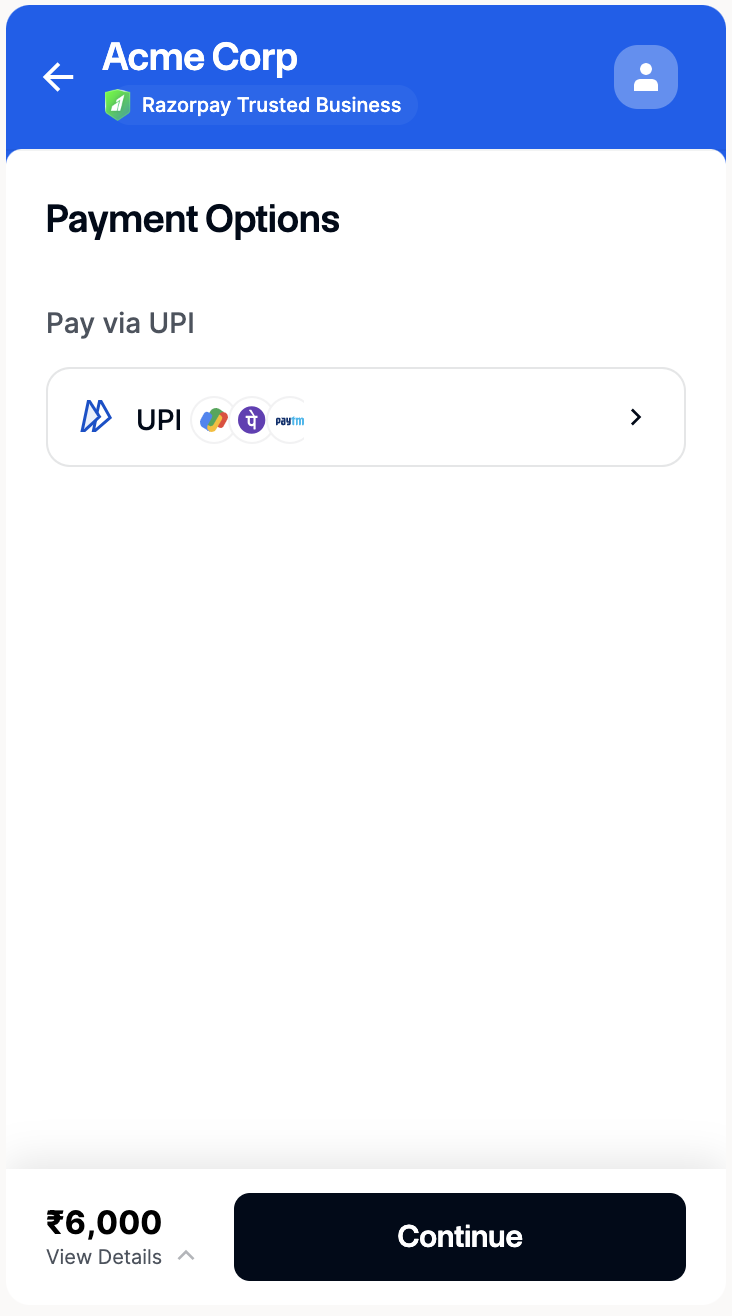
show only UPI on checkout

UPI

Land on UPI
show only UPI on checkout

EMI

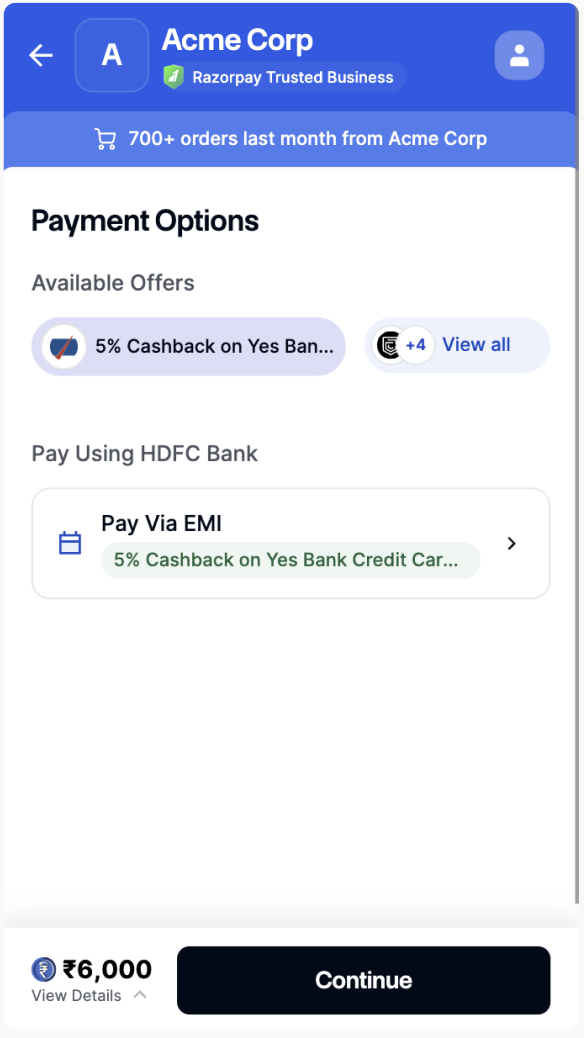
Land on EMI
show only UPI on checkout