

Available in🇮🇳 India
If you no longer want to use Subscriptions, you can cancel the product. You can also refund the subscription amount to your customers. If you want to update a Subscriptions product, you need to create a new Subscription product.
View a Subscription Details
To view a Subscription details:- Log in to the OpenCart and go to My Account.
-
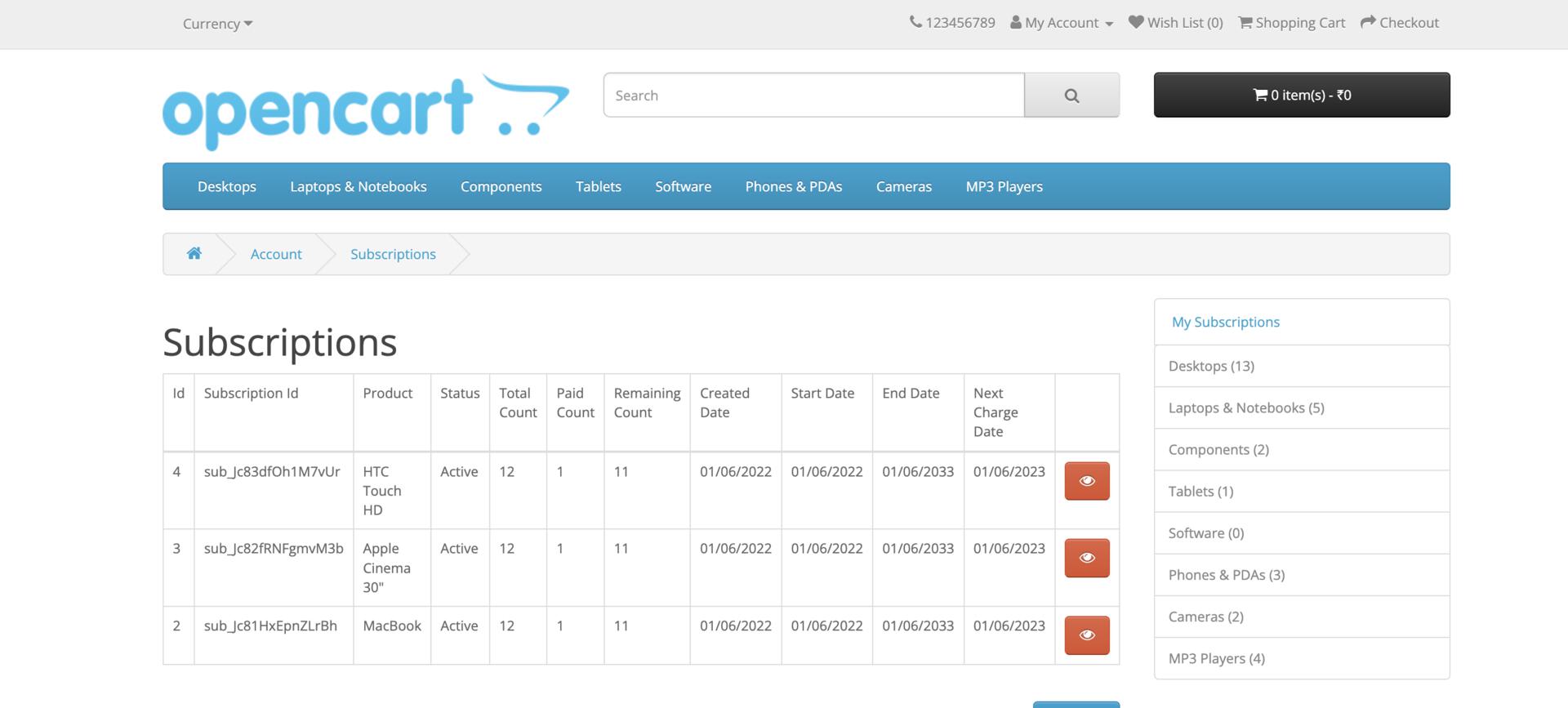
Click My subscription in the right menu to see the list of your Subscriptions.
-
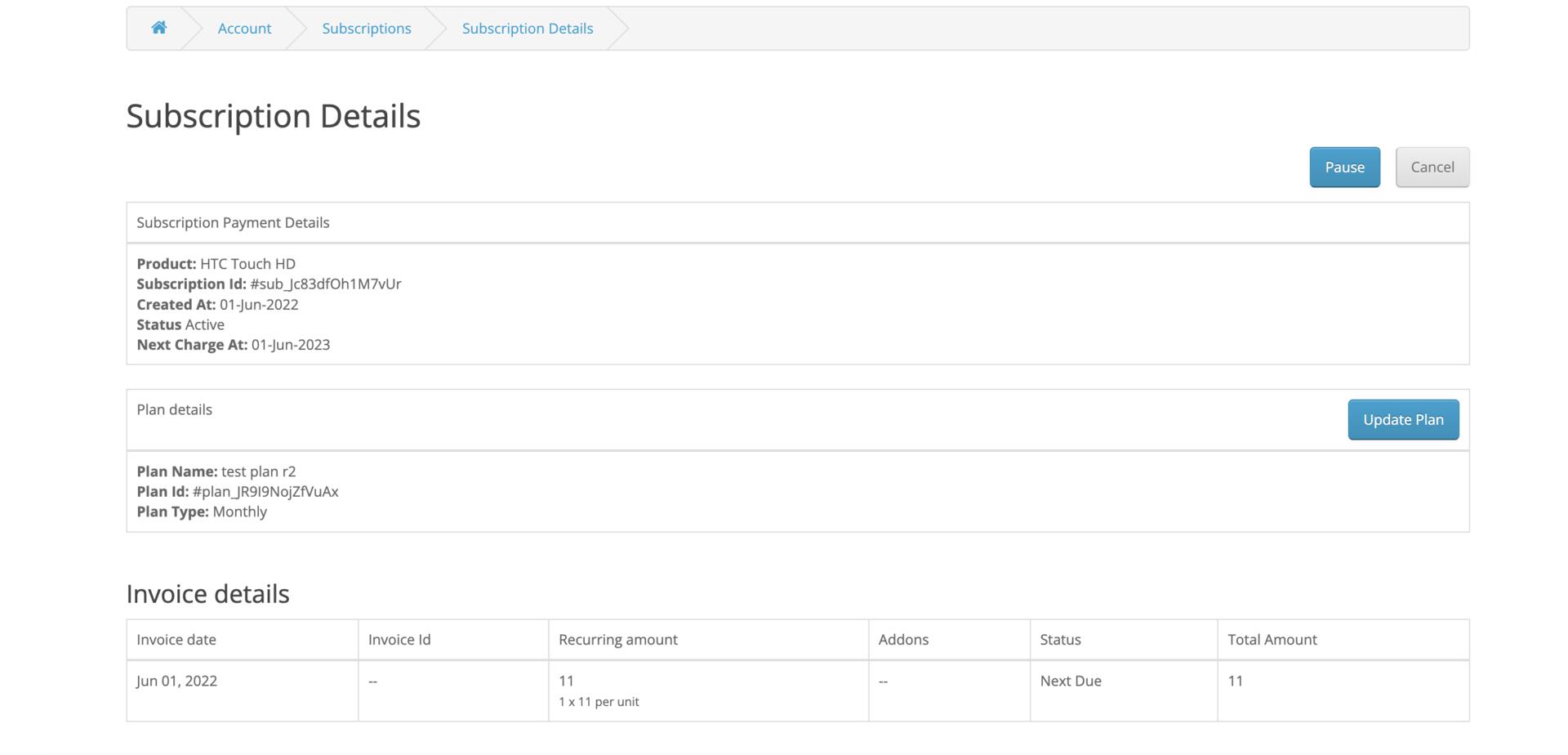
Click on the red eye button against the required Subscription to see the details.
Update Subscriptions Product
Razorpay Subscriptions plugin for OpenCart does not support updating an existing Subscription product. So, if you want to update a subscription product, you should create a new subscription product.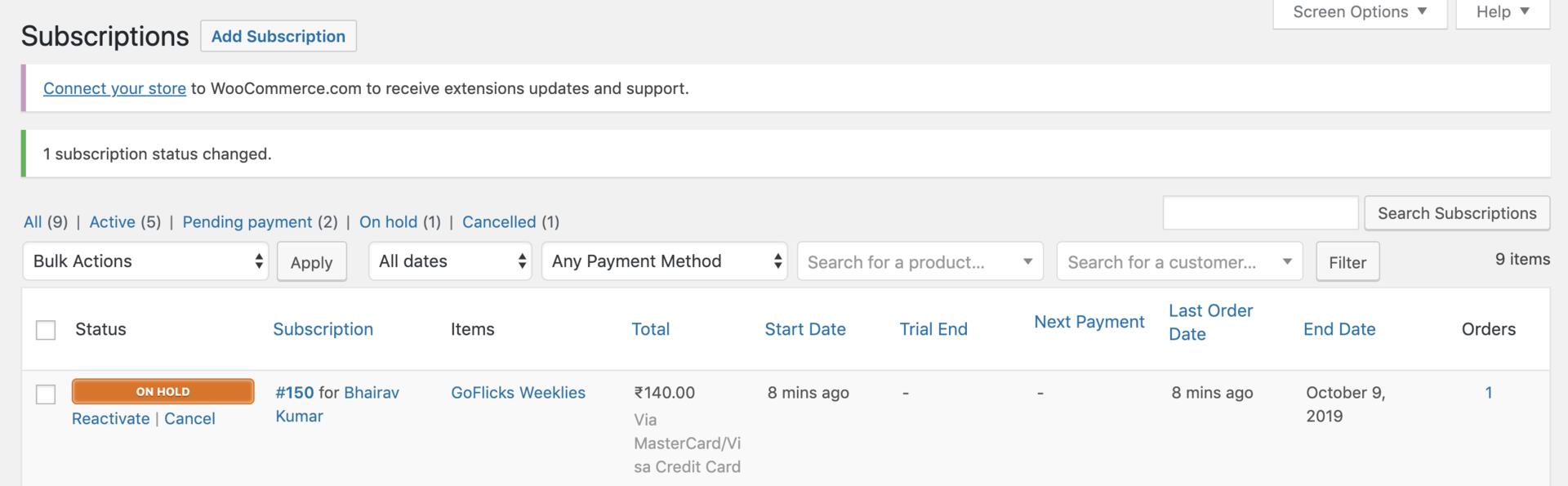
Cancel a Subscription
Thecancel option is used to cancel the Subscription. You can cancel a Subscription:
- Immediately
- At the end of the current billing cycle
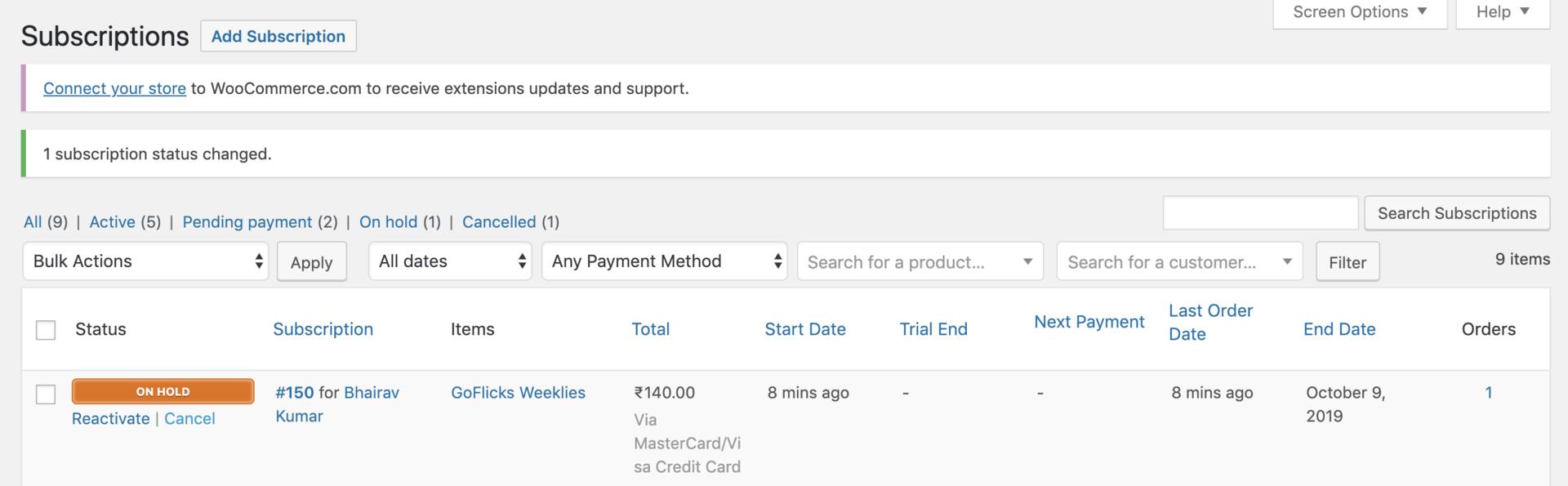
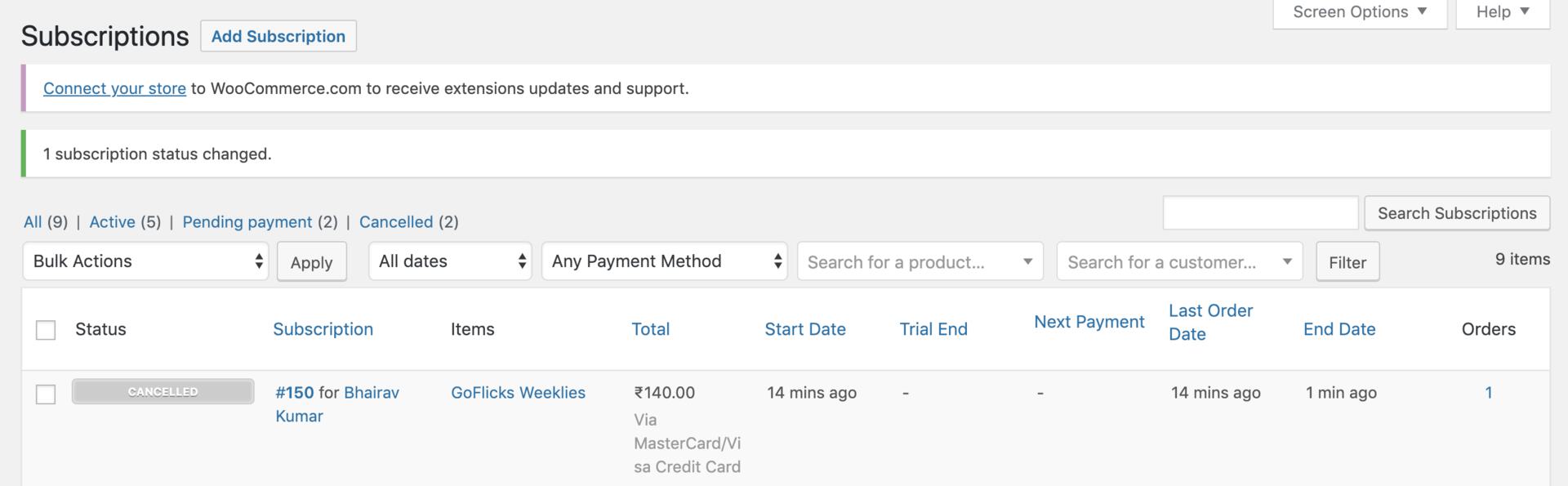
- Navigate to OpenCart → Subscriptions.
- Hover over the subscription you want to put on hold and click Cancel.
Refund Subscription Amount
- To refund the subscription amount to a customer, you need to do this manually from the Razorpay Dashboard.