

Available in🇮🇳 India
You can add your Google Tracking ID to your Webstore to track payments and conversions from your Google advertisements. Know more about Tracking ID and how to create one using Google Analytics account.
Available Tracking Metrics
Prerequisites
Create a Google Tracking ID.Add Google Tracking ID to Your Webstore
To add Google Tracking ID to your Webstore:- Navigate to your Webstore in the edit mode.
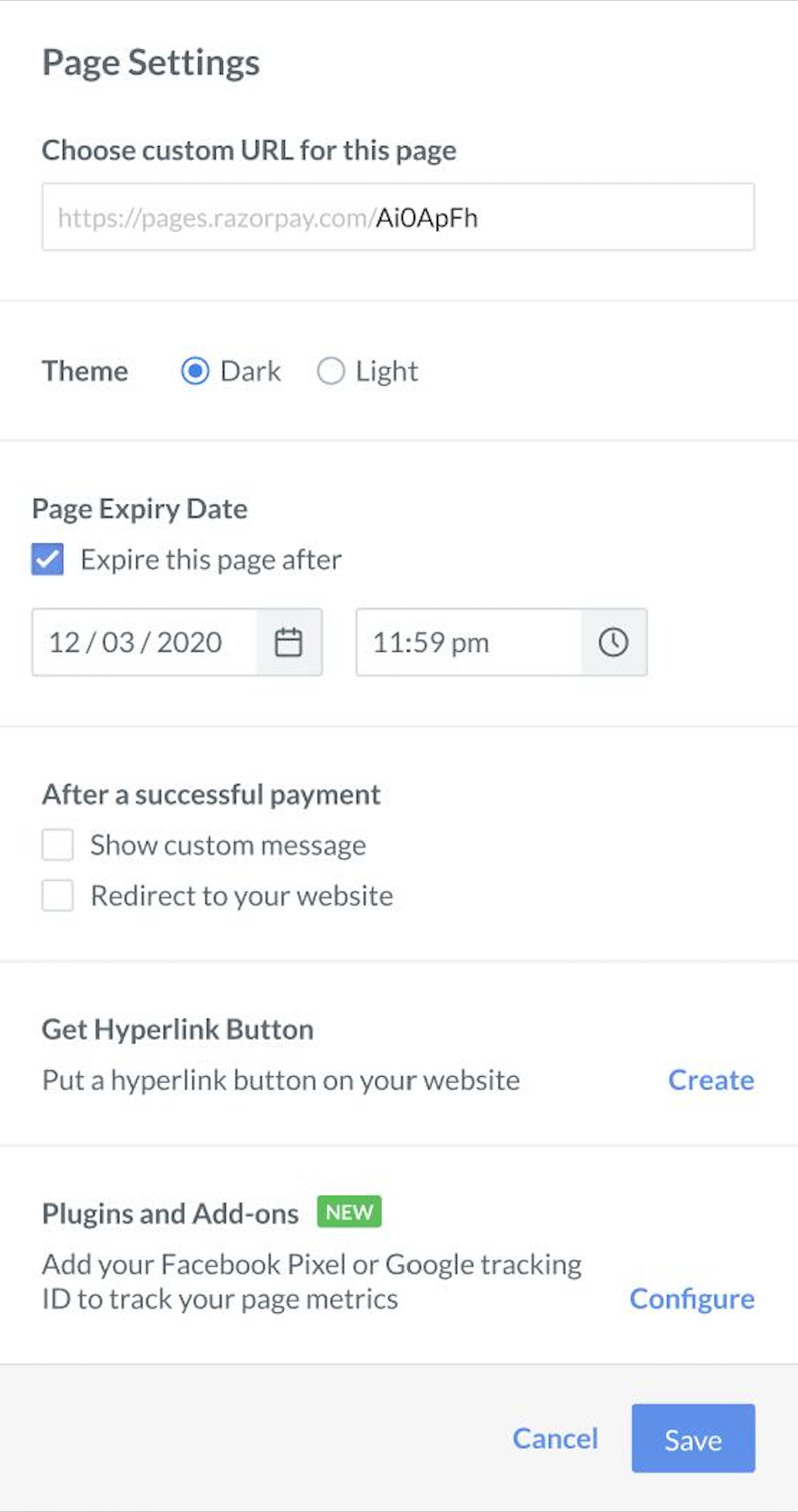
- Click Page Settings.
- Go to Plugins and Add-ons and click Configure.
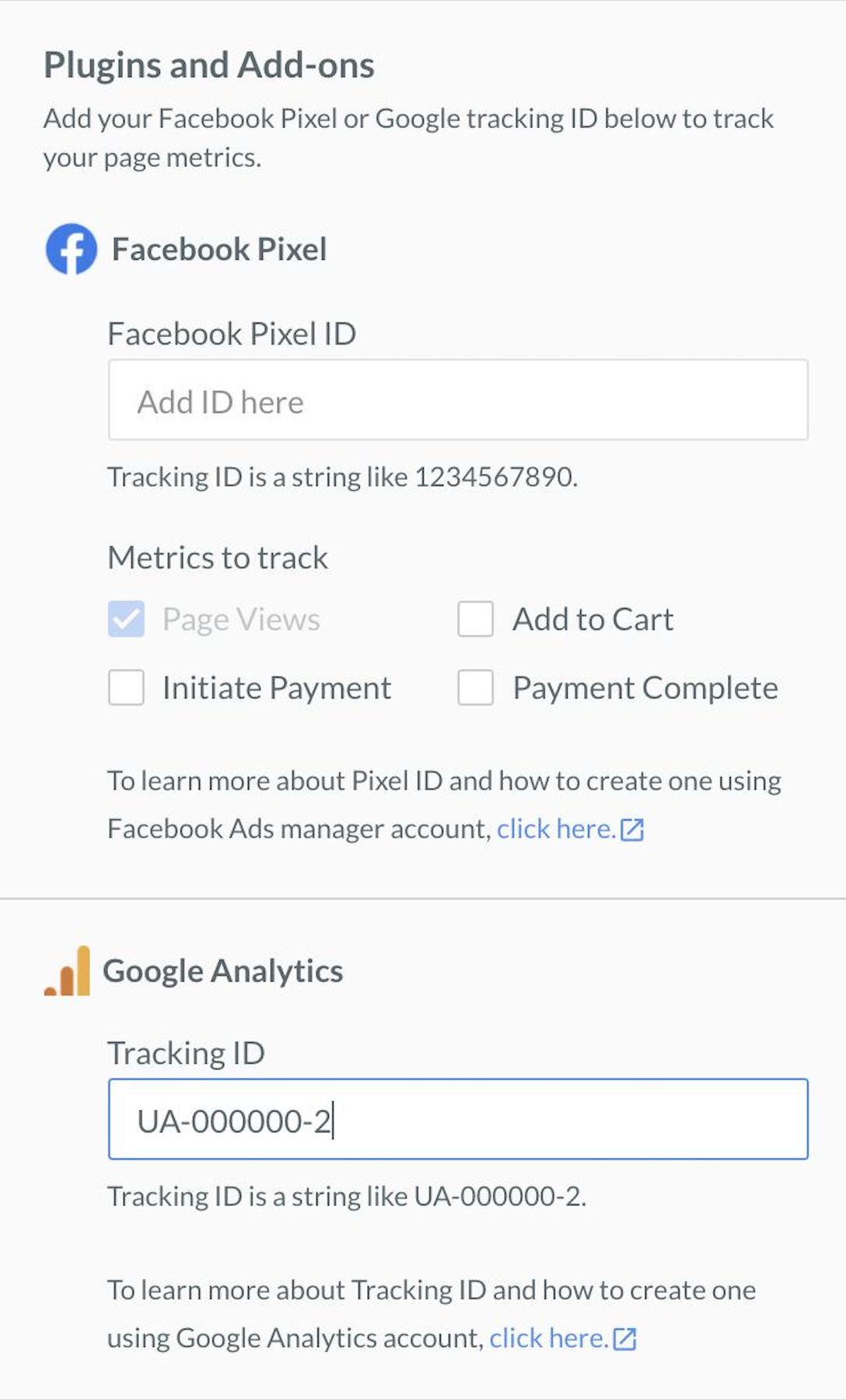
- Add the Tracking ID to track the page views.
- Click Save.