Available in🇮🇳 India
You can search for a Webstore on the Dashboard.
Search for Webstore
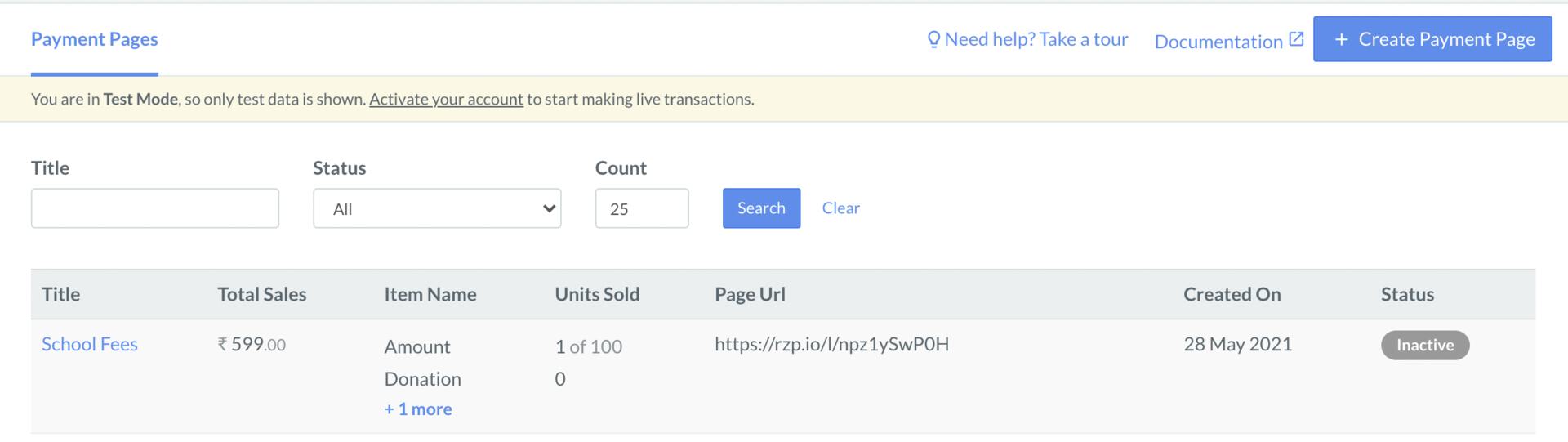
You can search for a Webstore on the Dashboard by specifying various filters. To search for a Webstore:- Log in to the Dashboard.
- Navigate to Payment Pages from the left menu and select Razorpay Webstore.
- Search for the Webstore by specifying filters.
Search for Product
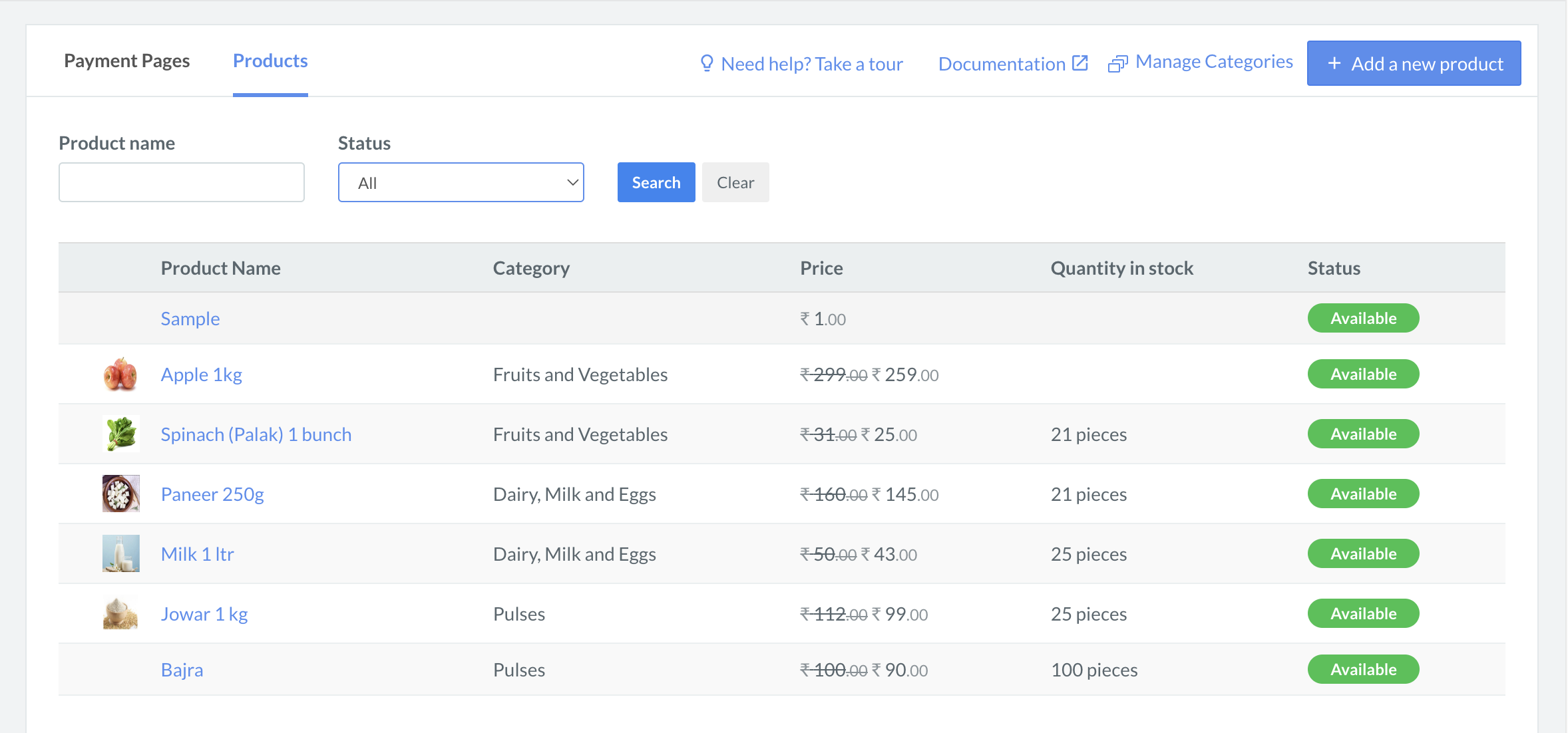
You can search for products added to your various stores on the Dashboard by specifying various filters. To search for a Product:- Log in to the Dashboard.
- Navigate to Payment Pages from the left menu and click Products.
- Search for the product by specifying filters.