

Available in🇮🇳 India
Shopify provides an API based e-commerce platform that enables businesses to set up their stores online. It offers a wide host of services including payments, marketing, maintenance of customer database, and so on.
Shopify customers can now manage the entire refund process, especially for cash-on-delivery (COD) refunds, from the Shopify Dashboard, without having to enter the tracking details manually.
Integrate Shopify with RazorpayX
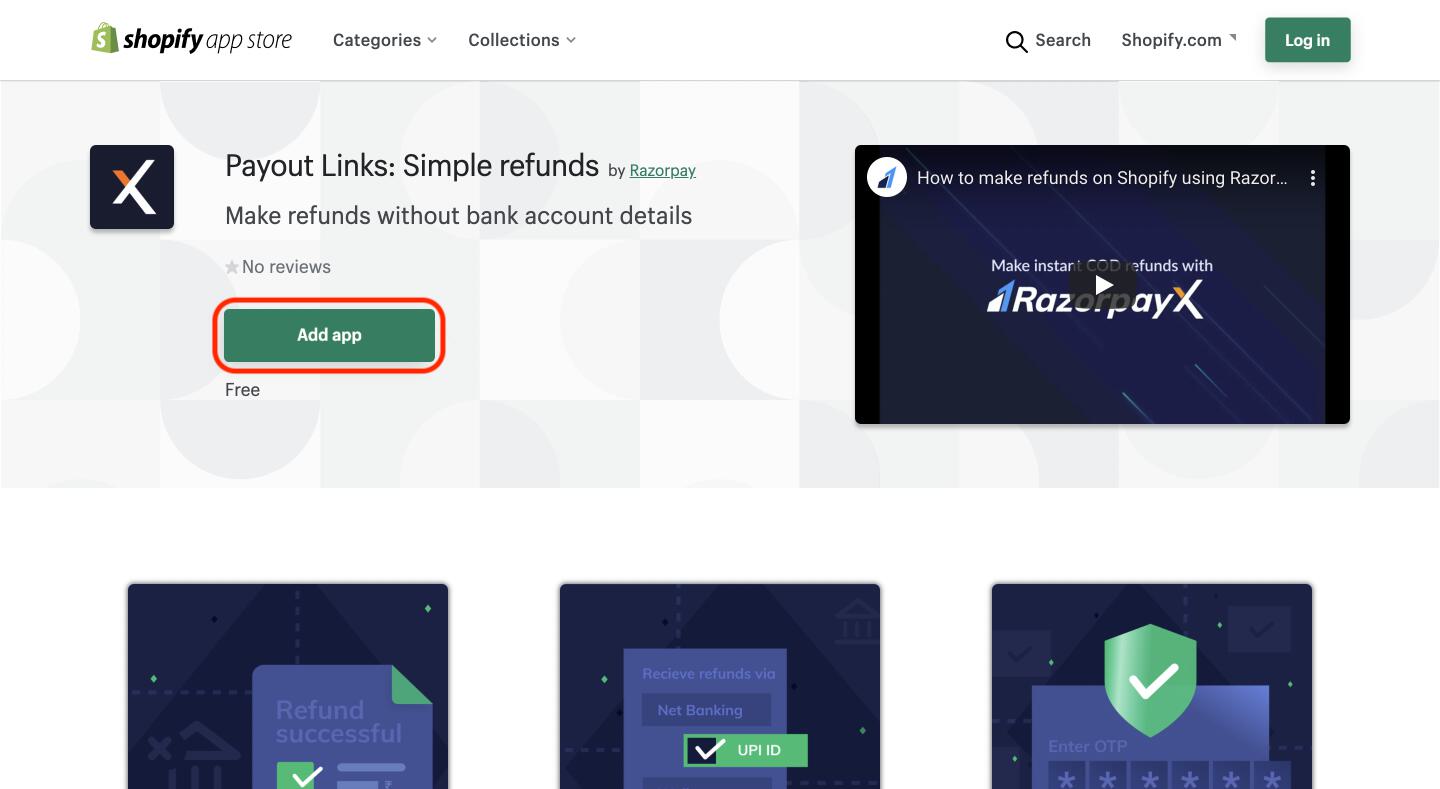
To start making payouts via Payout Links, you have to first integrate Shopify with RazorpayX. To do this:- Open the Payout Links App page on the Shopify App store using Shopify App Store.
- Click Add app.
- Click Install app as shown below:
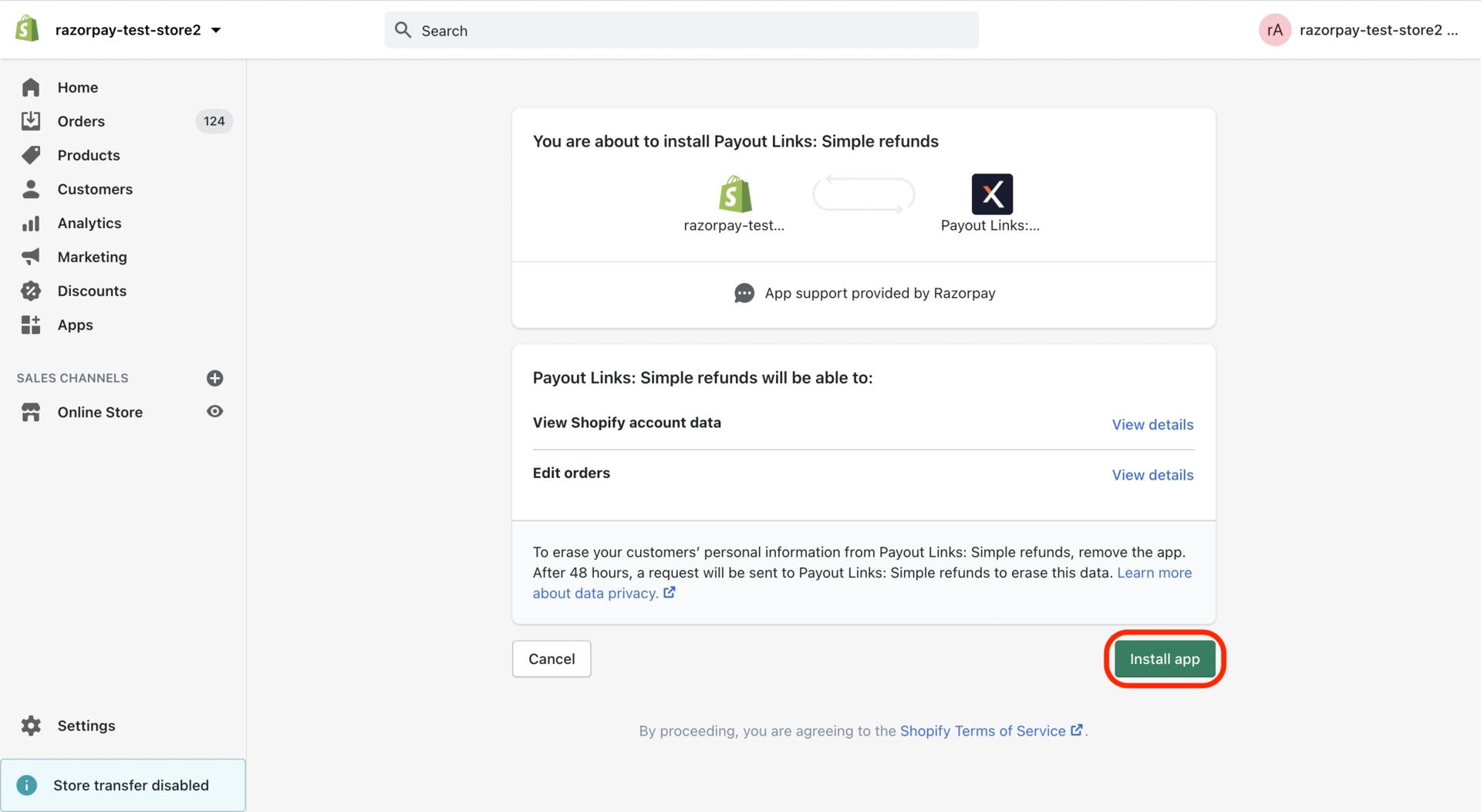
Complete the Integration
To complete the integration:- Select Merchant. Note that only users who are owners or have admin rights have the access to integration.
- Click COMPLETE INTEGRATION.
Create Refunds via Shopify
Now that the integration is complete, you can generate Payout Links to your Shopify customers and process refunds when necessary. To do so, you must first create a Payout Link for the refund, and then verify and approve it. The steps for the same are explained below. To create Payout Links for refunds on Shopify:- Log in to your Shopify store.
- In the Store Home page, go to Orders in the left menu. The Orders page is displayed with a list of orders placed in the store.
- Select the order for which refund has to be made.
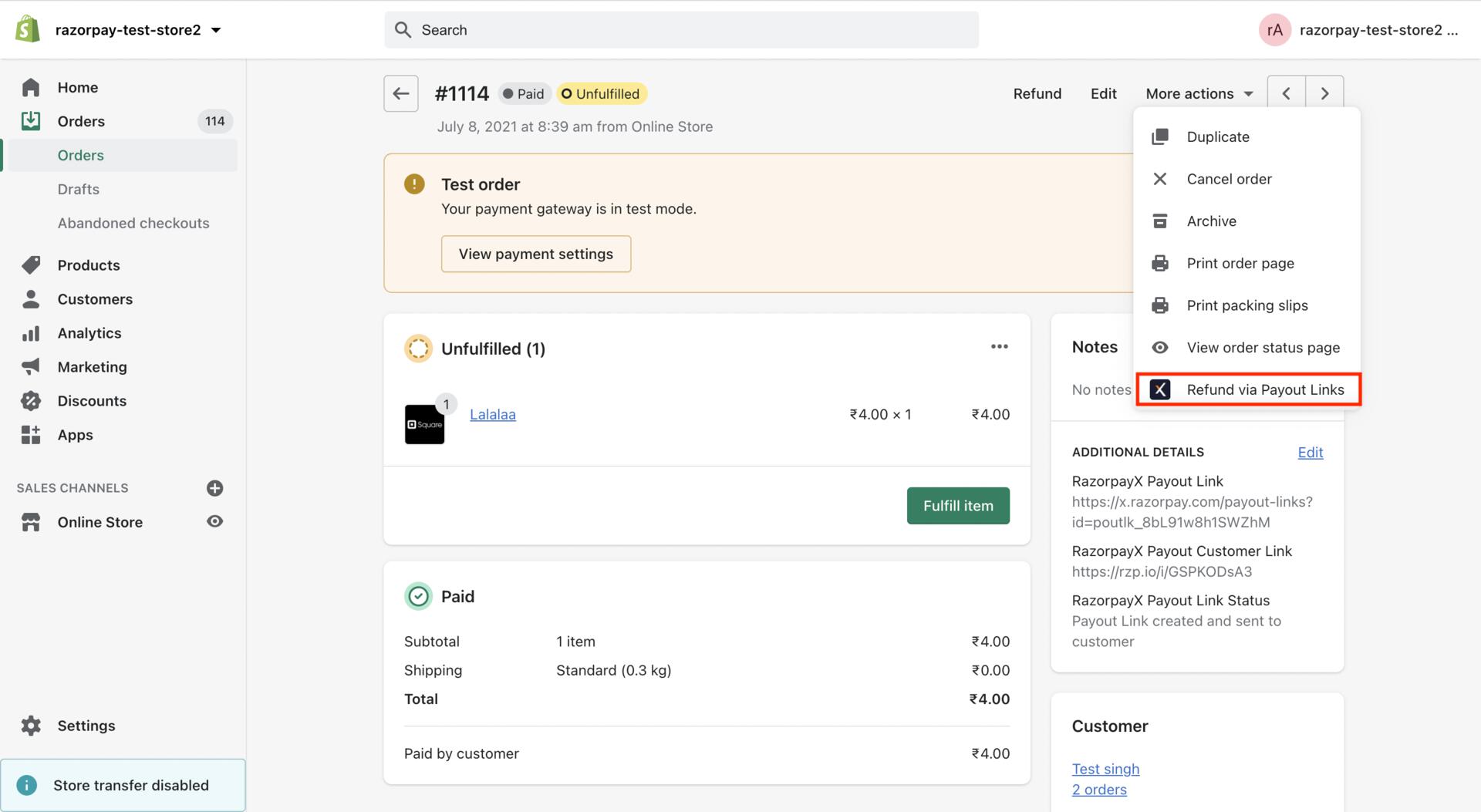
- Under the More actions option in the order page, select Refund via Payout Links as shown below:
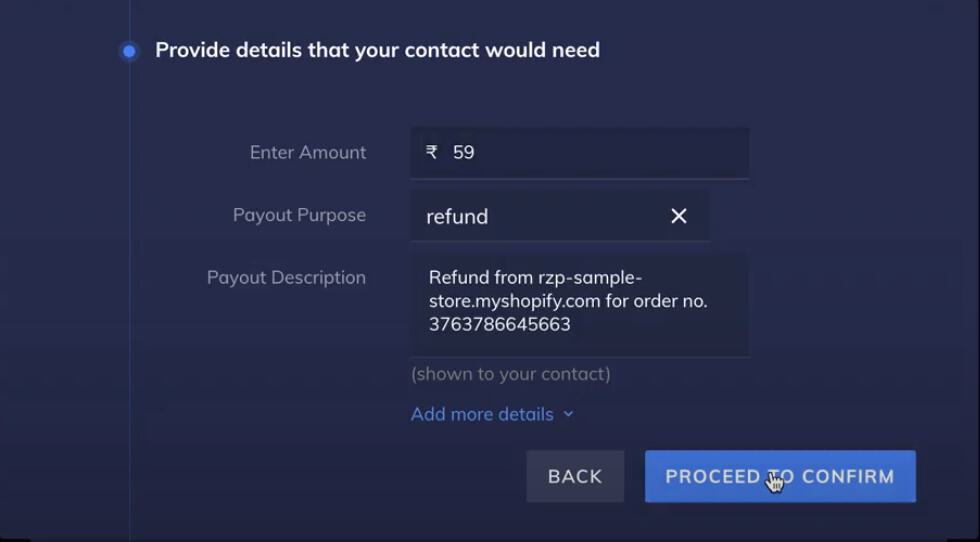
- The order details such as Amount, Order Id, Customer Name, Customer contact information are automatically fetched from Shopify.
- Verify the payout details for creating a refund and click PROCEED TO CONFIRM as shown below.
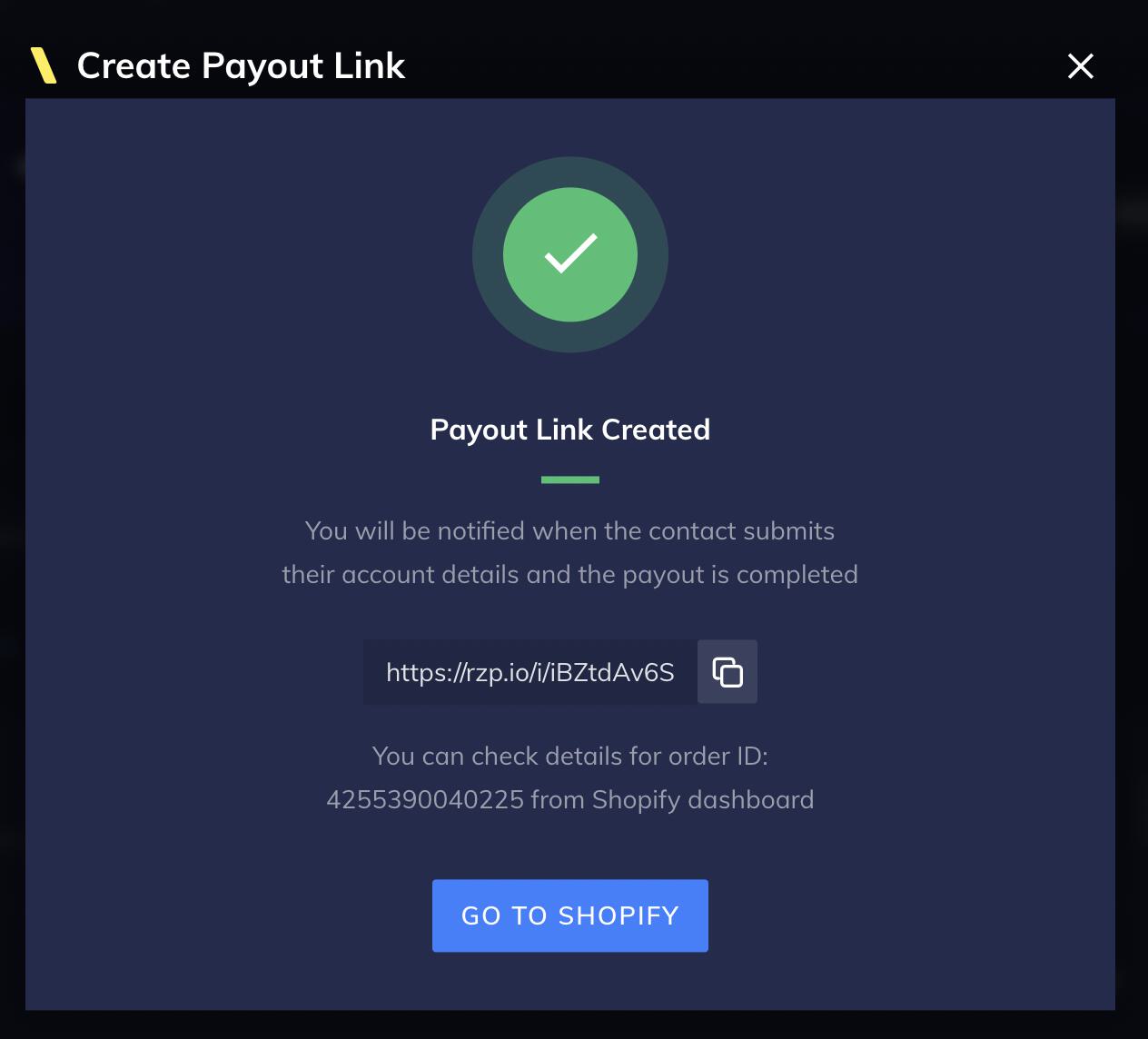
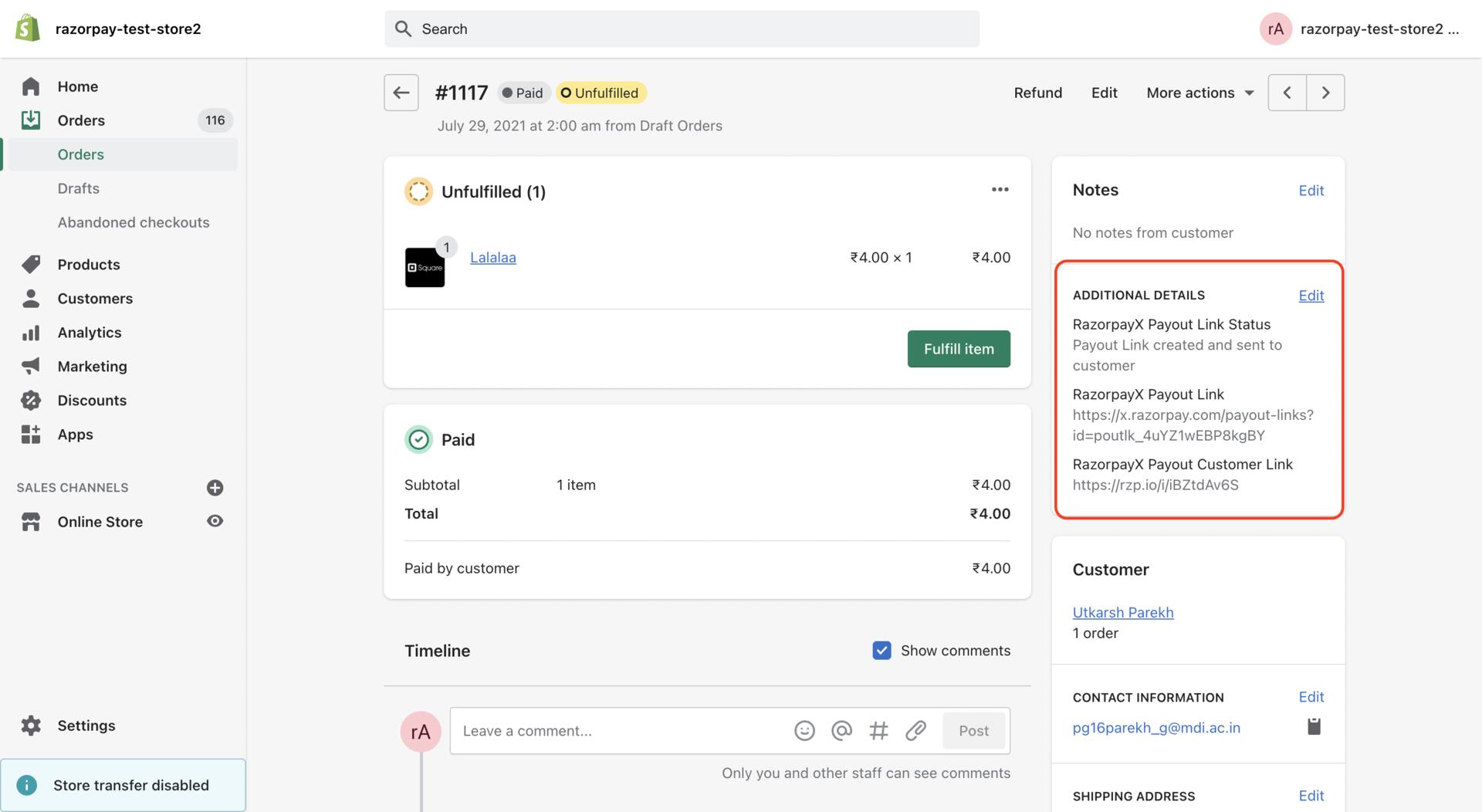
- To confirm creation of Payout Link, enter the OTP sent to the registered mobile number. Once confirmed, a success message is displayed as shown below:
Handy TipsYou can use the Using Shopify filter in the Quick Filters option to view Payout Links created using Shopify in the Payout Links page.