

Available in🇮🇳 India
Third-party service providers can download reports from their Linked Account Dashboards and reconcile transactions.
Get Dashboard Access
To download reports, the Platform must provide Dashboard access to your Linked Accounts. To provide Dashboard access:- Log in to the Dashboard.
- Navigate to Route under Products.
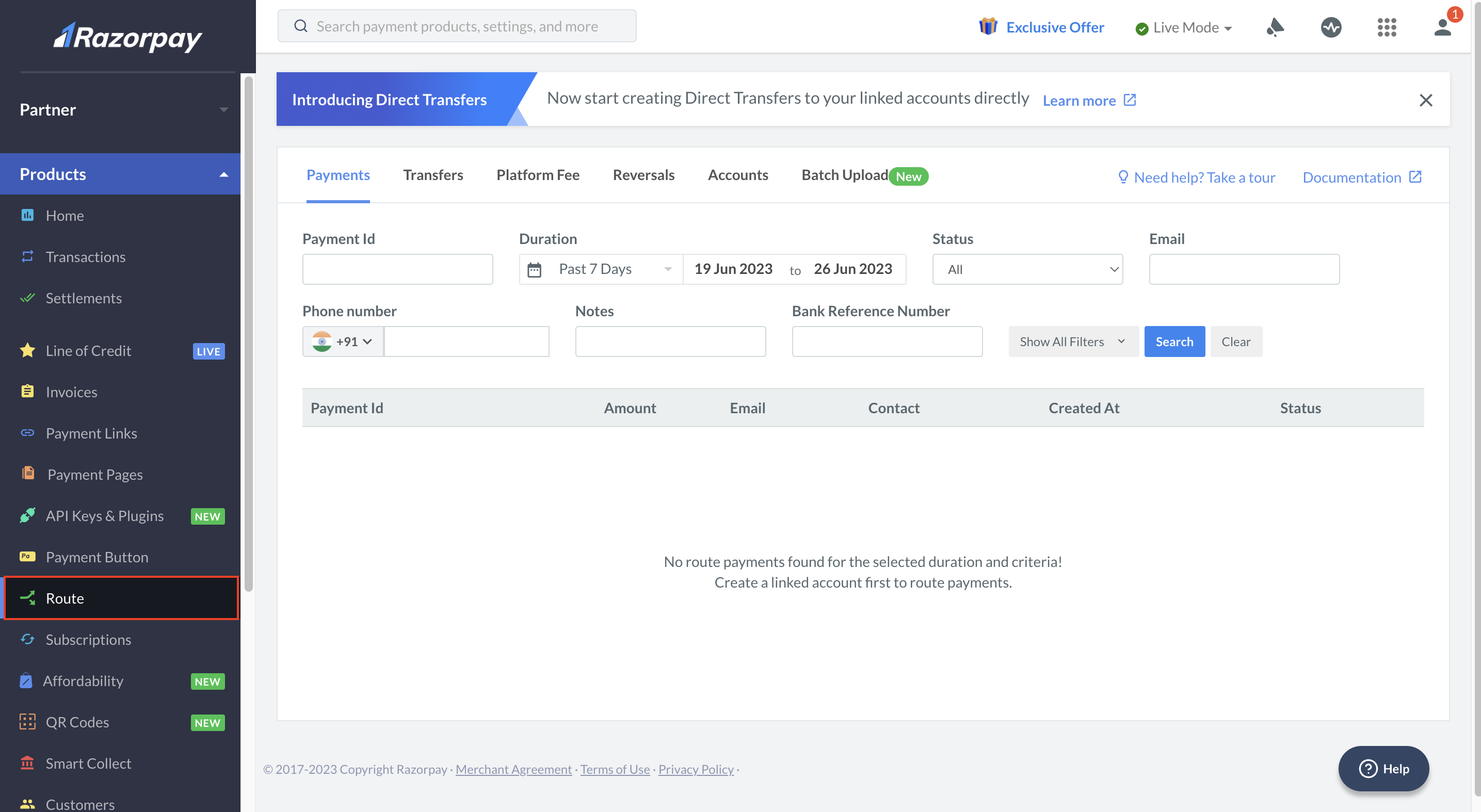
- In the Accounts tab, enable Dashboard Access for the required Account Id.

- Once the Dashboard access is granted, a password reset link is sent to the Linked Account’s registered email id.
- Reset the password and log in to the Linked Account Dashboard.
Download Reports
Watch this video to see how to generate the Linked Account Transfers Report.
To download reports:
- Log in to the Dashboard.
- In the left menu, navigate to Reports.
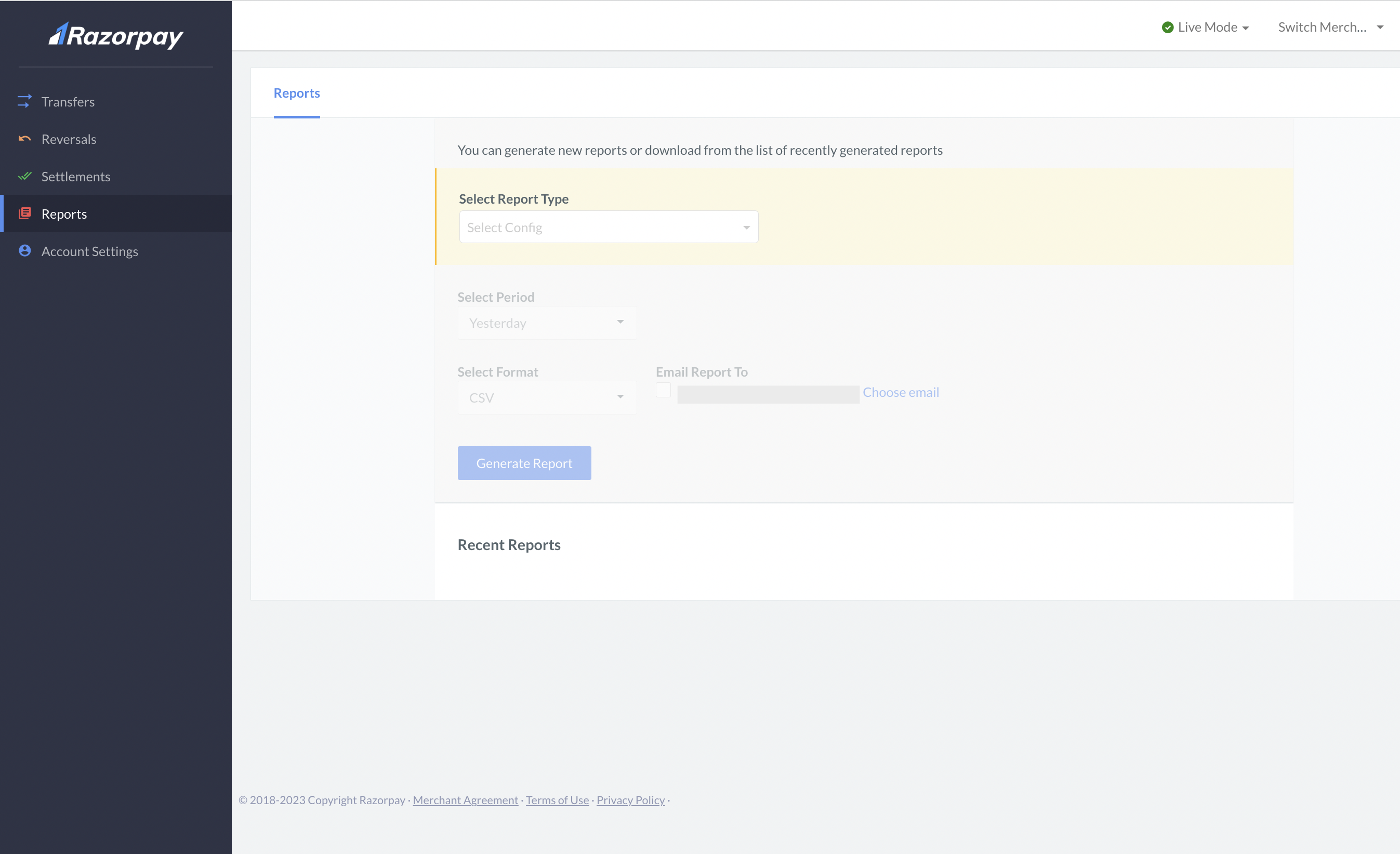
- Select the report type, period and format.
- Click Generate Report.
- It can take a few minutes to a couple of hours to generate a report depending on the data size. Once the report is ready, you can download it from the Recent Reports tab.