

Available in🇮🇳 India🇸🇬 Singapore🇺🇸 United States
A Payment Link starts in the issued state and moves through several states in its life cycle. The life cycle differs for Standard and UPI Payment Links.
Standard Payment Links
After a Standard Payment Link is created, you can track its status on your Dashboard on the Payment Link page. The diagram given below illustrates the life cycle of a Payment Link.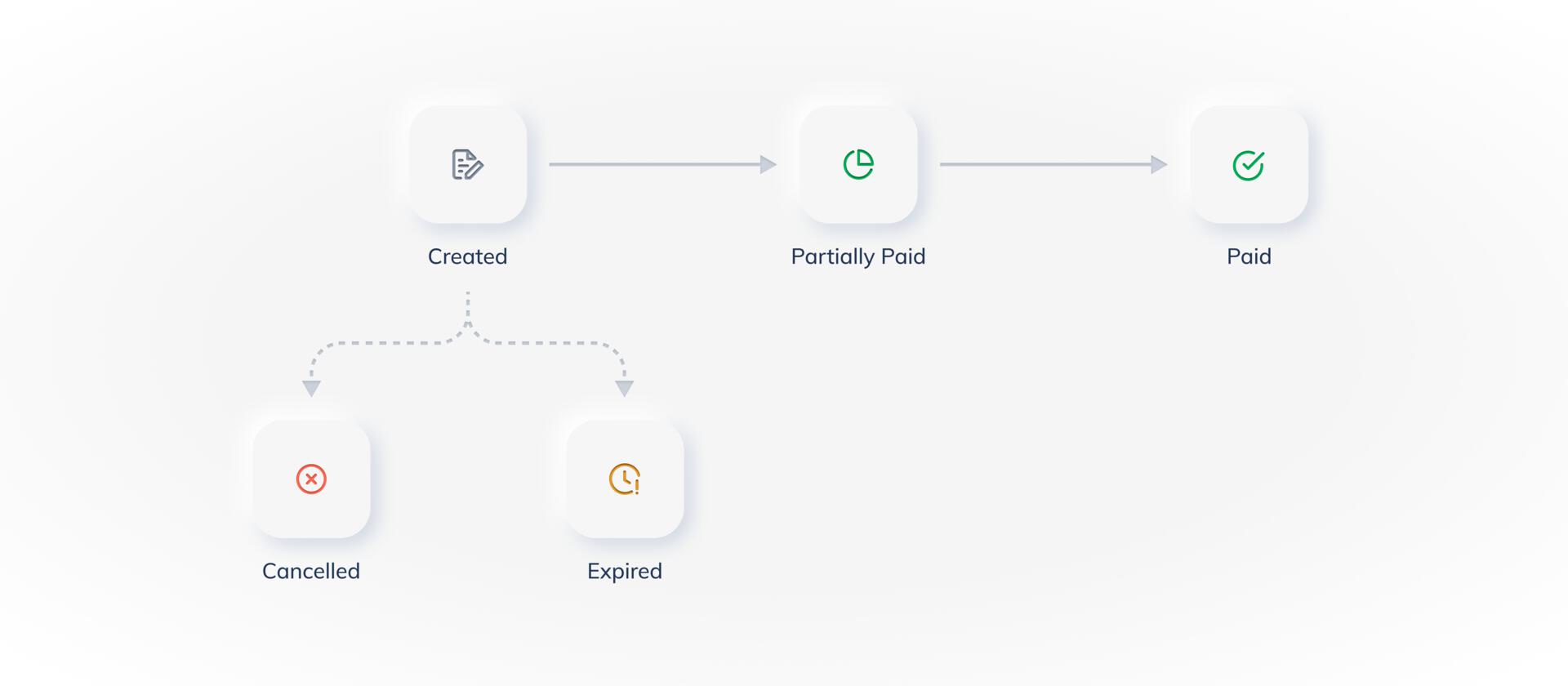 The table below lists the various states and their descriptions in the Payment Link life cycle:
Handy Tips
- You cannot delete a Payment Link. However, you can cancel it. Know more about cancelling Payment Links.
- You can cancel a Payment Link only if it is in the
issuedstate. You cannot cancel Payment Links in thepartially_paidorpaidstate.
UPI Payment Links
After you create a UPI Payment Link, you can track its status on your Dashboard on the Payment Links page. The diagram given below illustrates the life cycle of a UPI Payment Link.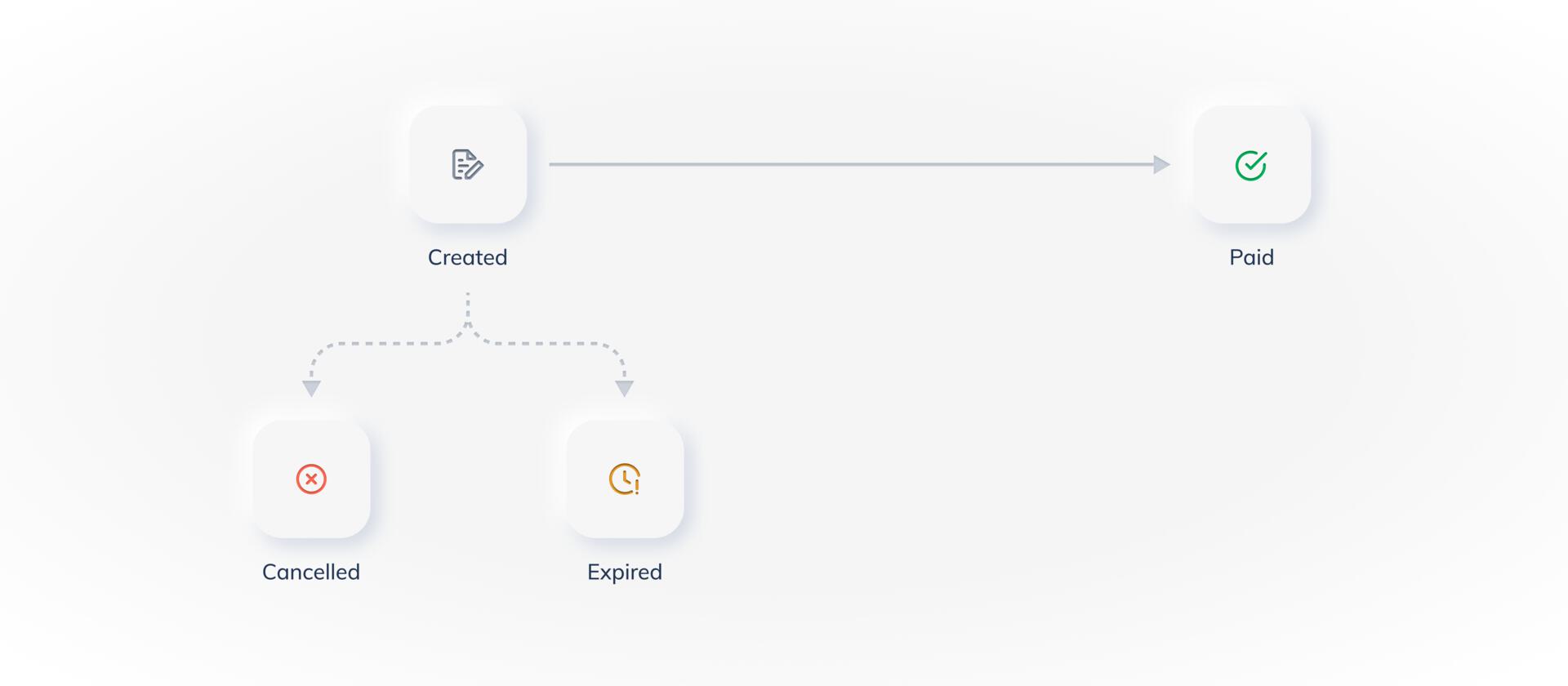 The table below lists the various states and their descriptions in the UPI Payment Link life cycle:
Partial Payments Not SupportedUPI Payment Links do not support partial payments. Hence, the
partially_paid state does not exist.