Available in🇮🇳 India🇸🇬 Singapore🇺🇸 United States
You can create 2 types of Payment Links using the Razorpay Dashboard:
Create a Standard Payment Link From Dashboard
You can create a Standard Payment Link to accept payments from your customers. When you create a Payment Link, it moves to Issued state by default. Watch this video to see how to create a Standard Payment Link.To create a Standard Payment Link:
To create a Standard Payment Link:
- Log in to the Dashboard.
- Go to the PAYMENT PRODUCTS section and click Payment Links.
- Click + Create Payment Link.
-
Enter the required details in the Standard Payment Link pop-up page.
- Amount (Mandatory): Select the currency and amount for the Payment Link. For example, select
₹and enter1000for ₹1,000. You can also accept payments in international currencies. - Payment For (Optional): Enter a description entered. For example,
School fees for Gaurav Kumar - Class XII B. - Customer Details (Optional): Enter the customer’s email and phone number. For example,
9876543210andgaurav.kumar@example.com. - Notify via Email (Optional): Select this option if you want us to send the Payment Link to the customer via email. Available only if you have entered the customer’s email.
- Notify via SMS (Optional): Select this option if you want us to send the Payment Link to the customer via SMS. Available only if you have entered the customer’s phone number.
Customers receive SMS in the following format: For example,Acme Corp has requested payment of INR 100. You can pay through this link: https://rzp.io/rzp/D6W1Xk3u - Razorpay - Reference Id (Optional): Provide a unique reference number for the link. For example,
Adbb001. - Link Expiry (Optional): The date and time at which the Payment Link should expire.
- Notes (Optional): Provide the internal notes for the Payment Link. For example:
- Title (key): Acme Corp.
- Description (value): Birthday cake Feb.
- Review the details and click Create Payment Link.
Customers receive email in the following format:
- Amount (Mandatory): Select the currency and amount for the Payment Link. For example, select
Create a UPI Payment Link From Dashboard
You can create a UPI Payment Link to collect funds from your customers via the Dashboard. When you create a Payment Link, it moves to the Issued state by default. Watch this video to see how to create a UPI Payment Link.To create a UPI Payment Link:
To create a UPI Payment Link:
- Log in to the Dashboard.
- Navigate to Payment Links.
- Click Create Payment Link.
- Click UPI Payment Link.
-
Enter the required details in the UPI Payment Link pop-up page.
- Amount (Mandatory): Select the currency and amount for the Payment Link. For example, select
₹and enter1000for ₹1,000. - Payment For: Enter a description entered. For example,
School fees for Gaurav Kumar - Class XII B. - Customer Details: Enter the customer’s email and phone number. For example,
9876543210andgaurav.kumar@example.com. - Notify via Email (Optional): Select this option if you want us to send the Payment Link to the customer via email. Available only if you have entered the customer’s email.
- Notify via SMS (Optional): Select this option if you want us to send the Payment Link to the customer via SMS. Available only if you have entered the customer’s phone number.
Customers receive SMS in the following format: For example,Acme Corp has requested payment of INR 100. You can pay through this link: https://rzp.io/rzp/D6W1Xk3u - Razorpay - Reference Id: Provide a unique reference number for the link. For example,
Adbb001. - Link Expiry: The date and time at which the Payment Link should expire.
- Internal Notes: Provide the internal notes for the Payment Link. For example:
- Title (key): Acme Corp.
- Description (value): Birthday cake Feb.
Customers receive email in the following format: - Amount (Mandatory): Select the currency and amount for the Payment Link. For example, select
- Review the details and click Create Payment Link.
Make Test Payments for Payment Links
Handy TipsWe recommend you to create Payment Links in Test Mode for testing purposes.
To make test payments for Payment Links:
To make test payments for Payment Links:
- Log in to the Dashboard.
- Navigate to Payment Links.
- Select the Payment Links you wish to test.
- Copy the link URL and open it in your browser.
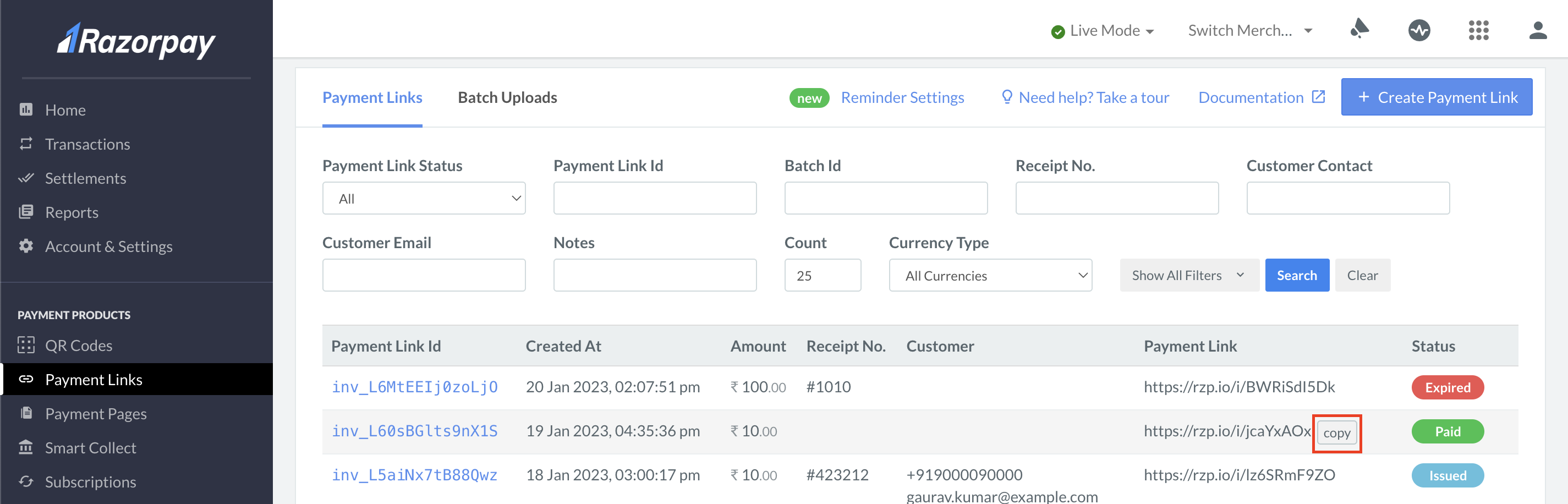
- Select the payment method of your choice and proceed with the payment.
- Select Success or Failure, depending on which flow you wish to test.
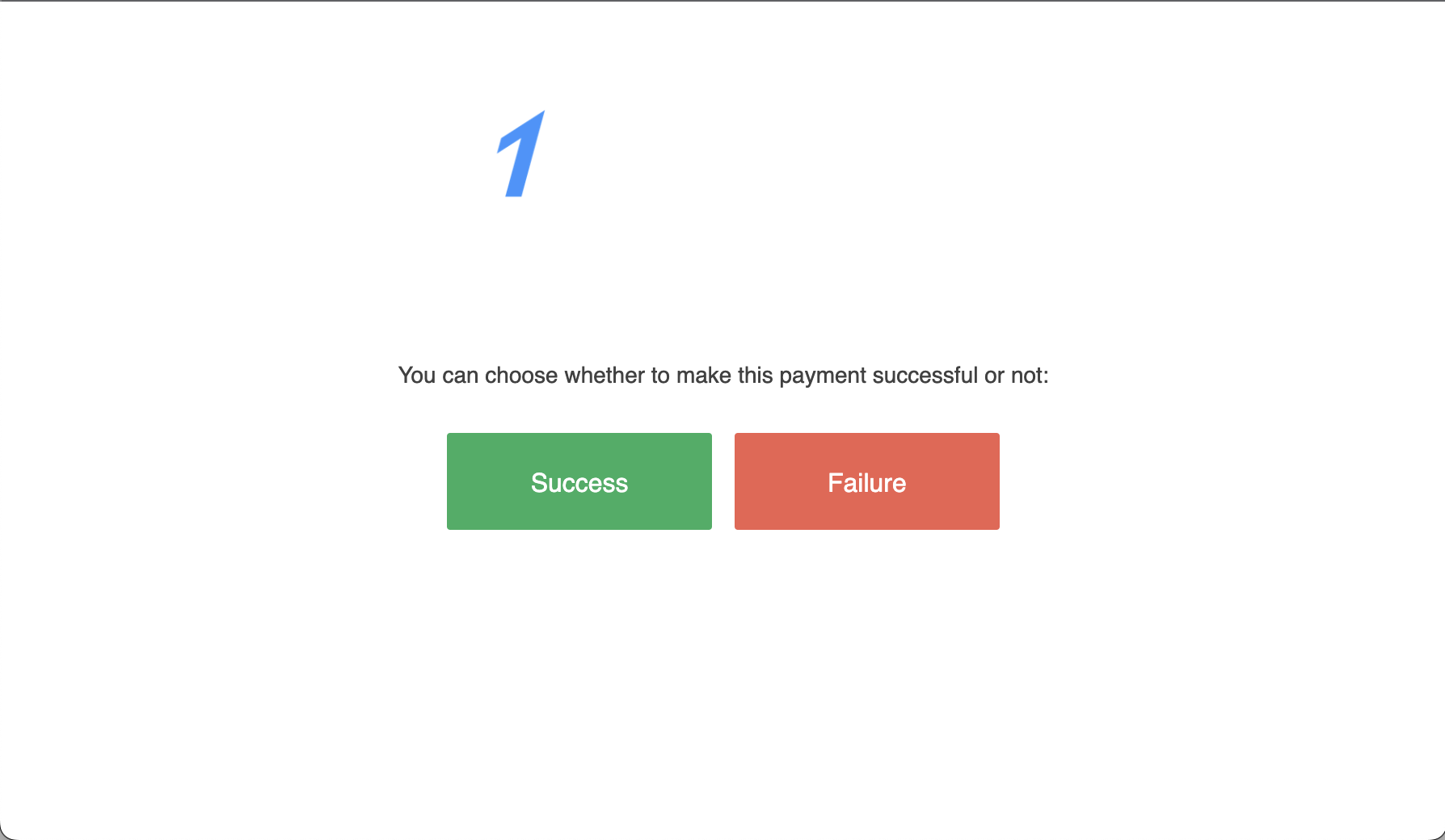
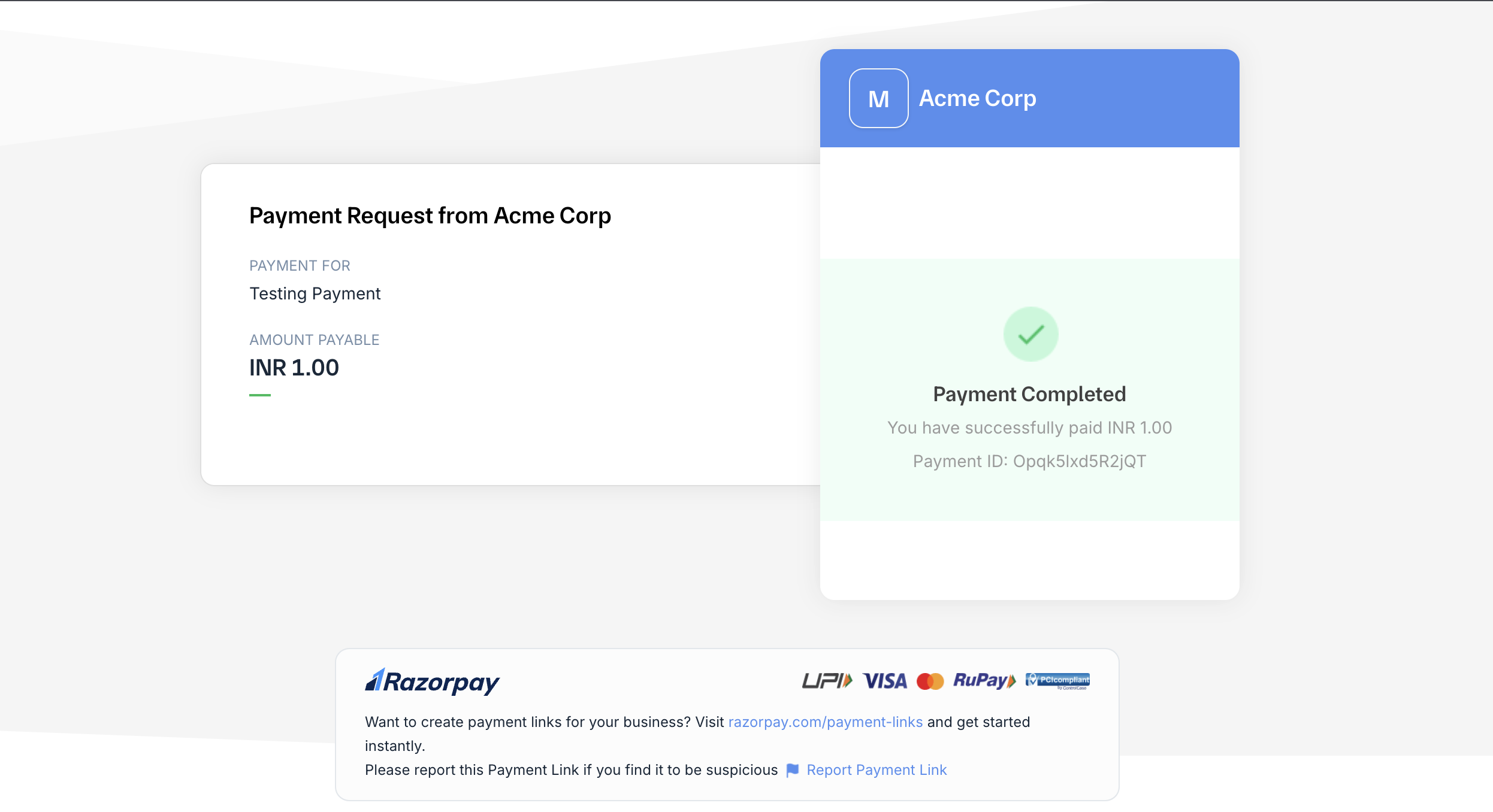
- You should see a confirmation message depending on the flow you have selected.