

Available in🇮🇳 India🇸🇬 Singapore
Pay Later Changelog
Discover new features, updates and deprecations related to Pay Later (since Jan 2024).
- Know about how to enable/disable Pay Later as a payment method for your account.
- No additional integration is required to show Pay Later on your Standard Checkout integration.
How it Works
Based on the concept Buy Now, Pay Later:- The customers get a running line of credit by registering with any providers.
- When customers buy goods or services on your website or apps, no money is debited from their accounts.
- You receive the payments from their providers.
- The customer pays back to the provider as per the fixed schedule defined by the provider.
- At the Checkout, customers enter their contact details and from the displayed list of Pay Later providers, customers select their preferred provider.
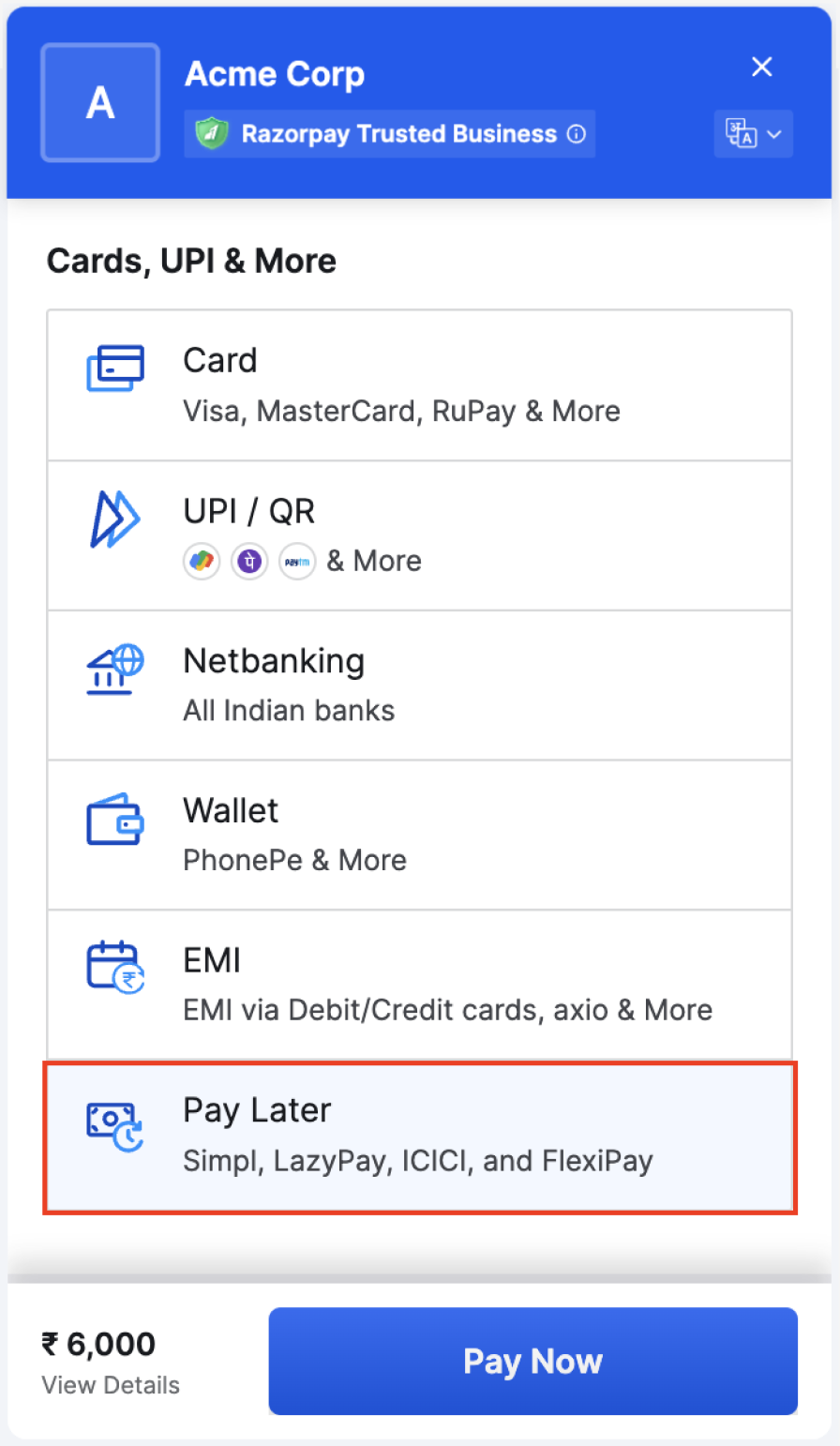
- Customers authorise their accounts via the OTP sent to their registered phone numbers.
- Payment is completed after successful validation.
Supported Pay Later Providers
Handy Tips
- PayPal now supports the Pay Later feature. You should enable both PayPal and the Pay Later options under Account & Settings → Pay Later (under Payment methods) on the Dashboard to enable the Pay Later feature.
- Check the standard interest rates charged by Pay Later providers.