Available in🇮🇳 India
Accept payments using Sodexo meal cards for food and beverage purchases with Razorpay Optimizer. By incorporating Sodexo meal card payments, businesses can offer customers a seamless and familiar payment experience, expanding the range of payment options available for food and beverage purchases.
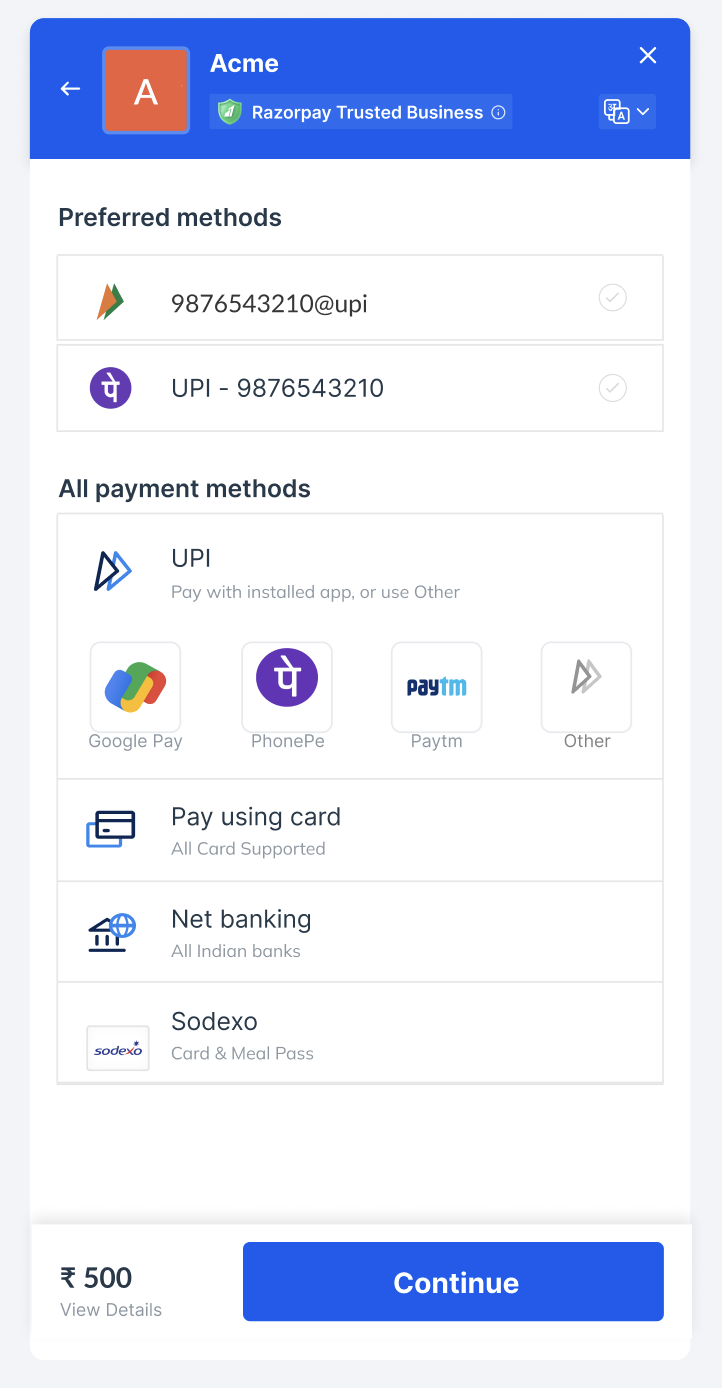
Add Sodexo as a Payment Method
Handy TipsSodexo integration is supported on all checkout types: standard, custom, and server-to-server (S2S).
Step 1: Enable Optimizer and Add PayU as Payment Provider
Step 1: Enable Optimizer and Add PayU as Payment Provider
- Enable Optimizer on your Razorpay account.
- Log in to the Dashboard and navigate to Optimizer.
- Add PayU as a payment provider.
- Select
cardandsodexopayment methods and submit.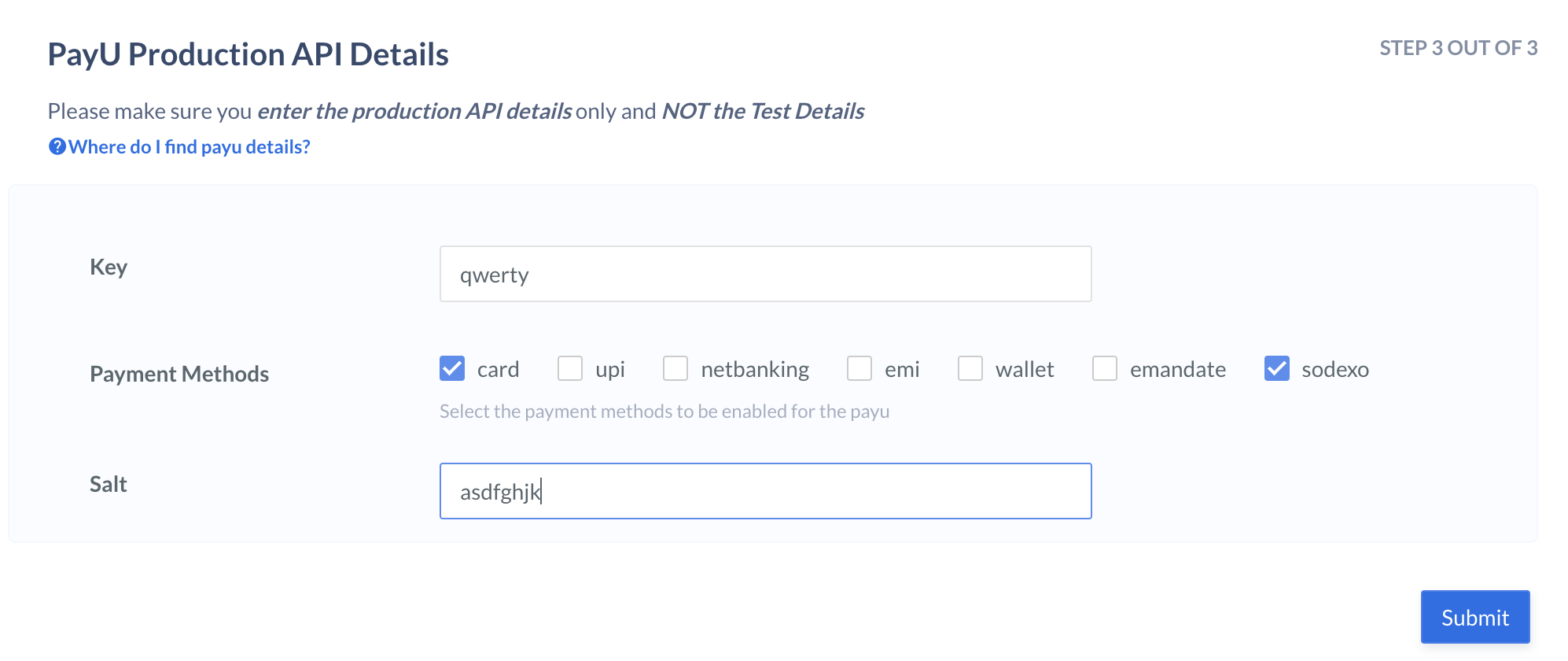
Step 2: Configure Sodexo as a Payment Method
Step 2: Configure Sodexo as a Payment Method
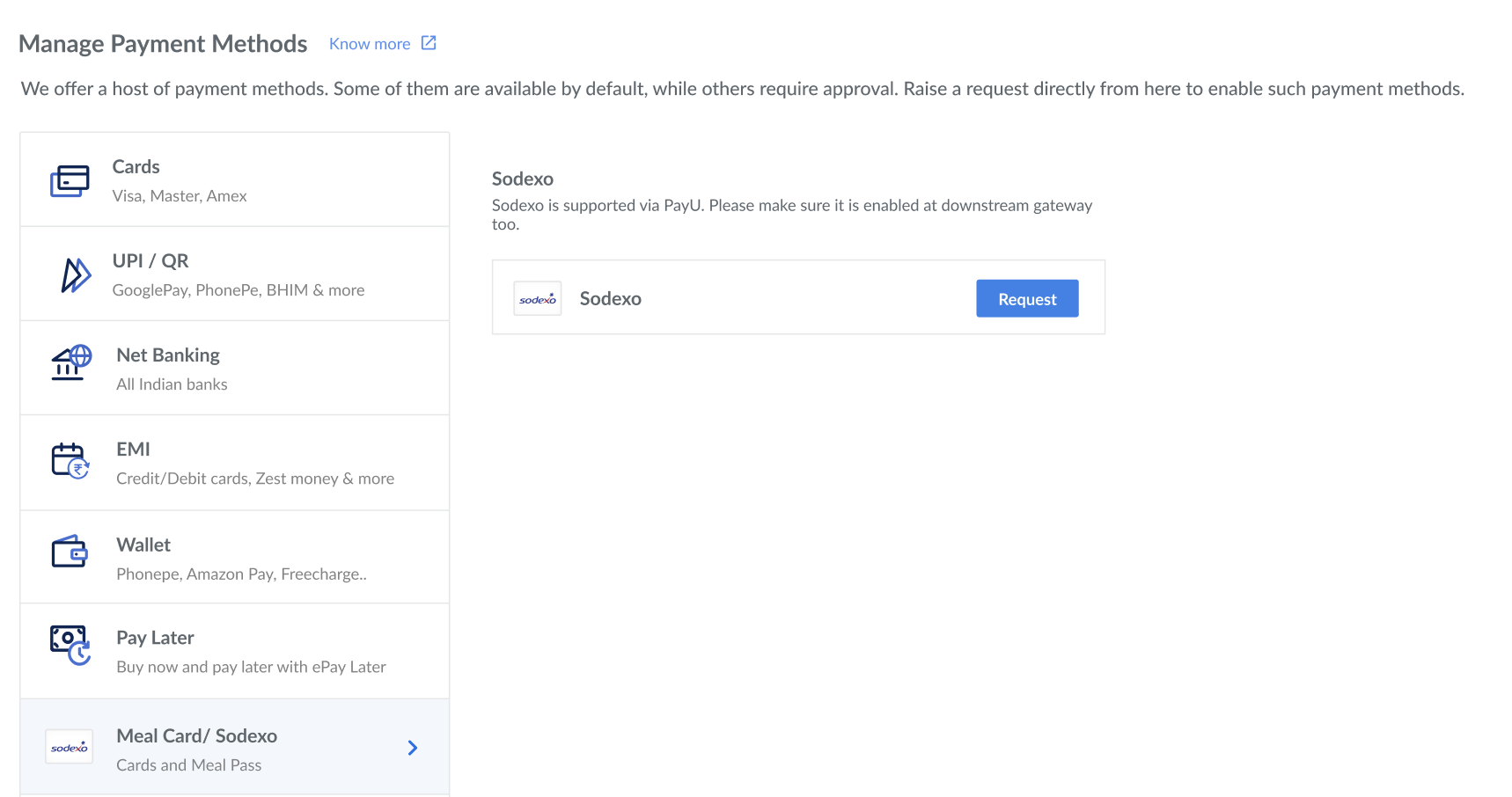
- On the Razorpay Dashboard, navigate to Account & Settings.
- Select Sodexo from the list of payment methods and click Request. Know more about how to request for a payment method.