

Available in🇮🇳 India
All your transactions on the RazorpayX Dashboard are visible under the Account Statement tab on the left navigation.
View Account Statement
You can view all the transactions at once or filter it as per your requirement.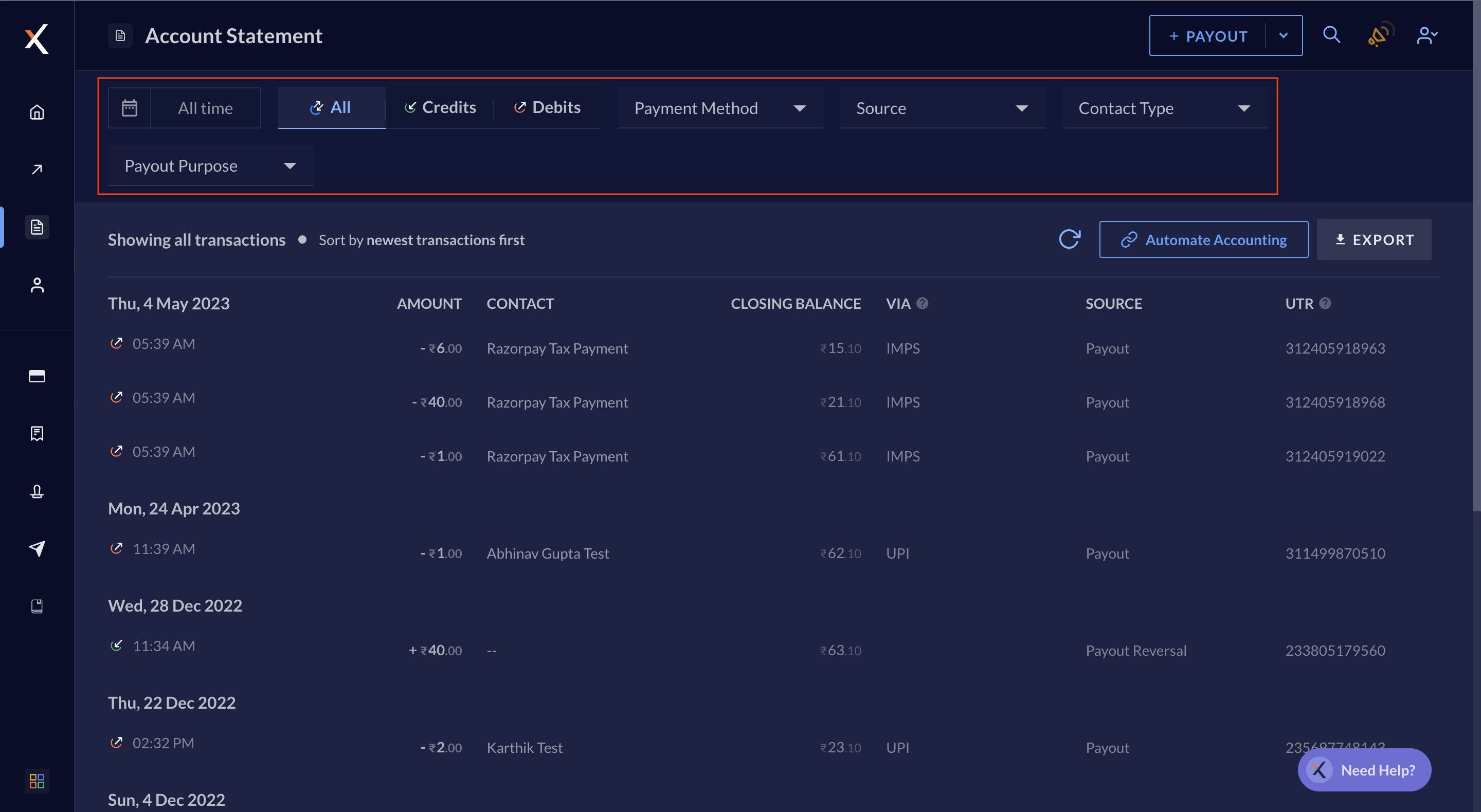
Download Account Statement
You can download all of your transaction data for a specific day, month or any time frame as per your business requirements. This information can be downloaded as acsv or xls file, or sent via email to the intended recipients.
To download account statement:
- Log in to the RazorpayX Dashboard.
- Navigate to Account Statement on the left navigation.
- Click EXPORT.
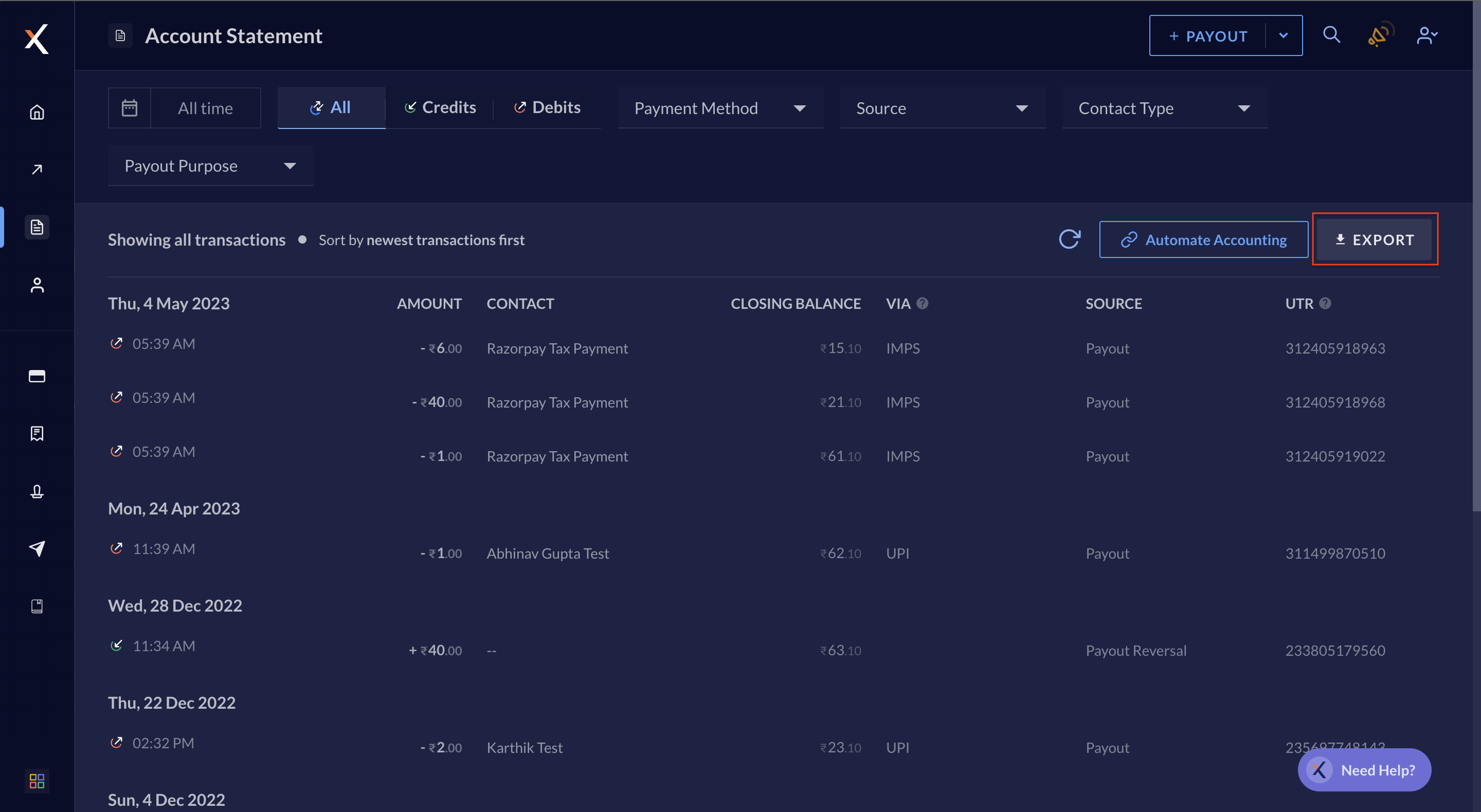
- Select the date range for which you require the statement from the drop-down.
- Select the format in which you wish to download the statement. You can choose between
csvorxlsfiles. - DOWNLOAD the statement.
- You can also EMAIL the statement. Select the receivers from the list and click EMAIL.