

Available in🇮🇳 India
When the sub-merchant tries to connect their Razorpay account with yours:
- A front-end interface for your app with a button redirects the sub-merchant to the Razorpay OAuth page.
- A redirect URL points to your application. Razorpay redirects the sub-merchants to this URL.
Workflow
Given below is the overall flow:- The sub-merchant logs in to the application.
- The sub-merchant clicks Connect with Razorpay and is shown the authorisation page. The sub-merchant clicks Authorize to proceed.
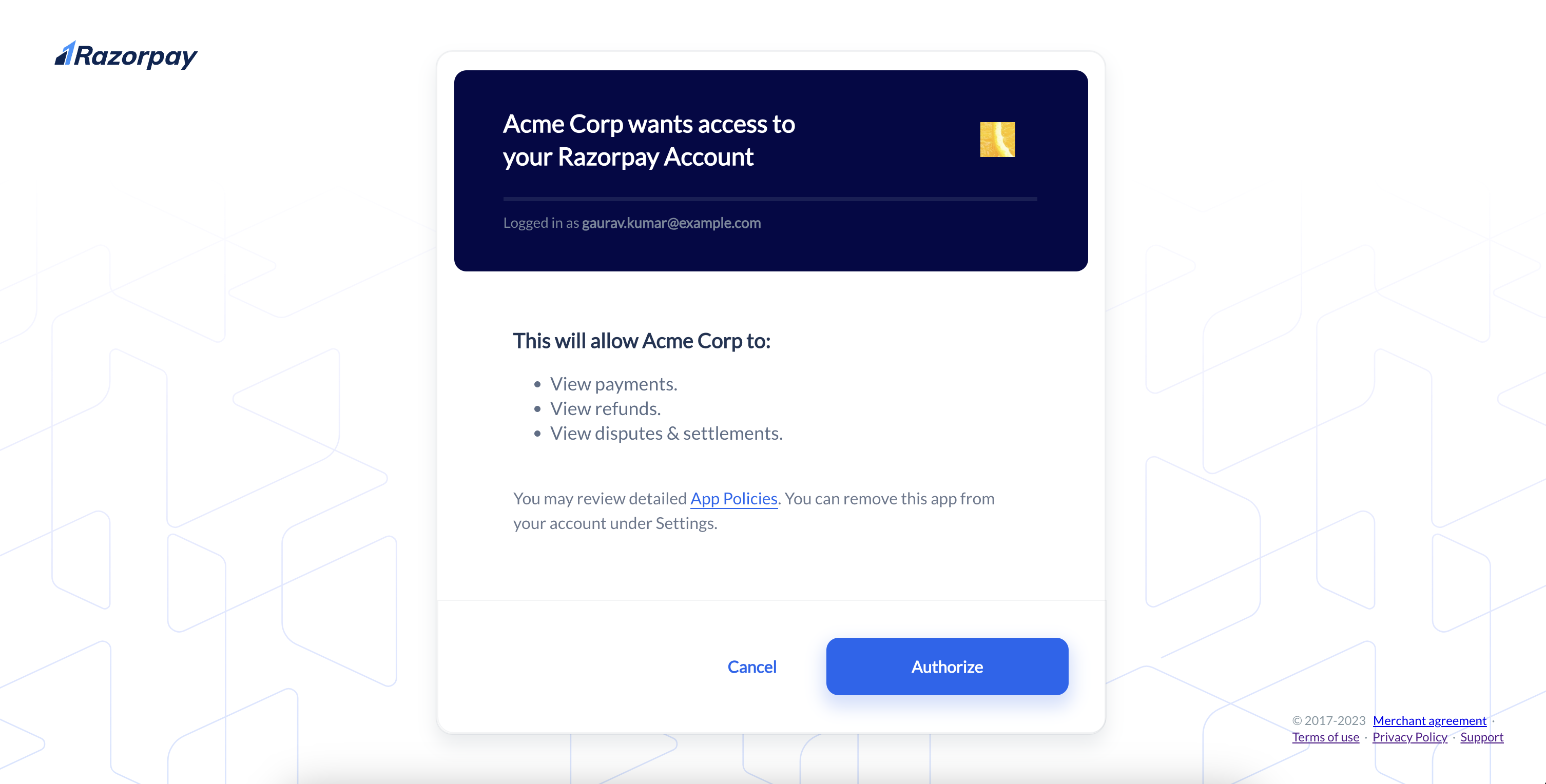
- The application redirects to the Razorpay authorisation URL. This URL requests the sub-merchant’s approval for granting access to the requested resource on Razorpay.
- The user is shown the approval page where they can accept or reject the grant of this access.
- After the user approves or rejects the request, Razorpay redirects to the
redirect_urlspecified.- If approved, an
authorization_codeis included as a query parameter. - If denied, the error reason is sent in the query parameter.
- If approved, an
Handy Tips
- Razorpay OAuth supports the standard authorisation code grant.
- Implement the flow described below to obtain an authorisation code and then exchange it for an access token. The implicit grant is currently not supported.