

Available in🇮🇳 India
Razorpay allows foreign (non-Indian) businesses to accept payments from Indian customers without any additional paperwork or registration.
Accept Payments From Indian Customers
Follow the steps given below to onboard and accept payments from Indian customers:- Log in to the Dashboard.
- Navigate to Account & Settings.
- You must provide the Purpose Code information when applying for international payments.
- Click International Payment Codes under International payment settings.
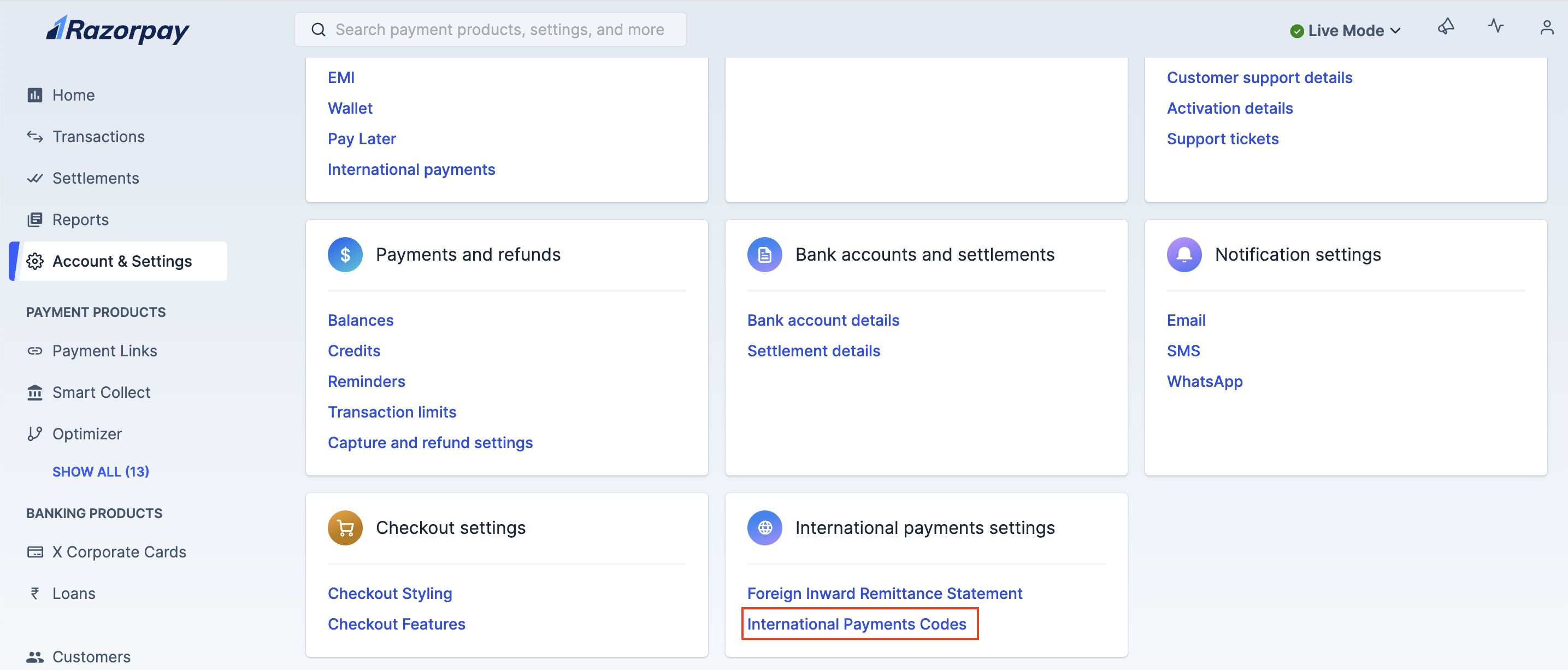
- Update your purpose code under the International Payment Codes section.
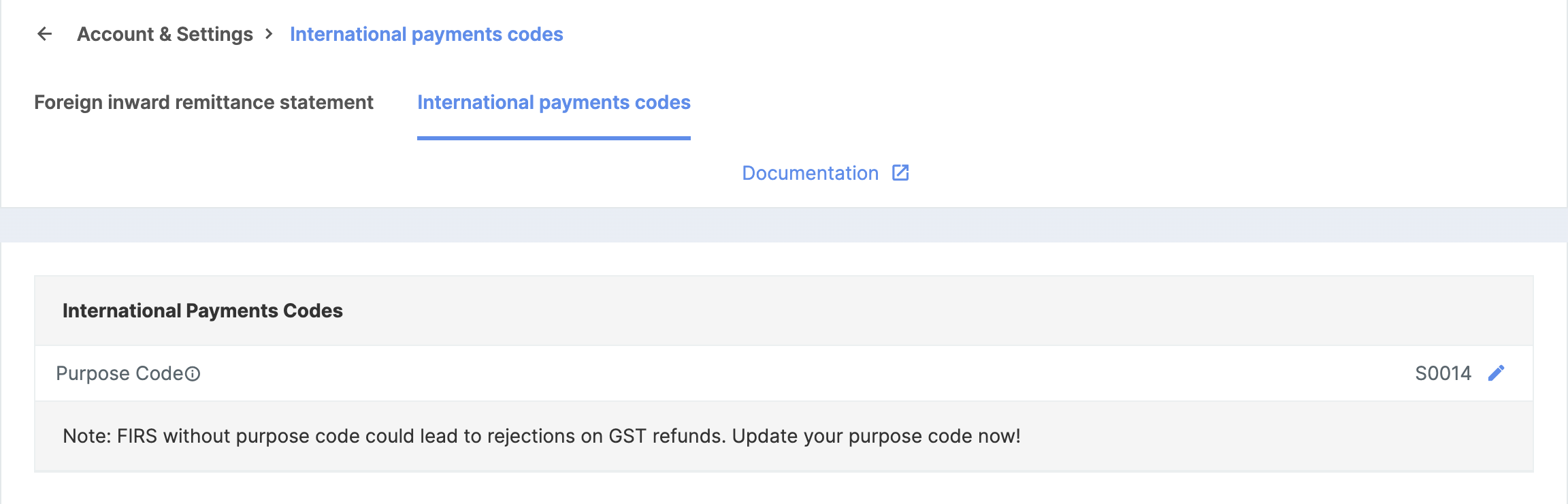
- Select the appropriate Purpose Code.
- Click International Payment Codes under International payment settings.
- Add HS Code
- Add IEC Code
- Click International Payment Codes under International payment settings.
- Update your HS Code under the International Payment Codes section.
- Select the appropriate Harmonised System Code, also known as HS Code.
Handy Tips
- For Software: HSCode is 85238020 and HSDescription is Other Information technology software.
- For Goods: Refer to the list from the DGFT website.
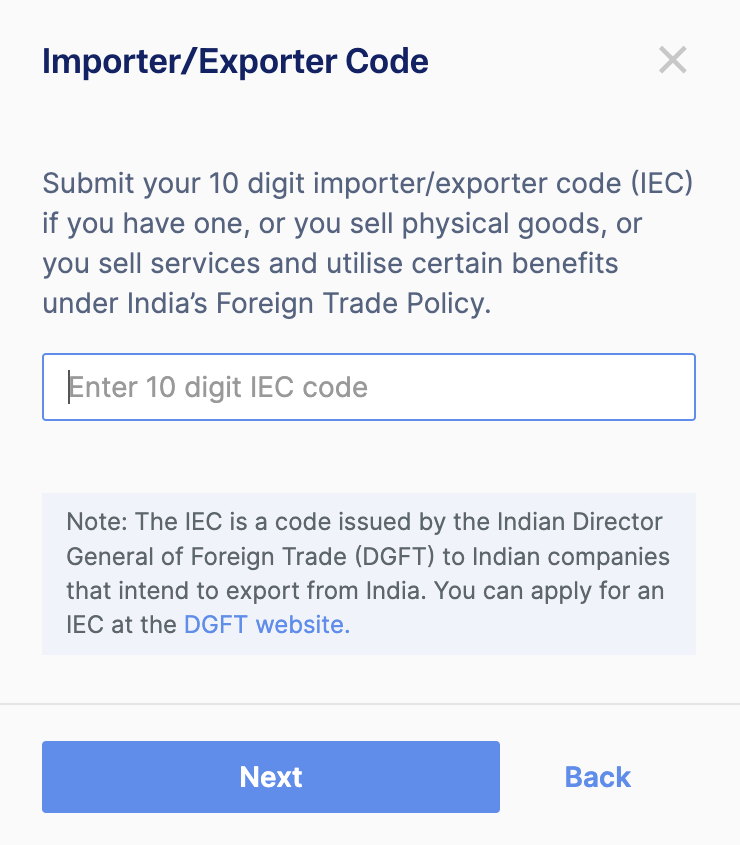
- Review and click Confirm. The Razorpay Activation/Operations team verifies the selected Purpose Code.