

Available in🇮🇳 India
On the Dashboard, you can view:
Transactions Details
Payments
You can view the payment details on the Dashboard by specifying various filters.Filters
Filters
- Log in to the Dashboard.
- Select Transactions from the left menu and click Payments.
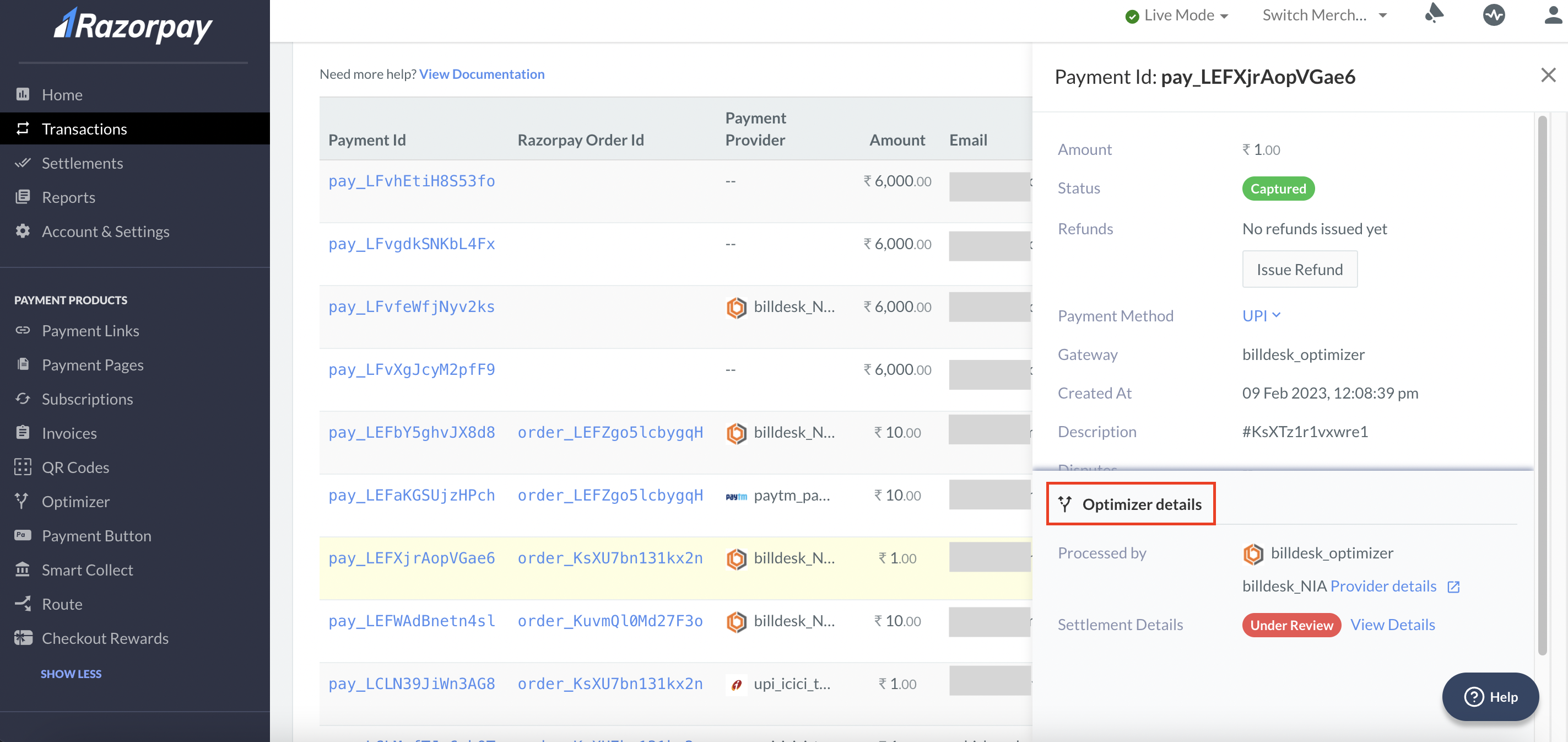
- Select the Payment Id to view the:
- Payment details
- Fee collected
- Tax collected
- Settlement id within which the transaction was settled.
- Optimizer Details
Refunds
You can view the refund details on the Dashboard by specifying various filters.Filters
Filters
- Log in to the Dashboard.
- Select Transactions from the left menu and click Refunds.
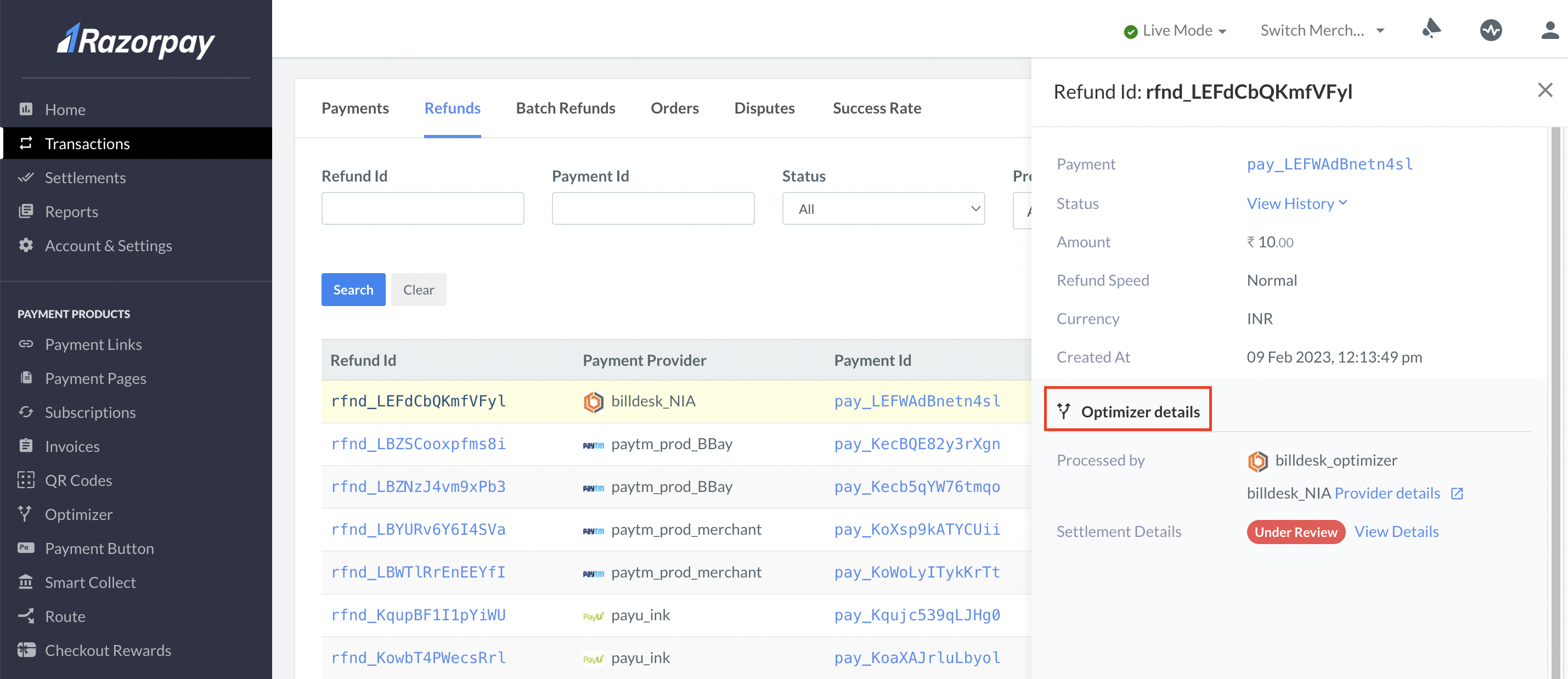
- Select the Refund Id to view the:
- Status and history of the refund
- Amount
- Refund type
- Optimizer Details
Settlement Details
You can download or schedule the Optimizer Single View Recon Report from the Dashboard to view the settlement details.Handy TipsYou can contact the Support team for a customised report that meets your business requirements.