

Available in🇮🇳 India🇸🇬 Singapore🇺🇸 United States
You can resend Payment Links in the Issued state to your customer.
Resend Payment Links From Dashboard
Watch this video to see how to resend Payment Links to your customers.
To resend a Payment Link:
- Log in to the Dashboard.
- Navigate to Payment Links.
- Select the Payment Link which you wish to resend. The details appear on the right-side pane.
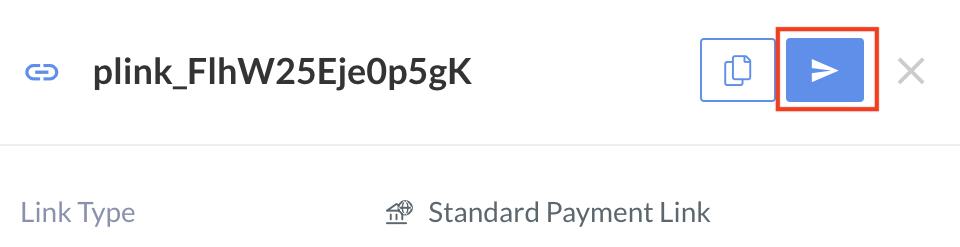
- Click the resend icon.
- Select the modes (Email or SMS or both) in which you want to resend the Payment Link.
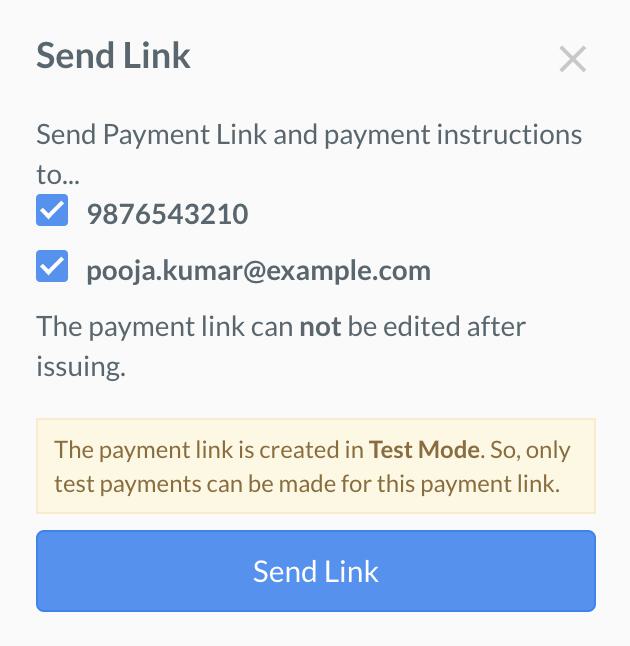
- Click Send Link.
Resend Payment Links Using API
You can resend a Payment Link inissued state using this API.