Available in🇮🇳 India
You can send the UPI Payment Links as URLs to your customers to accept UPI payments. When the customers click on the URL, a list of UPI apps installed on their mobile device is displayed. Customers can select the UPI app of their choice to complete the payment. You can also use Standard Payment Links to receive payments using payment methods such as netbanking, cards and UPI.
Handy Tips
- This feature works only on Android mobile devices.
- UPI Payment Links will work only in Live Mode.
- Enable Partial Payments feature is not applicable for UPI Payment Links.
Advantages
- UPI is a popular payment method that helps customers to make quick payments.
- Customers do not have to enter card details, netbanking login details, thus avoiding manual errors and failed payments.
- UPI payments have a high success rate compared to other payment methods.
Supported Features
UPI Payment Links support the following features: Reminders and Batch Upload.Payment Link States
Know about the different UPI Payment Link states.Create
Create a UPI Payment Link from the Dashboard or using the APIs.Customer Interaction
Watch this video to see the customer flow for UPI Payment Links.UPI Apps Preinstalled/Not Installed
- UPI Apps Preinstalled
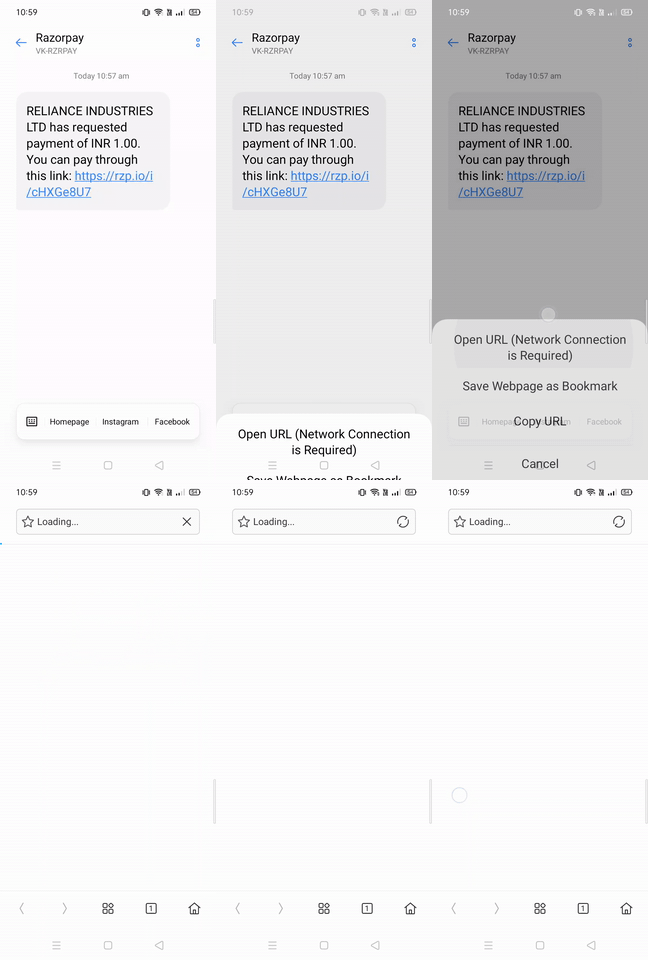
- UPI Apps not Installed
Watch this video to see how the UPI Payment Link works when your customers have UPI apps installed on their devices.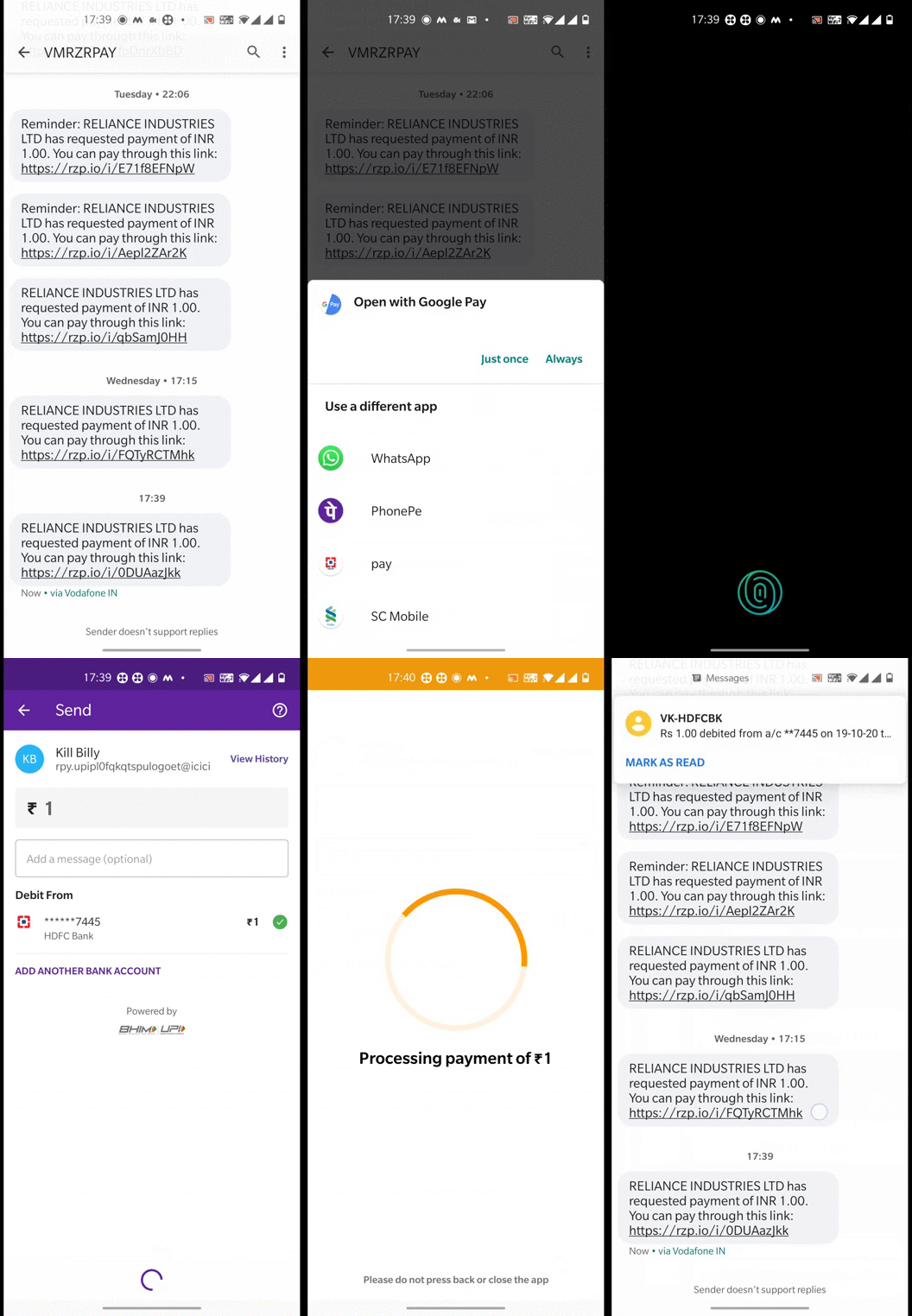
Paid, Expired or Cancelled Payment Links
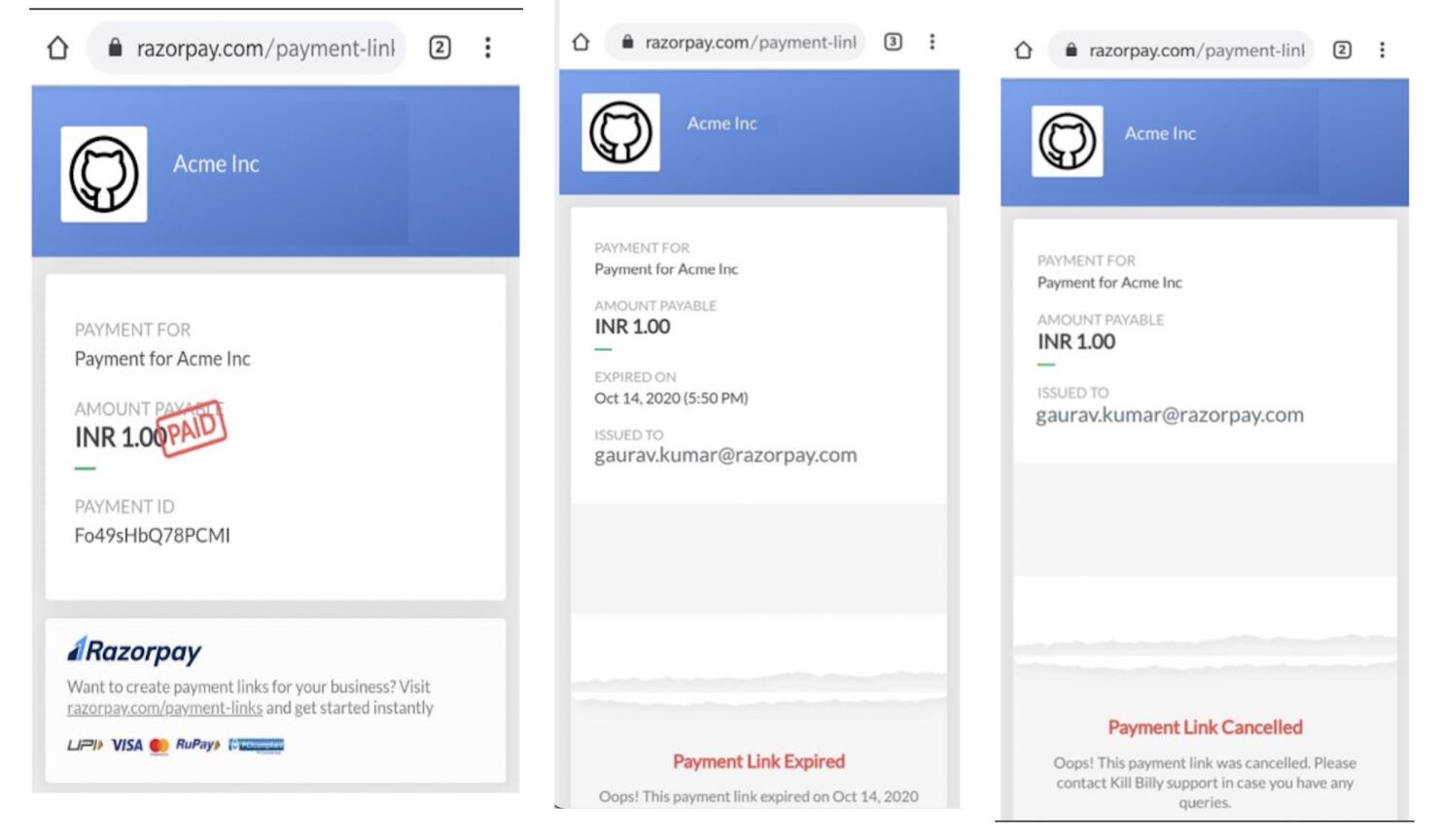
When customers attempt payment for paid, expired or cancelled Payment Links, the respective statuses are displayed. They are not allowed to make payments using such links.