

Available in🇮🇳 India
Items serve as a detailed description of products or services that are bought or sold. They enable buyers to verify that they are receiving what they ordered and at the agreed-upon prices, and they provide sellers with a clear record of what was delivered and the corresponding revenue.
Invoices and purchase orders often feature multiple items, making them records of a business transactions. The effective use of items streamlines the process of procurement, sales and financial management, contributing to more efficient and accurate business operations.
Item Fields
Item Fields
Items in invoices and purchase orders typically include a range of information, such as:
Create an Item
To create an item:- Log in to the RazorpayX Dashboard.
- Navigate to Vendor Payments → Items.
- Click + Item.
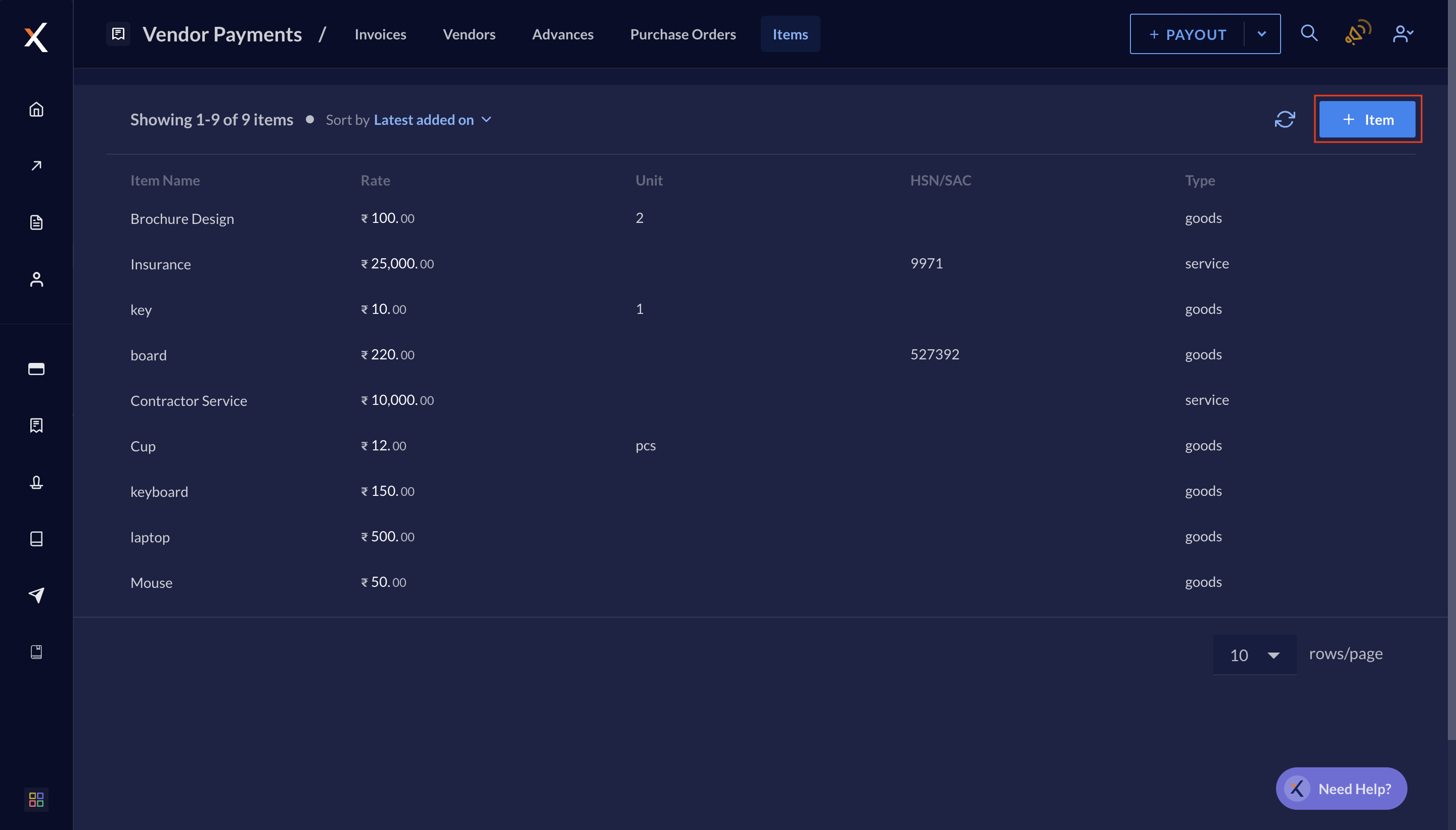
- Enter the fields mentioned above.
- Click Save.
Edit an Item
To edit an item:- Log in to the RazorpayX Dashboard.
- Navigate to Vendor Payments → Items.
- Select the item you want to edit.
- Go to Options → Edit Item.
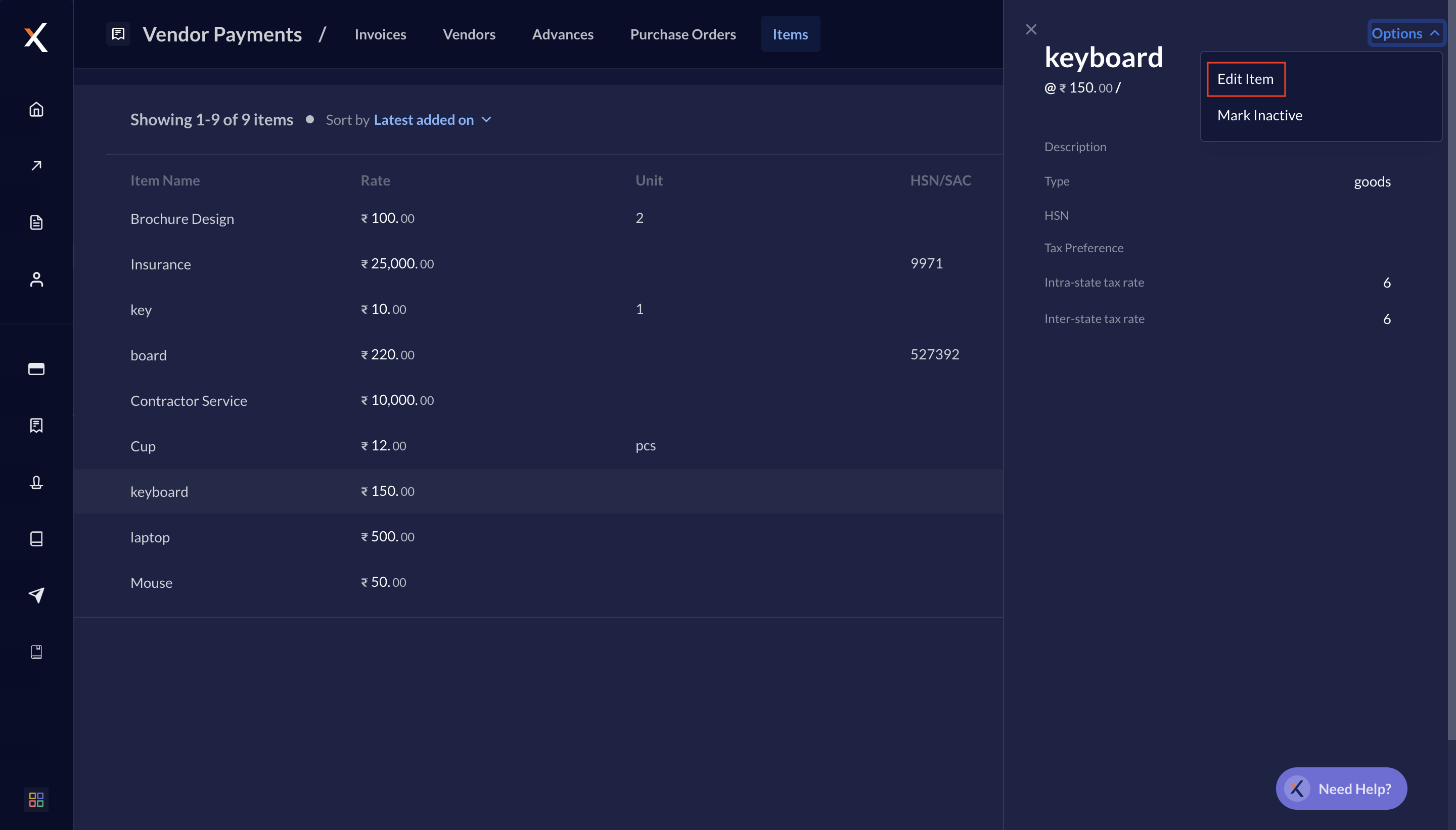
- Add or modify the fields and click Save.
Mark Item Inactive
To mark an item inactive:- Log in to the RazorpayX Dashboard.
- Navigate to Vendor Payments → Items.
- Select the item you want to mark inactive.
- Go to Options → Mark Inactive.