

Available in🇮🇳 India🇸🇬 Singapore
You can add your support details to the transaction emails sent to your customers. This will help your customers know how to reach you for any queries.
Add Support Details
To add support details:- Log in to the Dashboard.
- Click Account & Settings and navigate to Customer support details under Business settings section.
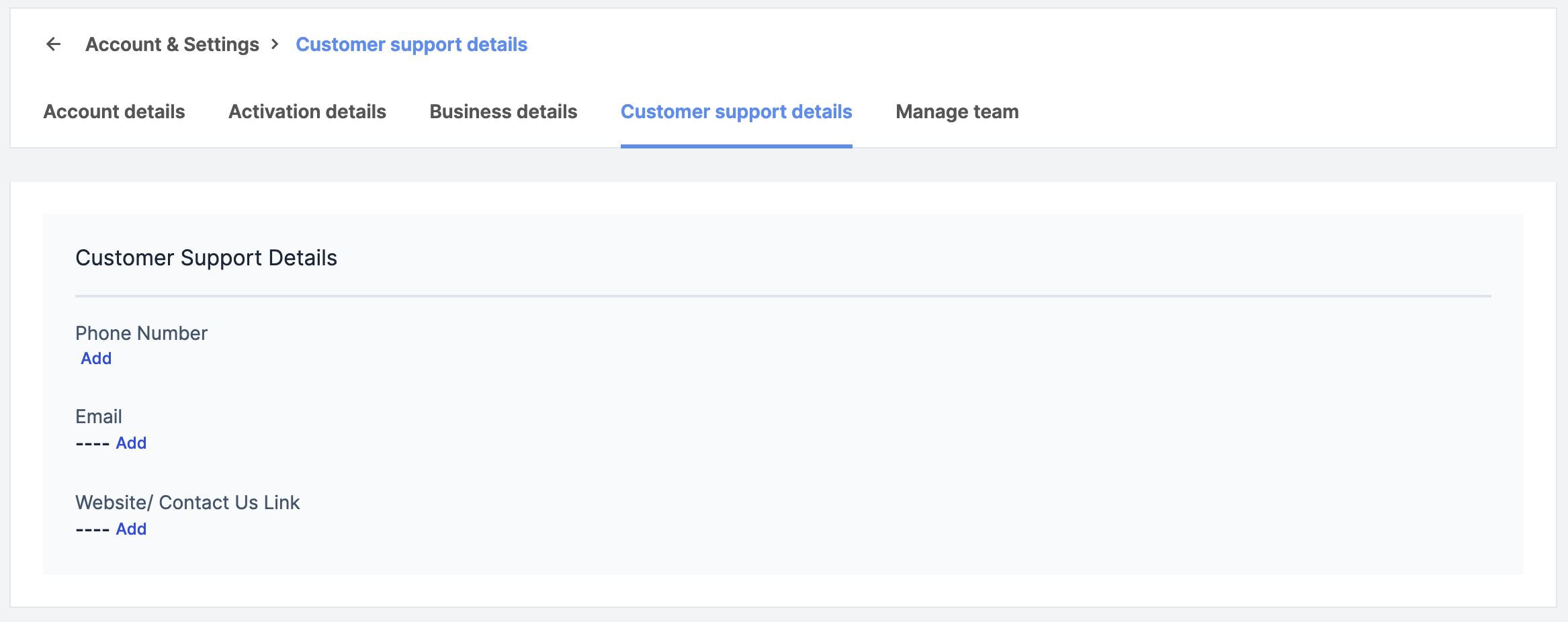
- Click Add and enter:
- Phone Number
- Website/ Contact Us Link
- Click Submit.
Edit Support Details
To edit support details:- Log in to the Dashboard.
- Click Account & Settings and navigate to Customer support details under Business settings section.
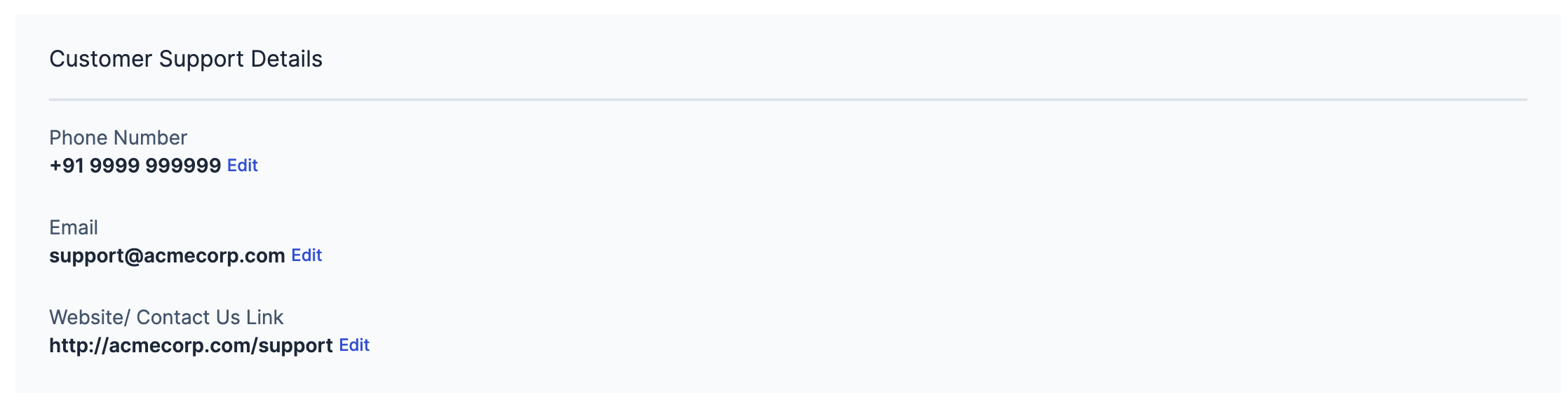
- Navigate to the phone number, email or website/contact us link field and click Edit.
- Click Submit.