Available in🇮🇳 India
Delhivery is an Indian supply chain and logistics company aiming to build an operating system for commerce.
Integration Steps
Follow these steps on the Razorpay Dashboard:- Log in to the Dashboard and navigate to Magic Checkout.
- Select the platform of your e-commerce website, enter the relevant details and click Next.
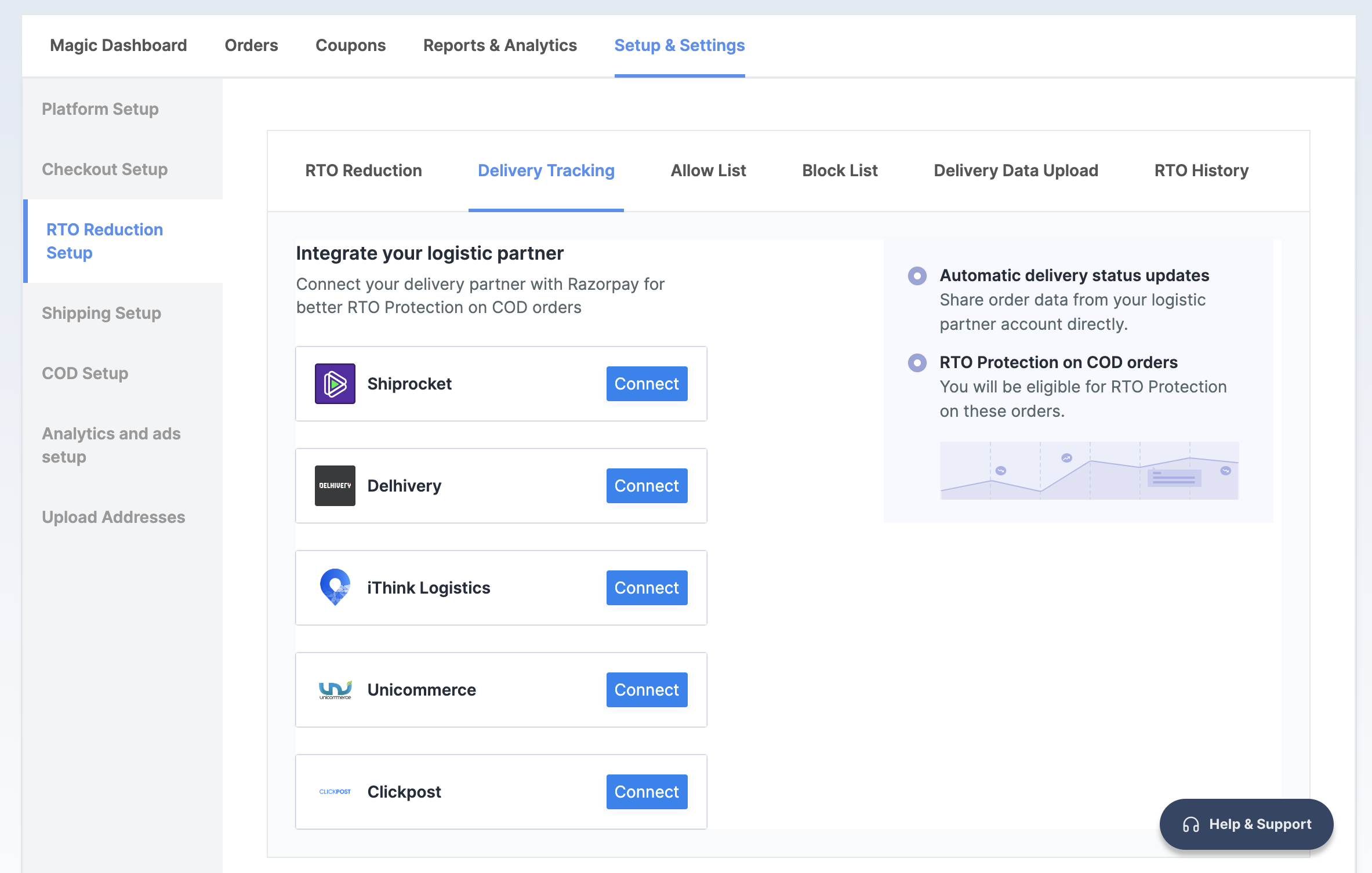
- In the RTO Reduction Setup section, navigate to the → Delivery Tracking tab.
- Click Connect next to Delhivery.
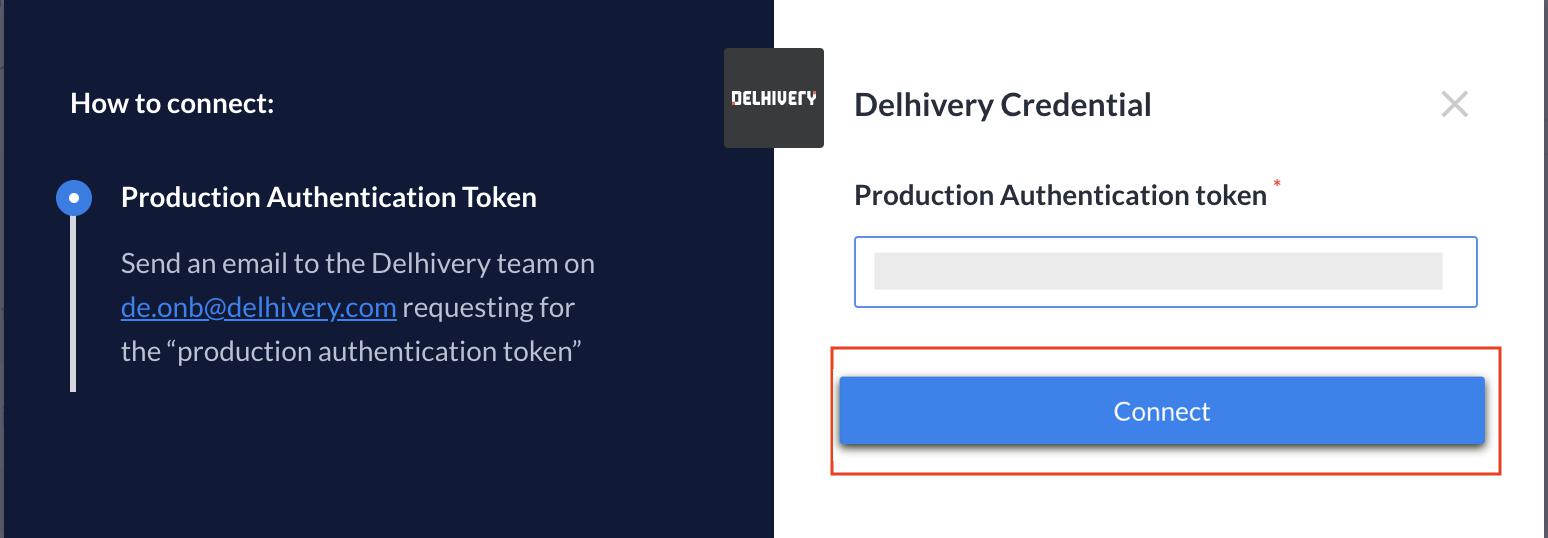
- Send an email to the Delhivery team on
de.onb@delhivery.comrequesting for the Production Authentication Token. - Enter the token once you receive it and click Connect.