

Available in🇮🇳 India
Shiprocket is India’s leading logistics software, offering automated shipping solutions.
Integration Steps
Configure Settings on Shiprocket Dashboard
Configure Settings on Shiprocket Dashboard
Handy TipsThis step is required only if you are generating the API credentials for the first time. If you have already generated the API credentials, please skip this step.
- Log in to the Shiprocket Dashboard and navigate to Settings → API on the bottom right.
- Click Configure.
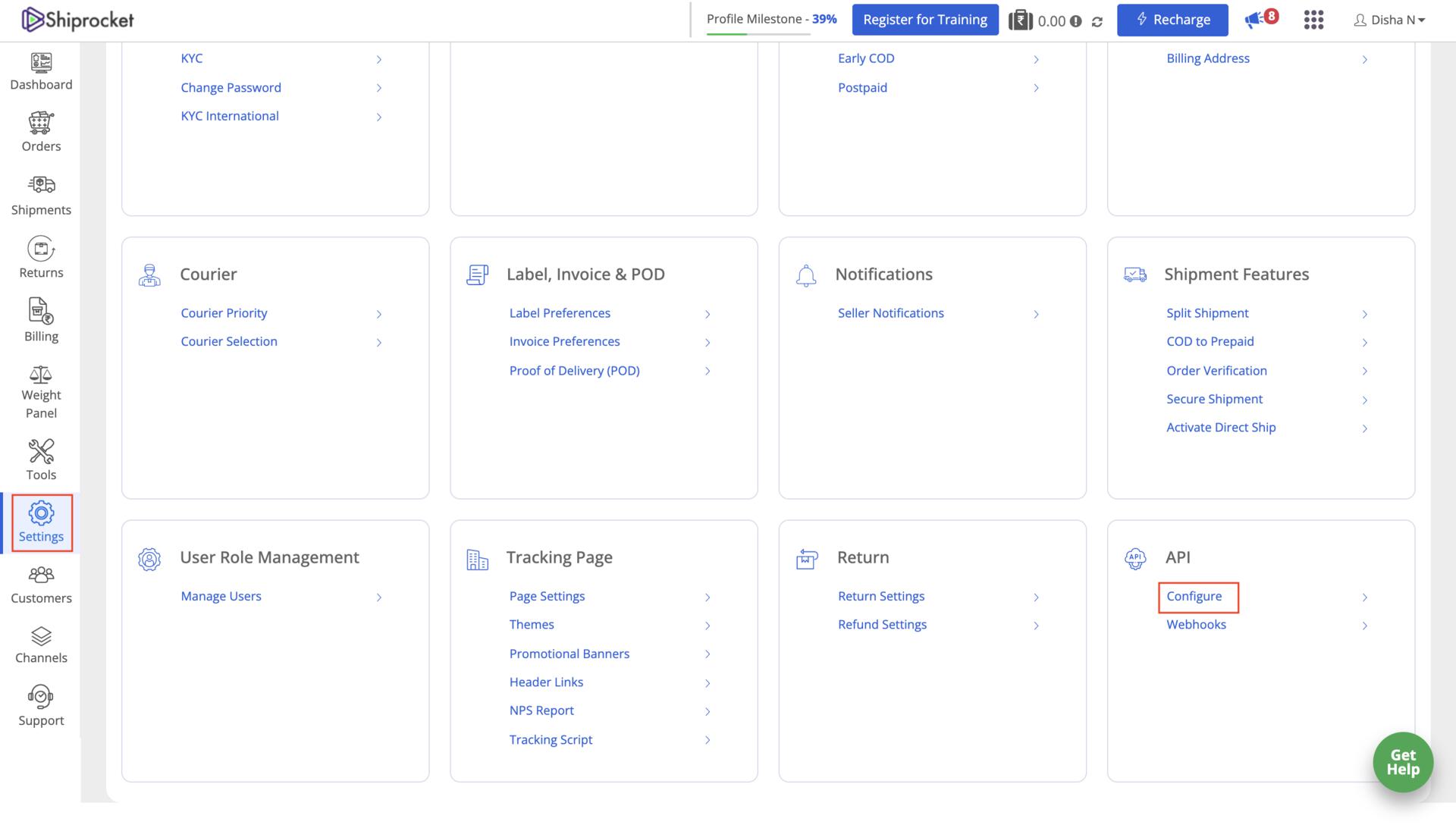
- In the API User section, click Create an API User.
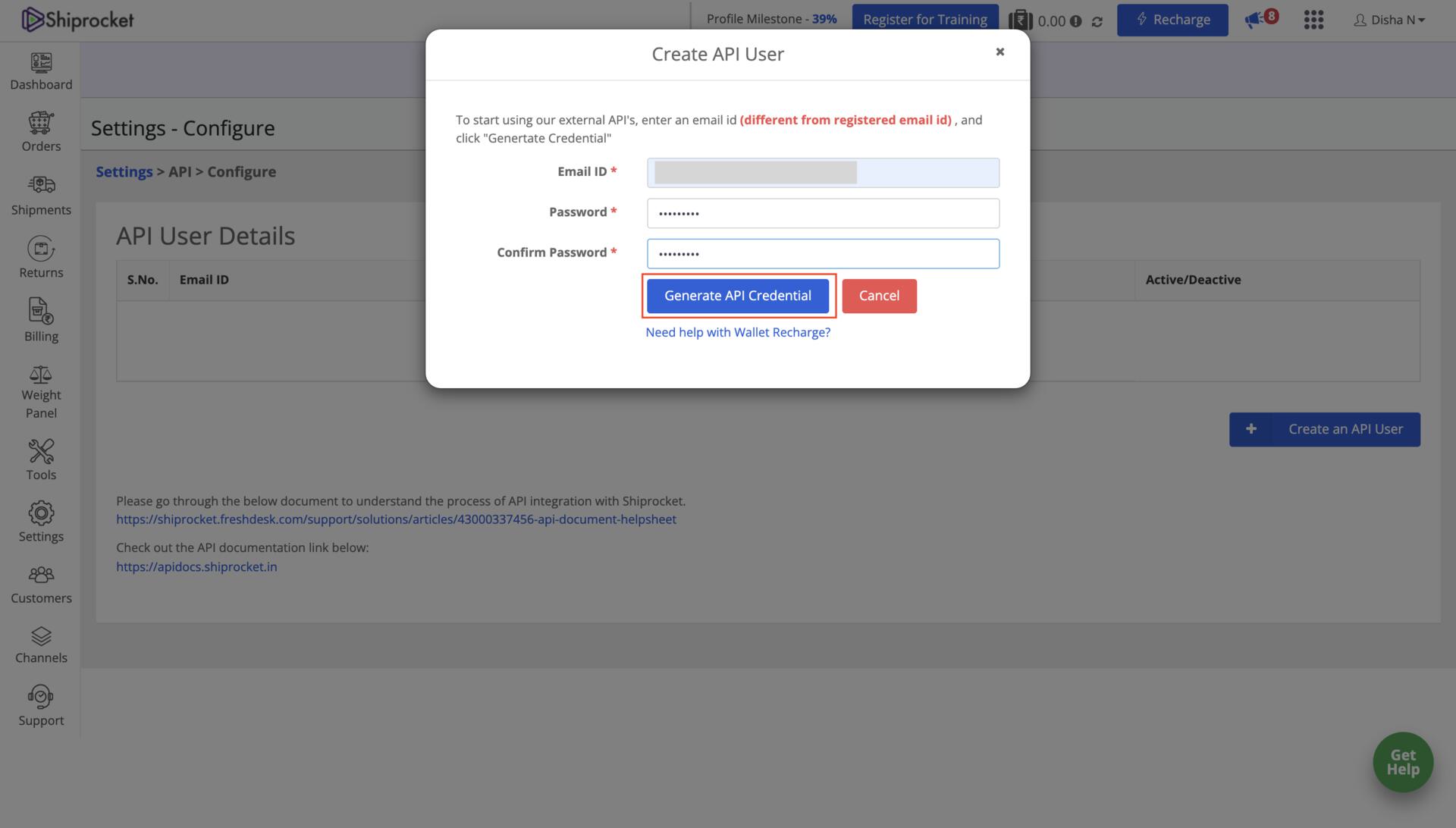
- Enter your Email ID and password.
- Click Generate API Credential.
Enable Shiprocket on Razorpay Dashboard
Enable Shiprocket on Razorpay Dashboard
- Log in to the Dashboard and navigate to Magic Checkout.
- Select the platform of your e-commerce website, enter the relevant details and click Next.
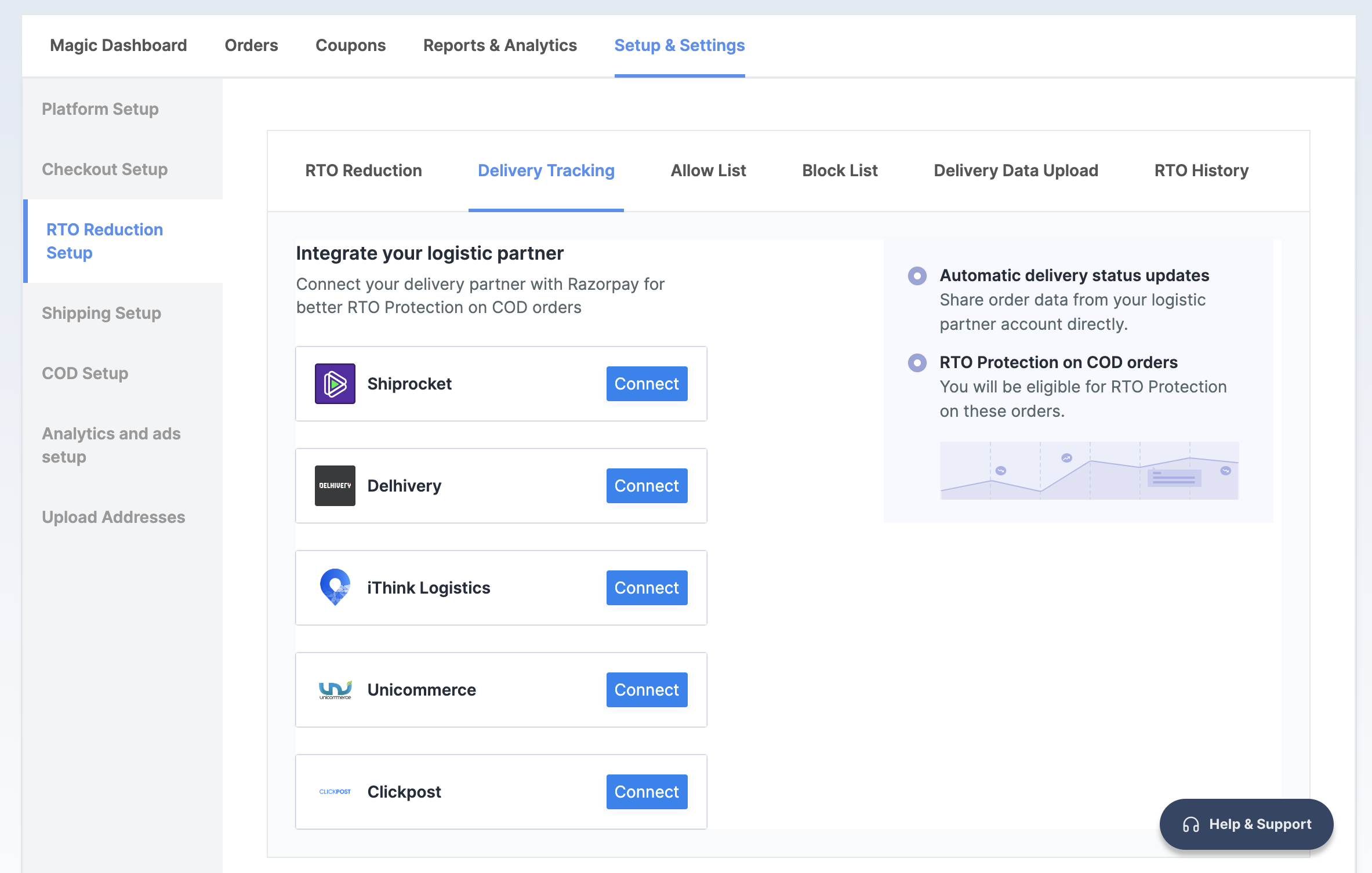
- In the RTO Reduction Setup section, navigate to the → Delivery Tracking tab.
- Click Connect next to Shiprocket.
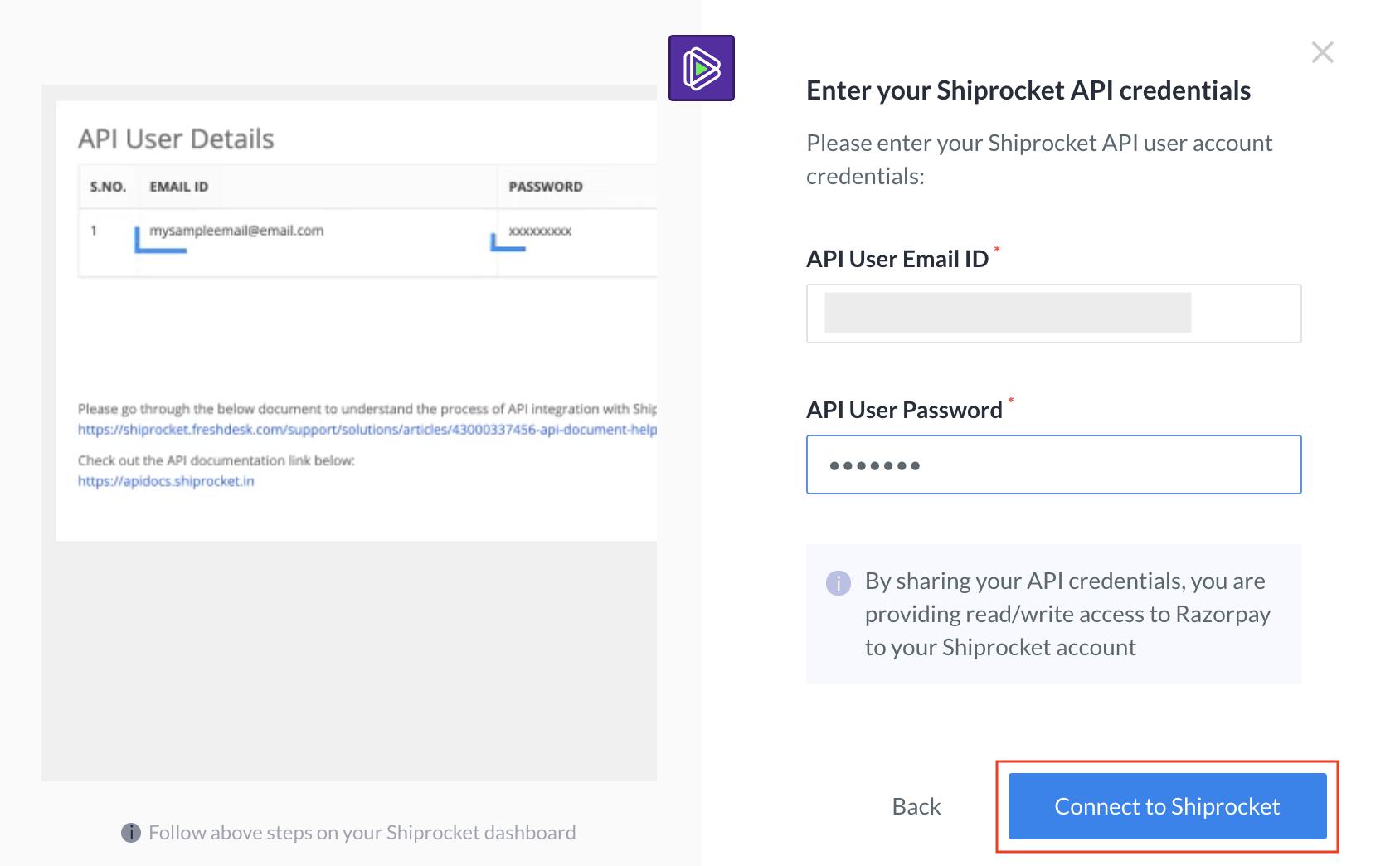
- Enter your API User Email ID and API User Password generated on the Shiprocket Dashboard.
- Click Connect to Shiprocket.
Handy TipsFor Shiprocket integration issues, contact Shiprocket support directly as it is a third-party platform.