

Available in🇮🇳 India
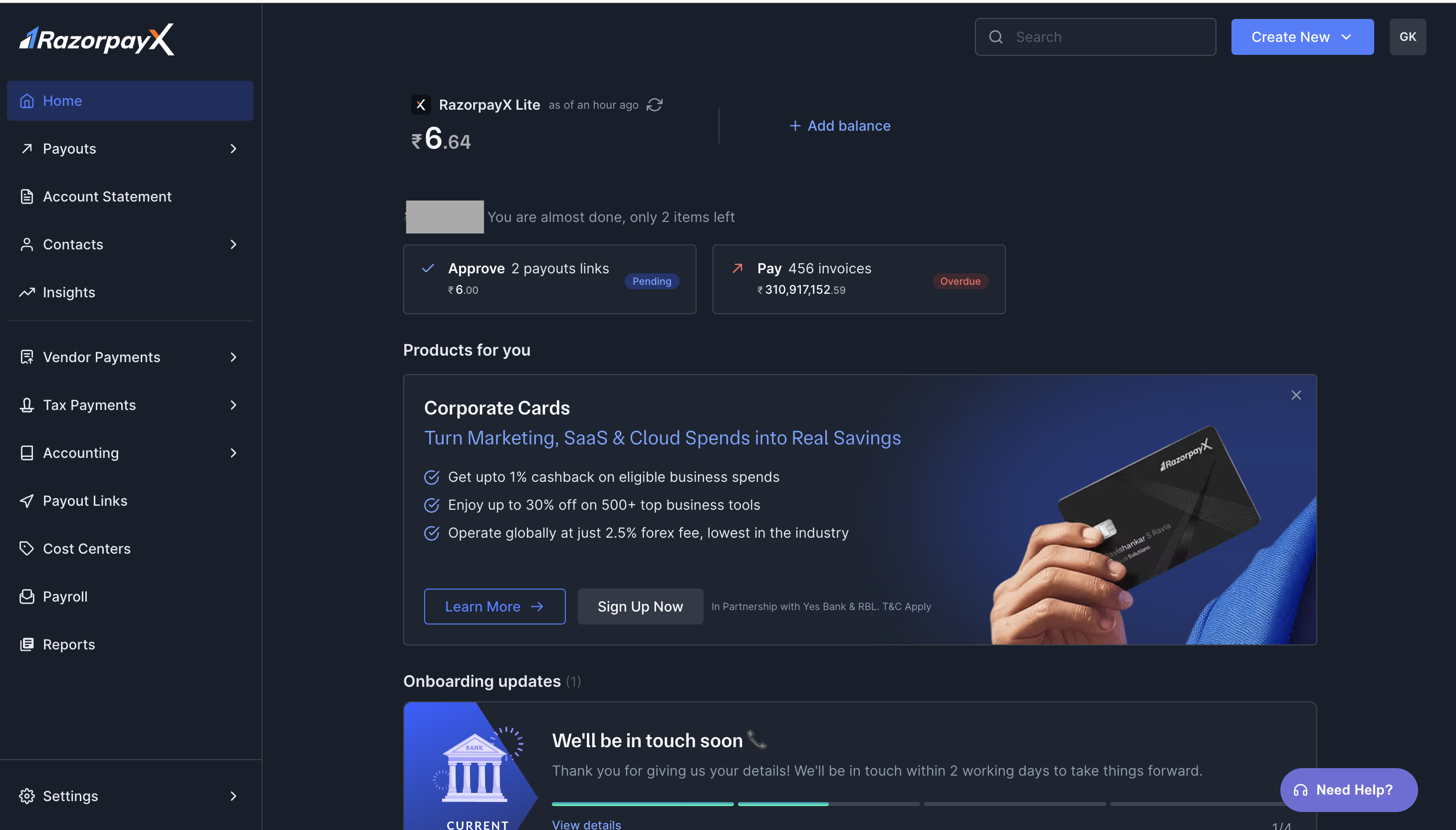
RazorpayX Dashboard is an easy to use and interactive page. It offers Global Search and announcements for easy discoverability of new and existing features.
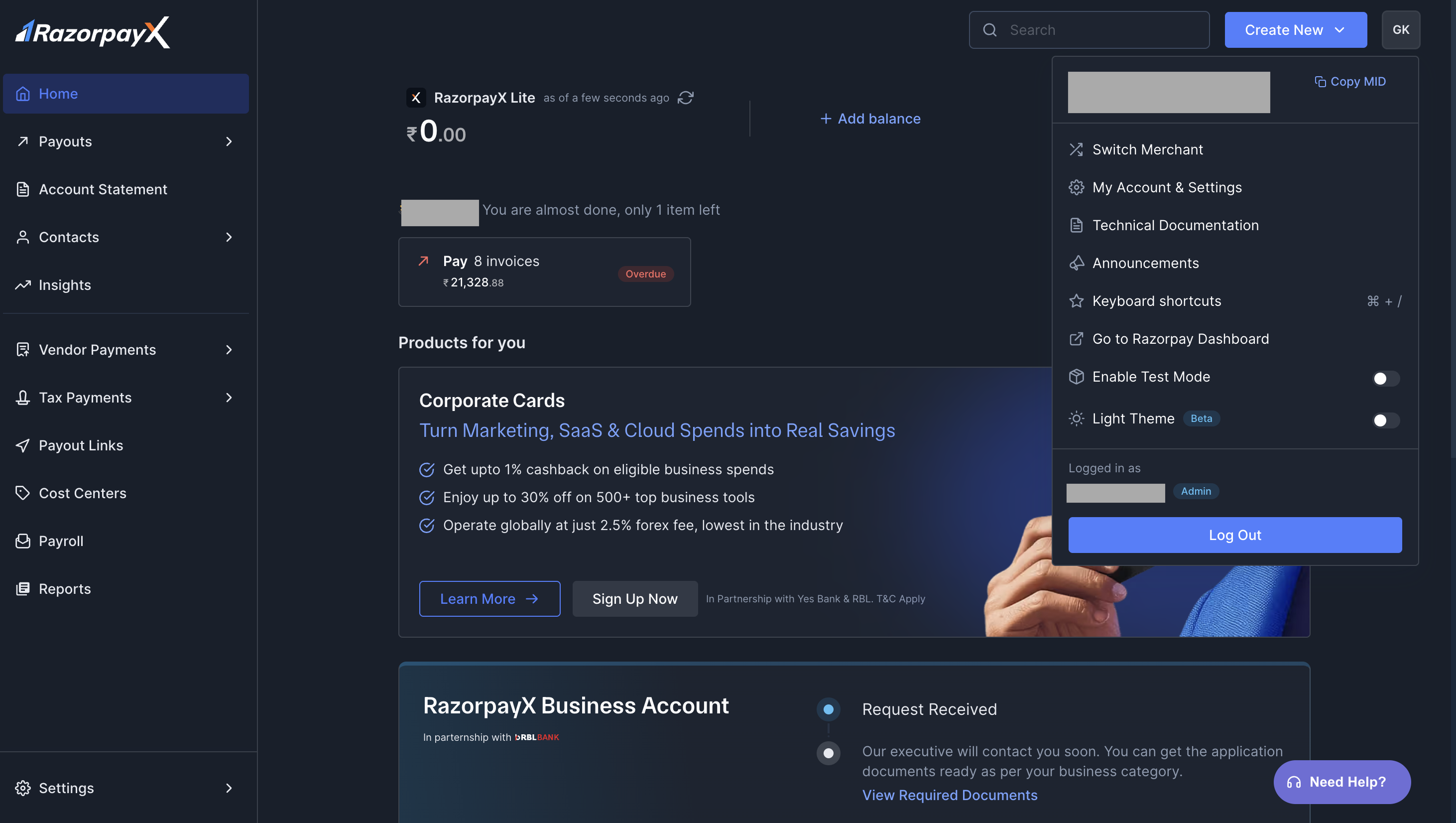
Profile
This is where you find your Merchant ID (MiD) or Business ID and other necessary tabs:- Switch Merchant
- My Account & Settings
- Technical Documentation
- Announcements
- Keyboard Shortcuts
- Go to Razorpay Dashboard
- Enable Test Mode
- Light Theme
- Cashflow Insights
Switch Merchant
To switch you merchant profile:- Go to Profile.
- Click Switch Merchant.
- Select the Merchant you want to switch to and wait for the page to refresh.
My Account & Settings
Technical Documentation
You can access the documentation related to all RazorpayX products and APIs here.Announcements
You can view all the latest announcements with respect to RazorpayX products and features here.Razorpay Dashboard
You can directly access your Razorpay Dashboard via Profile. Click Go to Razorpay Dashboard and you will be redirected to your Dashboard.Light Theme
You can switch your Dashboard to Light Theme using the Light Theme toggle.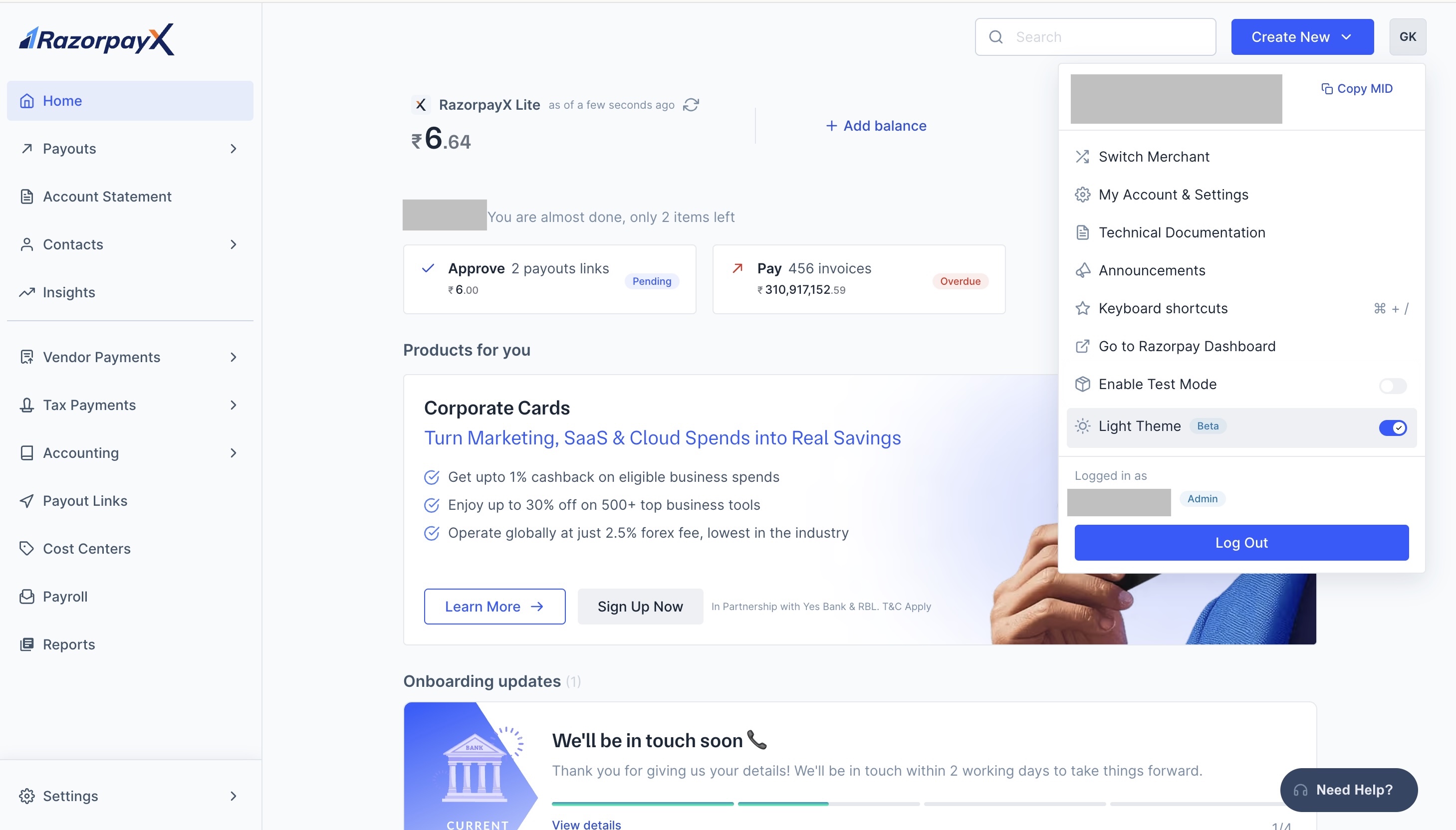
Related Information
- Sign up for a RazorpayX account.
- Open a Current Account
- Reports