

Available in🇮🇳 India
Cashflow Insights offers you a comprehensive view of the cashflow occurred during a particular period.
Cashflow Insights provide a summary of the total cash inflow and outflow in your account during the past 7/15/30/90 days. You can see the cashflow of all the accounts registered with RazorpayX.
View Cashflow Insights
- Log in to the RazorpayX Dashboard.
- Click Insights on the left navigation to go to the Insights home page.
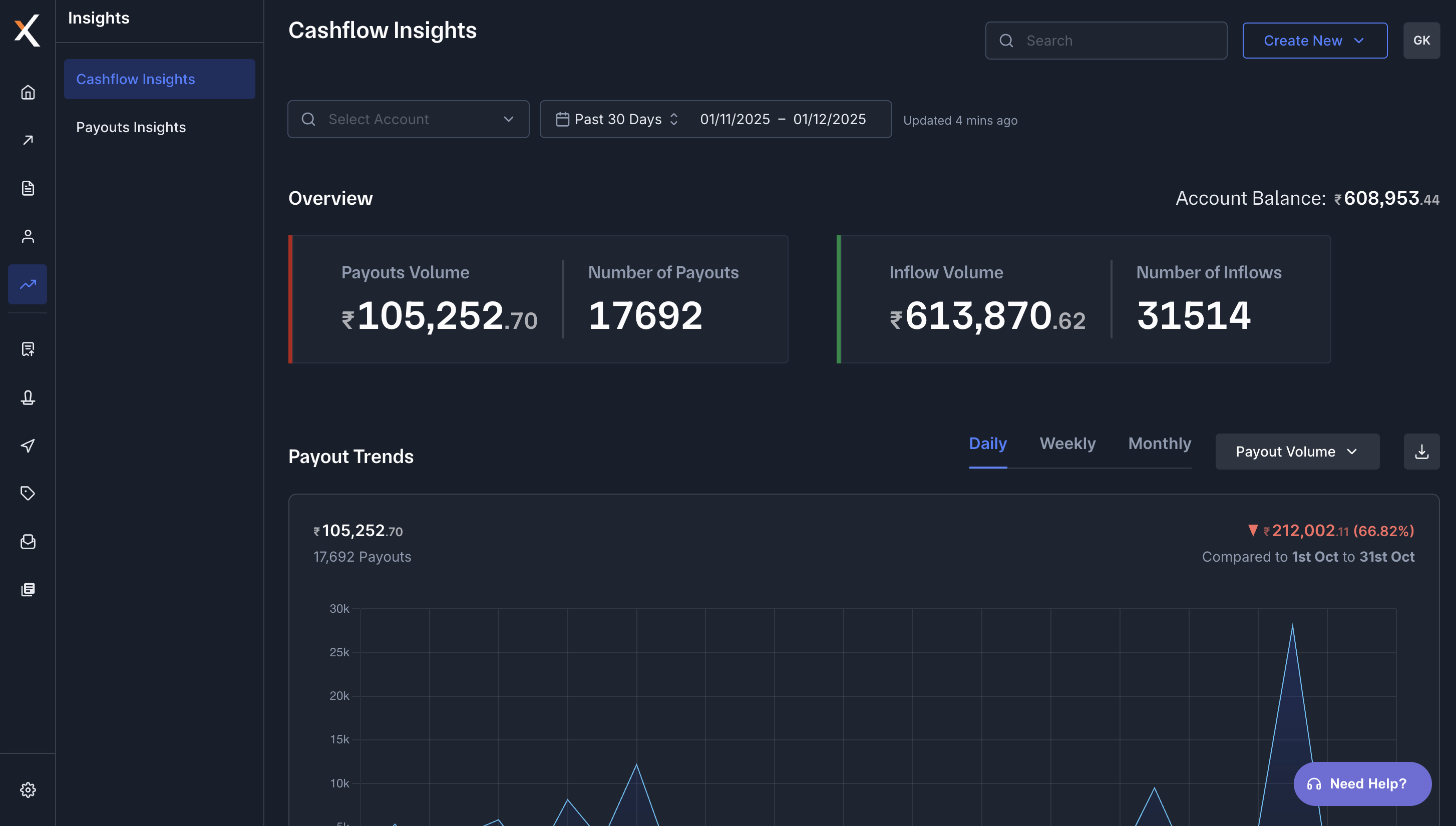
- Under Overview, you can see the total Payouts volume, number of Payouts, Inflow volume and number of Inflows of all your accounts put together in the past 30 days (default period).
- You can also view the total account balance towards the right side of Overview.
- To view the cashflow details of individual accounts, select the account of your choice from the Select Account dropdown list. You can choose so to see the cashflow of the past 7/15/90 days also, by selecting the required duration from the dropdown next to the Select Account dropdown list.
