Available in🇮🇳 India
Handy Tips
- If you are a customer looking for a refund, know about customer refunds.
- To check the status of payouts, follow these steps.
RazorpayX Users
To raise a support ticket:- Log in to the RazorpayX Dashboard.
- You can raise a ticket in two ways:
From My Account & Settings
From My Account & Settings
- Navigate to user profile icon at the top-right corner and click My Account & Settings.
- Select Support Tickets Inbox and click + NEW QUERY.
-
Select whether to:
Click Next.

Need Help Widget
Need Help Widget
- Click the Need Help? button at the bottom-right corner of the screen.
- Click Write To Us in the bottom menu. You can also browse through the FAQs/help articles to resolve your queries.
- Select either of the following: Click Next.

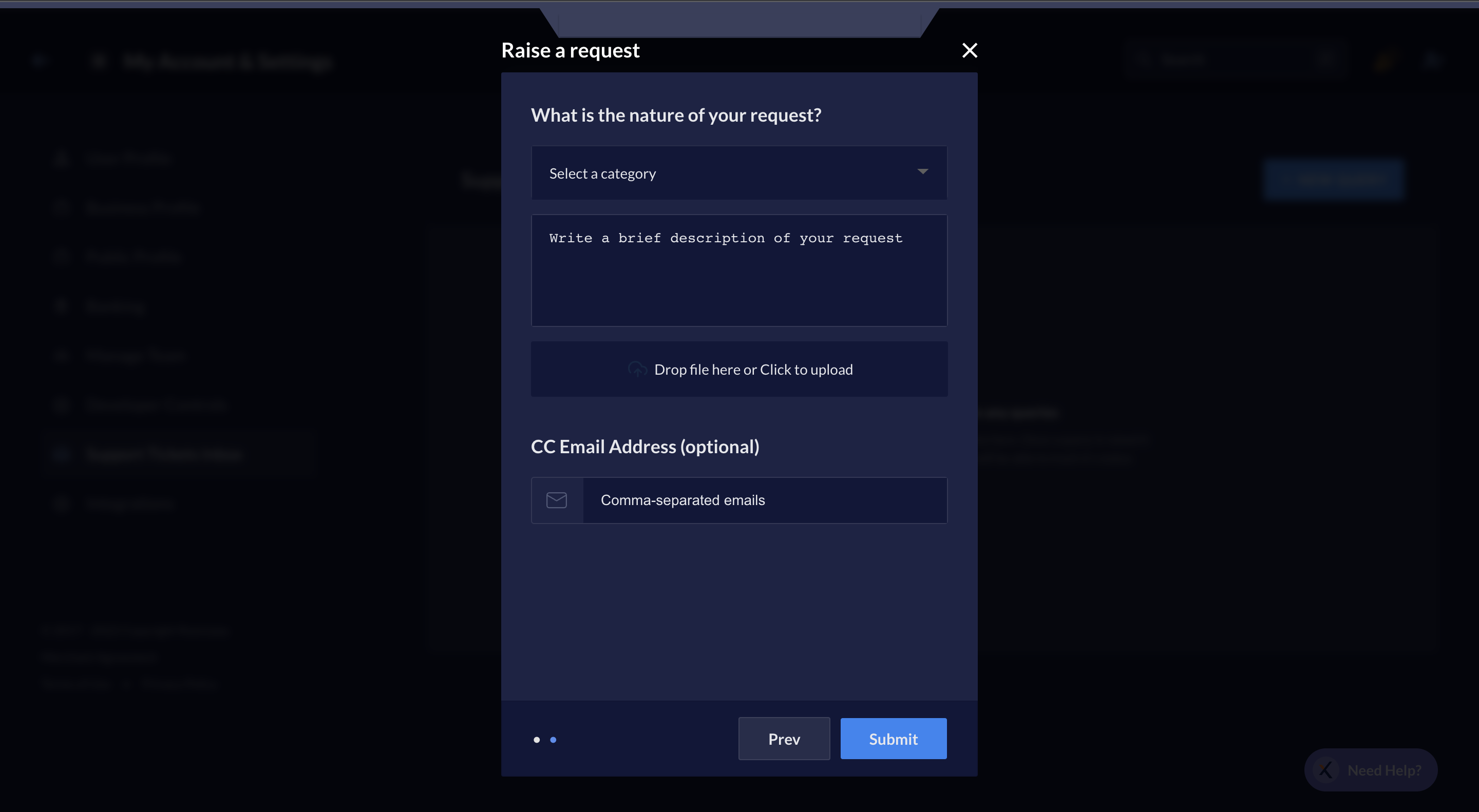
Raise a New Request
You can raise a request when you wish for help in setting up certain processes, enabling features or to report an issue.- Select the category of the issue from the drop-down menu.
- Write a description of the issue faced for our better understanding and attach images if available.
- Enter the email addresses of other users who you wish to keep informed.
-
Click Submit.
File a Grievance
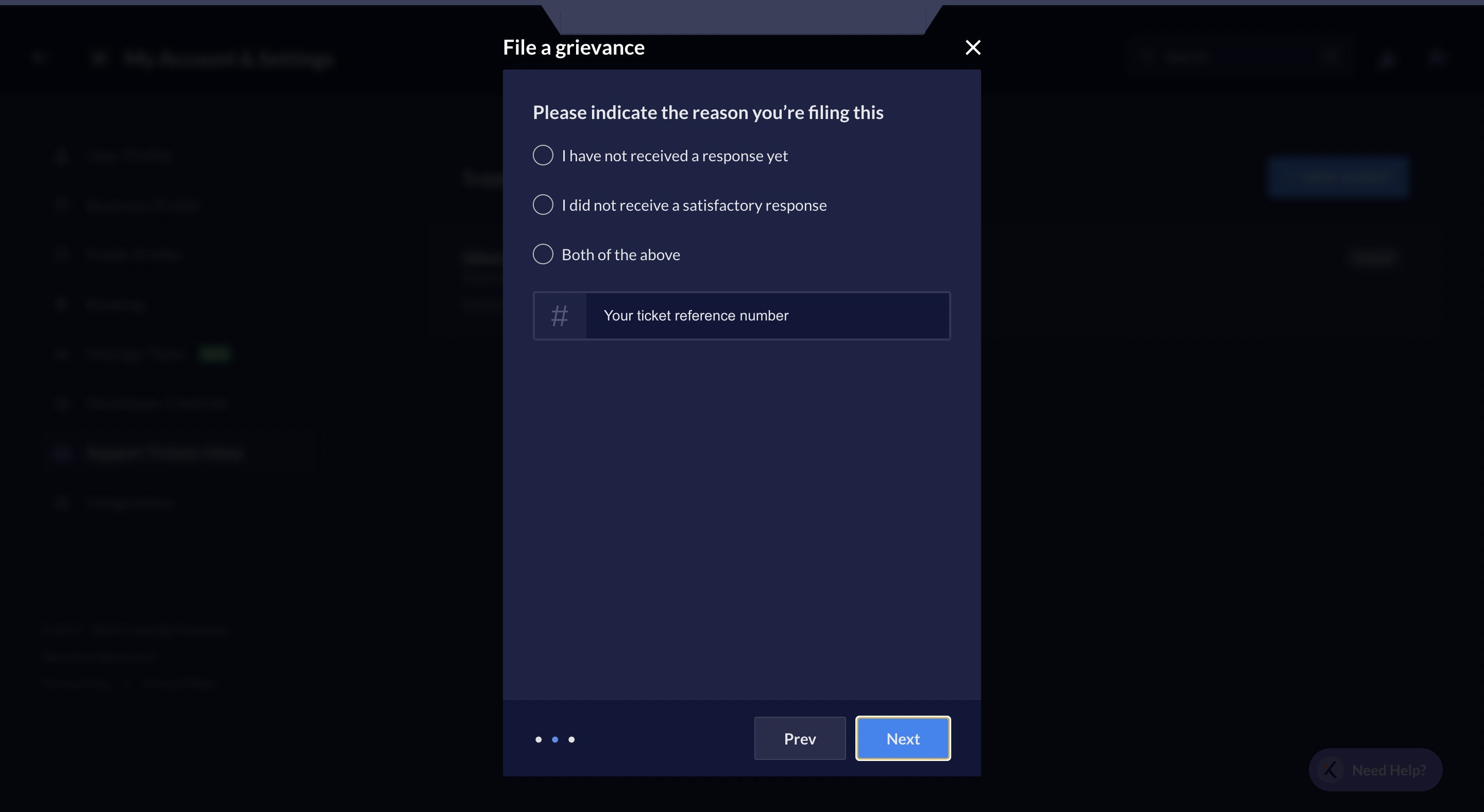
You can file a grievance when you are not satisfied with the support provided for a request you raised in the past.- Select the reason for you to file a grievance.
- Mention your ticket reference number.
-
Click Next.
-
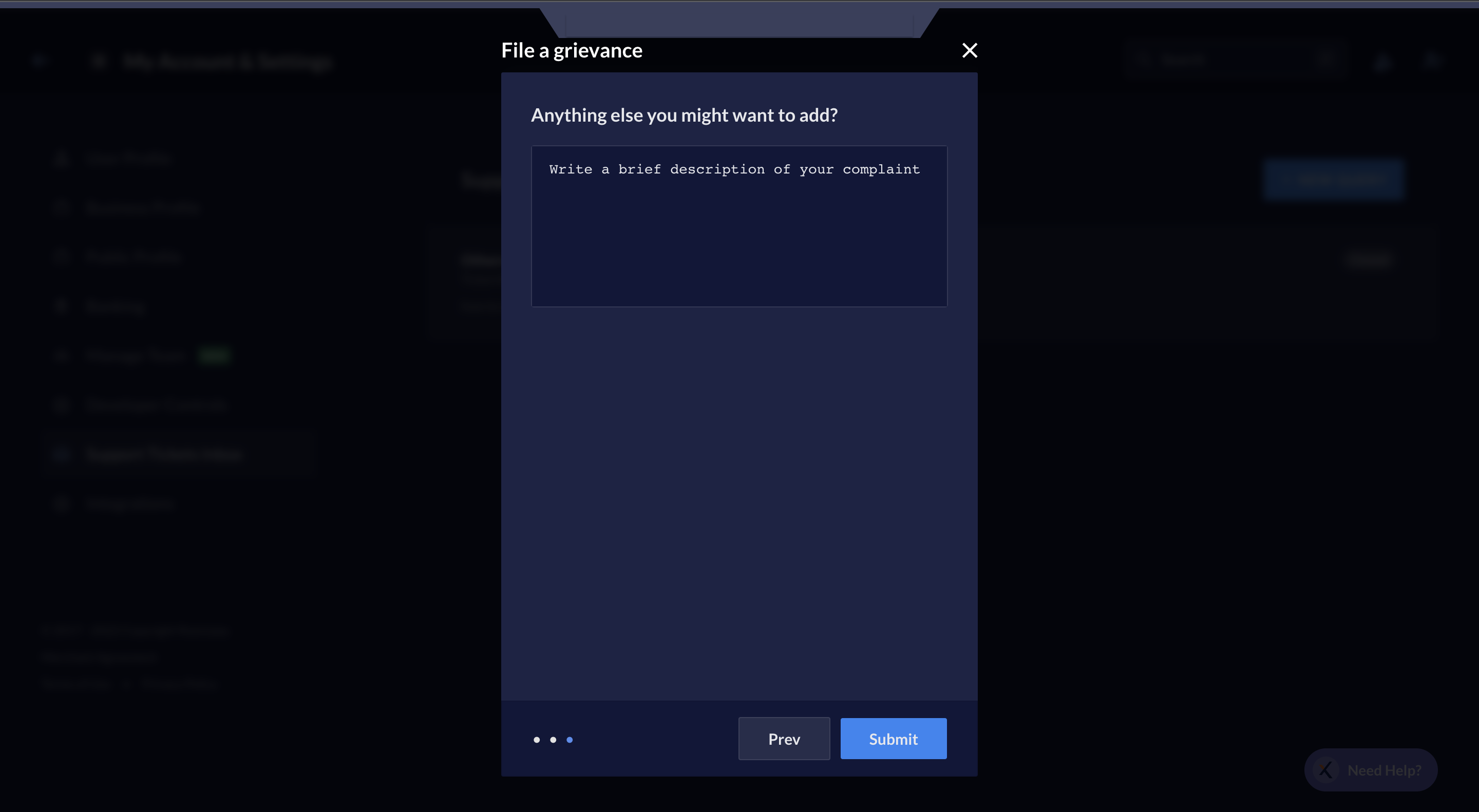
Write a description of the complaint and expectations and click Submit.