Available in🇮🇳 India
To protect your API payouts from malicious attacks, it is mandatory to allowlist the IPs that you use for all payout related API requests (such as create contact, fund account, payout, fund account validation, payout links and so on). If an API request is received from an IP outside the allowlist, the request will fail.
Watch the video to see how to allowlist your IPs or read along.
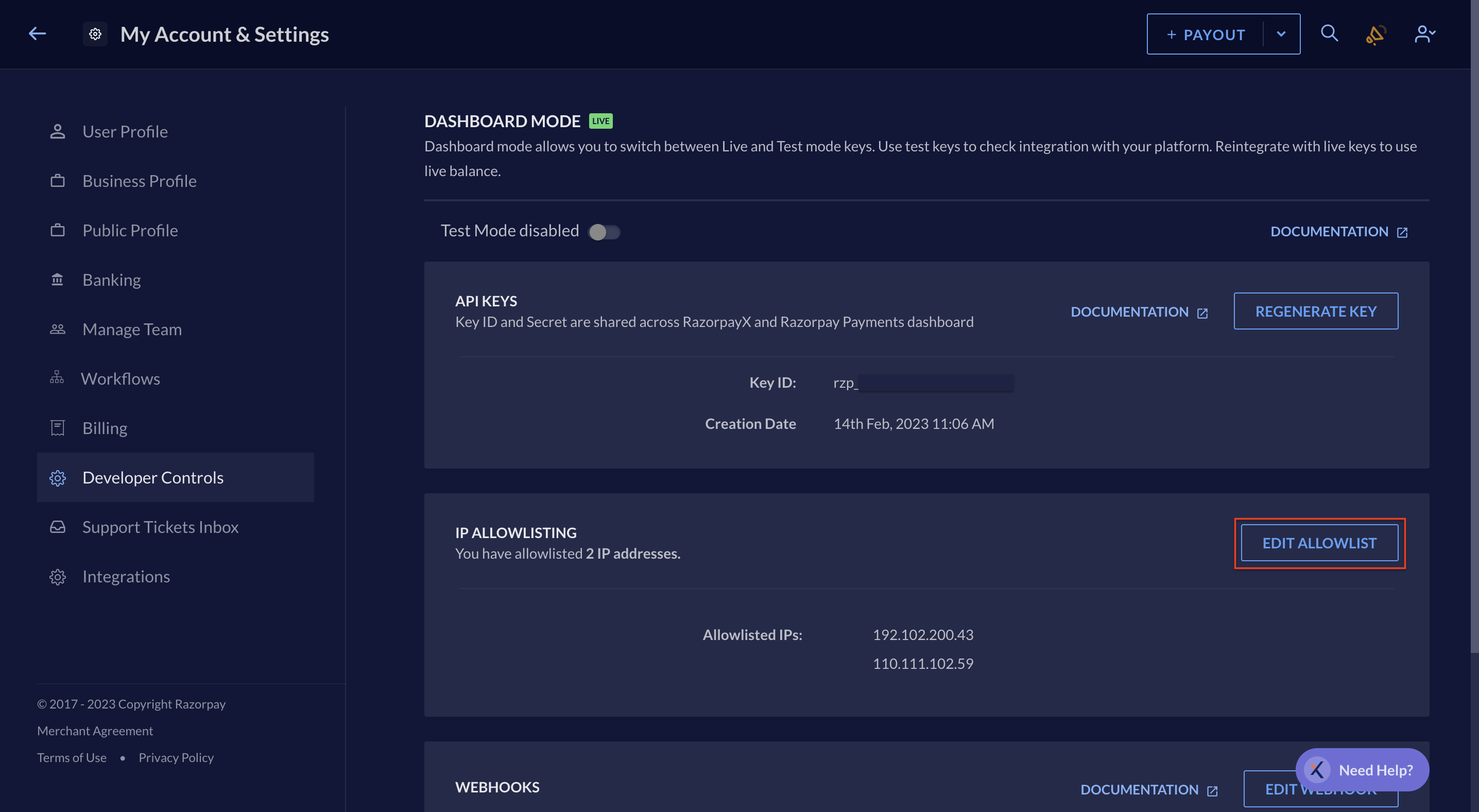
To allowlist your IPs in Live mode:
- Log in to the RazorpayX Dashboard.
- Click on the profile icon and select My Account & Settings.
- Navigate to Developer Controls and click Share IP Addresses.
- Enter up to 20 IPs that you use for API requests. Press the Enter key after typing each IP.
- Click Save.
- Enter the OTP received on your registered phone number and email ID.
- Click Submit.